
StudyPal Overview
StudyPal is a revolutionary AI-powered study assistant designed to transform the way students approach their academic challenges. As a seamless Chrome extension, it integrates directly into a student's existing workflow, providing on-demand support for homework, test preparation, and general learning. The core mission of StudyPal is to make studying less stressful and more effective by offering instant, accurate answers coupled with comprehensive explanations, fostering a deeper understanding of the material rather than just providing a quick fix.
The tool is built to support students across all levels and subjects. Whether you're grappling with complex mathematical formulas, analyzing historical texts, understanding scientific concepts, or interpreting literature, StudyPal's advanced AI is trained to provide reliable and context-aware assistance. It works on any webpage, turning the entire internet into an interactive learning environment. This versatility makes it an indispensable tool for students using online learning platforms, digital textbooks, or research websites.
How to use StudyPal
Getting started with StudyPal is a simple and straightforward process designed to get you up and running in minutes:
- Registration: Begin by visiting the StudyPal website and creating an account. This requires just a few easy steps to set up your profile.
- Email Verification: After registering, you'll need to verify your email address. This confirmation step is crucial as it unlocks your free 24-hour trial of the StudyPal Chrome extension.
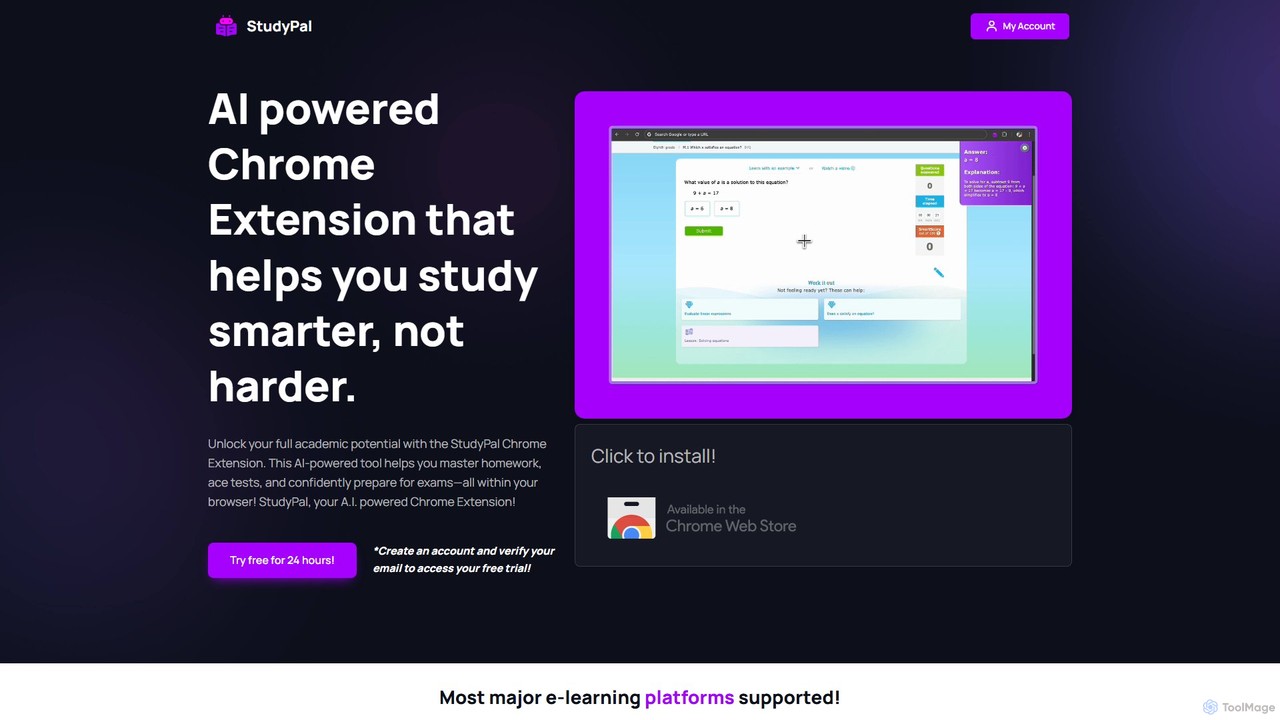
- Install the Chrome Extension: Navigate to the Chrome Web Store, search for "StudyPal," and click "Add to Chrome." The extension will be added to your browser, ready for immediate use.
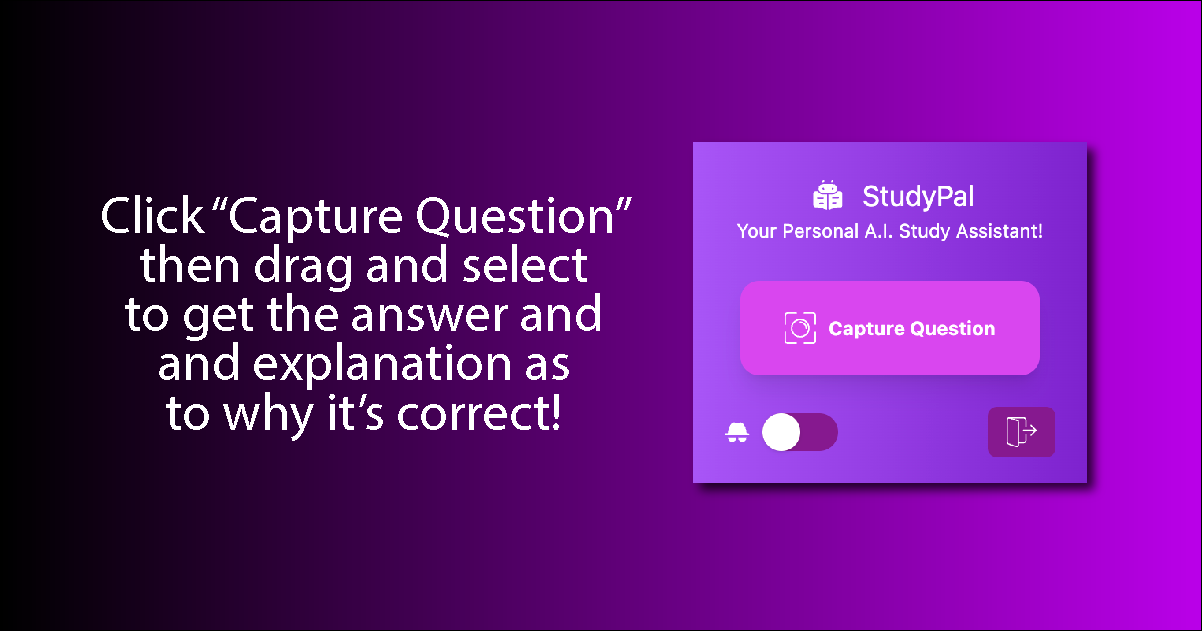
- Get AI-Powered Help: Once installed, simply browse to any webpage containing a question you need help with. Use your mouse to click and drag a selection box around the entire question. StudyPal will automatically detect the question and display an accurate answer along with a detailed, step-by-step explanation.
- Maximize Your Learning: After the 24-hour free trial expires, you can upgrade to a subscription plan to continue benefiting from unlimited AI-powered assistance, ensuring you always have the support you need to excel academically.
Core Features of StudyPal
- Instant AI-Powered Answers: Get accurate solutions to your questions in seconds. Simply highlight a problem, and the AI provides an immediate response, eliminating study roadblocks.
- Detailed Explanations: StudyPal goes beyond just giving answers. Each solution is accompanied by a thorough explanation of the underlying concepts and the steps taken to arrive at the answer, promoting genuine learning.
- Comprehensive Subject Coverage: The AI is equipped to handle a wide array of subjects, including but not limited to Math, Science, Literature, History, and more, making it a versatile all-in-one study tool.
- Seamless Browser Integration: As a lightweight Chrome extension, StudyPal works unobtrusively on any webpage, from educational platforms like Canvas and Blackboard to online quiz sites and digital articles.
- 24/7 Availability: Learning doesn't adhere to a strict schedule. StudyPal is available around the clock, providing reliable academic support whenever you need it.
- Expert-Led Insights: The platform is developed by a team of educational experts and AI engineers, ensuring the AI's responses are not only accurate but also pedagogically sound and tailored to student needs.
Use Cases for StudyPal
StudyPal is designed for a variety of academic situations:
- Homework Assistance: Quickly overcome challenging homework problems without getting stuck. Use the explanations to understand the methodology and complete assignments with confidence.
- Test and Quiz Preparation: Use online practice quizzes and mock tests more effectively. Instantly verify your answers and learn from your mistakes with detailed feedback.
- Concept Clarification: When reading dense digital textbooks or research articles, highlight confusing terms or questions to receive simple, clear explanations that solidify your understanding.
- Self-Directed Learning: For curious learners, StudyPal acts as a personal tutor, allowing you to explore new topics and get immediate answers to your questions as they arise.
Advantages of StudyPal
Using StudyPal provides a significant academic edge:
- Enhanced Efficiency: Drastically reduce the time spent searching for answers and struggling with difficult problems, allowing you to study more efficiently.
- Improved Academic Performance: With consistent, reliable support, students can build confidence, improve their understanding of core subjects, and achieve better grades on tests and assignments.
- Deeper Conceptual Understanding: The focus on detailed explanations ensures that students are not just copying answers but are actively learning the material for long-term retention.
- Reduced Stress and Anxiety: Having a dependable study aid on hand alleviates the pressure and anxiety associated with heavy workloads and challenging subjects.
Pricing and Plans
StudyPal operates on a freemium model. New users are welcomed with a free 24-hour trial, which is activated upon account registration and email verification. This trial grants full access to all of StudyPal's AI-powered features. Once the trial period concludes, users are required to upgrade to a paid subscription plan to continue using the service. Paid plans unlock unlimited, uninterrupted access to AI answers and explanations, providing a constant and reliable study companion. For the most current information on monthly and annual subscription costs, please visit the official StudyPal pricing page.
StudyPal Alternatives
Transcript
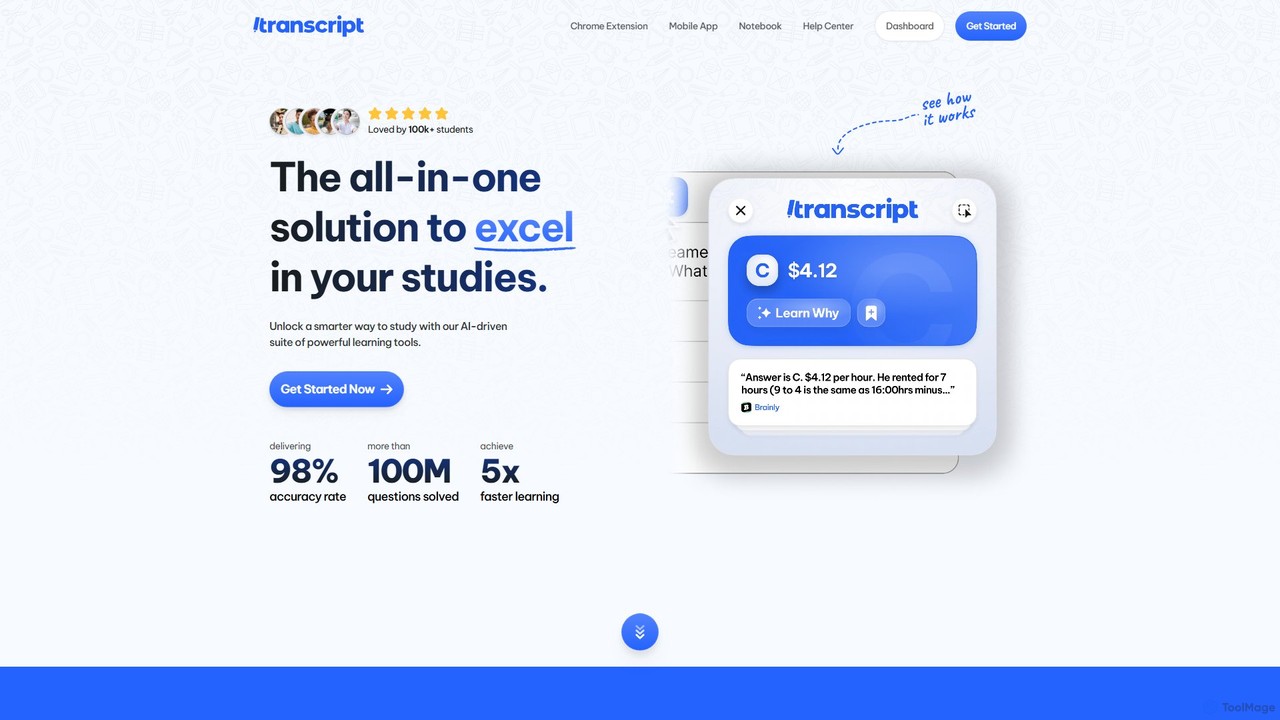
Transcript is an all-in-one AI-powered study platform designed for students. It offers instant homework help, step-by-step problem solutions, and a suite of learning tools including a Chrome extension and mobile app. Turn your notes into flashcards and quizzes to accelerate your learning.
Homework Helper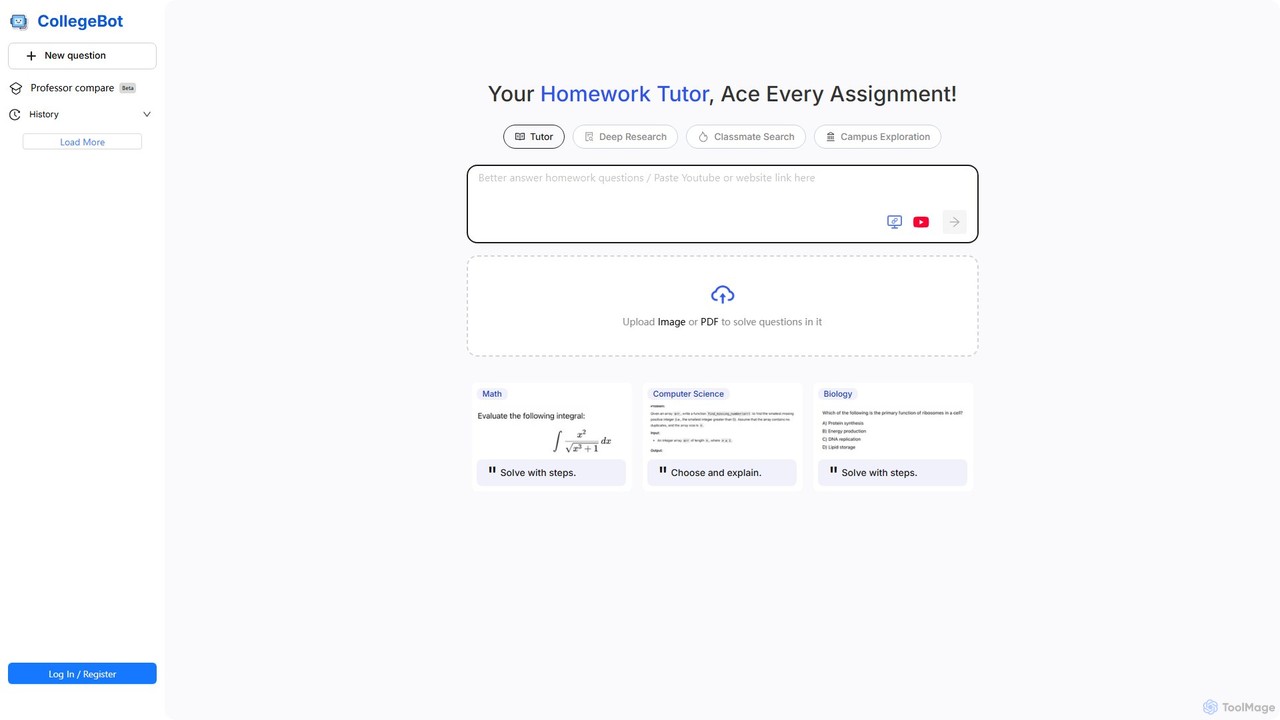
CollegeBot
CollegeBot is an AI-powered academic assistant designed for college students. It functions as a homework tutor, research tool, and campus guide, providing step-by-step solutions to problems, assisting with research, and answering questions about campus life. It supports various subjects and allows users to upload questions via images or PDFs.
Homework Helper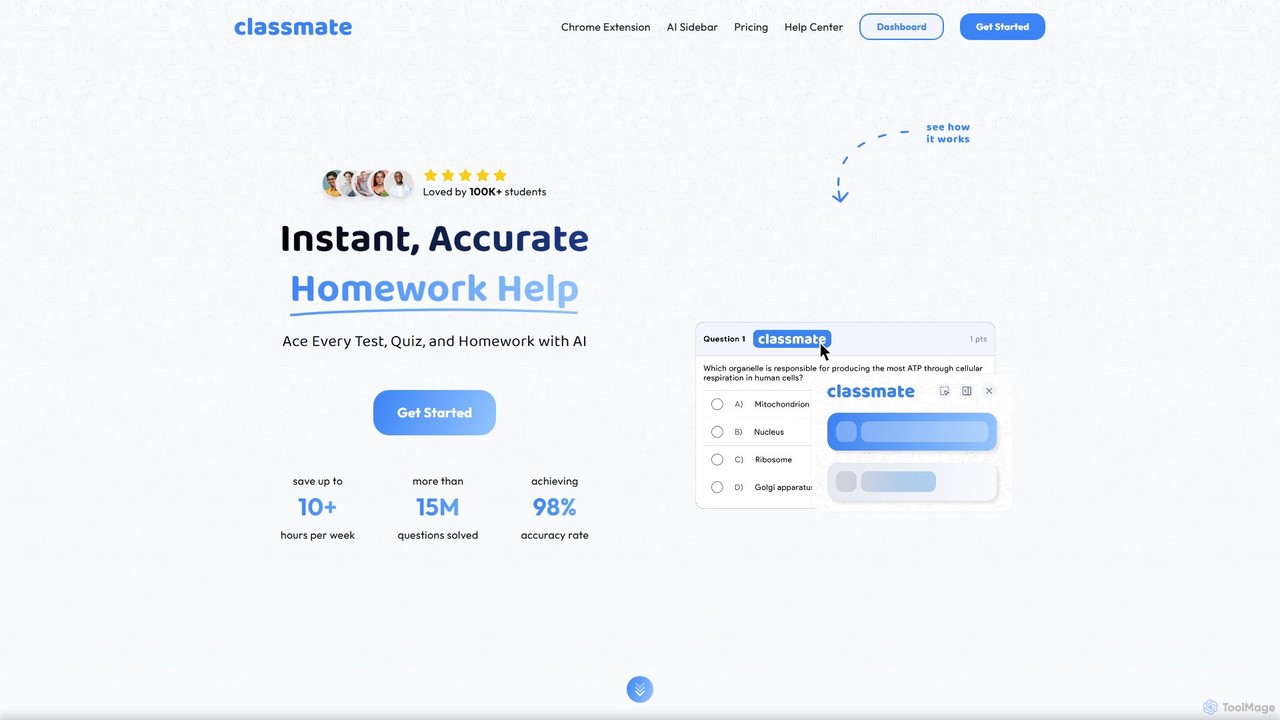
Classmate
Classmate is a 24/7 AI-powered tutor and homework helper designed for students. Available as a Chrome extension, it provides instant, accurate answers and step-by-step explanations for a wide range of subjects, including Math, Science, and Humanities. It helps students ace tests, write essays, and summarize documents, all seamlessly integrated into their learning platforms without being detected.
Homework Helper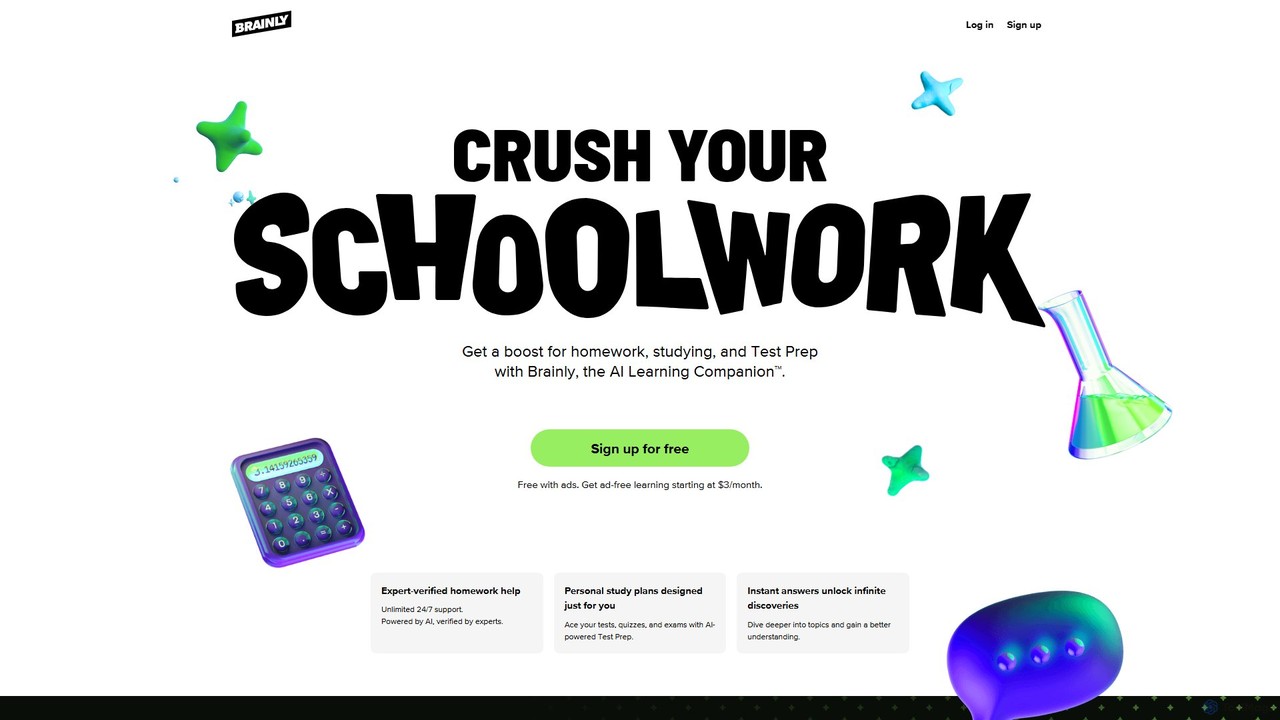
Brainly
Brainly is an AI-powered learning companion and community-based platform designed to help students with homework, test preparation, and understanding complex subjects. It combines AI-driven instant answers with a vast knowledge base verified by subject matter experts, offering 24/7 support across all academic levels.
Homework Help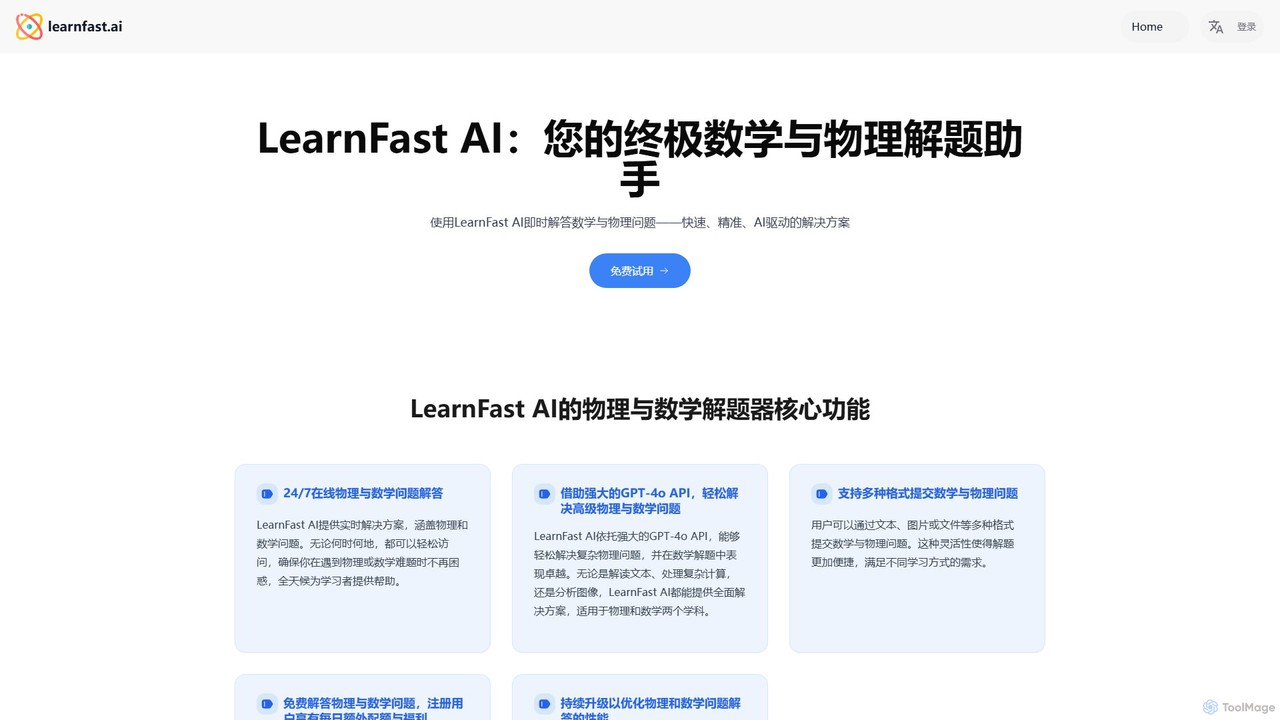
LearnFast
LearnFast is an AI-powered problem solver for mathematics and physics. Powered by GPT-4o, it provides instant, accurate, and step-by-step solutions to a wide range of problems. Users can submit questions via text, images, or files, making it an ideal learning companion for students, educators, and lifelong learners.
Homework HelperStudyPal Categories
StudyPal Embed Widget
Copy this embed code to place the badge on your blog, article, or product site and send readers directly to this ToolMage detail page.

Related AI tools
CollegeBot
CollegeBot is an AI-powered academic assistant designed for college students. It functions as a homework tutor, research tool, and campus guide, providing step-by-step solutions to problems, assisting with research, and answering questions about campus life. It supports various subjects and allows users to upload questions via images or PDFs.
Homework Helper
tute.ai
tute.ai is an AI-powered personal tutor that provides instant homework help, personalized learning paths, and in-depth explanations across a wide range of subjects. It's designed to make learning accessible, effective, and engaging for students of all ages, 24/7.
Personal AssistantTranscript
Transcript is an all-in-one AI-powered study platform designed for students. It offers instant homework help, step-by-step problem solutions, and a suite of learning tools including a Chrome extension and mobile app. Turn your notes into flashcards and quizzes to accelerate your learning.
Homework HelperClassmate
Classmate is a 24/7 AI-powered tutor and homework helper designed for students. Available as a Chrome extension, it provides instant, accurate answers and step-by-step explanations for a wide range of subjects, including Math, Science, and Humanities. It helps students ace tests, write essays, and summarize documents, all seamlessly integrated into their learning platforms without being detected.
Homework Helper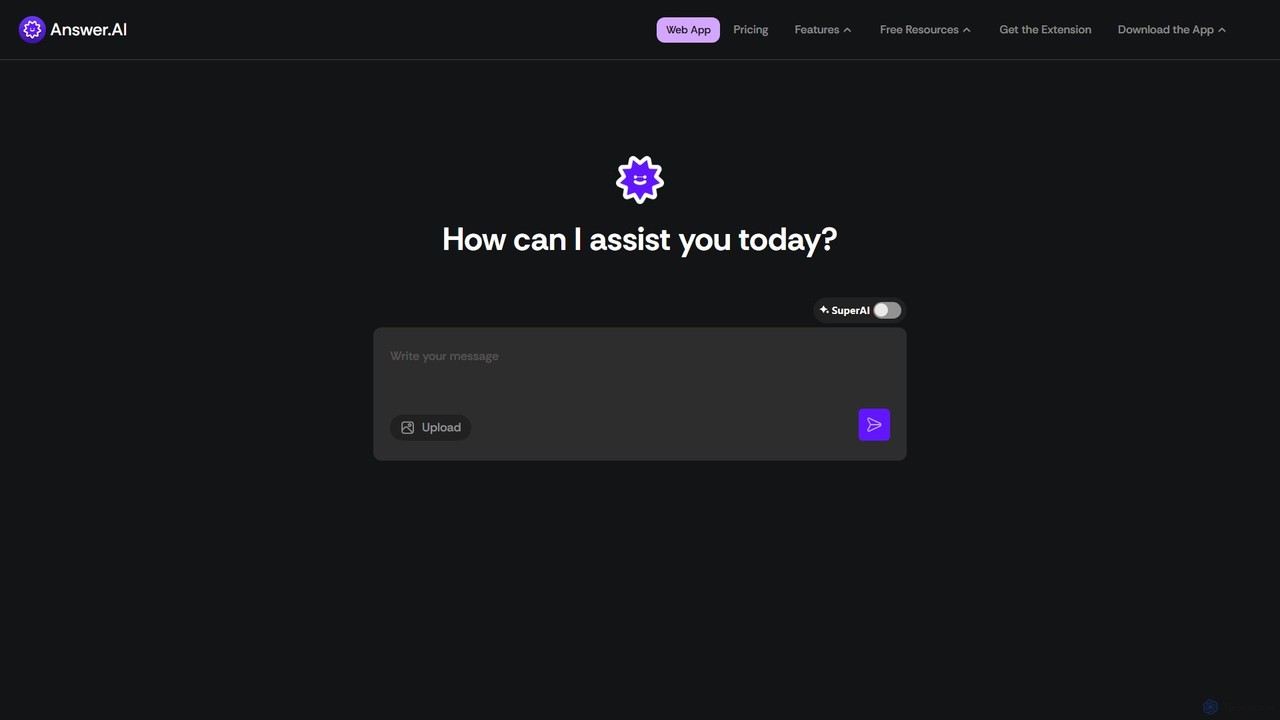
AnswerAI
AnswerAI is an AI-powered study assistant designed for students. It provides instant answers, step-by-step problem-solving, and academic support through features like a question scanner, PDF analysis, and AI-generated flashcards. Available on web, mobile, and as a Chrome extension, it helps students with homework, exam preparation, and understanding complex concepts to improve their academic performance.
Personal Assistant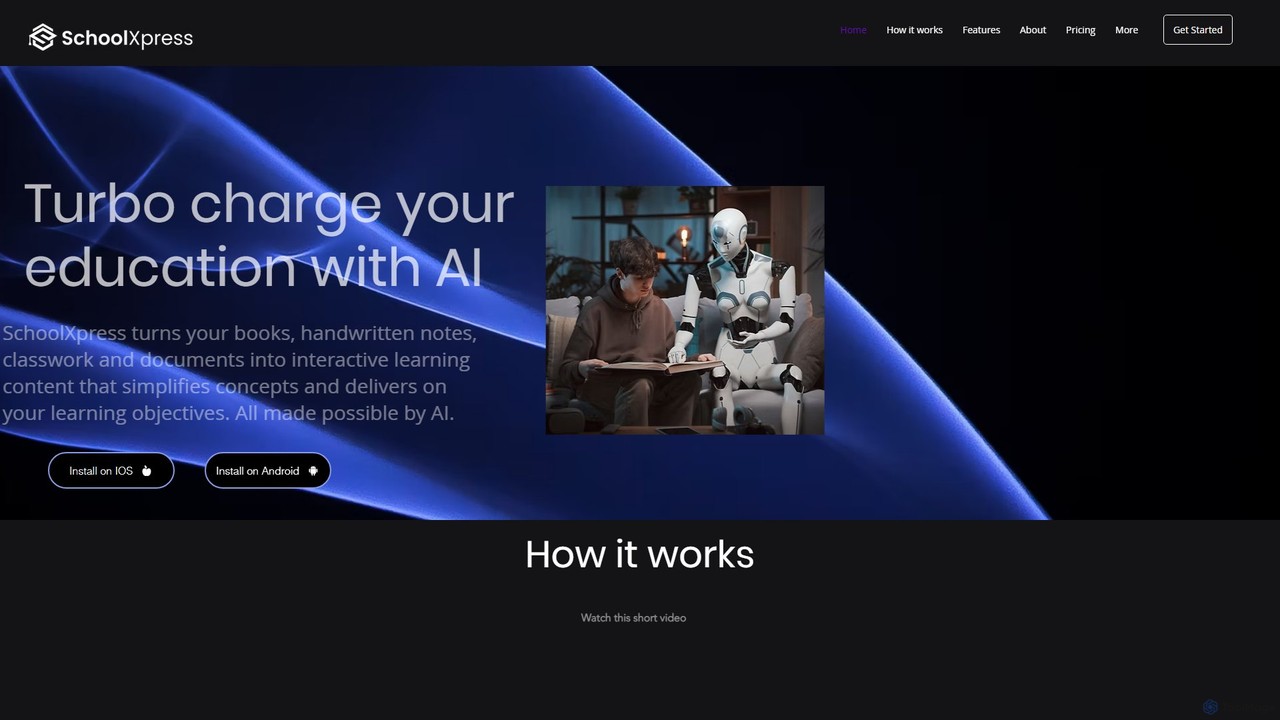
SchoolXpress
SchoolXpress is an AI-powered learning assistant that transforms your books, handwritten notes, and documents into interactive content. Chat with your study materials to simplify concepts, get summaries, and find information instantly, making learning more efficient and engaging.
Learning AssistantBrainly
Brainly is an AI-powered learning companion and community-based platform designed to help students with homework, test preparation, and understanding complex subjects. It combines AI-driven instant answers with a vast knowledge base verified by subject matter experts, offering 24/7 support across all academic levels.
Homework HelpLearnFast
LearnFast is an AI-powered problem solver for mathematics and physics. Powered by GPT-4o, it provides instant, accurate, and step-by-step solutions to a wide range of problems. Users can submit questions via text, images, or files, making it an ideal learning companion for students, educators, and lifelong learners.
Homework Helper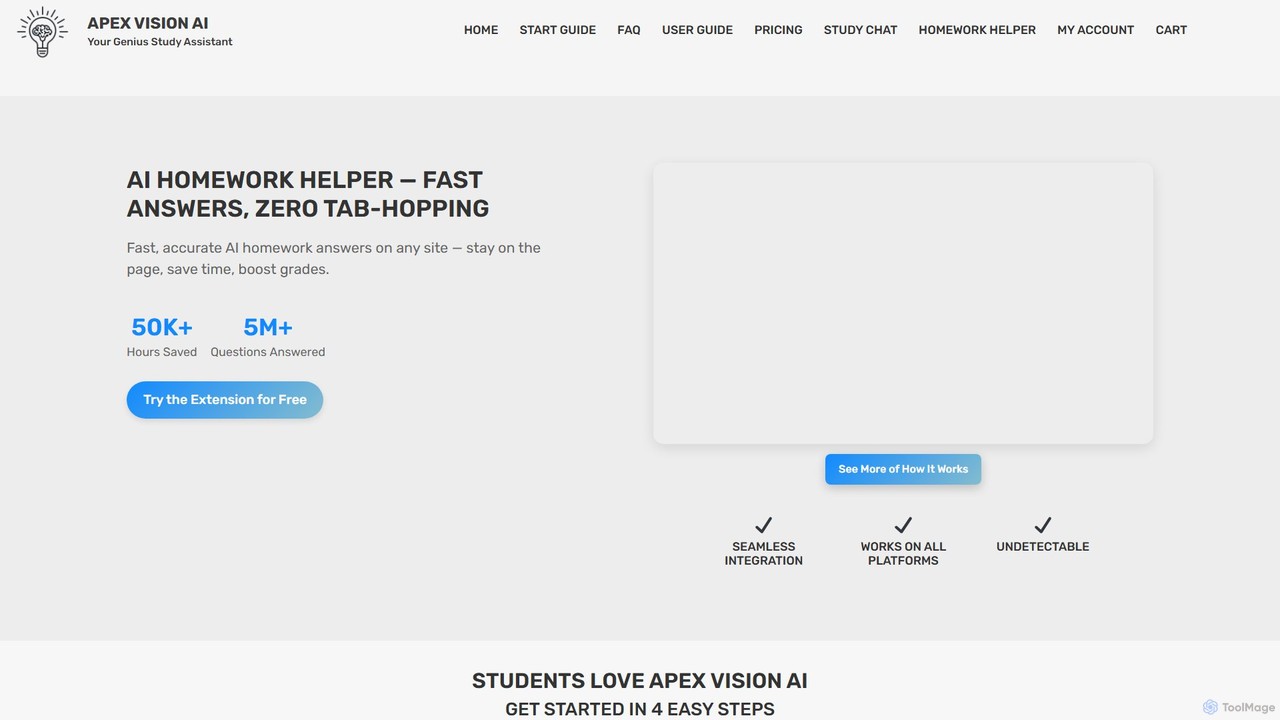
Apex Vision AI
Apex Vision AI is an AI-powered Chrome extension designed as a genius study assistant for students. It provides instant, accurate homework answers and exam help directly on any website, including major LMS platforms like Canvas and Blackboard. Features include a stealth mode, image solver, and one-click study guides to save time and boost grades.
Homework Helper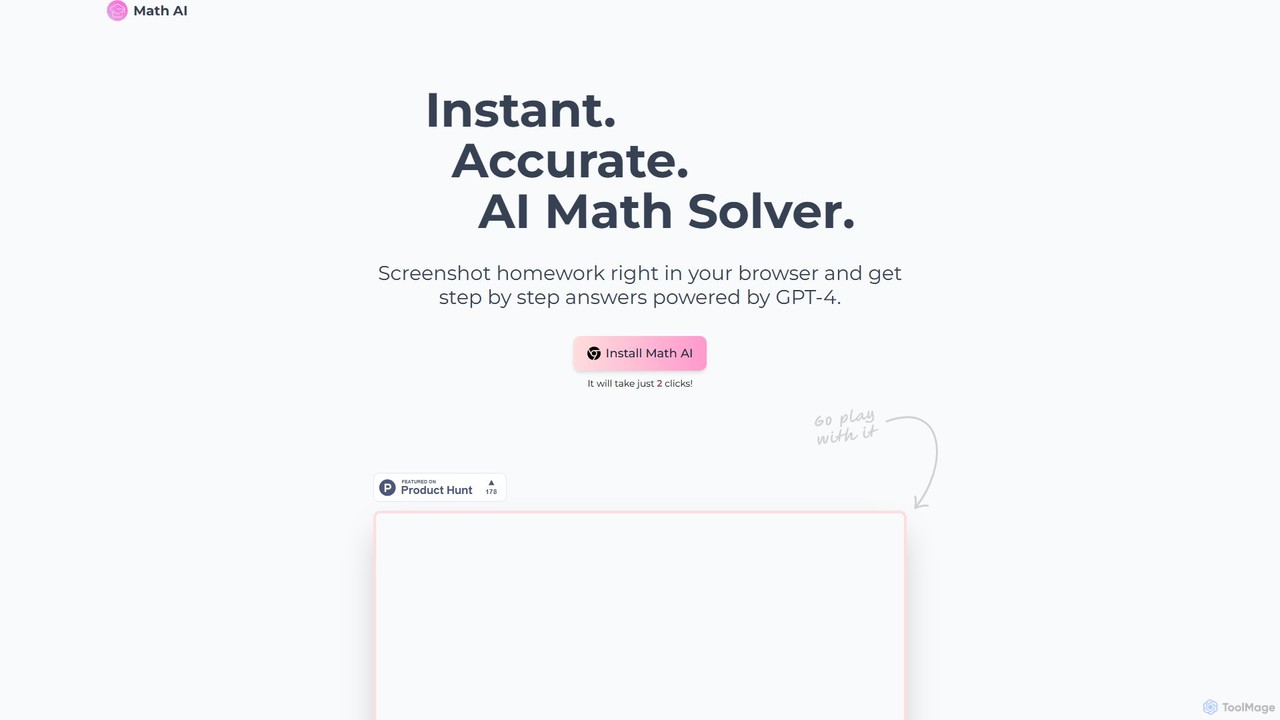
Math AI
Math AI is a GPT-4 powered browser extension that acts as an instant AI Math Solver. Simply screenshot any homework problem in your browser, from math to physics and chemistry, and get accurate, step-by-step solutions. It's designed to help students understand complex concepts, not just find answers.
Homework Helper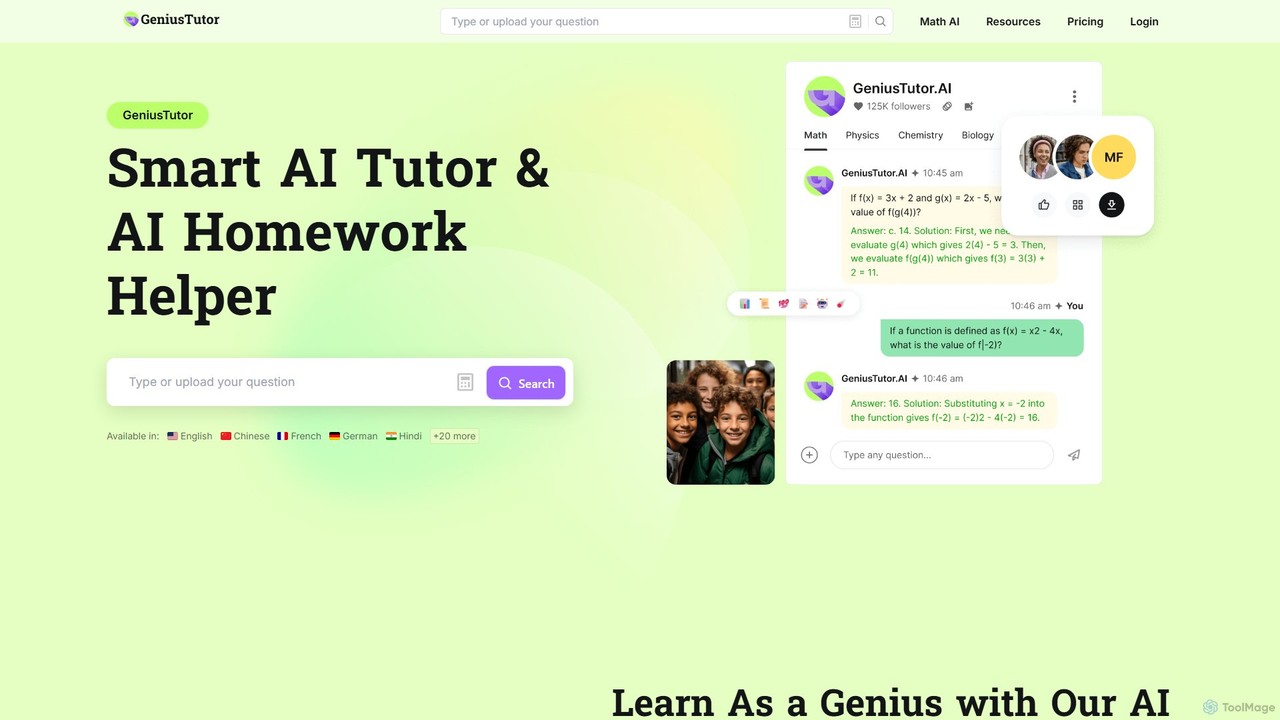
Geniustutor
Geniustutor is an AI-powered tutor and homework helper designed to assist students from high school to college and lifelong learners. It provides instant, step-by-step solutions and detailed explanations across a wide range of subjects, including Math, Physics, Chemistry, and Literature. By simply typing or uploading a photo of a problem, users can receive clear guidance, understand key concepts, and improve their academic performance.
Homework Helper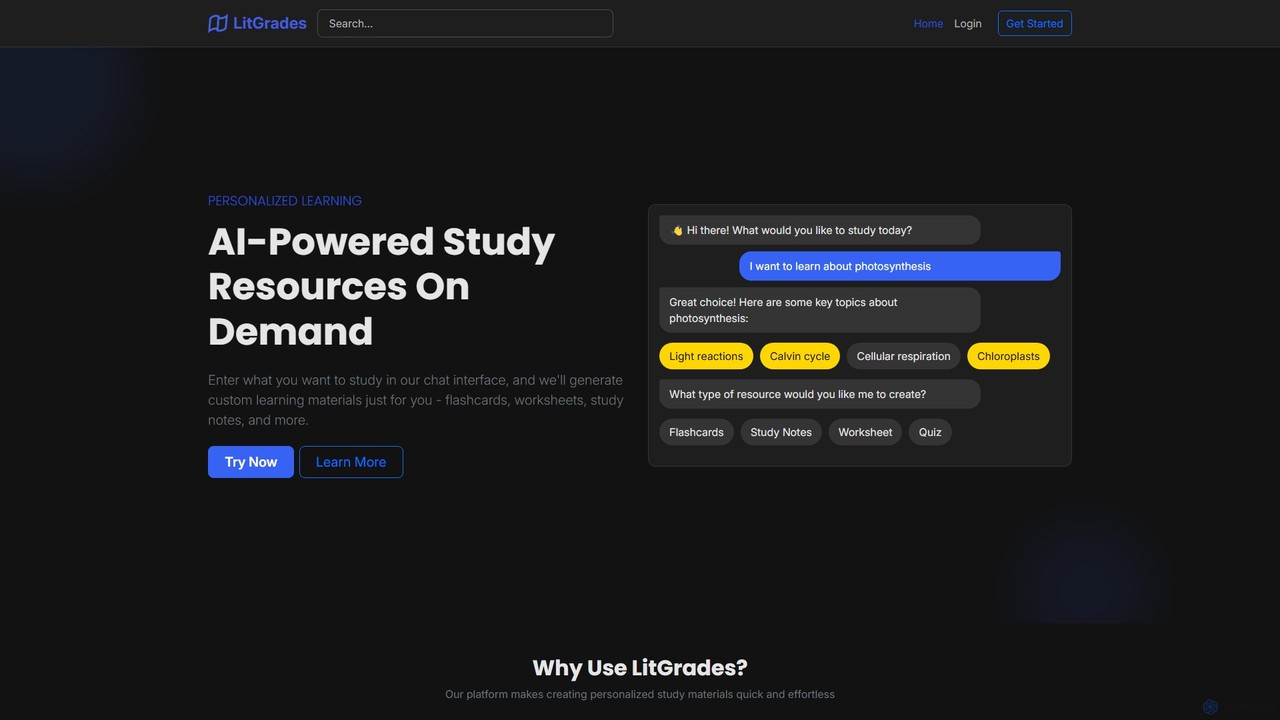
LitGrades
LitGrades is an AI-powered learning platform that generates personalized study materials on demand. Simply enter any topic, and LitGrades instantly creates custom flashcards, worksheets, study notes, and quizzes to help you learn faster and more effectively. It's the perfect study partner for students, educators, and lifelong learners.
Study Assistant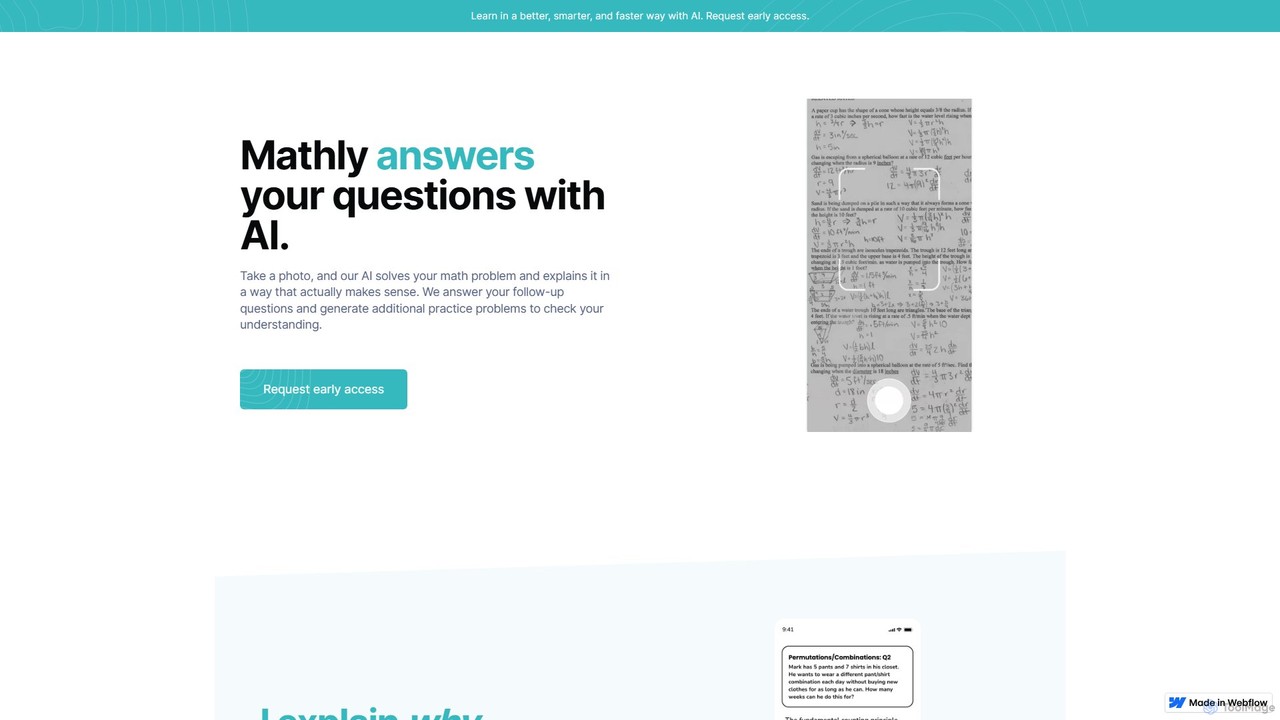
Mathly
Mathly is an AI-powered math tutor that helps students solve complex problems. Simply take a photo of your homework, and Mathly provides step-by-step explanations, answers follow-up questions, and generates personalized practice problems to ensure you truly understand the concepts.
Homework Helper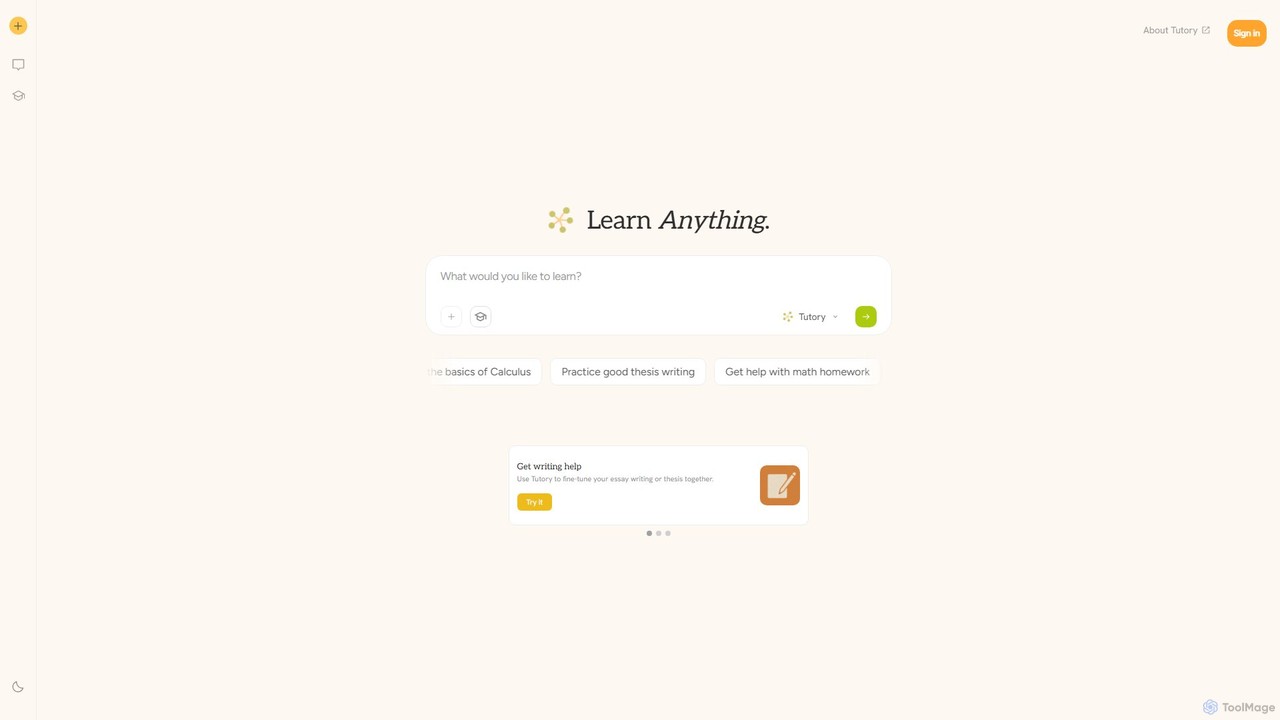
tutory
tutory is an AI-powered learning companion designed for students and teachers. It utilizes the Socratic method to foster deep understanding, asking guiding questions rather than providing direct answers. It offers personalized help across various subjects, including math and writing, and provides tools to enhance classroom productivity for educators.
Homework Helper
Homeworkifyy
Homeworkifyy is an AI-powered academic assistant designed to help students tackle homework challenges. It provides instant, step-by-step solutions across a wide range of subjects, including math, science, and humanities. By offering clear explanations, it aims to enhance understanding and improve academic performance, making learning more efficient and accessible for students of all levels.
Homework Helper
StudyPal Comments (0)
Sign in to comment.
Sign inNo comments yet.