

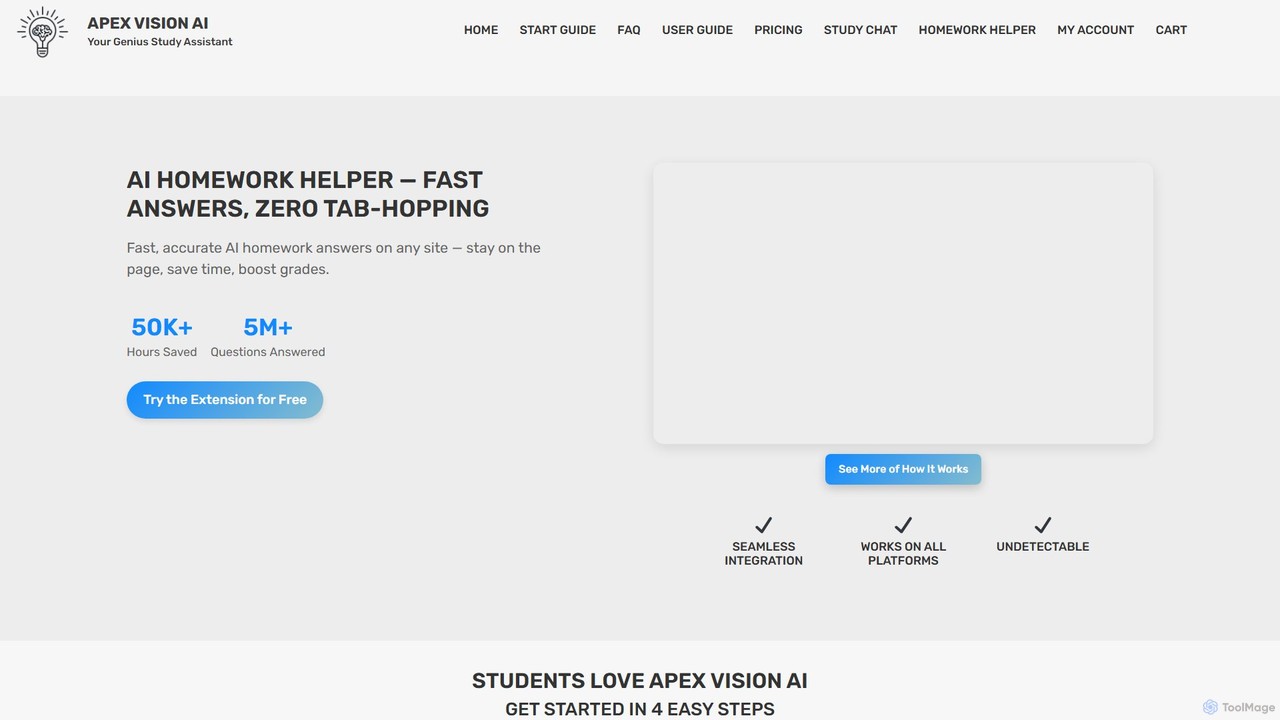
Apex Vision AI Overview
Apex Vision AI is a sophisticated AI-powered Chrome extension that acts as a personal study assistant for students. Designed to streamline the learning process, it provides instant and accurate answers to homework questions, quizzes, and exams directly within the user's browser. This eliminates the need for tab-hopping and extensive searching, saving valuable time. The tool seamlessly integrates with major Learning Management Systems (LMS) such as Canvas, Blackboard, Moodle, and Top Hat, making it an indispensable companion for modern students. Powered by advanced AI models trained on a massive library of over 260 million academic articles, Apex Vision AI delivers high-quality solutions across all subjects and education levels.
How to use Apex Vision AI
Getting started with Apex Vision AI is simple and intuitive, designed to integrate smoothly into your study routine:
- Installation: Install the extension from the Chrome Web Store and pin it to your toolbar for easy access.
- Choose a Plan: Start with a free trial offering daily requests. For more extensive needs, you can upgrade to one of the paid subscription plans.
- Activation: Navigate to any webpage with a question, such as a quiz on Canvas or a homework assignment. Activate the tool using one of its flexible methods.
- Get Answers: Use the pop-up for quick answers (Shortcut: Ctrl+Shift+X), the side panel for more detailed explanations (Shortcut: Ctrl+Shift+Y), or the on-screen buttons that appear next to questions for one-click solutions.
- Solve Visual Problems: For graphs, diagrams, or math equations, use the AI Image Solver by capturing the problem on your screen (Shortcut: Ctrl+Shift+Z).
- Customize Your Experience: Adjust settings to toggle UI elements, switch between concise and detailed answers, and personalize the tool to fit your workflow.
Core Features of Apex Vision AI
- Seamless LMS Integration: Works flawlessly on popular platforms like Canvas, Blackboard, Moodle, and more, providing in-context assistance.
- Stealth Mode: A discreet and undetectable mode that allows you to hide the extension's buttons and interface (Shortcut: CTRL+SHIFT+X), ensuring privacy and focus.
- Graph & Image Solver: An advanced feature that can capture and solve problems directly from images, graphs, and diagrams on your screen.
- Essay Writer: Assists in writing essays by generating human-like text and providing true citations, helping with brainstorming and drafting.
- One-Click Study Guides: Instantly creates customized study guides from any topic or material, perfect for efficient exam preparation.
- Multiple Access Methods: Offers various ways to interact, including a pop-up, a side panel AI buddy, integrated on-screen buttons, and toolbar access.
- Autofill for Quizzes: Automatically fills in answers for multiple-choice questions on platforms like Canvas, saving time during assessments.
- Personalized Study Tips: Provides tailored advice and learning recommendations based on the questions you ask, helping to deepen your understanding.
Use Cases for Apex Vision AI
Apex Vision AI is versatile and supports a wide range of academic tasks:
- Online Quizzes and Exams: Get instant, reliable answers for multiple-choice, short answer, and other question formats during online tests.
- Daily Homework Help: Quickly solve difficult problems in any subject, from health sciences to mathematics, without leaving your assignment page.
- Visual Problem Solving: Effortlessly tackle challenges involving graphs in economics, diagrams in biology, or complex mathematical equations.
- Efficient Study Preparation: Generate concise summaries and organized study guides from lengthy articles or course materials to streamline revision.
- Writing Assistance: Use the AI to overcome writer's block, structure essays, and find relevant sources for your papers.
Advantages of Apex Vision AI
Students choose Apex Vision AI for its distinct benefits:
- Time Efficiency: Drastically reduces study time by providing immediate answers and eliminating the need to search across multiple tabs.
- Accuracy and Reliability: Leverages the latest AI technology trained on a vast academic database for highly accurate solutions.
- Discreet and Undetectable: The built-in Stealth Mode offers peace of mind, making it a safe tool for on-platform assistance.
- Enhanced Learning: Goes beyond simple answers by offering explanations and study tips that foster genuine understanding of the material.
- Student-Friendly Pricing: Offers competitive and flexible pricing plans, including a free trial, making it accessible to all students.
Pricing and Plans
Apex Vision AI offers several plans to suit different student needs:
- Free Trial: Get started for free with a limited number of daily requests to experience the core features.
- Knowledge Kickstart: $7.99/month for up to 500 requests per month, ideal for regular homework help.
- Savvy Scholar: $14.99/month for up to 1000 requests, offering advanced accuracy, faster responses, and priority support.
- Mastermind: $19.99/month for up to 2000 requests, providing the best accuracy, fastest response times, advanced analytics, and VIP support.
Traffic
Latest traffic
Status
Monthly traffic trend
- 2025-9: 12.8K
- 2026-1: 18.3K
- 2026-2: 14.9K
- 2026-3: 21.3K
- 2026-4: 21.4K
- 2026-5: 21.6K
Geography
Top 5 countries / regions
- 🇺🇸United States63.8%
- 🇮🇳India12.5%
- 🇻🇳Vietnam8.4%
- 🇵🇭Philippines8.3%
- 🇫🇷France7.0%
Traffic sources
| Source type | Percentage |
|---|---|
Direct | 79.6% |
Referral | 20.4% |
Top keywords
| Keyword | Cost per click |
|---|---|
| ai canvas homework assistant | $0.00 |
| apex visiom ai | $0.00 |
| apex vision ai | $3.39 |
| best study tool cram | $0.00 |
| mcgraw hill extension ai | $0.00 |
Apex Vision AI Alternatives
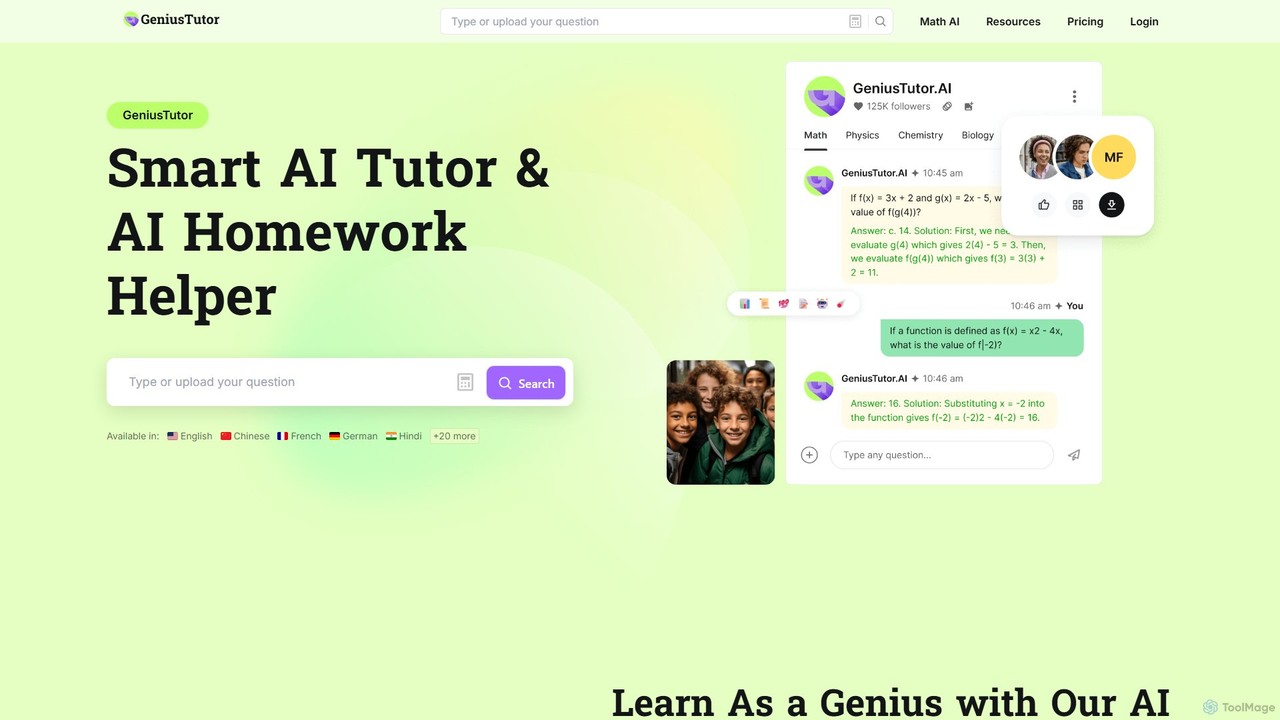
Geniustutor
Geniustutor is an AI-powered tutor and homework helper designed to assist students from high school to college and lifelong learners. It provides instant, step-by-step solutions and detailed explanations across a wide range of subjects, including Math, Physics, Chemistry, and Literature. By simply typing or uploading a photo of a problem, users can receive clear guidance, understand key concepts, and improve their academic performance.
Homework Helper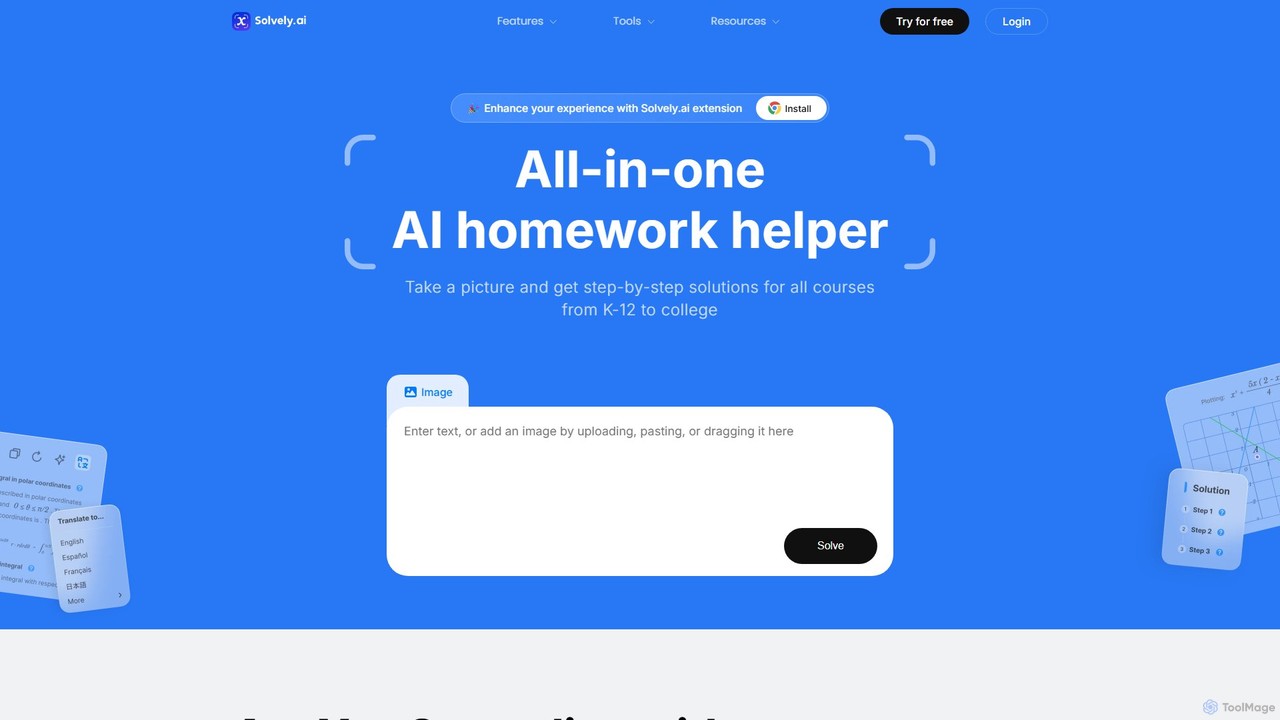
Solvely
Solvely is an all-in-one AI homework helper for K-12 to college students. Snap a picture of any problem—from complex calculus to chemistry equations—and get instant, step-by-step solutions. It also features a quiz generator, an essay writer with citations, and a real-time note-taker to boost your study efficiency. It's a comprehensive learning assistant available on web, mobile, and as a browser extension.
Problem Solver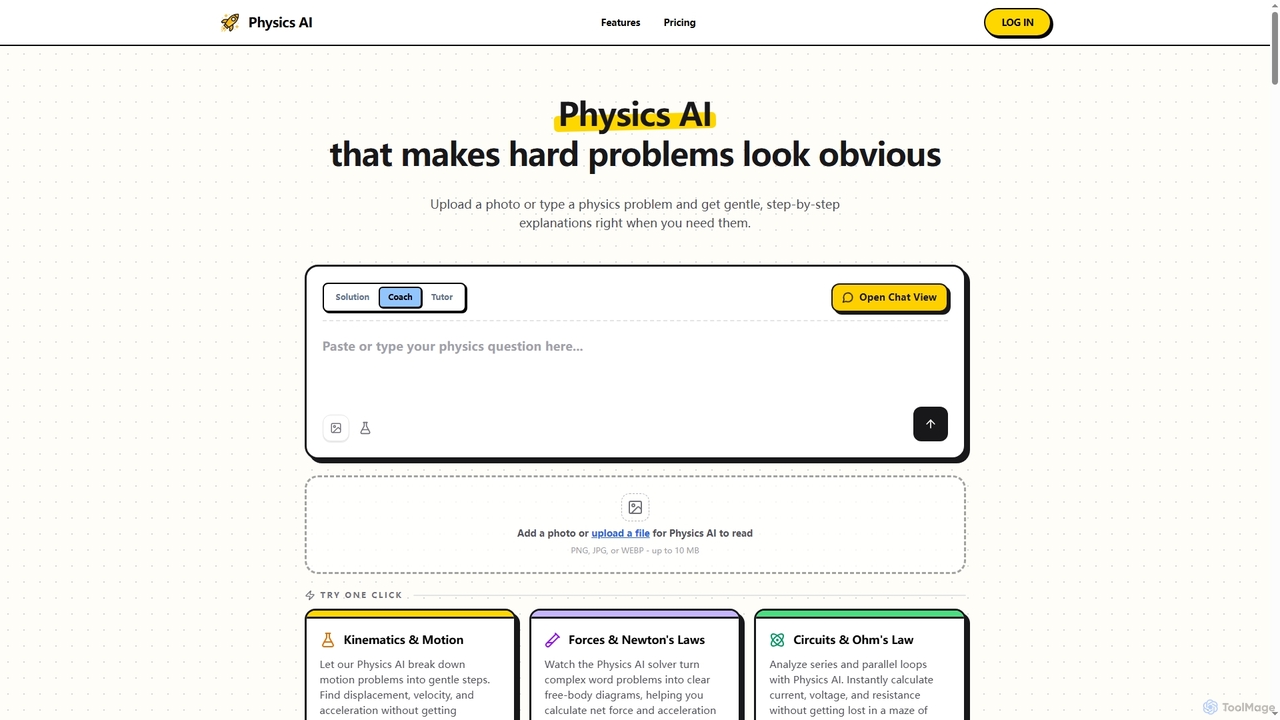
Physics AI
Physics AI is a free online physics solver and tutor that provides step-by-step explanations for complex problems. Users can upload photos or type physics questions to receive instant, gentle guidance and solutions across various physics topics.
Homework Helper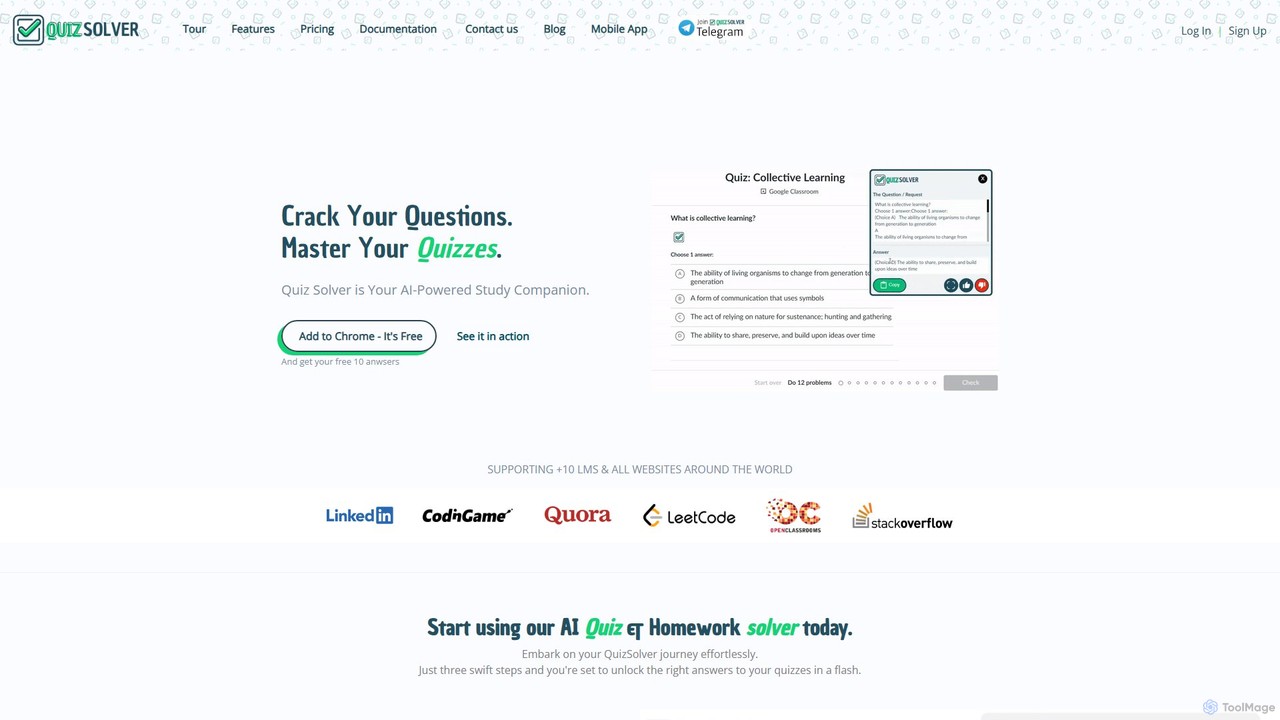
quizsolverai
quizsolverai is an AI-powered academic assistant designed to help students solve quizzes and homework assignments instantly. Available as a Chrome extension and an Android app, it provides accurate answers for multiple-choice questions, math problems, and more, supporting a wide range of learning platforms and websites to enhance academic performance.
Homework Helper
PhotoSolve
PhotoSolve is an AI-powered learning assistant that instantly solves questions from a photo. It supports multiple subjects, provides step-by-step explanations, and offers study tools like summaries, quizzes, and flashcards. Available on iOS, Android, and as a Chrome extension.
Question AnsweringApex Vision AI Categories
Apex Vision AI Embed Widget
Copy this embed code to place the badge on your blog, article, or product site and send readers directly to this ToolMage detail page.

Related AI tools
Mindko
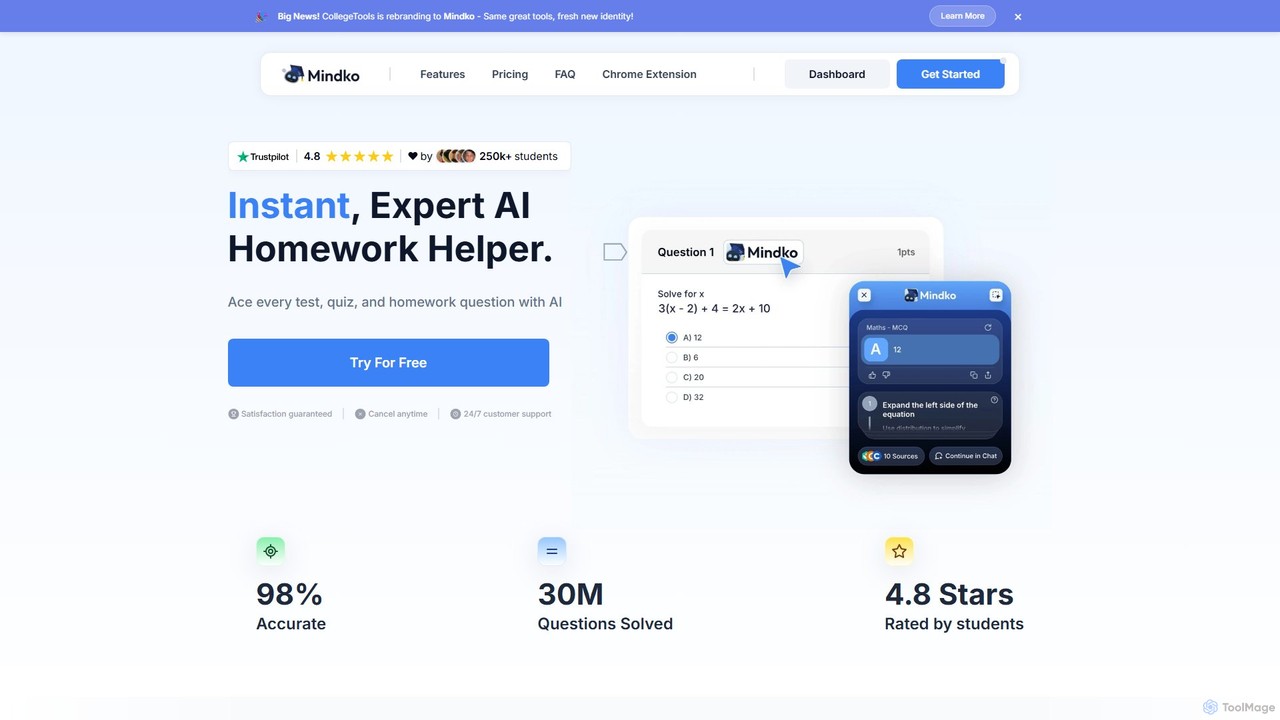
Mindko (formerly College Tools) is an AI-powered academic assistant designed to help students excel. It provides instant, accurate answers for homework, quizzes, and exams across all subjects. With a Chrome extension for seamless integration with learning platforms and a mobile app for on-the-go problem-solving, Mindko offers step-by-step explanations, essay writing, and code generation to enhance learning and save valuable time.
Homework Helperquizsolverai
quizsolverai is an AI-powered academic assistant designed to help students solve quizzes and homework assignments instantly. Available as a Chrome extension and an Android app, it provides accurate answers for multiple-choice questions, math problems, and more, supporting a wide range of learning platforms and websites to enhance academic performance.
Homework Helper
doublecheckme
Doublecheckme is an AI-powered homework helper designed for students. As a Chrome extension, it provides instant answers and step-by-step explanations for homework, quizzes, and exams. It works directly with platforms like Canvas and uses advanced screenshot recognition to solve problems from any website, including complex graphs and images.
Question Answering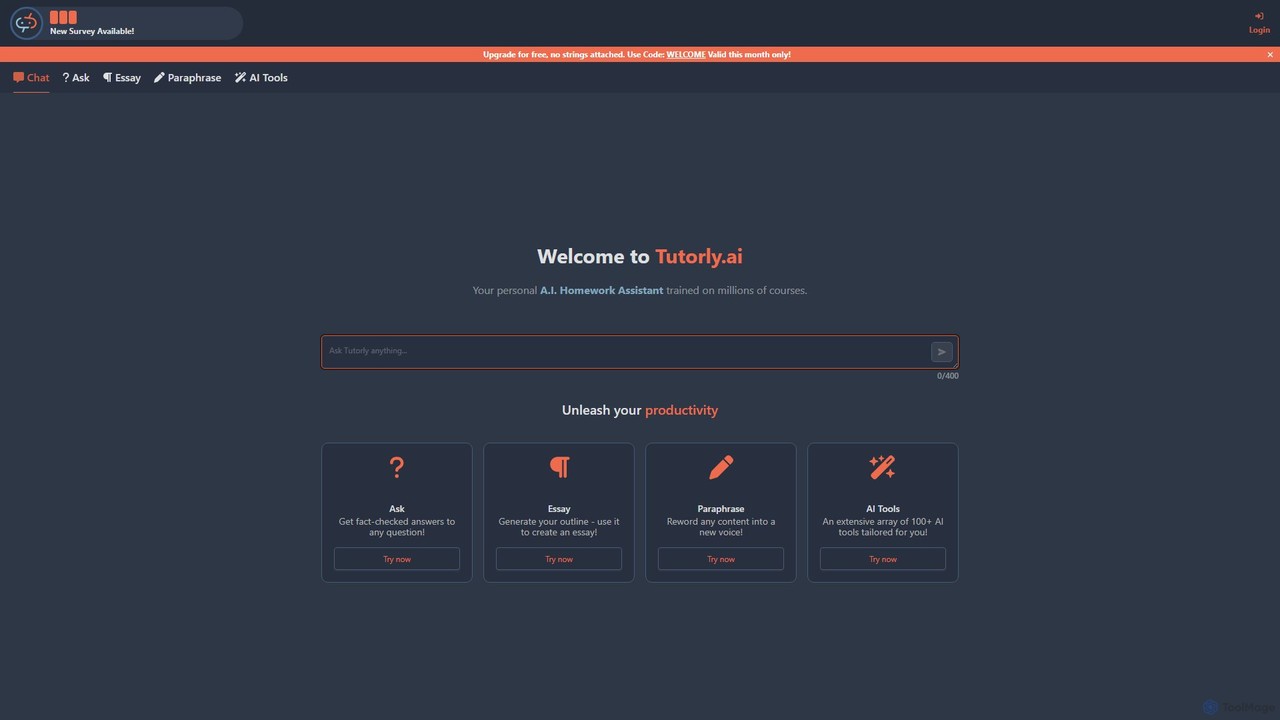
Tutorly.ai
Tutorly.ai is a personal AI homework assistant designed for students. It offers 24/7 support across a wide range of subjects, including math, science, and coding. Key features include an AI chat tutor for instant answers, an essay writer for generating outlines and drafts, a paraphrasing tool for refining text, and a suite of over 100 specialized AI tools to boost productivity and improve grades.
Personal Assistant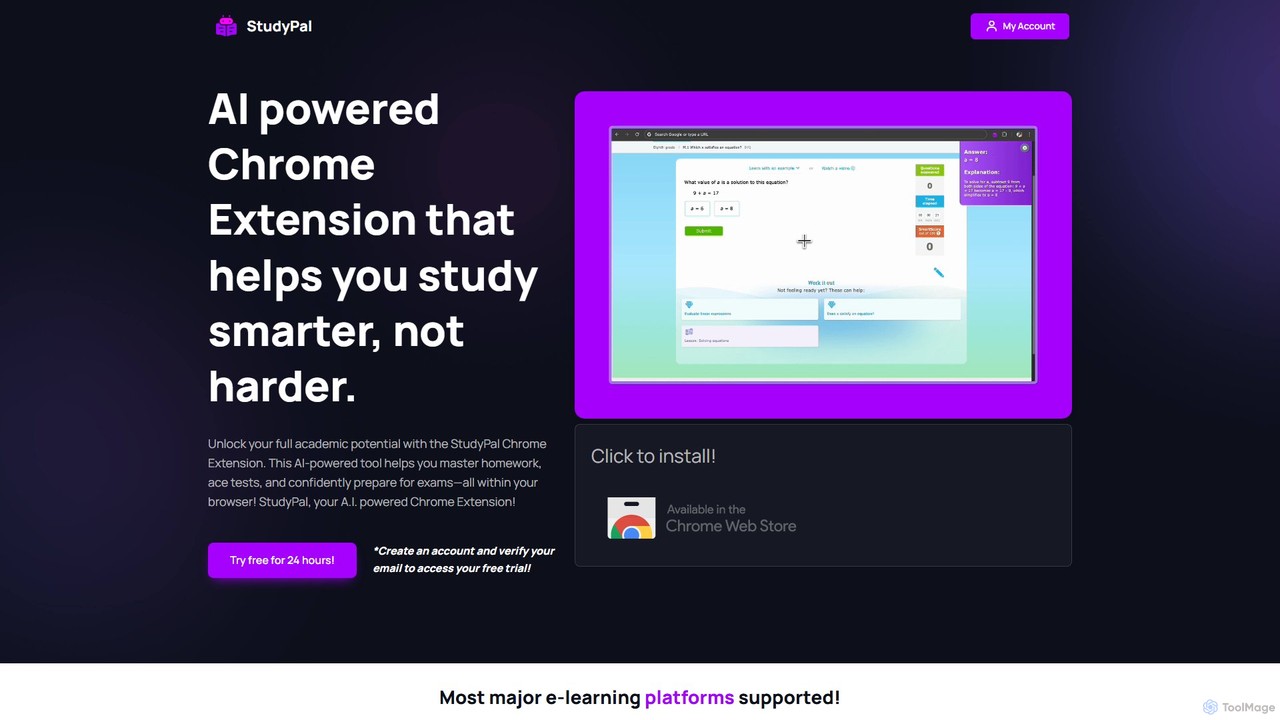
StudyPal
StudyPal is an AI-powered Chrome extension designed to help students with their academic work. By simply highlighting a question on any webpage, users receive instant, accurate answers and detailed explanations. It covers all subjects, making studying for homework, quizzes, and tests easier, faster, and more effective.
Homework Helper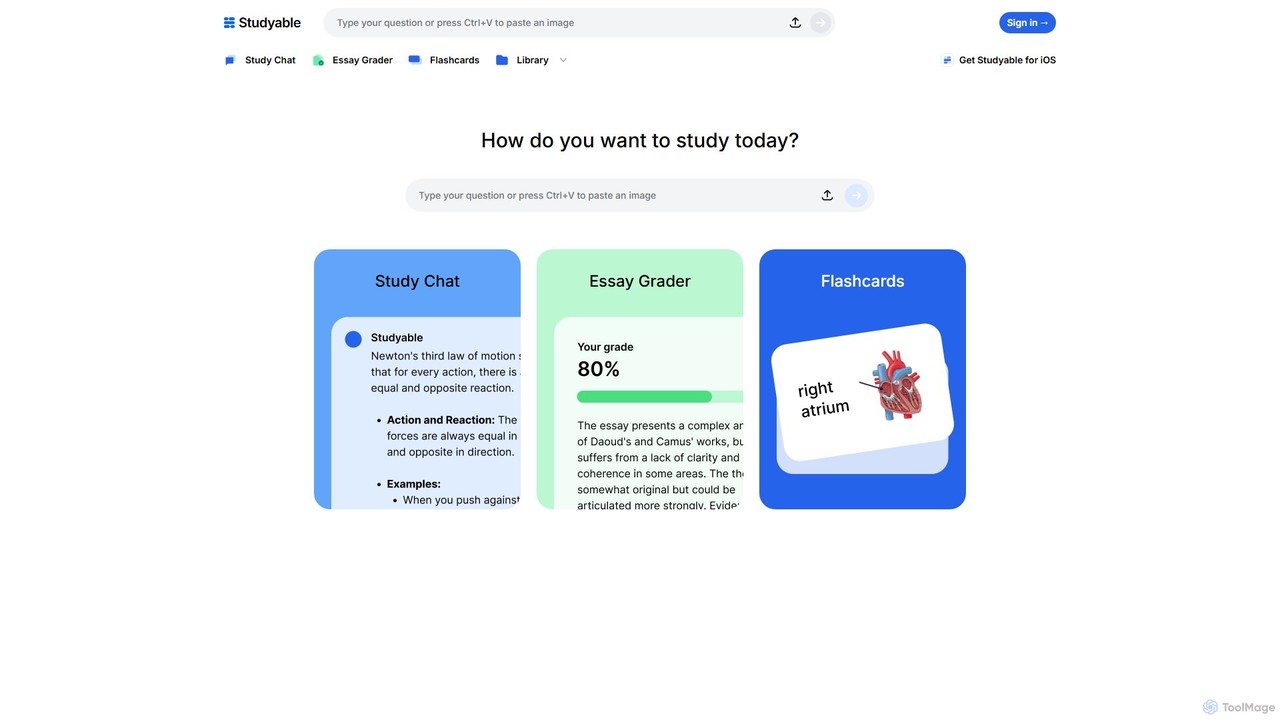
Studyable
Studyable is an AI-powered academic platform offering a suite of tools for students. It provides instant homework help via photo recognition, a detailed essay grader, an interactive study chat, and an automatic flashcard generator to enhance learning and academic performance.
Student
LearningHub
LearningHub by AHelp is an AI-powered educational platform designed to provide personalized learning assistance. It offers an AI tutor for homework help, a writing assistant for improving essays, and tools for generating summaries and study materials, making learning more efficient and accessible for students and educators.
Learning Assistant
tute.ai
tute.ai is an AI-powered personal tutor that provides instant homework help, personalized learning paths, and in-depth explanations across a wide range of subjects. It's designed to make learning accessible, effective, and engaging for students of all ages, 24/7.
Personal AssistantGeniustutor
Geniustutor is an AI-powered tutor and homework helper designed to assist students from high school to college and lifelong learners. It provides instant, step-by-step solutions and detailed explanations across a wide range of subjects, including Math, Physics, Chemistry, and Literature. By simply typing or uploading a photo of a problem, users can receive clear guidance, understand key concepts, and improve their academic performance.
Homework Helper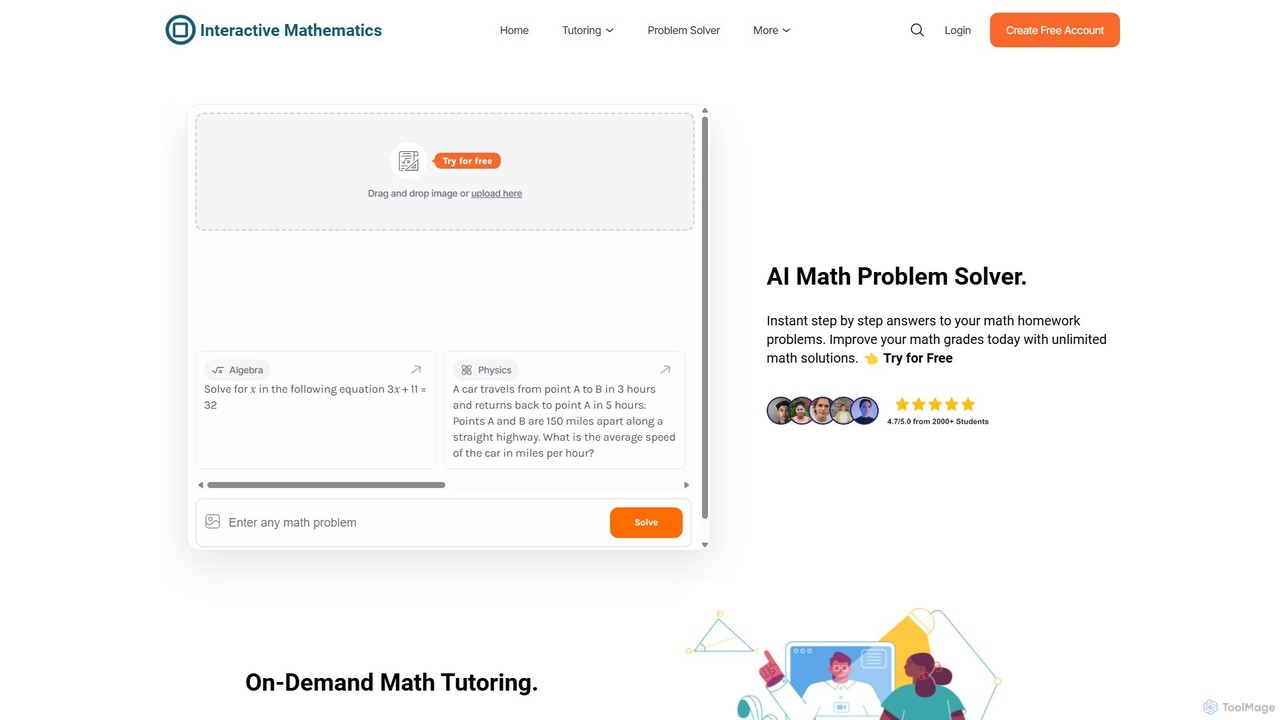
intmath
intmath is an AI-powered math problem solver and interactive learning platform. It provides instant, step-by-step solutions to a wide range of math problems, from basic algebra to advanced calculus. With features like photo-based problem submission and 24/7 on-demand tutoring, it's designed to help students improve their grades and deepen their understanding of mathematics.
Homework Helper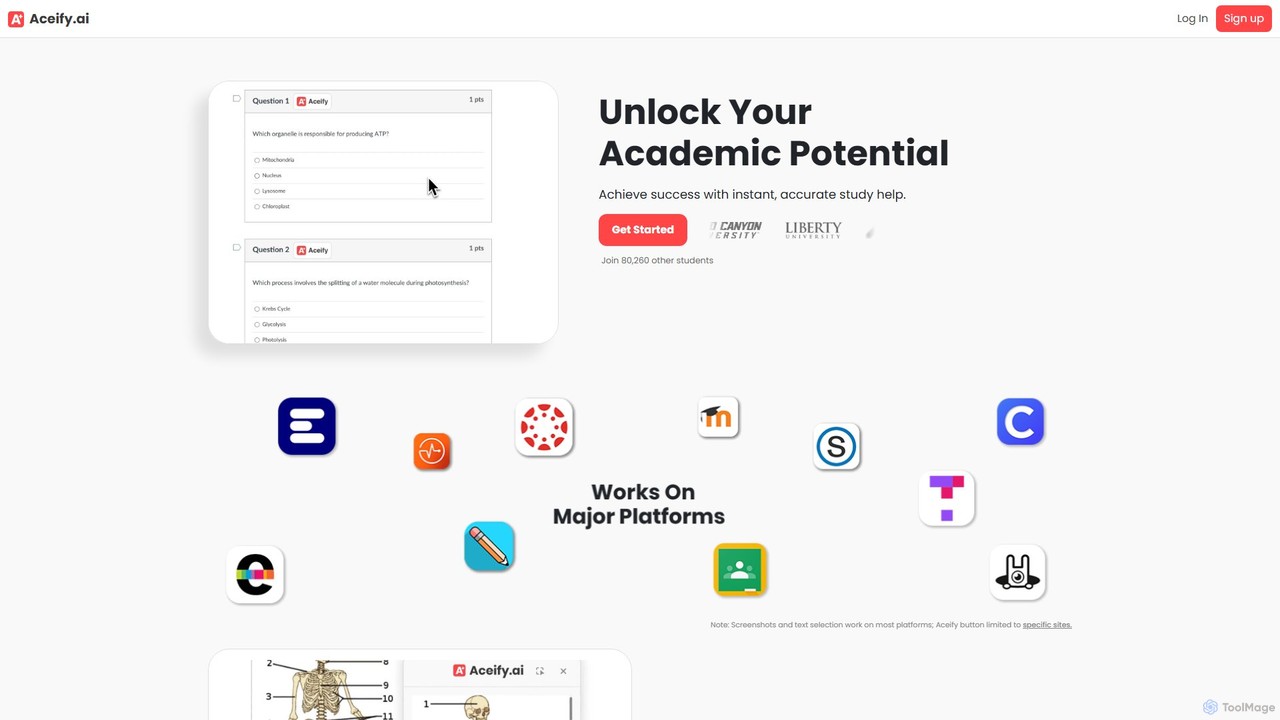
Aceify
Aceify is an AI-powered academic assistant that provides instant homework help. Using its 'Snap & Solve' feature, students can capture any question—including text, math problems, graphs, and diagrams—directly from their screen to receive accurate, step-by-step solutions. It's designed to streamline studying and boost academic performance.
Ai Chatbots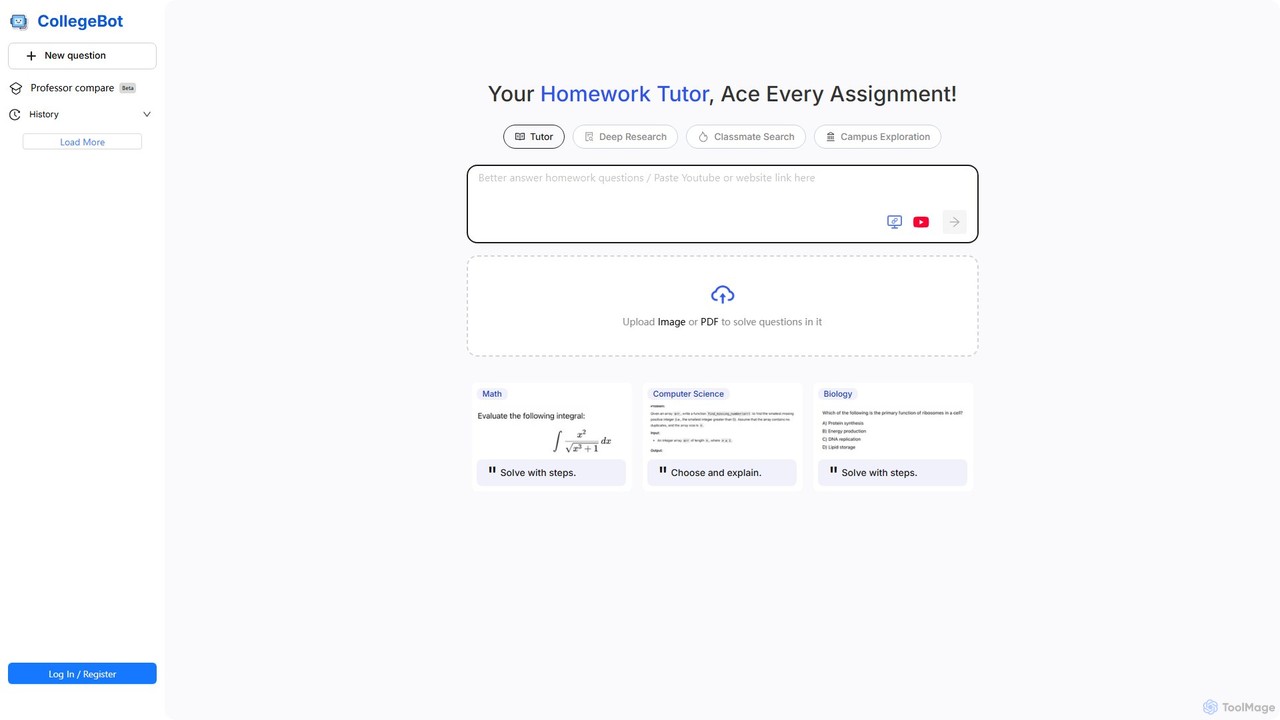
CollegeBot
CollegeBot is an AI-powered academic assistant designed for college students. It functions as a homework tutor, research tool, and campus guide, providing step-by-step solutions to problems, assisting with research, and answering questions about campus life. It supports various subjects and allows users to upload questions via images or PDFs.
Homework Helper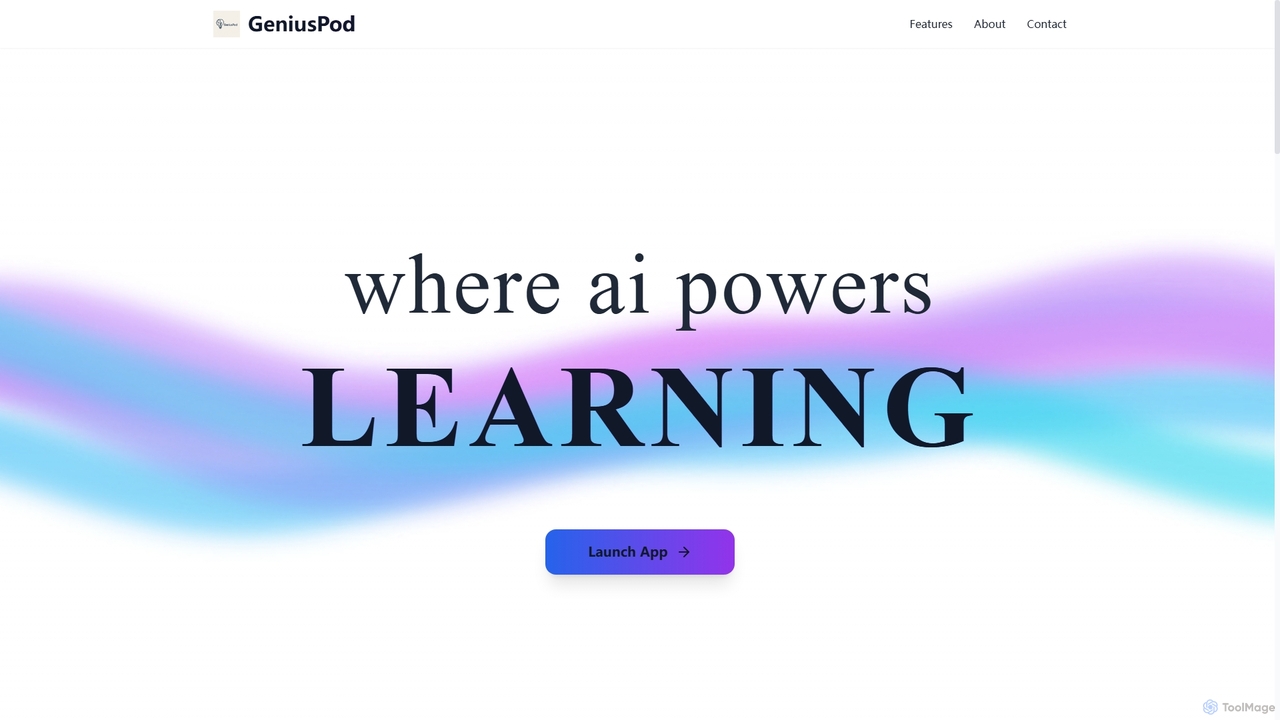
Geniuspod
GeniusPod is an AI-powered learning platform designed for students and self-learners. It integrates AI-generated explanations with educational YouTube videos in a single search. Key features include a quiz generator, interactive flashcards, document/image upload with OCR, and a Pomodoro study timer to enhance study efficiency and knowledge retention.
Learning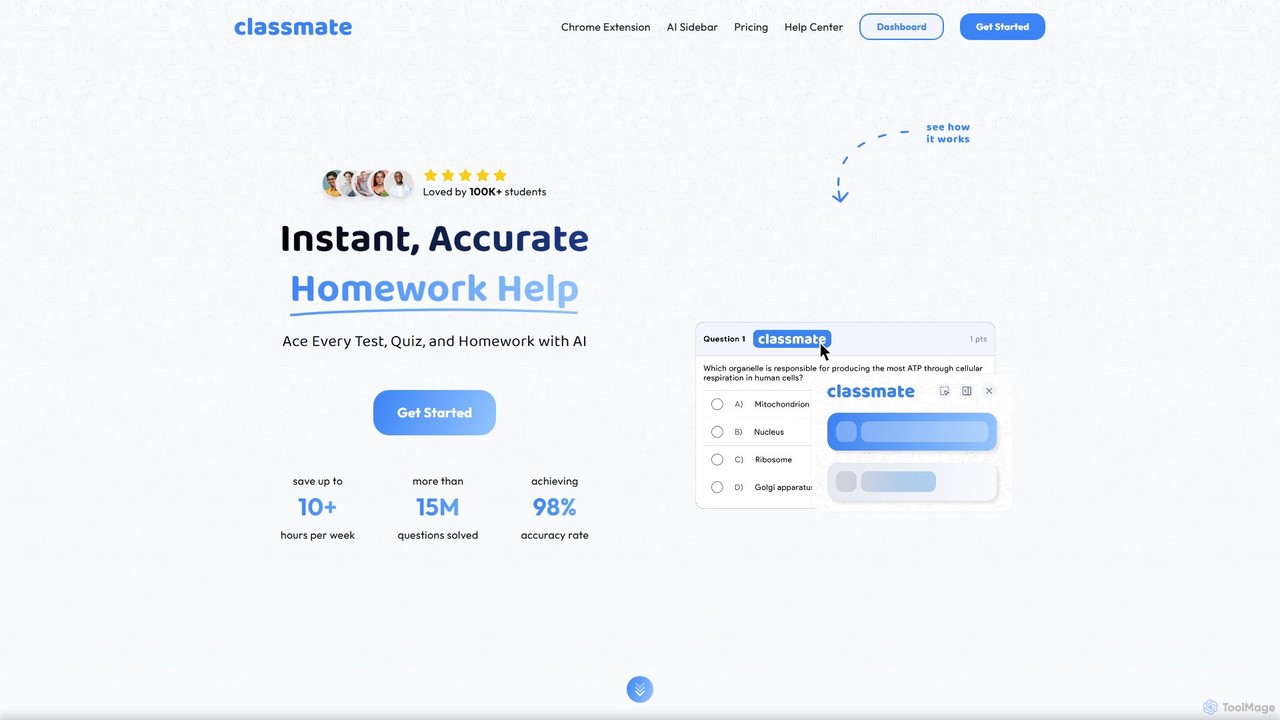
Classmate
Classmate is a 24/7 AI-powered tutor and homework helper designed for students. Available as a Chrome extension, it provides instant, accurate answers and step-by-step explanations for a wide range of subjects, including Math, Science, and Humanities. It helps students ace tests, write essays, and summarize documents, all seamlessly integrated into their learning platforms without being detected.
Homework Helper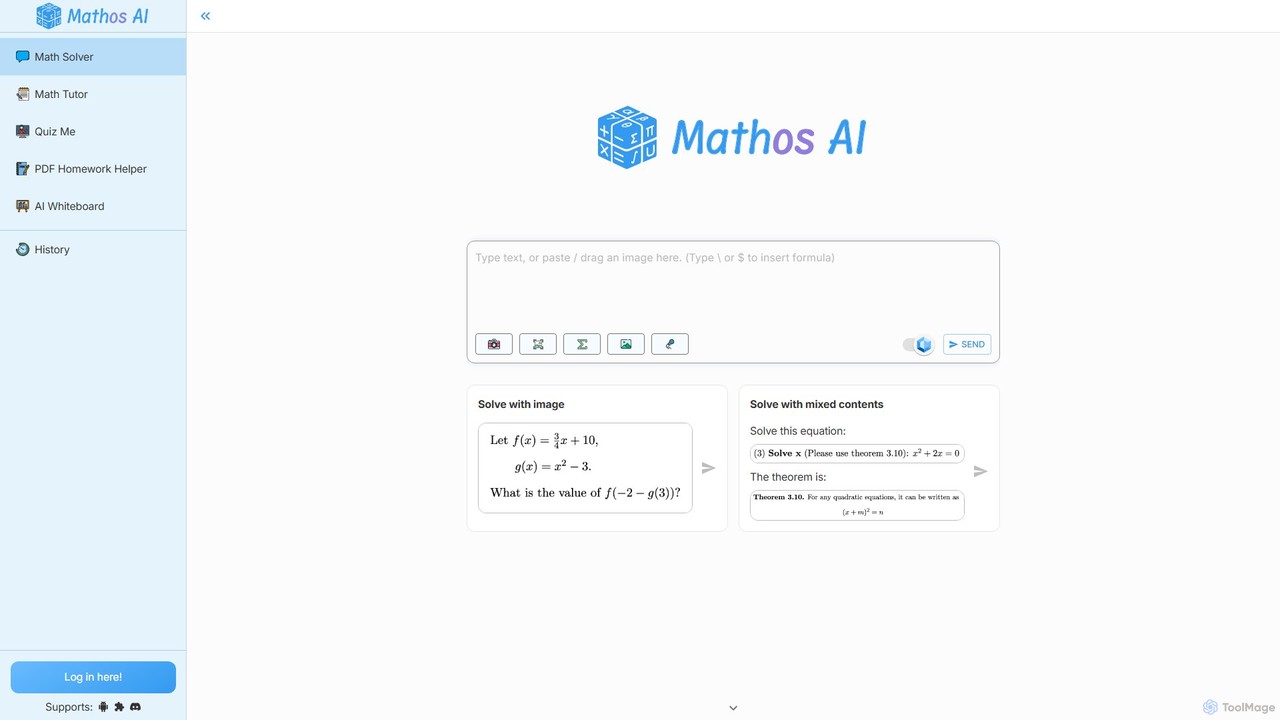
MathGPTPro
MathGPTPro (also known as Mathos) is an advanced AI-powered math solver and personal tutor designed to help students master mathematics. It provides highly accurate, step-by-step solutions for a wide range of problems, from basic algebra to advanced calculus. With features like PDF homework help, a graphing calculator, and multiple input methods (text, image, voice), it offers a comprehensive and interactive learning experience for students at all levels.
Math
Apex Vision AI Comments (0)
Sign in to comment.
Sign inNo comments yet.