
SwapMyFace Overview
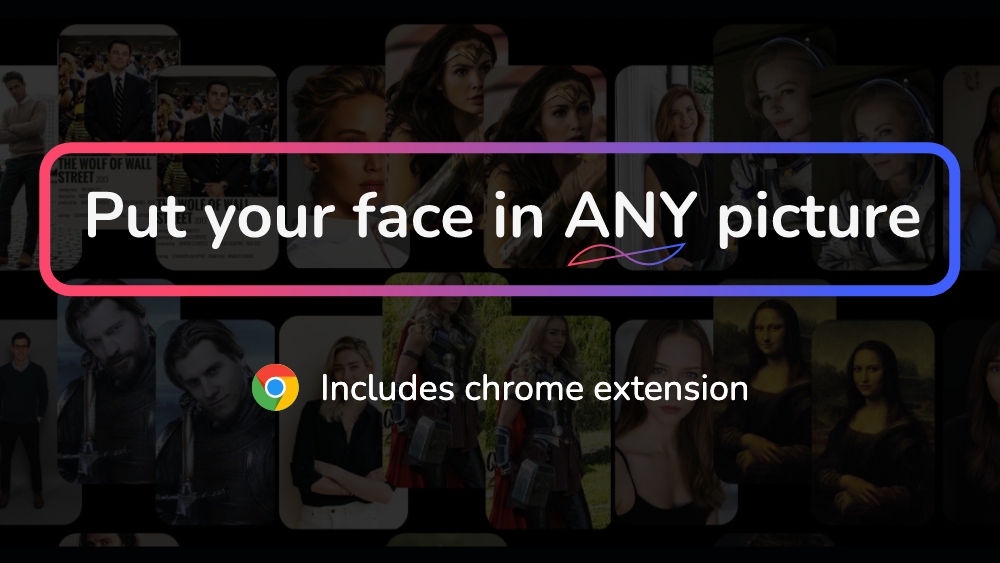
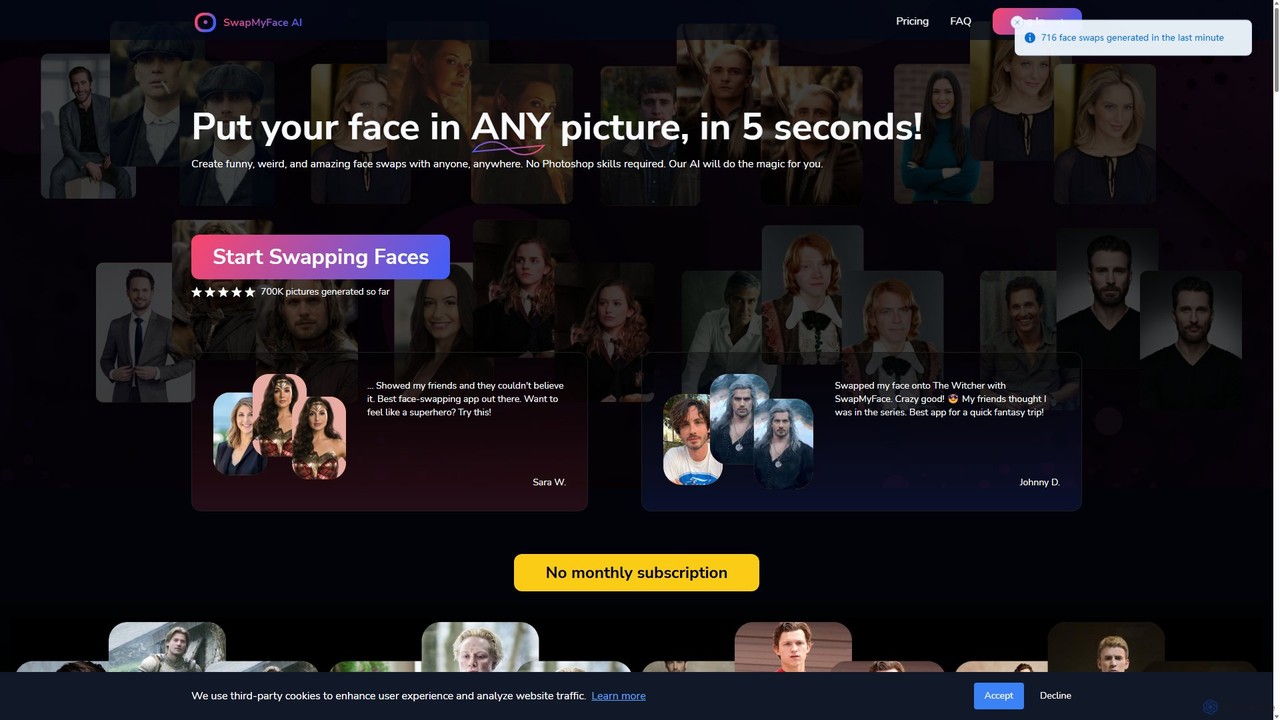
SwapMyFace is an innovative and user-friendly AI tool designed to make face swapping accessible to everyone. In just five seconds, you can place your face onto any image, whether it's a movie poster, a historical photograph, a famous painting, or an AI-generated artwork from platforms like MidJourney. The platform is built for speed and simplicity, removing the need for complex software like Photoshop or technical expertise. With a powerful AI engine, SwapMyFace ensures high-quality, realistic results that will amaze your friends and followers.
The tool is available as a web application and a highly convenient Chrome extension. The extension integrates seamlessly into your browsing experience, allowing you to right-click on any image you find online and initiate a face swap instantly. This makes the creative process fluid and spontaneous. SwapMyFace is positioned as a cost-effective and flexible alternative to subscription-based services, offering a pay-as-you-go credit system where you only pay for the images you generate.
How to use SwapMyFace
SwapMyFace offers two simple methods for creating face swaps:
1. Using the Web App:
- Step 1: Go to the SwapMyFace website and upload a clear picture of your face. This face will be saved for future use.
- Step 2: Upload the target image where you want to place your face.
- Step 3: Click the 'Merge' button. The AI will process the images and generate your face swap in seconds.
2. Using the Chrome Extension:
- Step 1: Install the SwapMyFace Chrome extension from the Chrome Web Store.
- Step 2: Browse the internet and find any image you'd like to use.
- Step 3: Right-click on the image and select "Put my face in this picture" from the context menu.
- Step 4: Choose your pre-uploaded face and click the merge button to complete the swap. This method is especially useful for images from MidJourney or other AI art generators.
Core Features of SwapMyFace
- AI-Powered Face Swapping: Utilizes advanced AI to create high-quality, seamless, and realistic face swaps.
- 5-Second Generation: Delivers incredibly fast results, allowing for rapid creation and experimentation.
- User-Friendly Interface: A simple, intuitive process that requires no prior photo editing or technical skills.
- Chrome Extension: A powerful extension that enables face swapping on any image directly within your browser.
- MidJourney Integration: Easily swap your face into stunning AI-generated art from MidJourney and other platforms.
- One-Click Image Upscaling: Enhance the resolution of your generated images directly within the app for superior quality.
- Pay-As-You-Go Model: A flexible and affordable credit-based system with no mandatory monthly subscriptions.
- Image History: Automatically saves links to your generated images, so you can access and share them anytime.
Use Cases for SwapMyFace
SwapMyFace is perfect for a wide range of creative and fun applications:
- Social Media Content: Create hilarious memes, unique profile pictures, and viral-worthy posts for Instagram, TikTok, and Twitter.
- Personal Entertainment: Imagine yourself as a superhero, a character in a historical drama, or part of a famous work of art.
- Creative Projects: Artists and designers can use it for concept exploration, character design, and digital art projects.
- Fun with Friends: Swap faces with friends and family in group photos for a good laugh.
- Gender & Style Swaps: Experiment with different looks, hairstyles, and even see what you'd look like as a different gender.
Advantages of SwapMyFace
SwapMyFace stands out from other tools with several key advantages:
- Cost-Effective: The pay-per-use model is more economical for users who don't need unlimited swaps, making it a cheaper alternative to subscription services like Deepswap.ai.
- Speed and Efficiency: The 5-second generation time is one of the fastest in the market, maximizing your creative flow.
- Ultimate Convenience: The Chrome extension provides unparalleled ease of use, integrating face swapping directly into your web browsing workflow.
- High-Quality Output: The AI produces clear, believable results, and the upscaling feature ensures your final images are sharp and detailed.
- No Complex Setups: Unlike Discord-based bots, SwapMyFace is a straightforward web app that works anywhere, anytime, without needing to join a server.
Pricing and Plans
SwapMyFace operates on a freemium, pay-as-you-go credit system. New users receive free credits upon signing up to test the service.
- 1 Credit = 1 Image Generation
- $9 Plan: Get 70 credits (approx. 7.7 credits per dollar)
- $15 Plan (Most Popular): Get 150 credits (10 credits per dollar)
- $25 Plan: Get 400 credits (16 credits per dollar)
This model ensures you only pay for what you use, with no recurring monthly fees.
Traffic
Latest traffic
Status
Monthly traffic trend
- 2025-9: 7.3K
- 2026-1: 5.6K
- 2026-2: 4.4K
- 2026-3: 4.6K
- 2026-4: 5.8K
- 2026-5: 8.0K
Geography
Top 5 countries / regions
- 🇺🇸United States52.1%
- 🇮🇳India21.9%
- 🇬🇧United Kingdom15.6%
- 🇵🇭Philippines5.5%
- 🇷🇺Russia5.0%
Top keywords
| Keyword | Cost per click |
|---|---|
| ai face swap movie poster | $0.00 |
| face swap | $0.43 |
| face swap ai | $0.43 |
| face swapper ai | $0.42 |
| swap face | $0.43 |
SwapMyFace Alternatives
FaceSwapLab
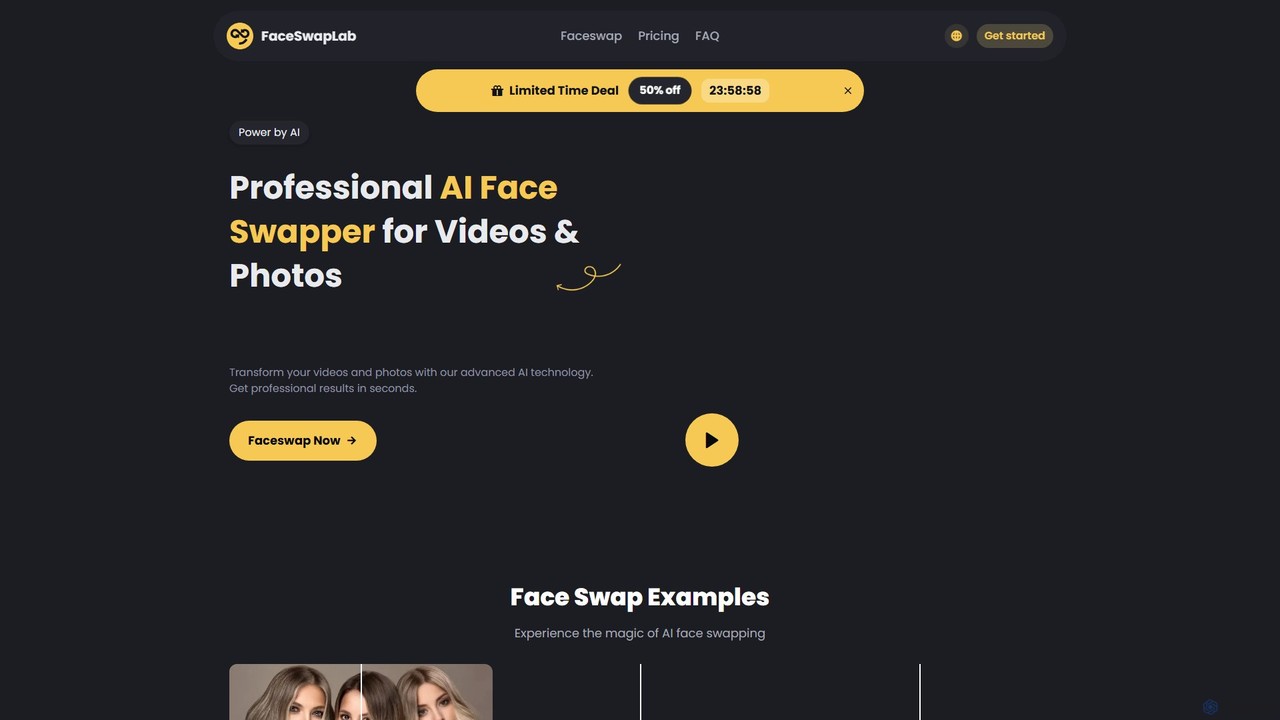
FaceSwapLab is a professional AI-powered tool for creating high-quality, realistic face swaps in videos, photos, and GIFs. It features bulk processing, over 90% facial similarity, and an intuitive, cloud-based interface that requires no technical skills. Transform your media in seconds with unparalleled speed and privacy.
Meme Generator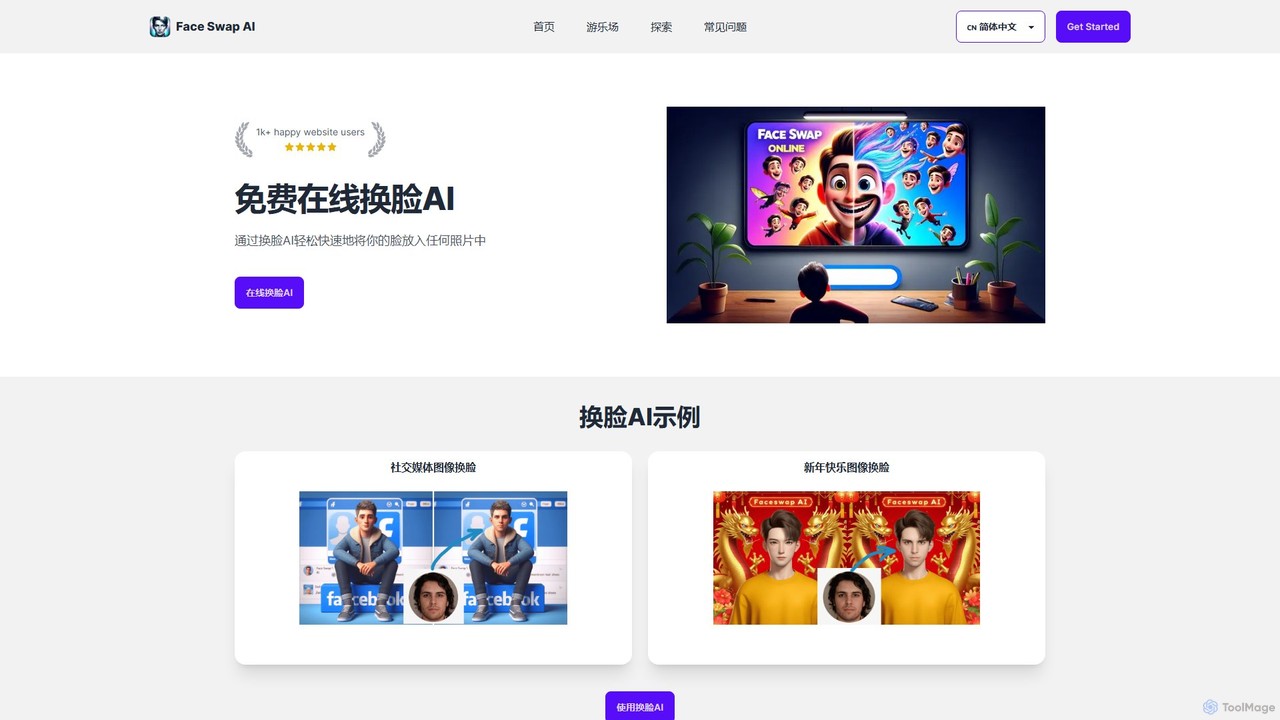
FaceSwapAI
FaceSwapAI is a free and user-friendly online tool that uses advanced AI to seamlessly swap faces in photos. Create hilarious memes, unique social media content, or fun personal projects in seconds with high-quality, realistic results. No technical skills required.
Meme Generator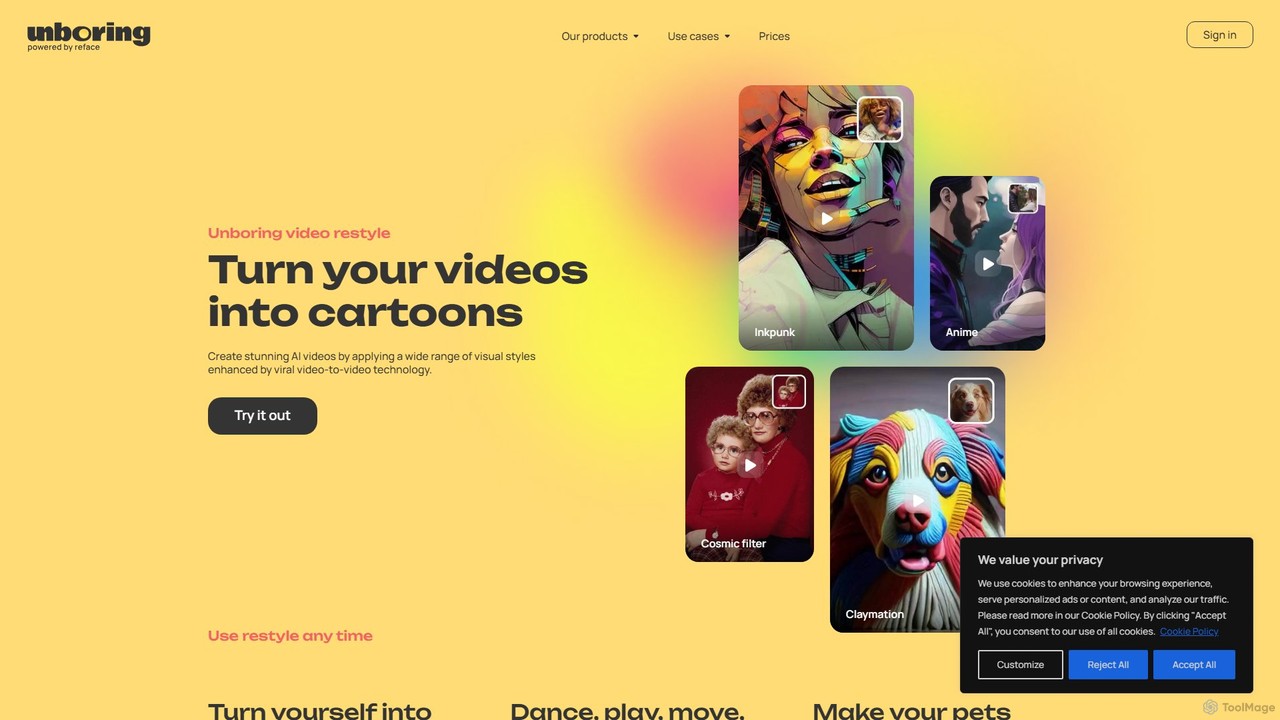
unboring
unboring is an AI-powered online tool by Reface that specializes in high-quality face swapping and photo animation. It allows users to transform static images into dynamic, entertaining content like memes, animated portraits, and funny videos, making content creation simple and fun.
Meme Generator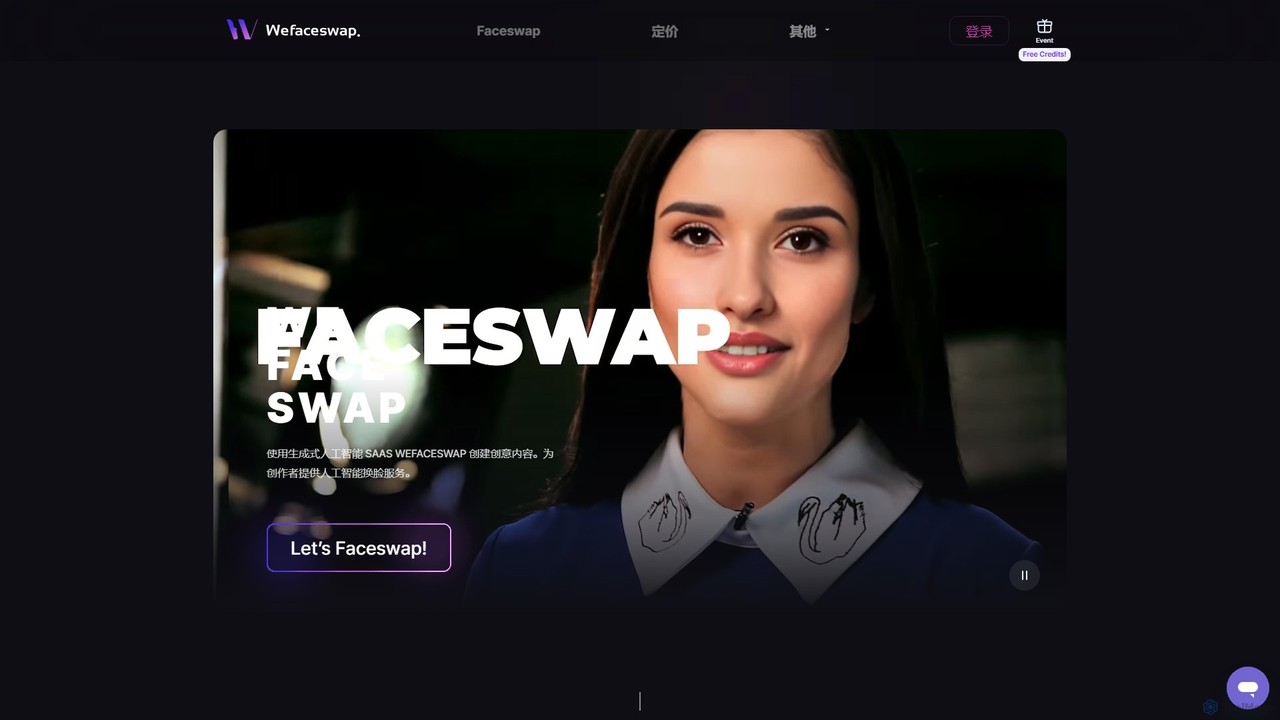
Wefaceswap
Wefaceswap is a powerful cloud-based AI tool that allows users to effortlessly create high-quality face swaps in photos, videos, and GIFs. With a simple, user-friendly interface, it requires no installation and delivers realistic, natural-looking results in seconds. It's designed for content creators, marketers, and anyone looking to create engaging and fun media content. New users get free credits to try the service.
Meme Generator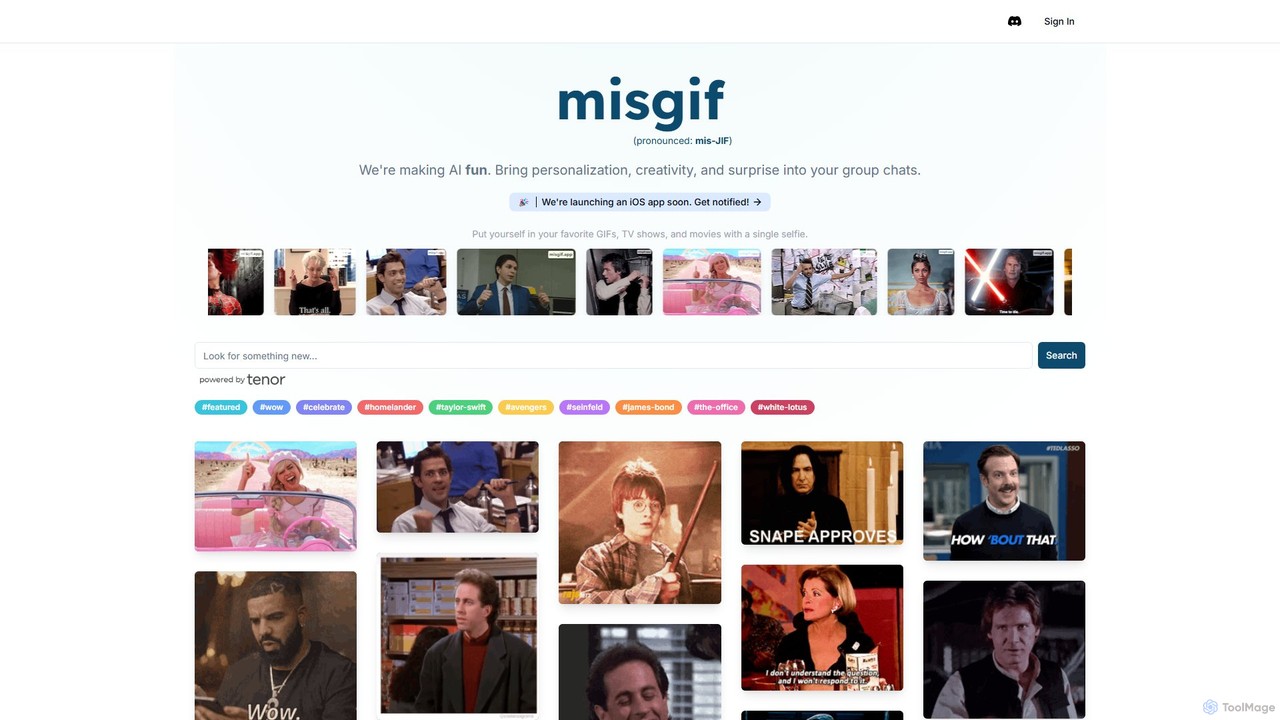
misgif
misgif is an AI-powered tool that lets you swap your face into popular GIFs, movie scenes, and TV show clips using just a single selfie. Create hilarious, personalized memes to share in group chats and on social media, making your conversations more creative and fun.
Meme GeneratorSwapMyFace Categories
SwapMyFace Embed Widget
Copy this embed code to place the badge on your blog, article, or product site and send readers directly to this ToolMage detail page.

Related AI tools
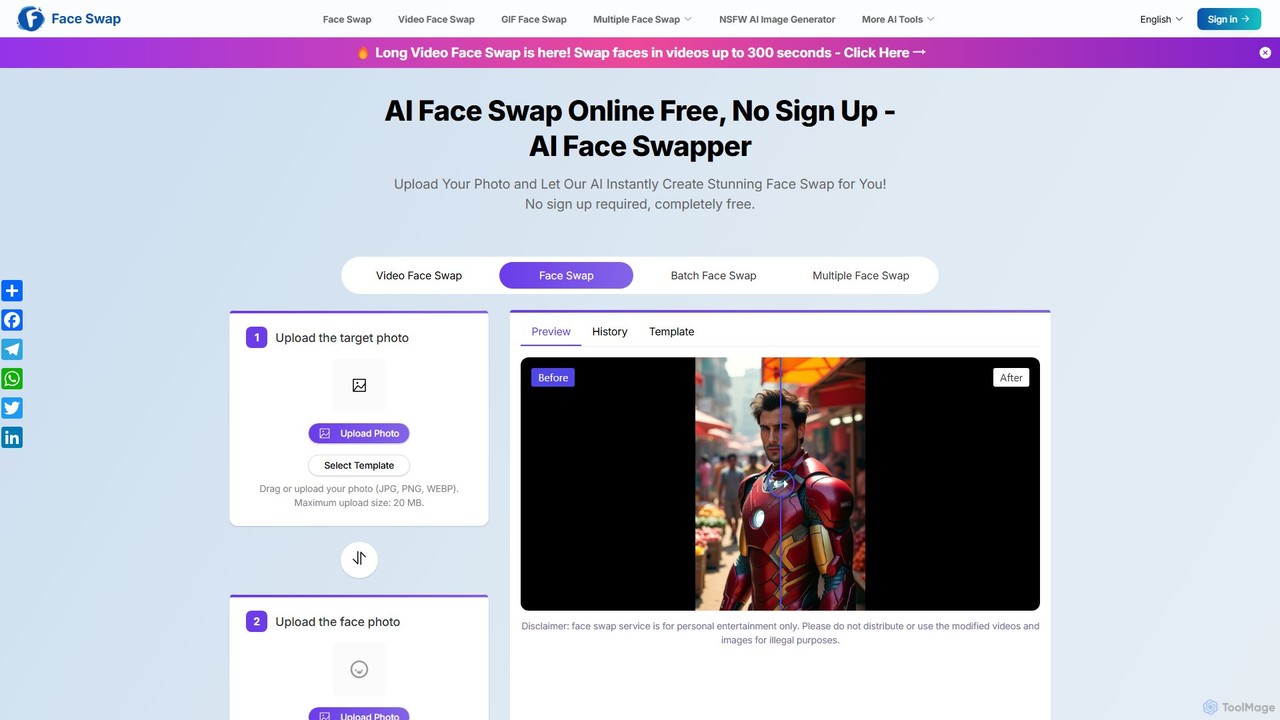
aifaceswapper
aifaceswapper is a free, online AI tool that allows users to instantly swap faces in photos, videos, and GIFs without any sign-up. It supports single, multiple, and batch face swaps, offering high-quality, realistic results. With a focus on user privacy, the tool provides a rich template library and a simple interface for creating fun memes, social media content, and creative projects effortlessly.
Meme GeneratorWefaceswap
Wefaceswap is a powerful cloud-based AI tool that allows users to effortlessly create high-quality face swaps in photos, videos, and GIFs. With a simple, user-friendly interface, it requires no installation and delivers realistic, natural-looking results in seconds. It's designed for content creators, marketers, and anyone looking to create engaging and fun media content. New users get free credits to try the service.
Meme Generator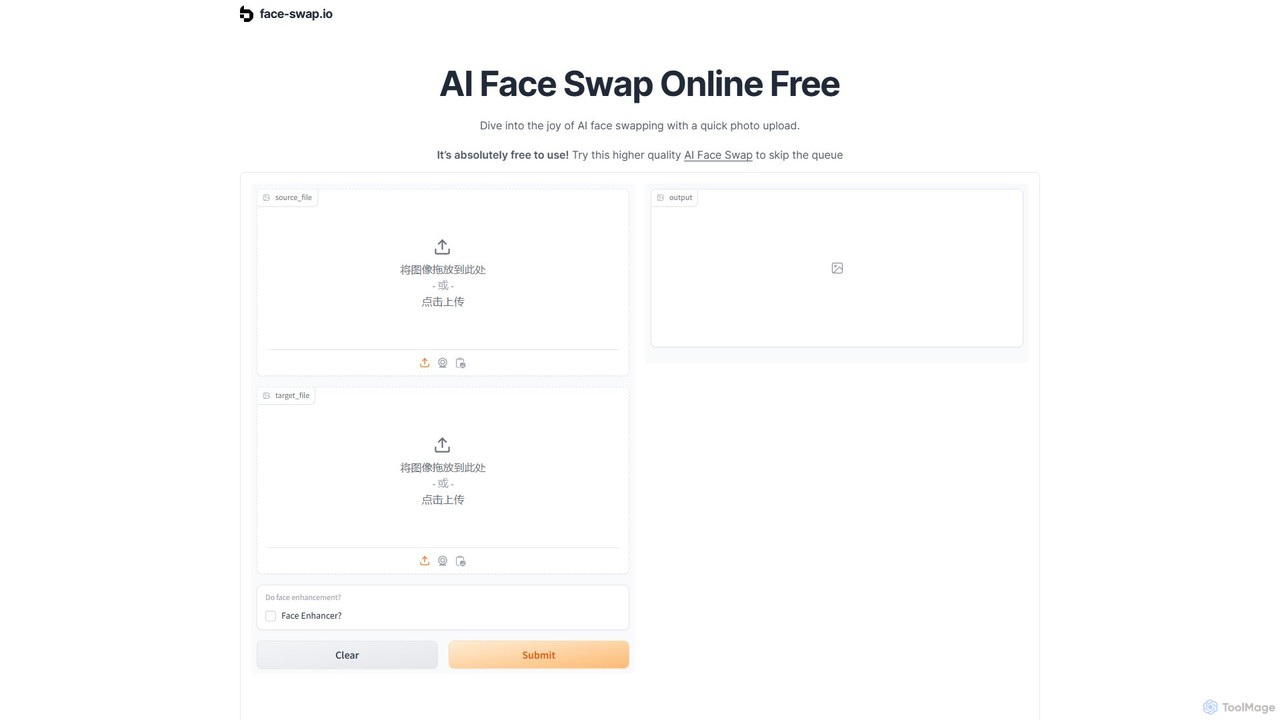
face-swap.io
A free, AI-powered online tool for creating high-quality, realistic face swaps in seconds. Easily swap faces in photos to create funny memes, social media content, or simply for fun. No technical skills required.
3D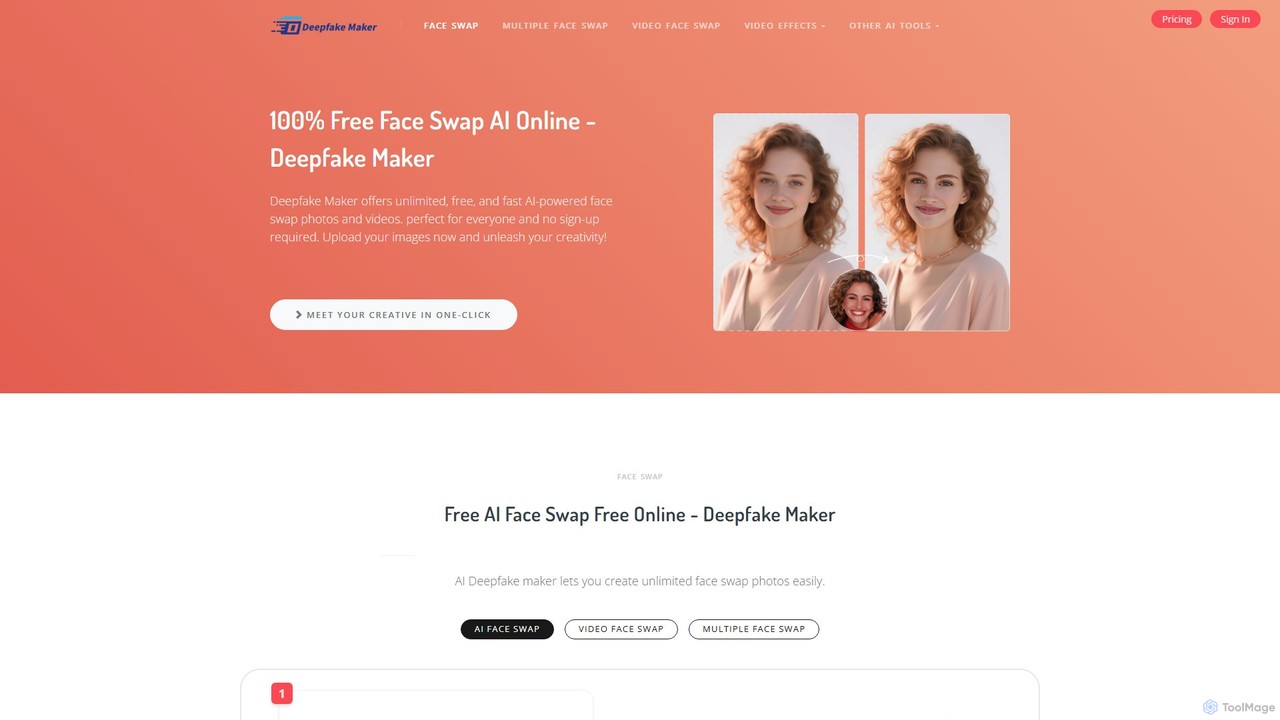
Deepfake Maker
Deepfake Maker is a free online AI tool that enables users to create realistic face swaps in photos, videos, and GIFs. It offers high-quality, watermark-free results instantly without requiring sign-ups. The platform supports single, multiple, and gender face swaps, prioritizing user privacy by not storing any uploaded data.
Meme Generator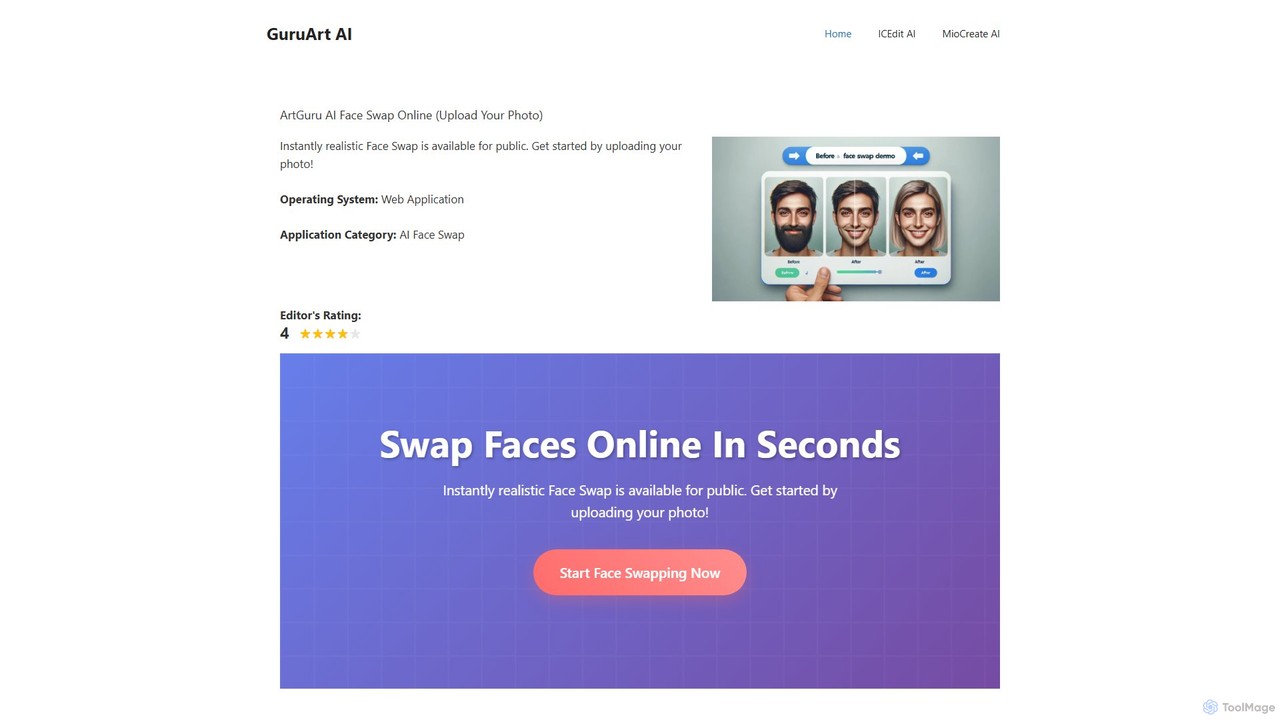
ArtGuru Face Swap
ArtGuru Face Swap is a versatile AI tool for creating realistic face swaps in photos and videos. It supports single, multiple, and video face swaps with a user-friendly interface. It's fast, requires no sign-up for basic use, and offers both free and premium plans for advanced features.
3DFaceSwapLab
FaceSwapLab is a professional AI-powered tool for creating high-quality, realistic face swaps in videos, photos, and GIFs. It features bulk processing, over 90% facial similarity, and an intuitive, cloud-based interface that requires no technical skills. Transform your media in seconds with unparalleled speed and privacy.
Meme GeneratorFaceSwapAI
FaceSwapAI is a free and user-friendly online tool that uses advanced AI to seamlessly swap faces in photos. Create hilarious memes, unique social media content, or fun personal projects in seconds with high-quality, realistic results. No technical skills required.
Meme Generator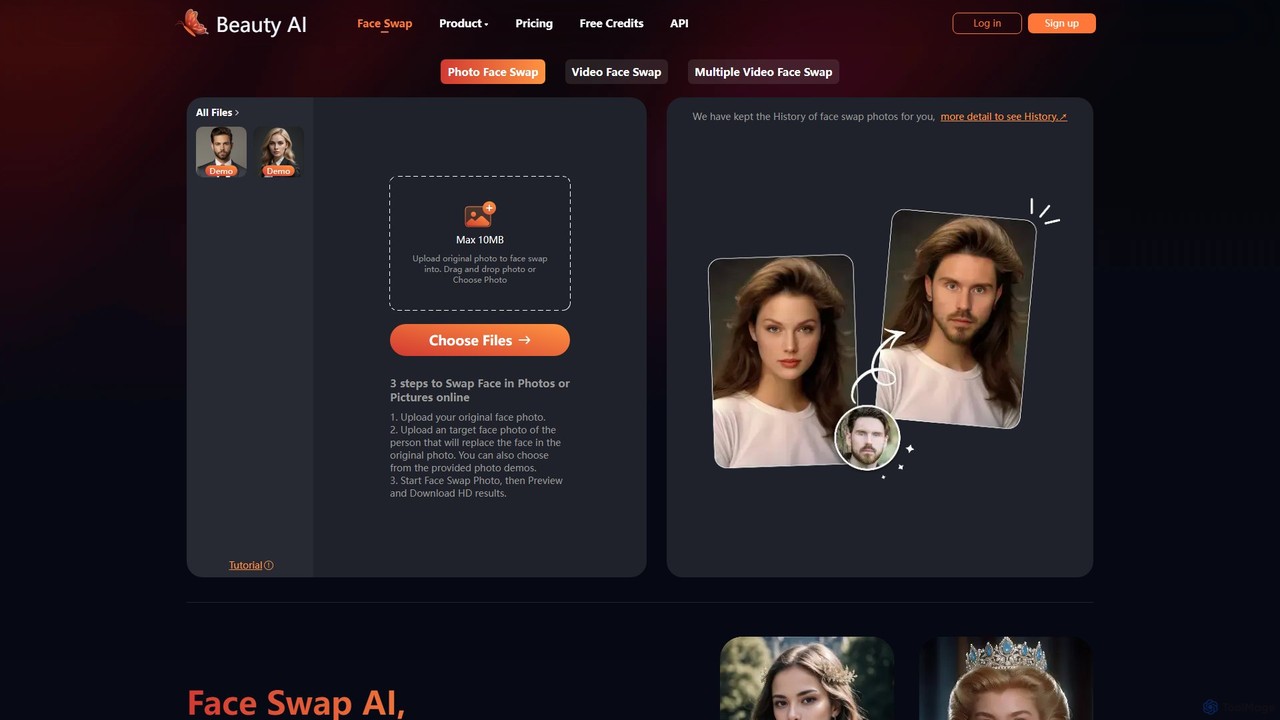
BeautyAI
BeautyAI is a powerful and user-friendly online tool for creating realistic AI-powered face swaps in photos and videos. Easily swap single or multiple faces, generate funny memes, or enhance your creative projects with high-definition results. It offers a simple 3-step process, making advanced editing accessible to everyone, from social media enthusiasts to content creators.
Meme Generator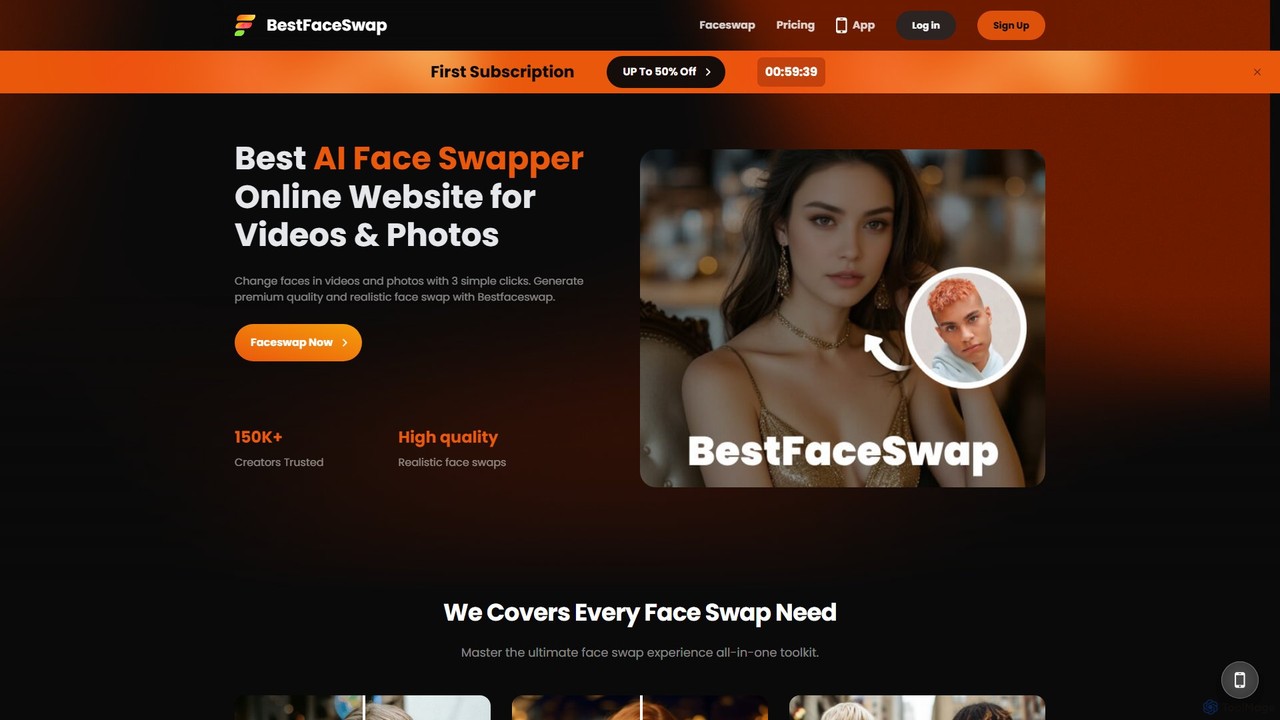
bestfaceswap
bestfaceswap is an advanced AI-powered online tool for creating high-quality, realistic face swaps in both videos and photos. With a simple 3-step process, users can easily generate entertaining content, memes, or professional marketing materials. It supports high-resolution output, ensures user privacy, and offers a seamless experience with no downloads required.
Meme Generator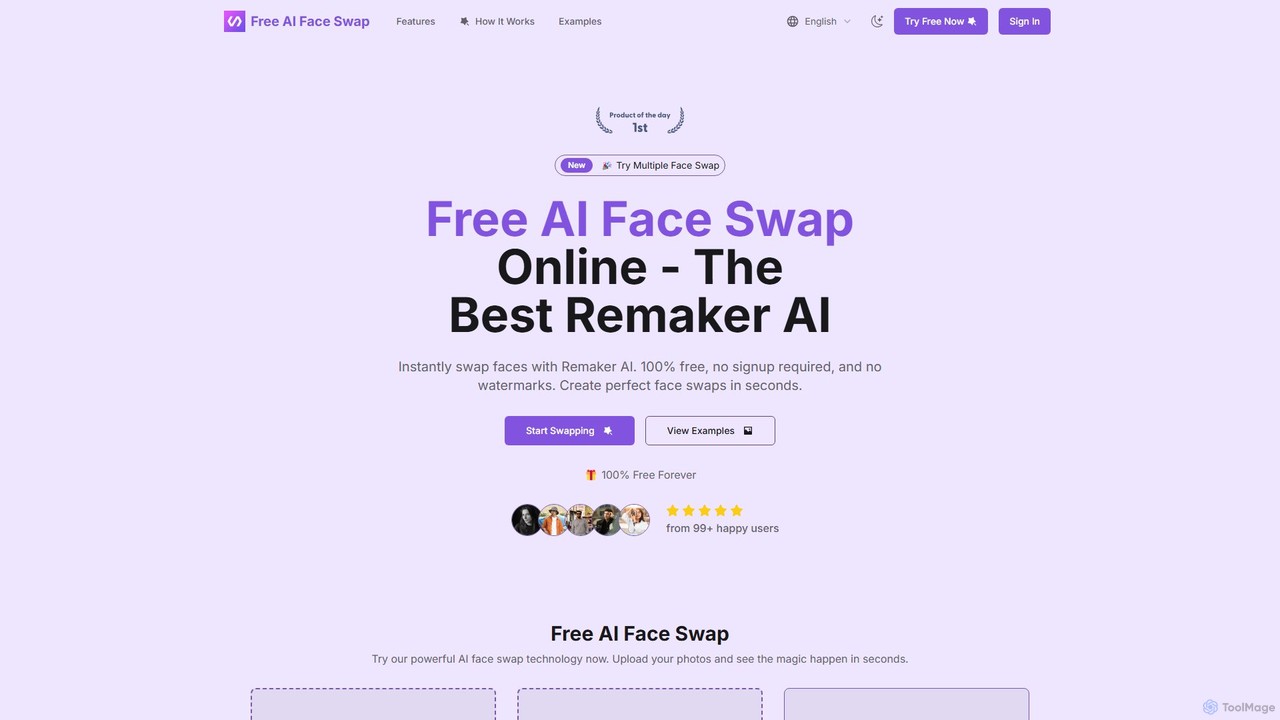
freefaceswap
freefaceswap is a powerful AI-driven tool for creating seamless and realistic face swaps online. It's 100% free, requires no registration, and adds no watermarks. The tool supports swapping multiple faces in a single photo, making it perfect for fun content creation and fixing group pictures. With a strong focus on privacy, all uploaded images are deleted within 24 hours.
Meme Generator
Jyek
Jyek is an AI agent platform that understands objectives, creates execution plans, uses tools, and delivers verifiable results for complex, multi-step tasks.
Automation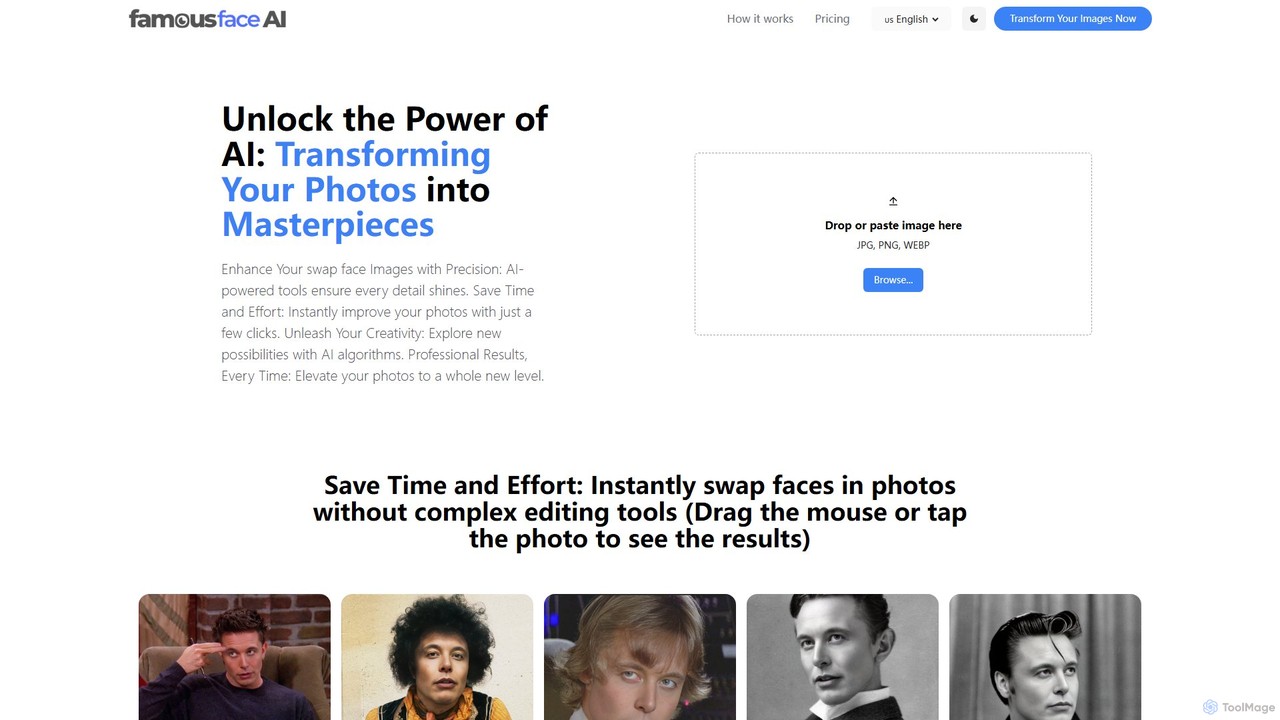
famousface
famousface is an AI-powered face swap tool that allows users to create funny and realistic photos in seconds. Simply upload a selfie and a target image to seamlessly merge faces, perfect for creating memes, social media content, and entertaining images.
Meme Generator
changeface.online
An AI-powered online tool for seamlessly swapping faces in photos and videos. Create funny memes, engaging social media content, or professional visual effects with just a few clicks. Supports high-resolution output and realistic results.
3D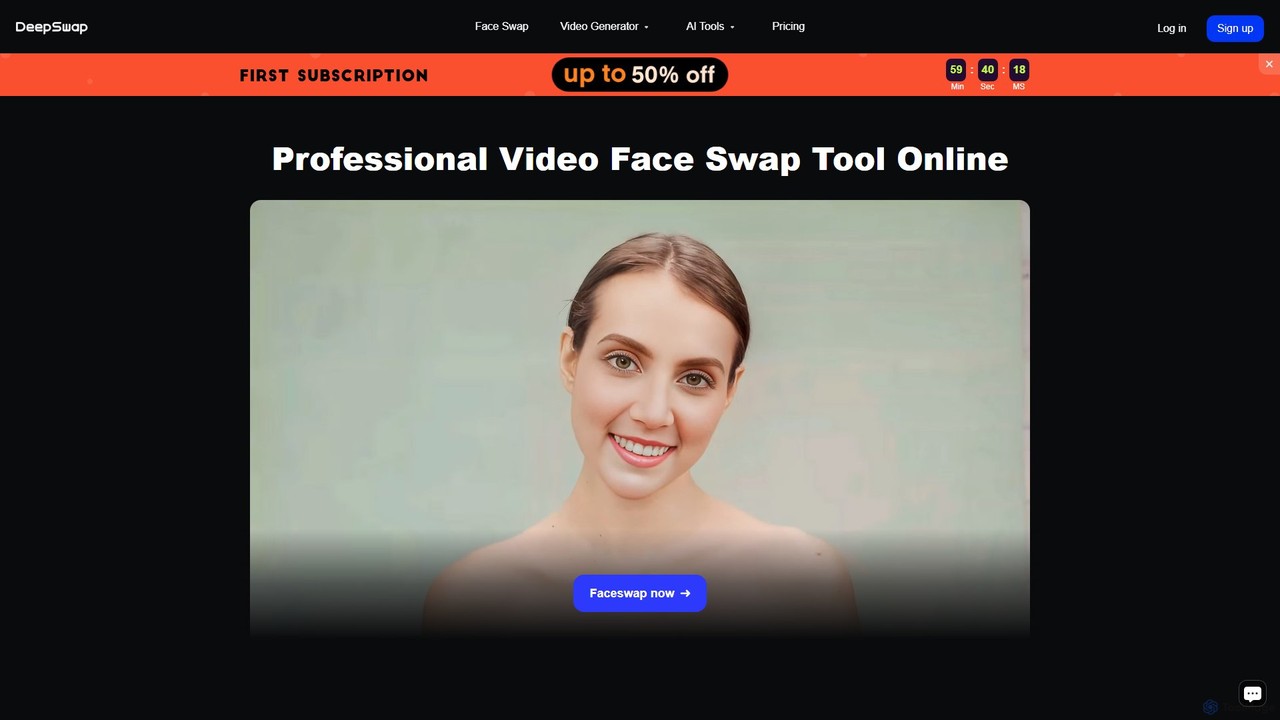
Deepswap
Deepswap is an advanced AI-powered online tool for creating hyper-realistic face swaps in videos, photos, and GIFs. It utilizes proprietary models to achieve over 90% similarity, supports up to 6 faces in a single clip, and offers 4K video output. Additional features include image enhancement, background removal, and a cartoonizer, making it a versatile tool for creators and professionals.
Meme Generator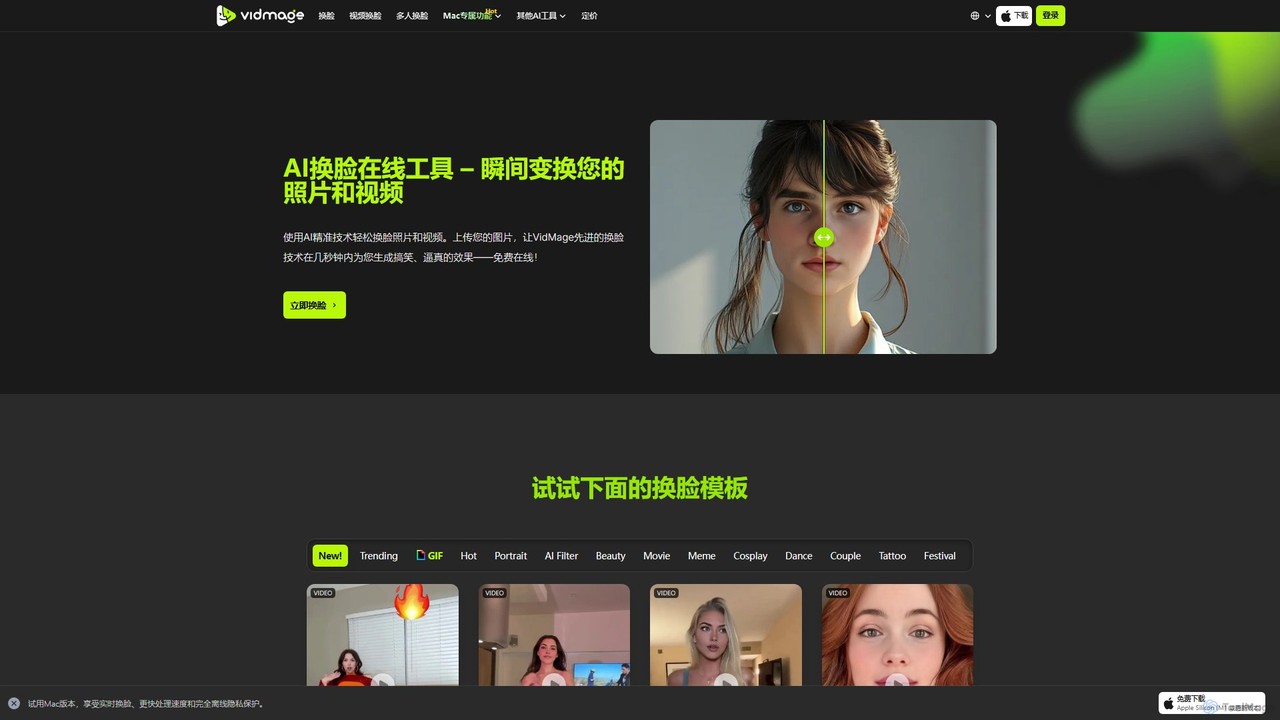
VidMage
VidMage is a powerful AI face swap tool that allows you to seamlessly exchange faces in photos, videos, and GIFs. Available as a free online tool and a dedicated Mac app, it offers high-quality, realistic results for entertainment, meme creation, and creative projects.
Meme Generator
SwapMyFace Comments (0)
Sign in to comment.
Sign inNo comments yet.