Art Best in category 2 results Image Editing AI Tool

Popular AI tools in the Image Editing field of Art include SwapMyFace、AI Avatar Generator, etc., helping you quickly improve efficiency.

SwapMyFace

SwapMyFace

SwapMyFace is an AI-powered online tool that lets you swap your face into any picture in just 5 …

8.4K
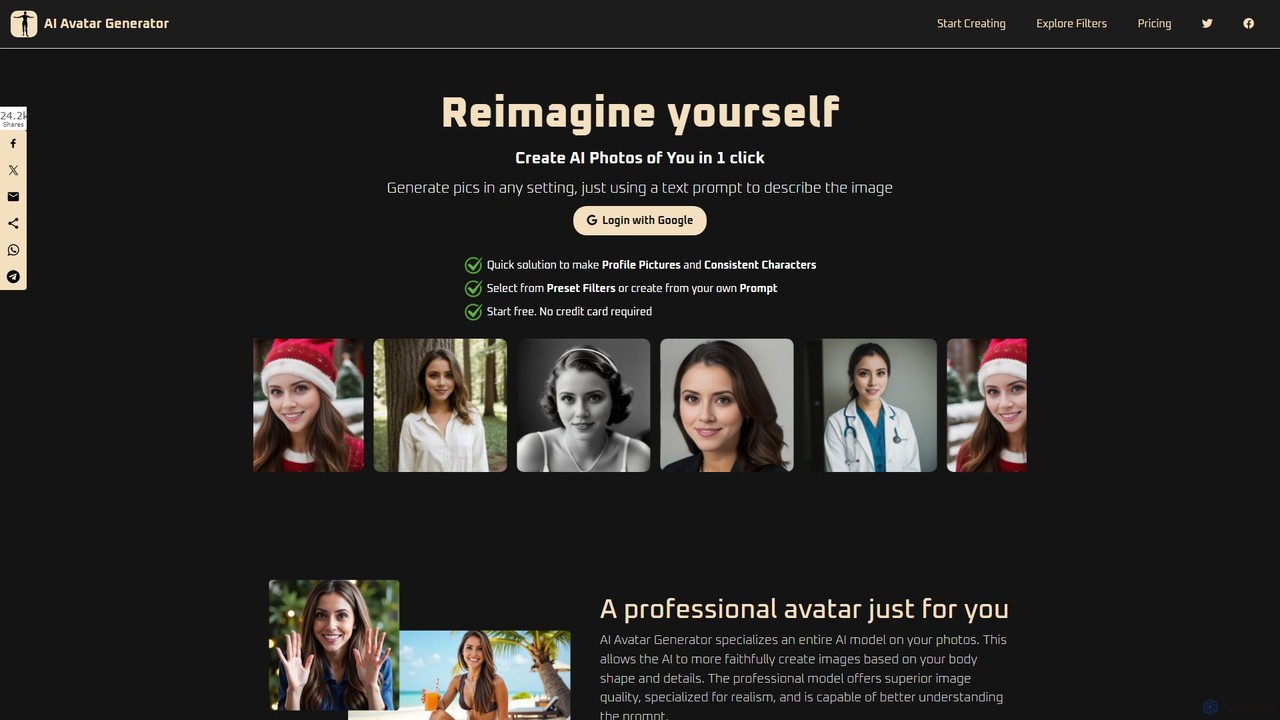
AI Avatar Generator

AI Avatar Generator

AI Avatar Generator is a powerful tool that transforms your photos into stunning, stylized avatars. With over 174 …

5.5K

About Image Editing

AI Image Editing tools are applications that use artificial intelligence to intelligently alter, enhance, and manipulate digital images. They leverage deep learning models to perform complex tasks like object removal, background replacement, and smart enhancements with minimal user input. These tools empower everyone from professional photographers to social media managers to achieve high-quality results quickly, automating edits that once required extensive manual work. The primary advantage is the ability to execute sophisticated edits based on contextual understanding of the image content.

Core Features

  • Smart Object Removal: Erase unwanted objects, people, or text, and intelligently fill the background based on surrounding pixels.
  • AI Background Management: Instantly isolate subjects to remove or replace backgrounds with a single click, maintaining clean edges.
  • Intelligent Enhancement & Upscaling: Automatically adjust colors, lighting, and sharpness, or increase image resolution without losing quality.
  • Generative Fill & Inpainting: Add, extend, or replace parts of an image by describing the desired changes in natural language.
  • Style Transfer: Apply the artistic style of one image to another, creating unique visual effects for creative projects.

Use Cases

AI Image Editing tools are widely used in e-commerce for product photography cleanup, in marketing for creating consistent campaign visuals, and by content creators for social media posts. Photographers use them for efficient retouching and restoration, while designers leverage them for rapid prototyping and concept exploration, significantly speeding up their workflows.

How to Choose

When selecting a tool, consider the specific editing functions you need, such as background removal versus generative fill. Evaluate the processing speed and the quality of the AI model's output. Check for integration capabilities with other software like Adobe Photoshop, and compare pricing models, whether subscription-based, credit-based, or a one-time purchase.

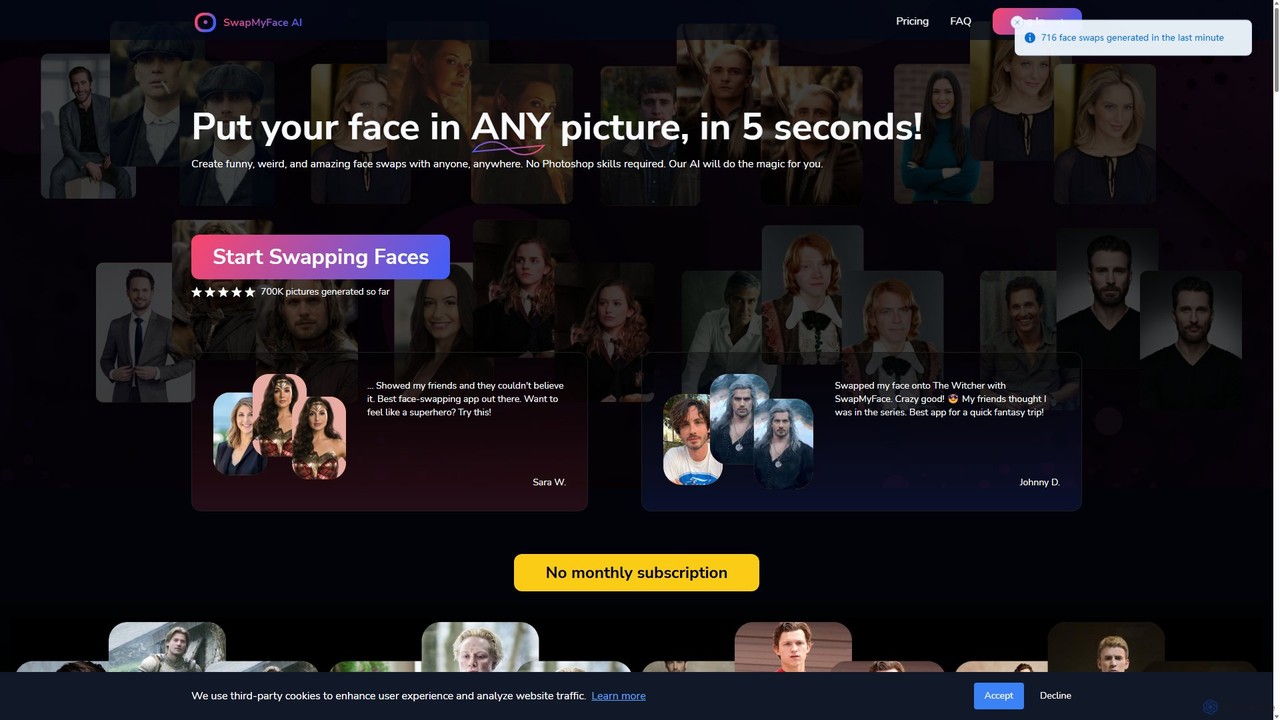
Image EditingUse Cases

1

E-commerce Product Photo Cleanup

An e-commerce store manager needs to prepare hundreds of product photos for a new collection launch. Using an AI Image Editing tool, they can batch-process all images to achieve a consistent look. The AI automatically removes the background from each photo, replaces it with a pure white canvas, and corrects minor lighting inconsistencies. This process reduces manual editing time by over 90%, ensuring all product images are professional and uniform across the website and marketing channels, leading to a better customer shopping experience.

2

Adapting Marketing Visuals for Campaigns

A graphic designer is creating assets for a multi-platform advertising campaign. They have a great core image but need it in various aspect ratios (e.g., vertical for Stories, wide for banners). Instead of complex cropping or manual cloning, they use the AI's generative fill feature. By extending the canvas, the AI intelligently generates new background content that seamlessly matches the original photo's style and lighting. This allows the designer to create perfectly formatted ads for each platform in minutes, maintaining the integrity of the main subject.

3

Real Estate Photo Enhancement

A real estate agent has photos of a property taken on an overcast day, making the listing look dull. Using an AI editing tool, they can perform a 'sky replacement' with one click, instantly changing the gloomy sky to a bright, sunny one. Additionally, the tool's intelligent enhancement feature automatically adjusts the brightness and contrast of the home's exterior to match the new sky, creating a vibrant and appealing image. This quick edit can significantly increase online engagement and attract more potential buyers without needing an expensive reshoot.

4

Automated Portrait Retouching

A professional photographer needs to retouch a batch of 50 headshots from a corporate photoshoot. Instead of spending hours manually smoothing skin, removing blemishes, and whitening teeth in traditional software, they use an AI editor. The tool automatically detects faces and applies subtle, natural-looking enhancements based on preset preferences. It can intelligently reduce wrinkles and remove stray hairs without making the subject look artificial. This automates about 80% of the retouching work, allowing the photographer to deliver the final images to the client much faster.

5

Restoring and Colorizing Old Photos

An individual wants to restore a collection of faded and scratched family photos from the early 20th century. Using an AI image editor, they upload the scanned images. The AI's restoration model automatically detects and repairs scratches, creases, and faded areas. Then, its colorization feature analyzes the black-and-white image and applies realistic colors to clothing, skin tones, and backgrounds. Finally, the upscaling function enhances the resolution of the small, old prints, making them suitable for modern displays. This brings precious memories back to life with vibrant detail.

6

Removing Distractions from Travel Photos

A travel blogger returns from a trip with beautiful photos of landmarks, but many are spoiled by crowds of tourists or distracting elements like trash cans. Using an AI editor's object removal tool, they can simply paint over the unwanted people or objects. The AI analyzes the surrounding area and intelligently fills in the space, seamlessly removing the distraction as if it were never there. This allows the blogger to create clean, professional-looking images for their blog and social media, focusing the viewer's attention on the intended subject without tedious cloning or patching.

Image EditingFrequently Asked Questions