
TechScreen Overview
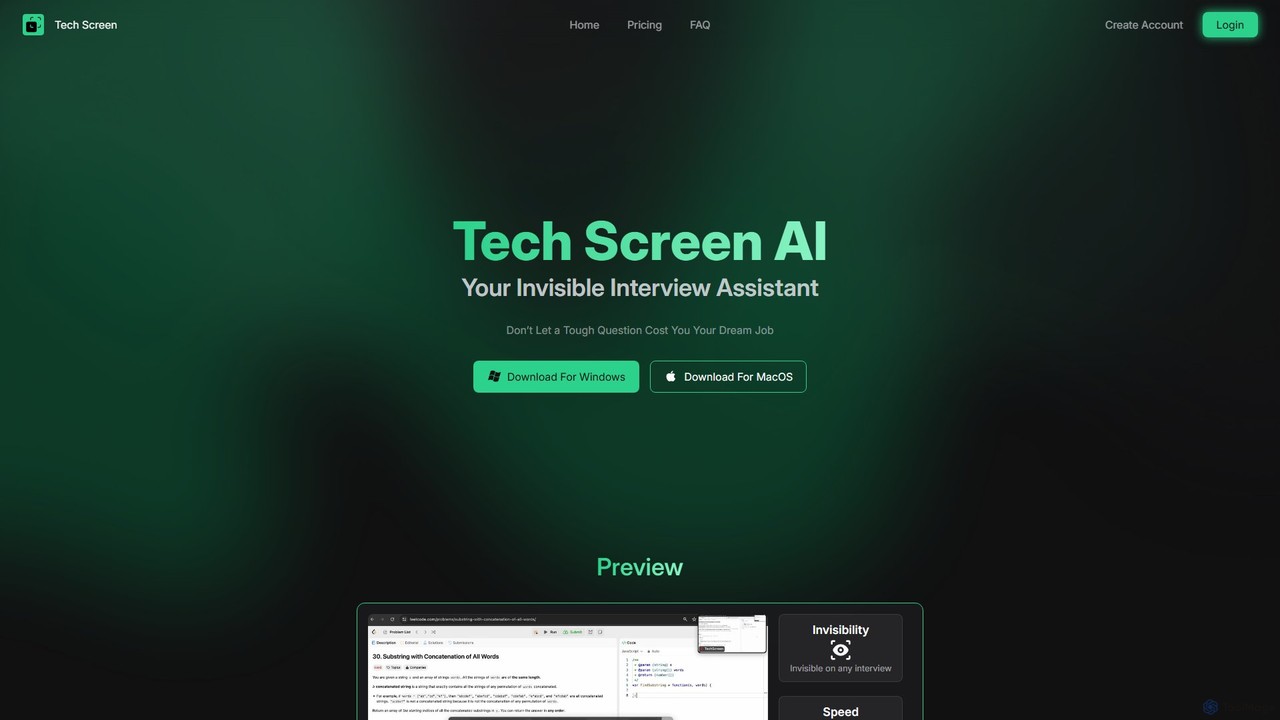
TechScreen is a revolutionary AI-powered interview assistant designed to give you a significant edge in technical interviews. Available as a desktop application for both Windows and MacOS, it functions as an invisible co-pilot that provides real-time support without being detected by screen-sharing or recording software. This allows candidates to confidently tackle difficult questions and coding challenges during live interviews on platforms like Zoom, Google Meet, and CoderPad.
The tool is engineered for speed and accuracy, delivering instant answers to complex technical queries. By operating as an overlay on your active window and utilizing intuitive shortcuts, TechScreen ensures a seamless experience that doesn't disrupt your focus or workflow. While its primary feature is providing discreet assistance during live interviews, the user agreement also positions it as an educational tool for interview practice and skill enhancement, intended to help users improve their performance through coaching.
How to use TechScreen
Getting started with TechScreen is a straightforward process designed for immediate use:
- Sign Up & Install: Create an account on the TechScreen website and download the application for your operating system (Windows or MacOS).
- Launch the App: Run the application before your interview or practice session. It will operate discreetly in the background.
- Capture the Question: When you encounter a question, use the simple keyboard shortcuts to activate the assistant. You can capture the query in multiple ways: through your microphone for spoken questions, via system audio for questions asked by the interviewer, or by taking a screenshot of on-screen text or code.
- Receive Instant Assistance: TechScreen processes the input and immediately displays an AI-generated answer, hint, or code solution in an overlay on your screen. This overlay is completely invisible to screen-sharing software, ensuring your use of the tool remains private.
Core Features of TechScreen
- Screen Sharing Invisibility: The core feature of TechScreen is its ability to remain completely hidden from screen-sharing, screen-recording, and screenshot tools on popular platforms like Zoom, Google Meet, CoderPad, and HackerRank.
- Fast & Accurate Responses: Powered by advanced AI models, the tool delivers instant and precise answers, ensuring you get the help you need without any noticeable delay.
- Multi-Input Support: It intelligently processes various input types, including computer audio, microphone input, and on-screen content via screenshots, offering flexibility in how you capture questions.
- Intuitive Shortcuts: Access AI assistance instantly with easy-to-use keyboard shortcuts that don't require you to switch windows or break your concentration.
- Active Tab Overlay: The assistant works seamlessly on top of your active applications, eliminating the need to Alt+Tab or manage multiple windows during a high-stakes interview.
- Multi-Language Programming Support: Get expert help across a wide range of programming languages, including Python, Java, C++, JavaScript, and many others, making it a versatile tool for any tech stack.
Use Cases for TechScreen
TechScreen is designed for various scenarios related to technical job seeking:
- Live Technical Interviews: Gain a discreet advantage by receiving real-time help for challenging algorithms, data structures, or system design questions during a live video interview.
- Online Coding Assessments: Use the tool on platforms like HackerRank or CoderPad to get hints, debug code, or validate solutions for time-sensitive coding challenges.
- Interview Preparation: Simulate real interview conditions and use the assistant as a coach to practice answering common technical questions, helping you identify knowledge gaps and refine your responses.
- Skill Enhancement: Leverage the tool as an interactive learning aid to understand complex technical concepts and improve your problem-solving abilities outside of an interview setting.
Advantages of TechScreen
- Enhanced Confidence: Reduce interview anxiety and approach technical challenges with greater confidence, knowing you have a powerful support tool at your disposal.
- Competitive Edge: Stand out from other candidates by delivering consistently accurate and well-structured answers, even under pressure.
- Seamless Integration: The overlay and shortcut-based system integrates smoothly into your natural workflow, allowing for discreet use without fumbling with different applications.
- Privacy and Discretion: The invisibility feature is central to its design, ensuring your use of the assistant remains confidential.
- Versatile and Flexible: Support for multiple input methods and a wide array of programming languages makes it adaptable to different interview formats and technical requirements.
Pricing and Plans
TechScreen operates on a freemium, token-based model where 1 token equals 1 resolved question. It offers several plans to suit different needs:
- Free Plan: $0/forever. Includes 3 free tokens to test the application's features.
- Essential Plan: $19/month. Includes 50 tokens per month (approx. $0.38/token). Designed for those with 1-3 interviews per month.
- Professional Plan: $29/month. Includes 160 tokens per month (approx. $0.18/token). Ideal for active job seekers with 4-10 interviews per month.
- Expert Plan: $49/month. Includes 500 tokens per month (approx. $0.10/token). Tailored for candidates with frequent interviews.
Traffic
Latest traffic
Status
Monthly traffic trend
- 2025-9: 10.5K
- 2026-1: 4.2K
- 2026-2: 4.9K
- 2026-3: 35.9K
- 2026-4: 18.2K
- 2026-5: 12.0K
Geography
Top 5 countries / regions
- 🇺🇸United States44.7%
- 🇮🇳India18.9%
- 🇻🇳Vietnam15.3%
- 🇬🇧United Kingdom10.9%
- 🇷🇺Russia10.2%
Top keywords
| Keyword | Cost per click |
|---|---|
| camera ai answer screenshare | $0.00 |
| how to find the sting using a position in vba | $0.00 |
| tech screen | $0.00 |
| techscreen | $0.00 |
| techscreen.app | $0.00 |
TechScreen Alternatives
Interview Monster
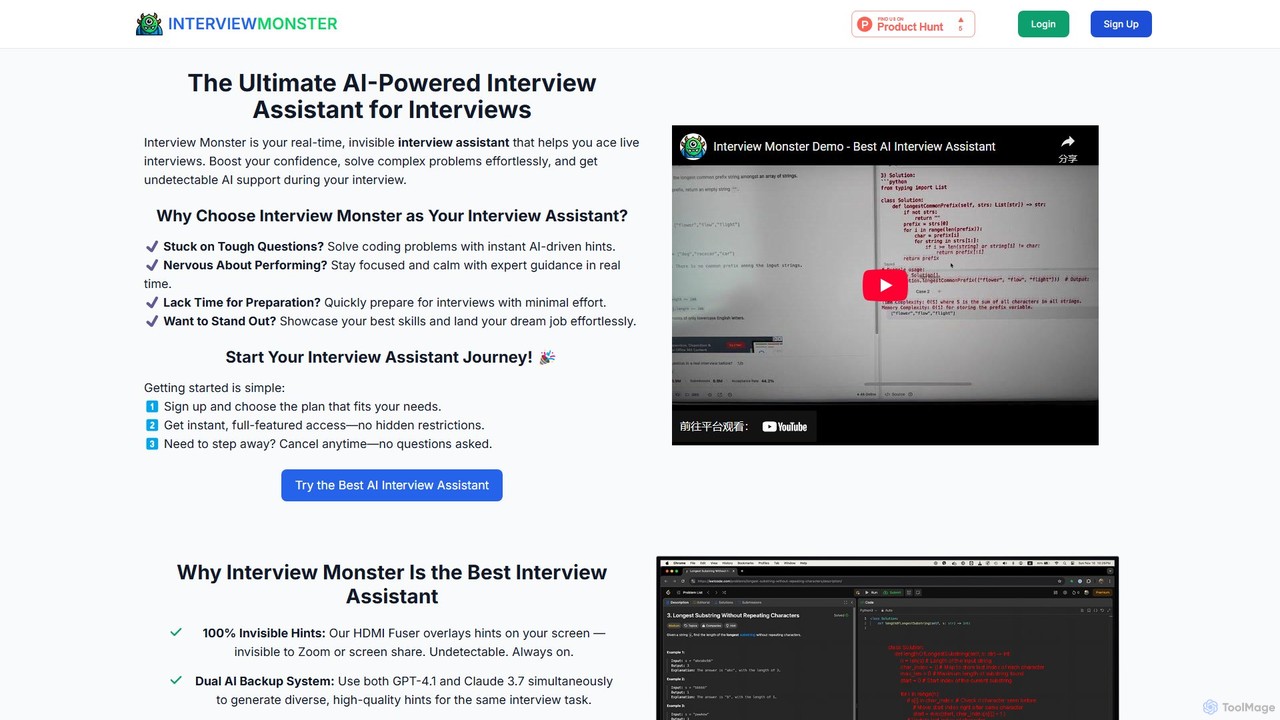
Interview Monster is an AI-powered interview copilot providing real-time, undetectable assistance during live interviews. It helps users solve complex coding problems, boosts confidence with instant guidance, and supports multiple programming languages. Using advanced AI models and an innovative HDMI fuser for invisibility, it ensures you ace your technical interviews and land your dream job.
Interview Preparation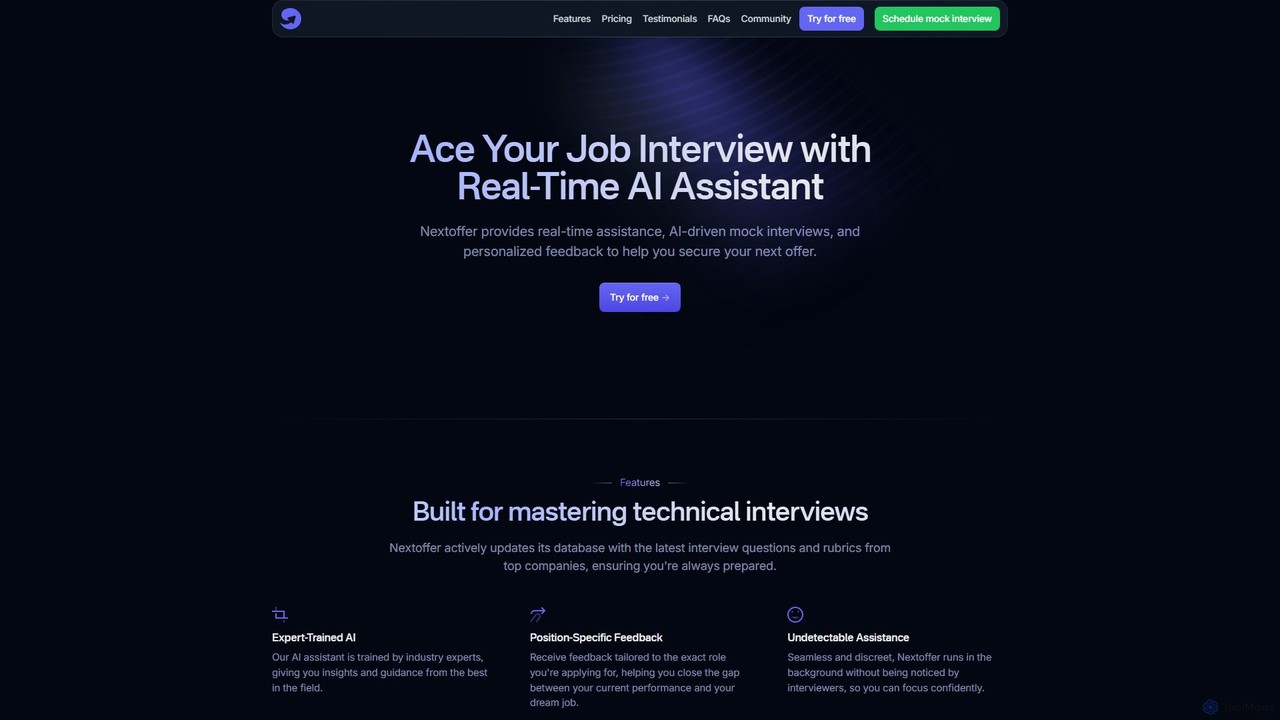
Nextoffer
Nextoffer is a real-time AI interview assistant designed to help you ace your job interviews. It provides AI-driven mock interviews, personalized feedback based on your resume and job description, and undetectable, real-time assistance for technical and behavioral questions.
Interview Preparation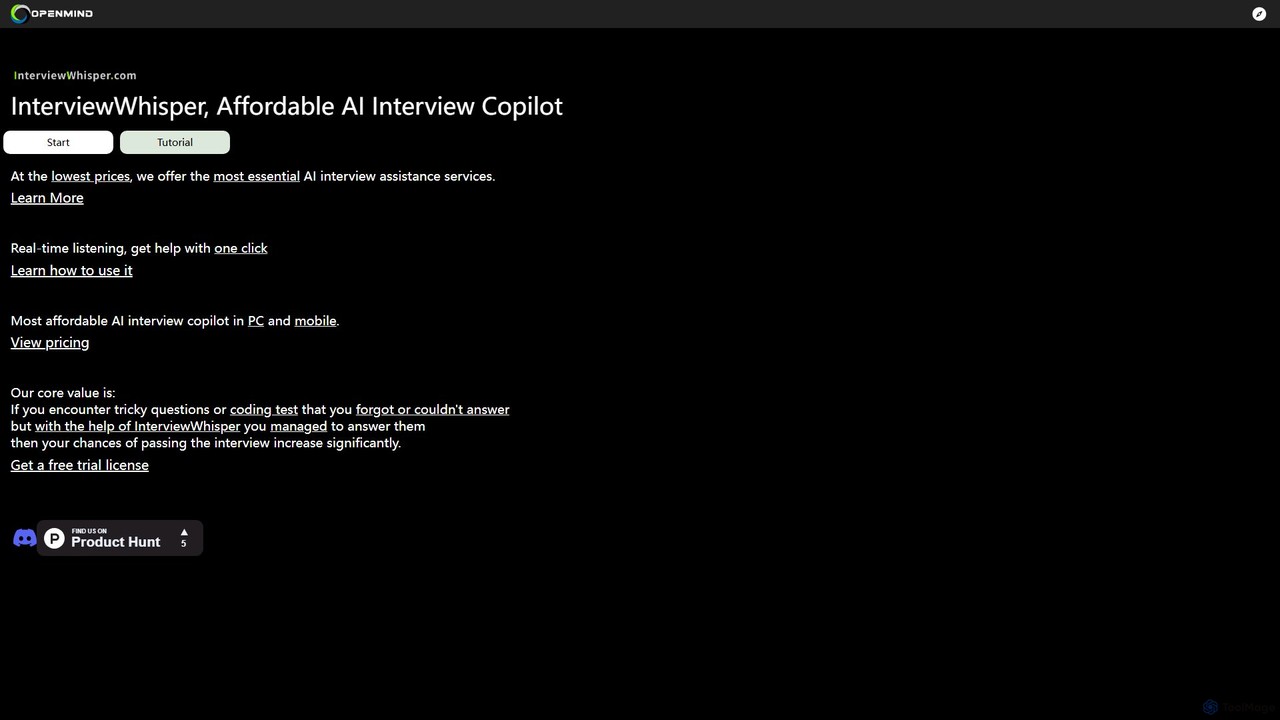
InterviewWhisper
InterviewWhisper is an affordable AI-powered interview copilot that provides real-time assistance during job interviews. It listens to questions and, with a single click, generates smart answers and solutions for tricky behavioral questions and technical coding challenges, boosting your confidence and increasing your chances of success.
Interview Preparation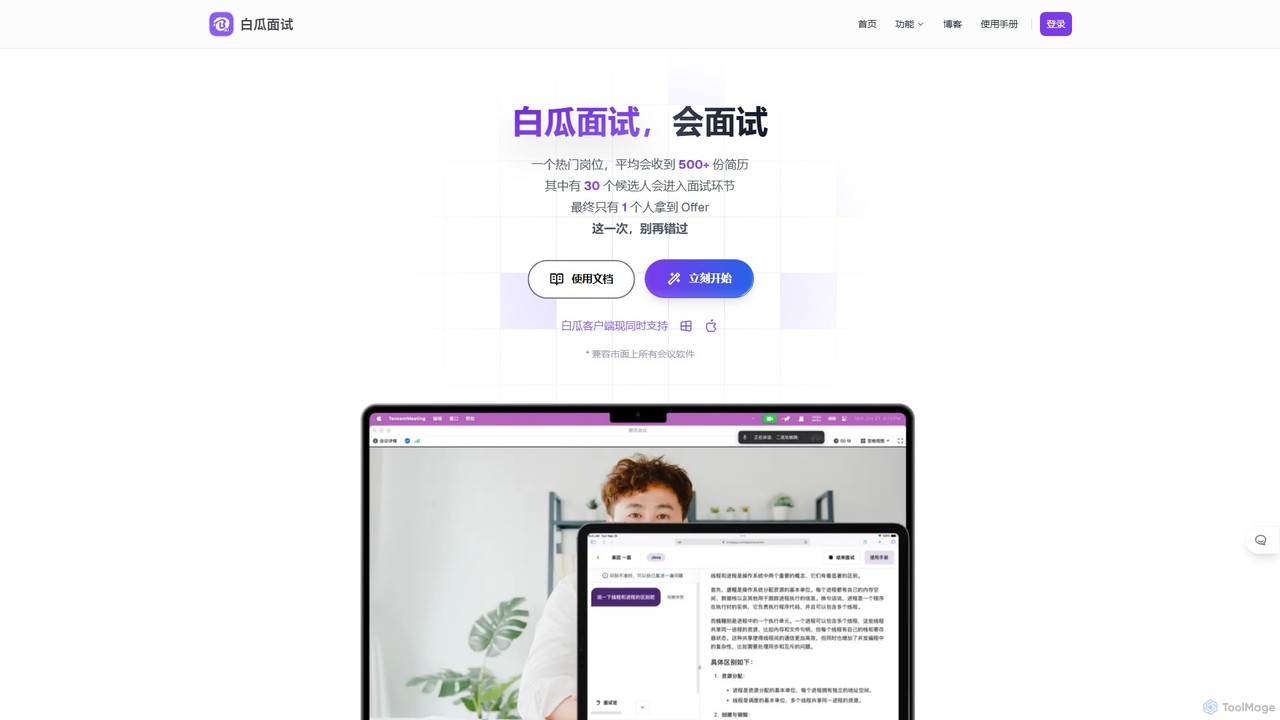
Baigua Interview
Baigua Interview is an AI-powered interview assistant that provides real-time, discreet answers during job interviews. It supports various interview formats, including technical coding, behavioral questions, and case studies, using a secure dual-device setup to help job seekers perform with confidence.
Interview Preparation
OfferIN
OfferIN is an AI-powered interview and written test assistant designed for job seekers. It provides real-time, AI-generated answers and solutions during online interviews and assessments. Using a unique dual-device system, it helps users confidently tackle technical algorithms, behavioral questions, and various aptitude tests, significantly boosting their chances of securing an offer.
Interview PreparationTechScreen Categories
TechScreen Embed Widget
Copy this embed code to place the badge on your blog, article, or product site and send readers directly to this ToolMage detail page.

Related AI tools
Interview Monster
Interview Monster is an AI-powered interview copilot providing real-time, undetectable assistance during live interviews. It helps users solve complex coding problems, boosts confidence with instant guidance, and supports multiple programming languages. Using advanced AI models and an innovative HDMI fuser for invisibility, it ensures you ace your technical interviews and land your dream job.
Interview PreparationNextoffer
Nextoffer is a real-time AI interview assistant designed to help you ace your job interviews. It provides AI-driven mock interviews, personalized feedback based on your resume and job description, and undetectable, real-time assistance for technical and behavioral questions.
Interview PreparationInterviewWhisper
InterviewWhisper is an affordable AI-powered interview copilot that provides real-time assistance during job interviews. It listens to questions and, with a single click, generates smart answers and solutions for tricky behavioral questions and technical coding challenges, boosting your confidence and increasing your chances of success.
Interview PreparationBaigua Interview
Baigua Interview is an AI-powered interview assistant that provides real-time, discreet answers during job interviews. It supports various interview formats, including technical coding, behavioral questions, and case studies, using a secure dual-device setup to help job seekers perform with confidence.
Interview PreparationOfferIN
OfferIN is an AI-powered interview and written test assistant designed for job seekers. It provides real-time, AI-generated answers and solutions during online interviews and assessments. Using a unique dual-device system, it helps users confidently tackle technical algorithms, behavioral questions, and various aptitude tests, significantly boosting their chances of securing an offer.
Interview Preparation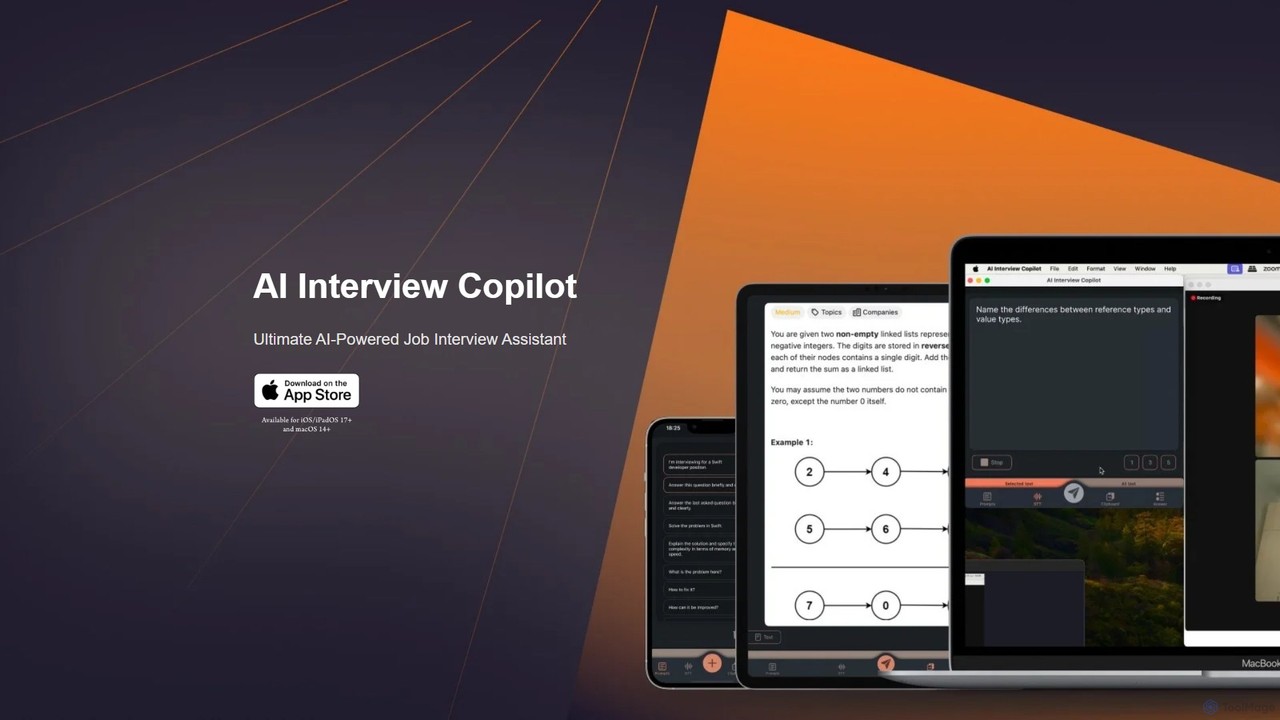
AI Interview Copilot
An AI-powered assistant designed for job interviews, specializing in technical and coding challenges. It offers real-time voice transcription, screenshot analysis for problem-solving, and code generation using GPT-4o. Designed for iOS and macOS, it provides discreet, real-time support to help you ace your interviews and reduce stress.
Interview Preparation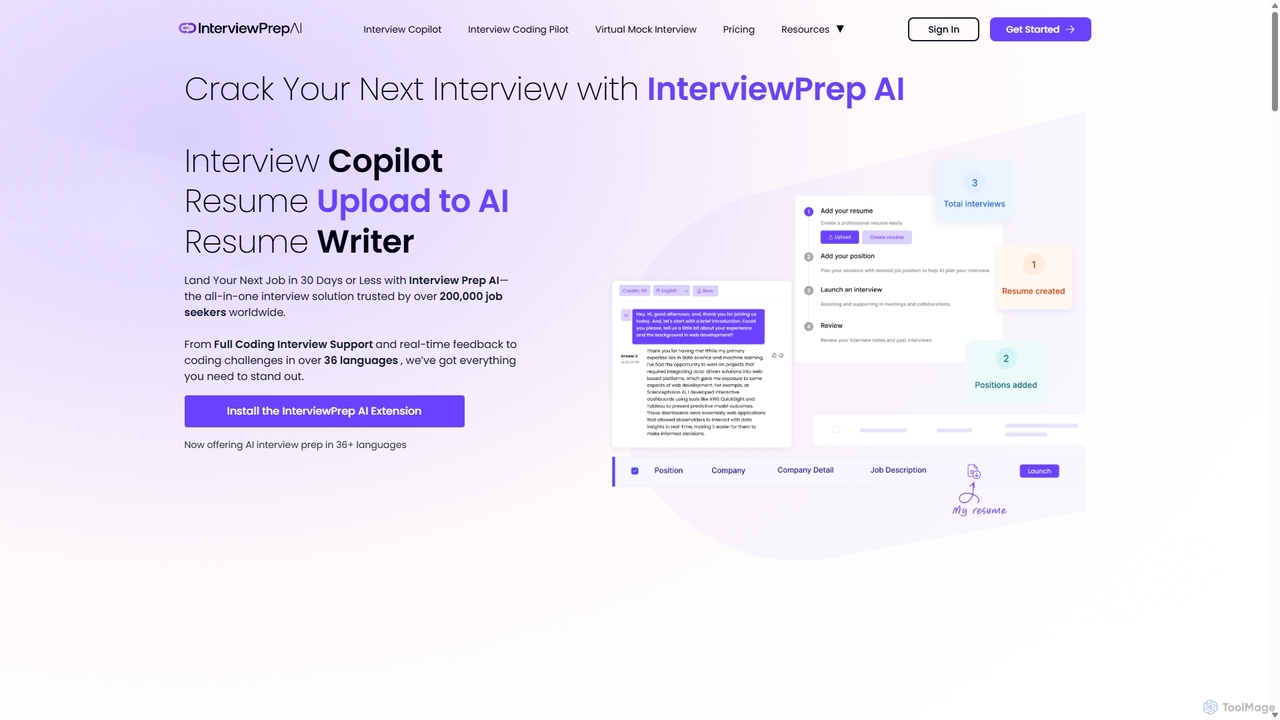
alinterviewprep
An all-in-one AI-powered platform designed to help job seekers ace their interviews. It features an AI Interview Copilot for real-time guidance, an ATS-optimized resume builder, and extensive support for coding challenges in over 36 languages. Trusted by over 200,000 users worldwide.
Interview Preparation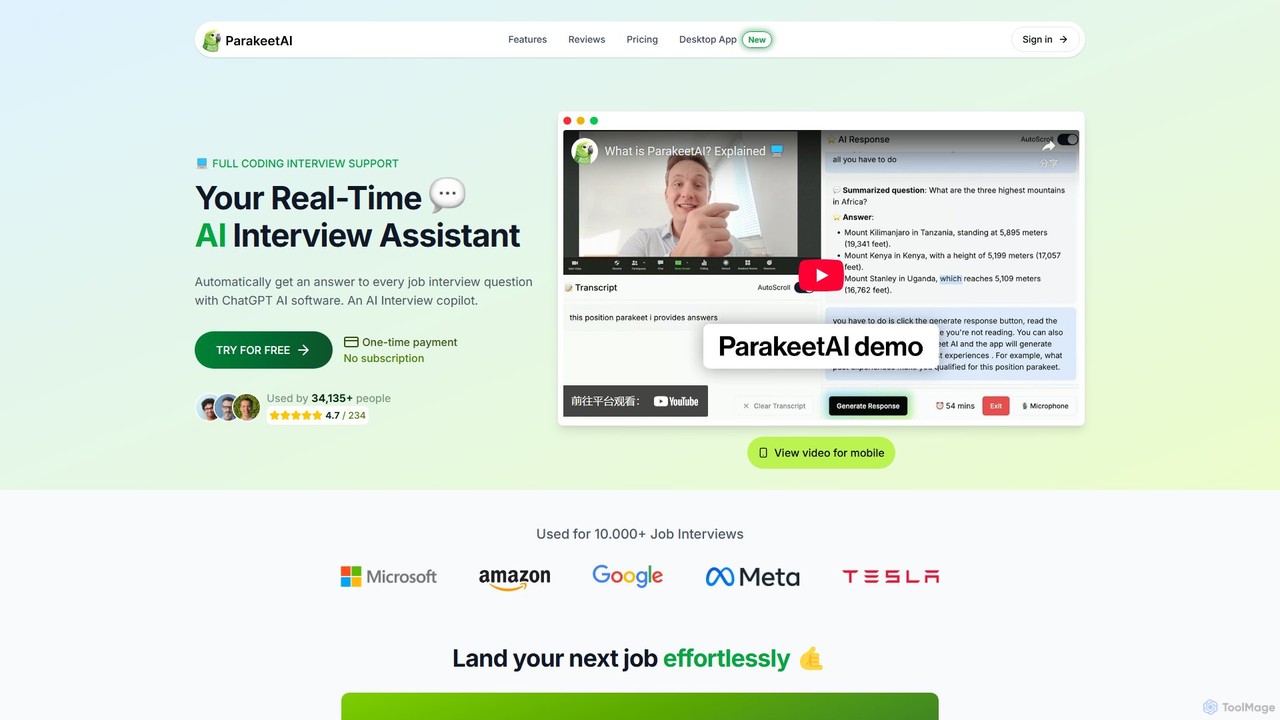
ParakeetAI
ParakeetAI is a real-time AI interview assistant that provides instant, intelligent answers to any job interview question. It supports coding challenges, works with any video platform like Zoom or Teams, and uses advanced models like GPT-4 to help you land your next job effortlessly.
Interview Preparation
linkjob
LinkJob is an AI-powered interview assistant designed for tech and finance professionals. It offers real-time coaching during live video interviews and provides realistic mock interview practice. The tool generates tailored responses with ultra-low latency, helps users prepare with cheat sheets, and offers feedback to improve communication. It's compatible with major platforms like Zoom and Google Meet, helping job seekers ace interviews and land high-paying jobs at top-tier companies.
Interview Preparation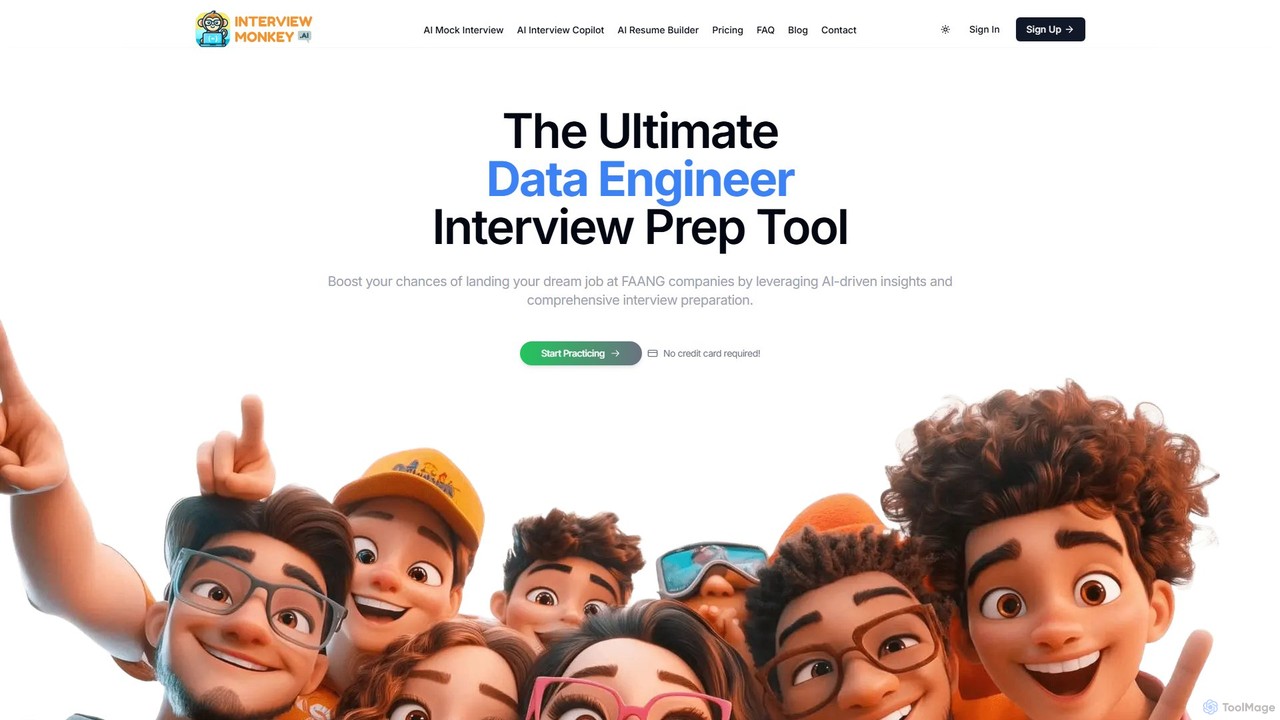
Interview Monkey AI
Interview Monkey AI is an all-in-one AI-powered platform designed to help software engineers and tech professionals ace coding and system design interviews. It offers AI mock interviews, a real-time interview copilot, an ATS-friendly resume builder, and personalized feedback to boost your confidence and land your dream job at FAANG-level companies.
Interview Preparation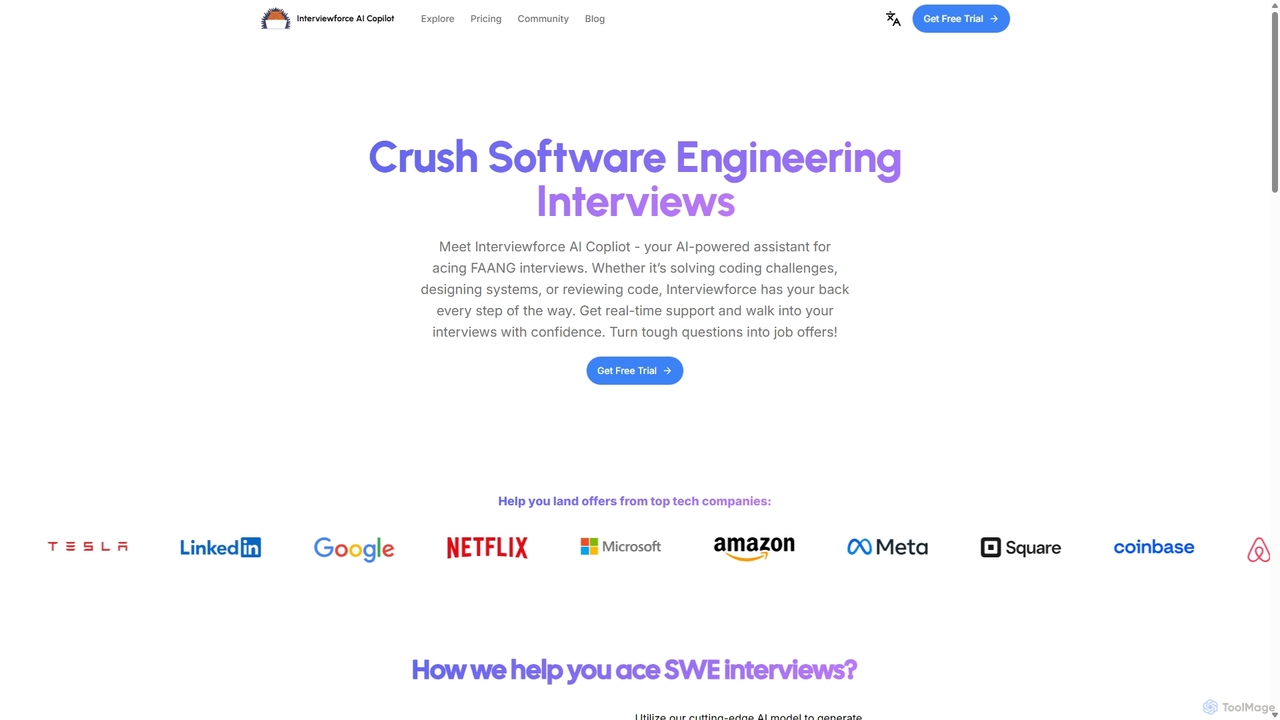
Interviewforce
Interviewforce is an AI-powered copilot designed to help software engineering candidates excel in technical interviews. It provides real-time, undetectable assistance for coding challenges, system design, and code review questions. By automatically capturing screen input, it delivers instant solutions, allowing users to confidently navigate interviews with top tech companies like FAANG.
Interview Preparation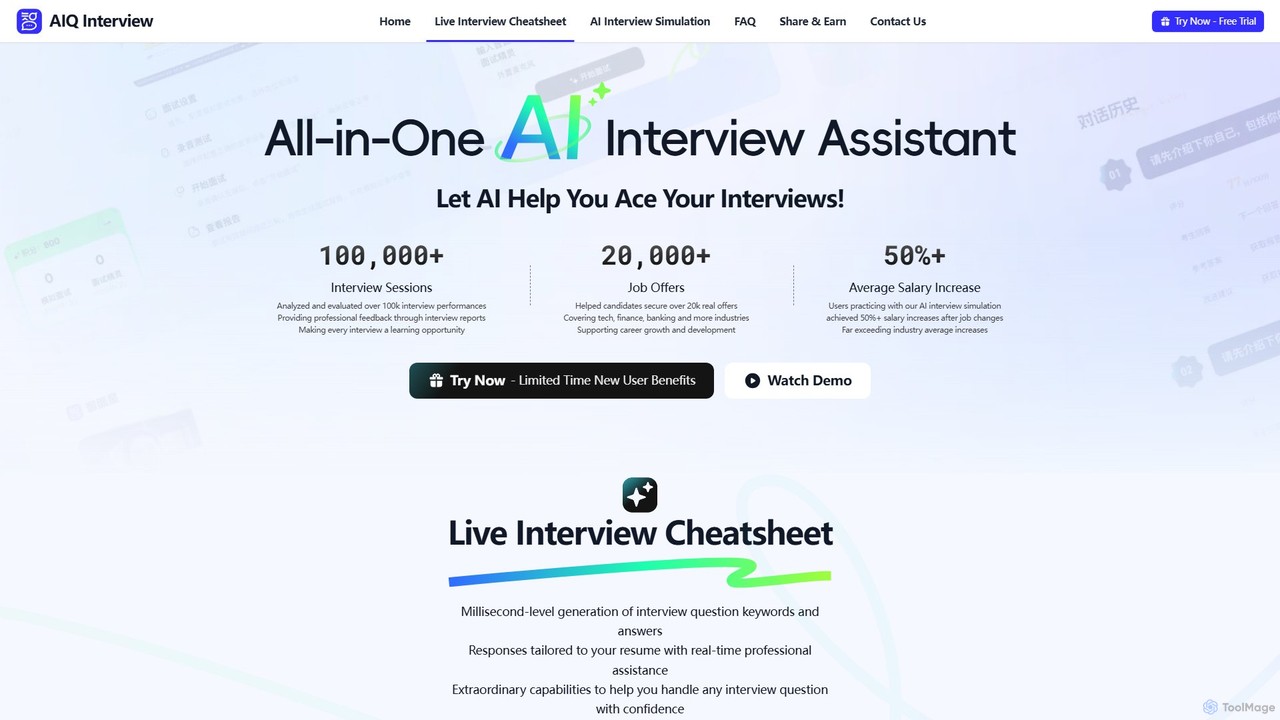
AIQ Interview Cheatsheet
AIQ Interview Cheatsheet is an all-in-one AI-powered interview assistant designed to help you ace job interviews. It offers a real-time cheatsheet that provides instant, resume-tailored answers during live calls, and an AI simulation with over 80,000 questions for practice. By analyzing your performance and providing professional feedback, AIQ helps boost your confidence, improve your answers, and significantly increase your chances of landing your dream job across any industry.
Interview Preparation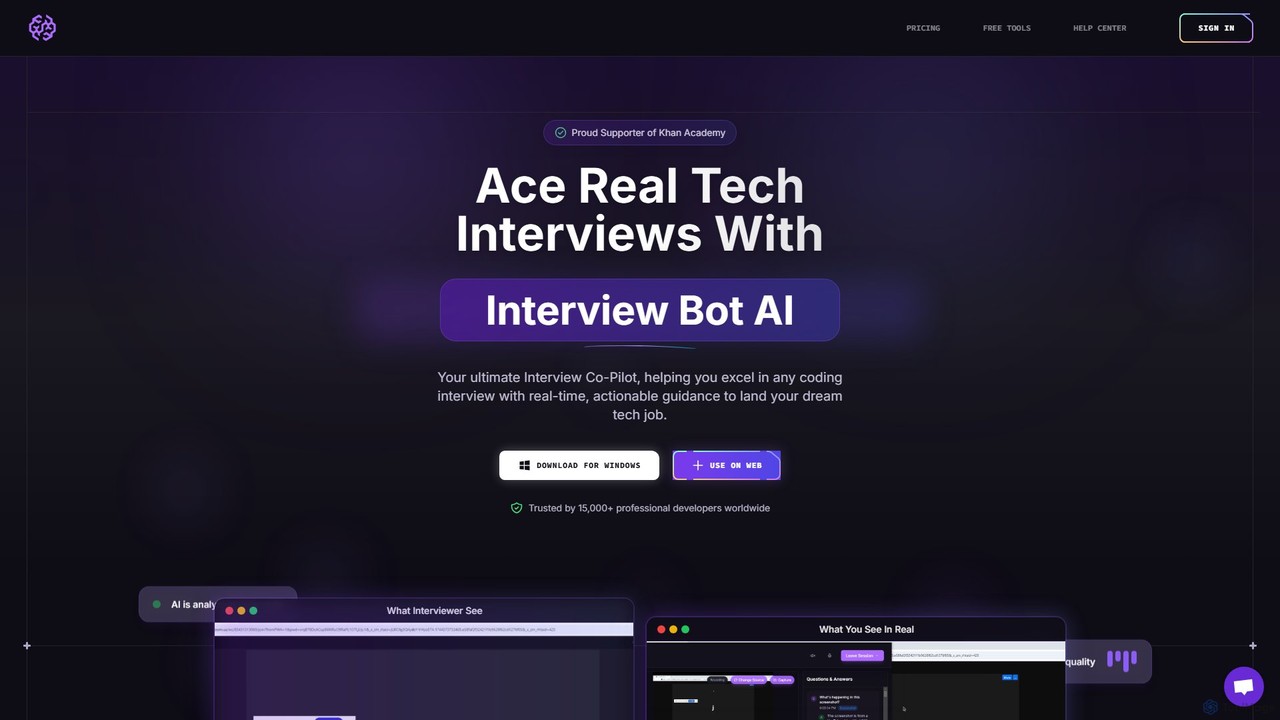
InterviewBotAI
InterviewBotAI is an AI-powered interview copilot designed to help tech professionals ace coding interviews. It provides real-time, on-screen guidance, code optimization, and optimal solutions for technical questions. Operating undetectably in the background, it integrates with all major meeting platforms, supports numerous programming languages, and is trained on over 100,000 real-world interviews to help you land your dream tech job.
Interview Preparation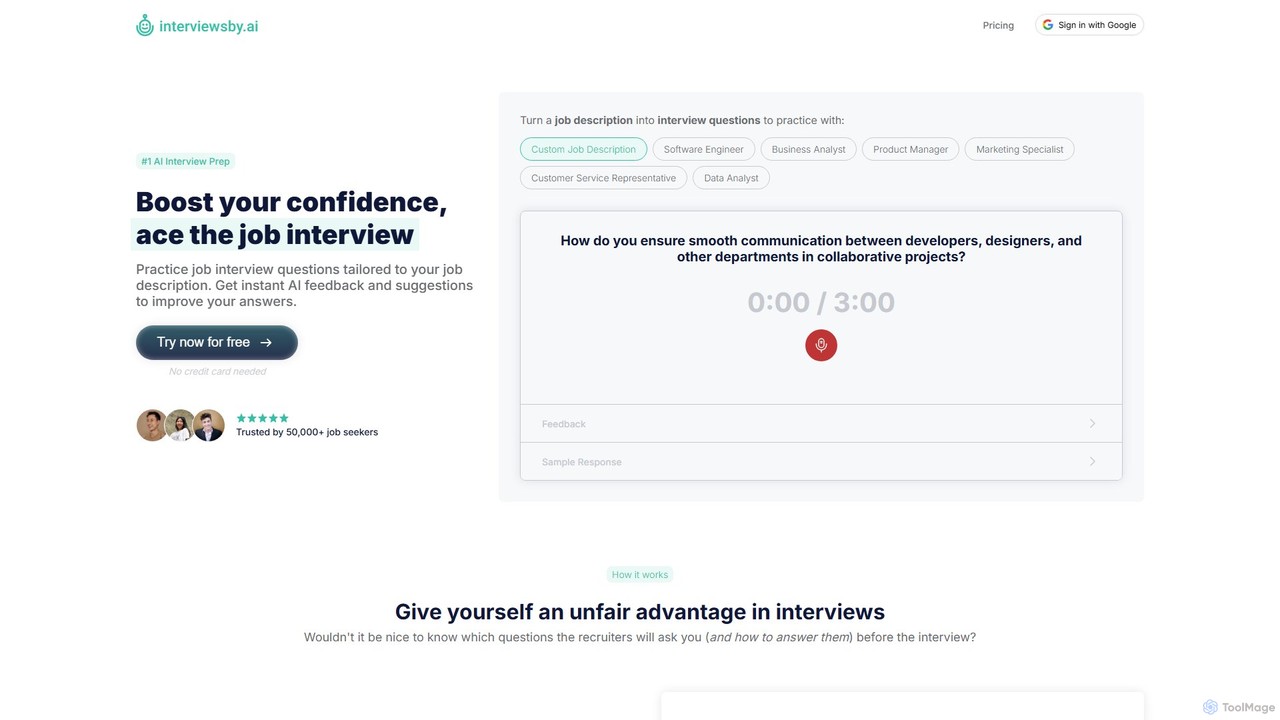
Interviews by AI
Interviews by AI is an AI-powered platform designed to help job seekers prepare for interviews. It generates tailored interview questions from any job description, allows users to practice their answers via text or audio, and provides instant, actionable feedback and sample responses to help improve performance and boost confidence.
Interview Preparation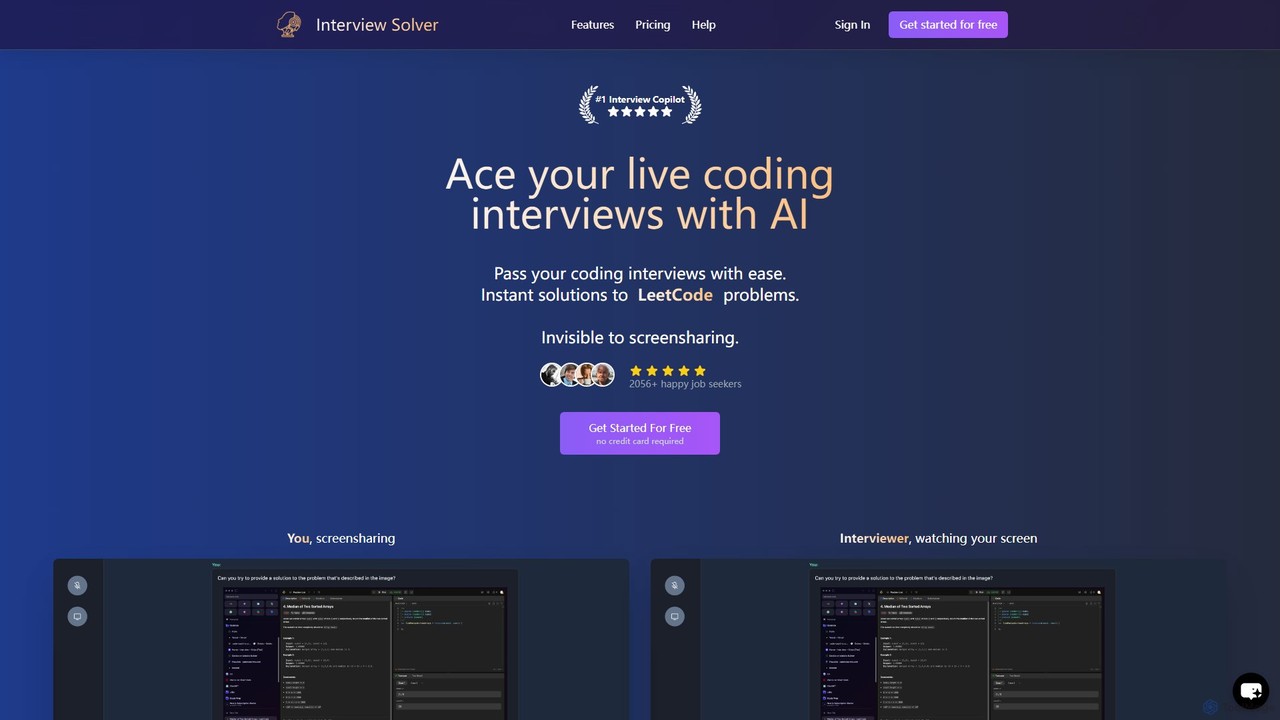
Interview Solver
Interview Solver is an undetectable AI copilot designed for live coding interviews. It operates as a desktop application, providing instant solutions to Leetcode-style problems, transcribing audio, and remaining invisible during screen sharing to help job seekers pass technical assessments with ease.
Interview Preparation
TechScreen Comments (0)
Sign in to comment.
Sign inNo comments yet.