


VideoToPage Overview
VideoToPage is a powerful AI-driven tool designed to help content creators, marketers, and businesses unlock the hidden value in their video and audio content. It streamlines the content repurposing workflow by automatically converting multimedia files into various forms of structured, high-impact written content. This one-click automation saves users an average of 10+ hours per video, enabling them to grow their brand and drive traffic more efficiently. The platform supports over 1000 video sources, not just YouTube, and can process content in any language with automatic detection.
How to use VideoToPage
The process of using VideoToPage is designed to be simple and intuitive, allowing users to transform videos into multi-platform content in minutes. The typical workflow is as follows:
- Upload Your Video or Audio: Start by providing a YouTube URL, uploading a video/audio file (up to 5GB), or recording directly on the platform. VideoToPage supports over 1000 video sources.
- AI Transcription & Analysis: The platform's AI technology gets to work. It provides a highly accurate transcription of the audio, identifies key themes and talking points, and even uses Optical Character Recognition (OCR) to extract text from video frames and images.
- Multi-Format Content Generation: Choose from over 15 generator templates to structure your content. Options include long-form blog posts, video digests, SOPs, tutorials, marketing copy, SEO-focused articles, social media highlights, and meeting notes. The AI generates the content based on your chosen format.
- Edit and Refine: Use the rich text editor with AI-powered assistance to make any necessary edits or rewrites. The tool also automatically extracts key shots from the video to be used as screenshots.
- Publish and Distribute: Directly publish the generated content to platforms like WordPress, Shopify, and Notion. You can also schedule content for social media (Twitter, LinkedIn, Facebook, etc.) or export it as PDF or HTML files.
Core Features of VideoToPage
- Intelligent Video Processing: Automatically transcribes, cleans up, and semantically structures content from video and audio files.
- Multi-Format Content Generators: Offers over 25 section templates and 15+ generator types, including blog posts, tutorials, SOPs, case studies, and social media content.
- AI Scene Detection & Screenshots: Automatically identifies and extracts key visual moments from the video to enrich the written content.
- Direct Publishing Integrations: Seamlessly publish content to WordPress, Shopify, Notion, and other connected platforms.
- Social Media Automation: Generate and schedule content for Twitter, Instagram, LinkedIn, Facebook, YouTube, and TikTok.
- YouTube Channel Syncing: Automatically monitor your YouTube channels and process new videos with customizable workflows.
- Workflow Automation: Create end-to-end pipelines from video upload to multi-platform content distribution.
- Multilingual Understanding: Effortlessly processes content in any language with automatic language detection.
- OCR Content Extraction: Uses OCR to extract text from video frames and images, enhancing the depth and quality of the generated content.
- API Access: Provides API access for custom integrations and advanced automation (available on higher-tier plans).
Use Cases for VideoToPage
VideoToPage is versatile and serves various professional needs:
- Marketing and SEO: Turn webinars, product reviews, and talks into SEO-optimized blog posts and articles to drive organic traffic.
- Education and Training: Convert instructional videos into detailed tutorials, courses, Standard Operating Procedures (SOPs), and documentation.
- Sales and Customer Success: Transform sales call recordings into detailed summaries, meeting notes, and compelling customer success stories.
- Productivity and Automation: Capture key points from meetings, research sessions, and brainstorming calls, turning them into organized notes and actionable task lists.
- Media and Entertainment: Repurpose podcast episodes and video interviews into written articles, social media highlights, and promotional materials.
Advantages of VideoToPage
The primary advantage of VideoToPage is its massive time-saving capability, automating what would otherwise be a tedious manual process. It enhances content strategy by allowing teams to easily multiply their content output from a single video asset. The platform's high accuracy in transcription and semantic analysis ensures high-quality results. Its wide range of integrations and publishing options makes it a central hub for content repurposing, from generation to distribution.
Pricing and Plans
VideoToPage offers a freemium model with a demo and several paid plans based on credits (1 minute of video ≈ 15 credits).
- Free Demo: Allows users to test the service with a 5-minute video.
- Professional Plan: €15/month. Includes 300 credits/month (~20 minutes of video), premium AI models, 15+ generator templates, integrations with WordPress, and export options. Ideal for freelancers and small businesses.
- Business Plan: €59/month. Includes 1500 credits/month (~100 minutes of video), all Professional features, plus advanced automation triggers, more YouTube channel sources, API access, and unlimited leads for lead magnets. Suited for growing teams.
- Agency Plan: Starting at €260/month. Offers unlimited credits, enterprise-grade AI, full customization, white-label options, and dedicated support services like custom setup and a virtual assistant. Designed for agencies and large enterprises.
Traffic
Latest traffic
Status
Monthly traffic trend
- 2025-9: 1.7K
- 2026-1: 5.6K
- 2026-2: 16.9K
- 2026-3: 40.5K
- 2026-4: 27.2K
- 2026-5: 23.5K
Geography
Top 5 countries / regions
- 🇻🇳Vietnam29.1%
- 🇮🇳India26.0%
- 🇺🇸United States22.9%
- 🇧🇷Brazil12.3%
- 🇮🇩Indonesia9.8%
Top keywords
| Keyword | Cost per click |
|---|---|
| download subtitles | $0.14 |
| download youtube subtitles | $0.70 |
| youtube caption downloader | $0.63 |
| youtube subtitle download | $0.90 |
| youtube subtitle downloader | $1.10 |
VideoToPage Videos on YouTube

VideoToPageCom
VideoToPage Alternatives

VideoSnack
VideoSnack is an AI-powered Google Docs add-on that instantly converts YouTube and Loom videos into SEO-optimized blog posts, summaries, newsletters, and more. It streamlines content repurposing, helping you unlock new traffic sources by transforming your video content into readable, indexable articles.
Repurposing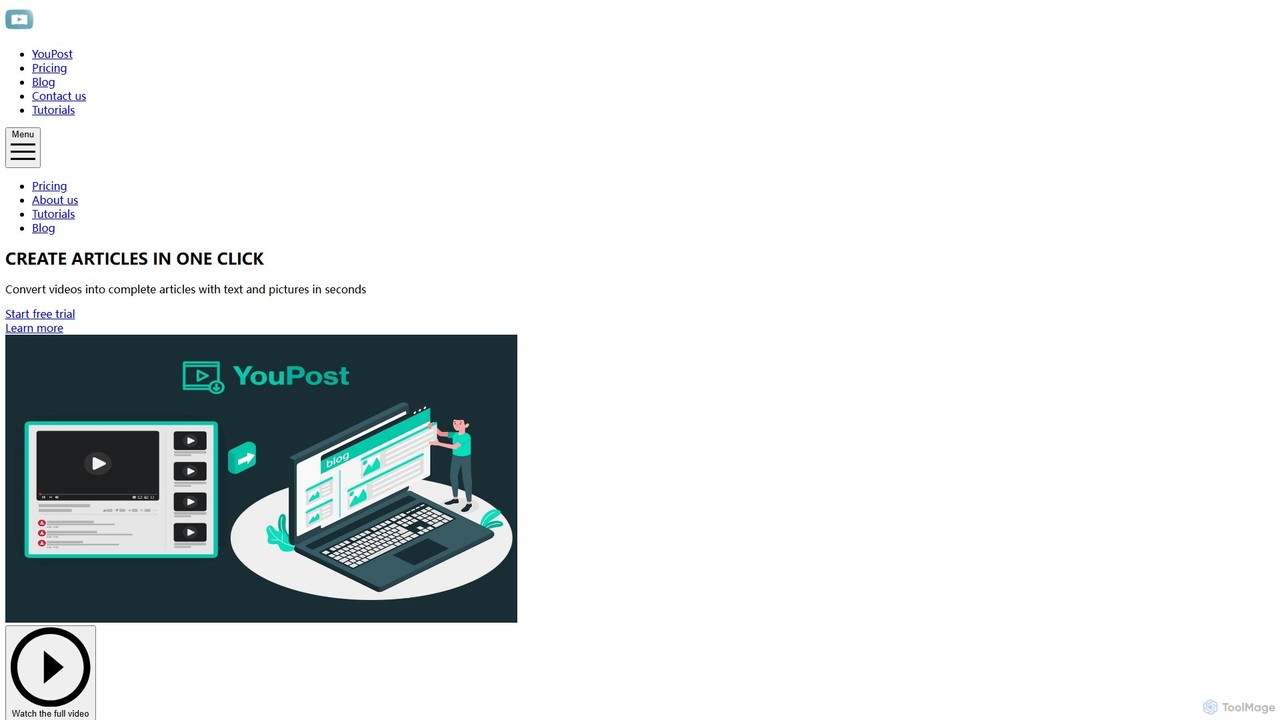
YouPost
YouPost is an AI-powered browser extension that converts YouTube videos into complete, well-structured articles in a single click. It extracts text from video subtitles and includes relevant images, enabling users to quickly repurpose video content for blogs, create SEO-friendly articles, or simply read video information instead of watching. It's ideal for content creators, marketers, and researchers.
Repurposing
Glossai
GlossAI is an AI-powered platform that automatically repurposes long-form video and audio content, such as webinars and podcasts, into a variety of short-form assets. It generates engaging video clips, social media posts, blog articles, and carousels, helping marketers and creators maximize their content's reach and impact with minimal effort.
Repurposing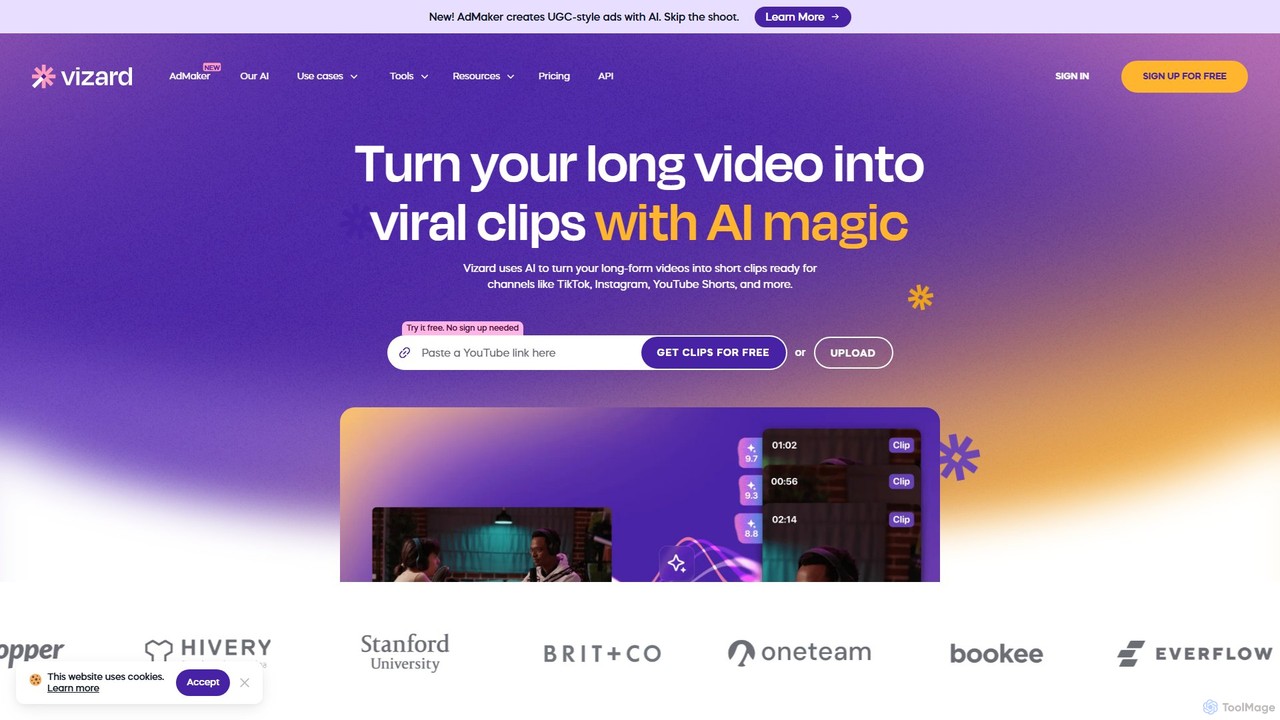
Vizard
Vizard is an AI-powered video editing platform that automatically transforms long-form videos into engaging, short clips for social media. It uses AI to identify highlights, generate transcriptions and captions, and resize videos for platforms like TikTok, Instagram, and YouTube Shorts, saving creators and marketers hours of manual work.
Video Marketing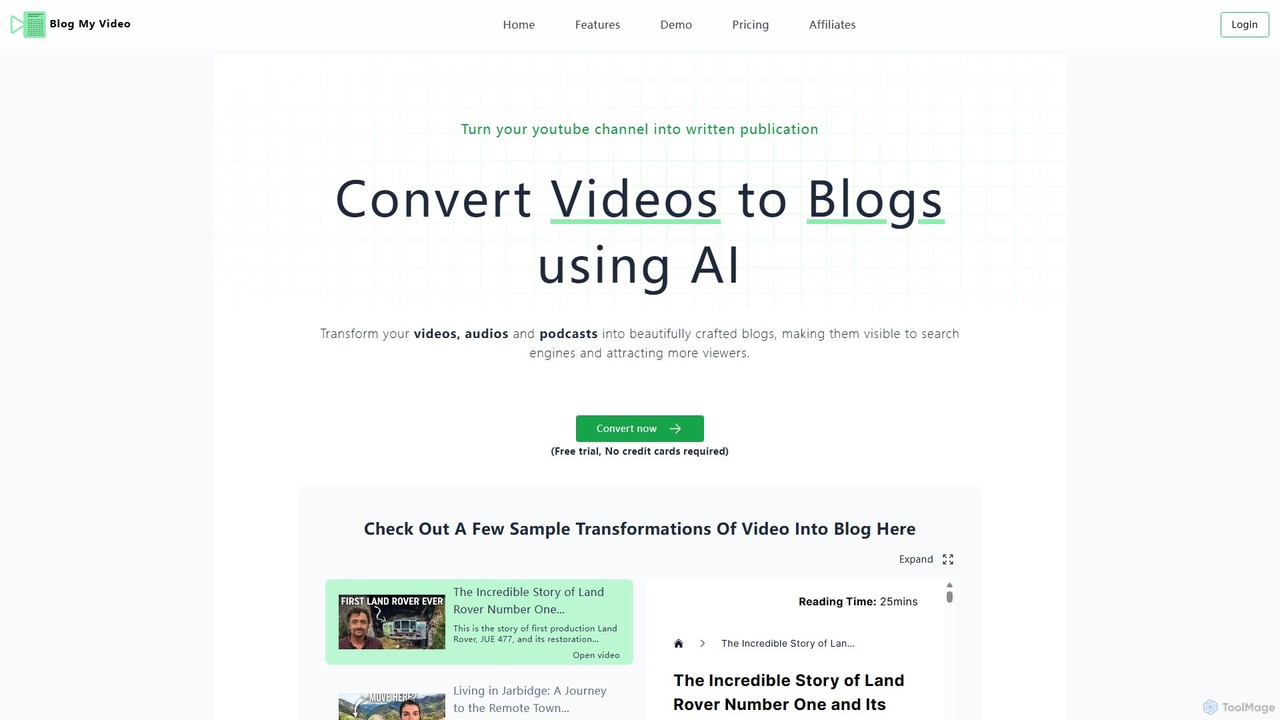
blogmyvideo
An AI-powered platform that effortlessly converts videos, audio files, and podcasts into engaging, fully-formatted, and SEO-optimized blog posts. It helps content creators repurpose their media, expand their audience reach, and improve search engine visibility without manual transcription and writing.
RepurposingVideoToPage Categories
VideoToPage Embed Widget
Copy this embed code to place the badge on your blog, article, or product site and send readers directly to this ToolMage detail page.

Related AI tools
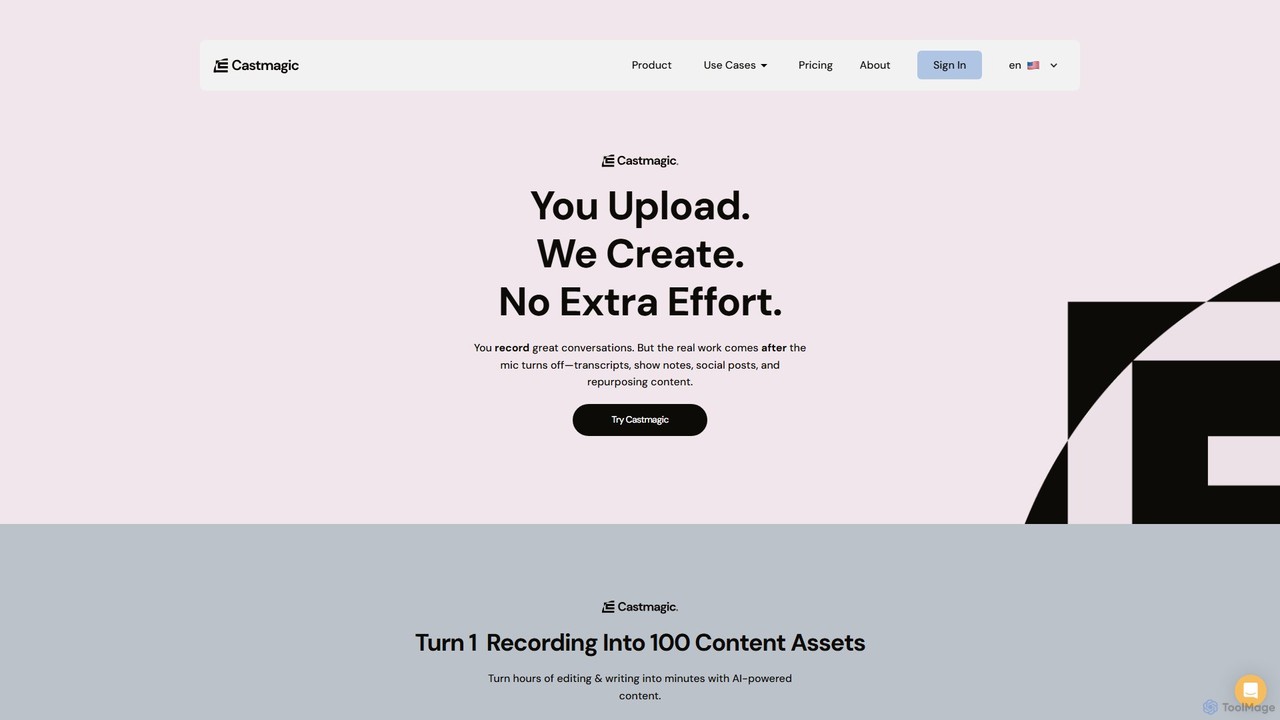
Castmagic
Castmagic is an AI-powered platform that transforms a single audio or video recording into over 100 different content assets. It automates the tedious process of transcription, writing, and editing, enabling creators, marketers, and businesses to repurpose their long-form content into show notes, blog posts, social media updates, email newsletters, and more in minutes.
Transcription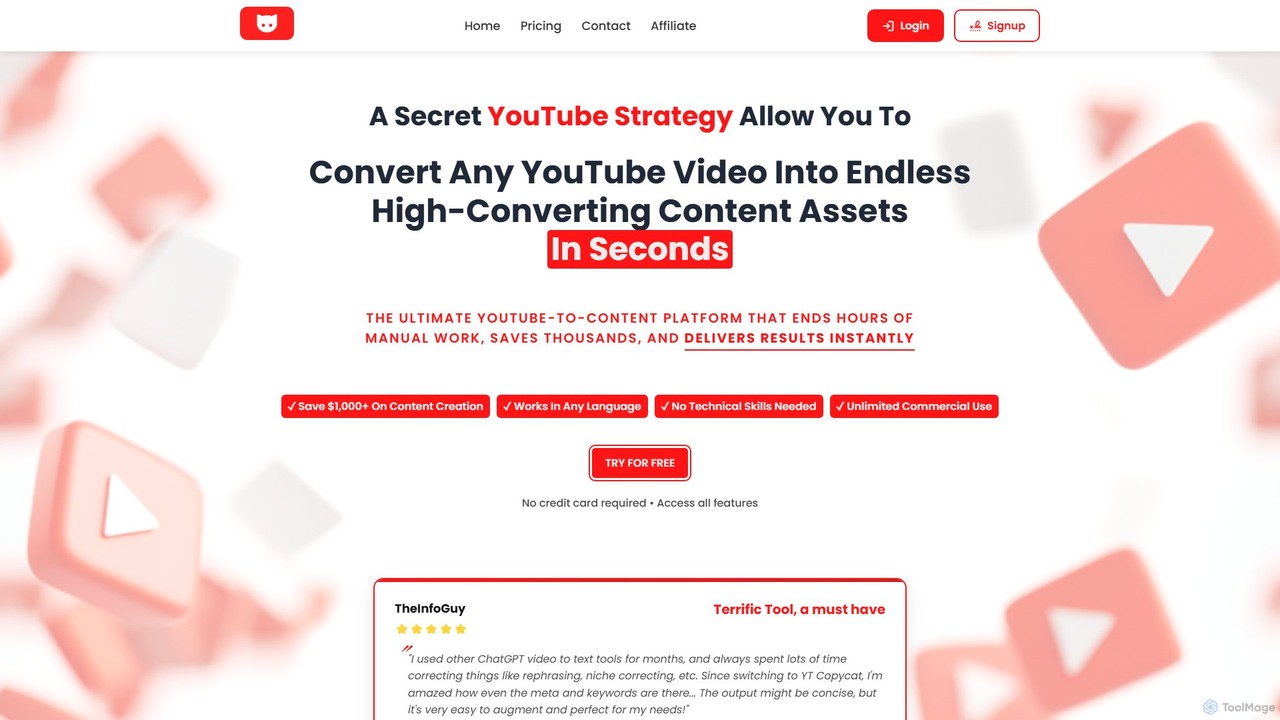
YT Copycat
YT Copycat is an AI-powered platform that instantly converts any YouTube video into multiple high-converting content formats. It transforms videos into SEO-optimized blog posts, social media threads, professional newsletters, podcasts with studio-quality audio, and more. Designed for content creators, marketers, and businesses, it automates content repurposing, saving significant time and money while boosting productivity and online presence across various platforms.
Video To Text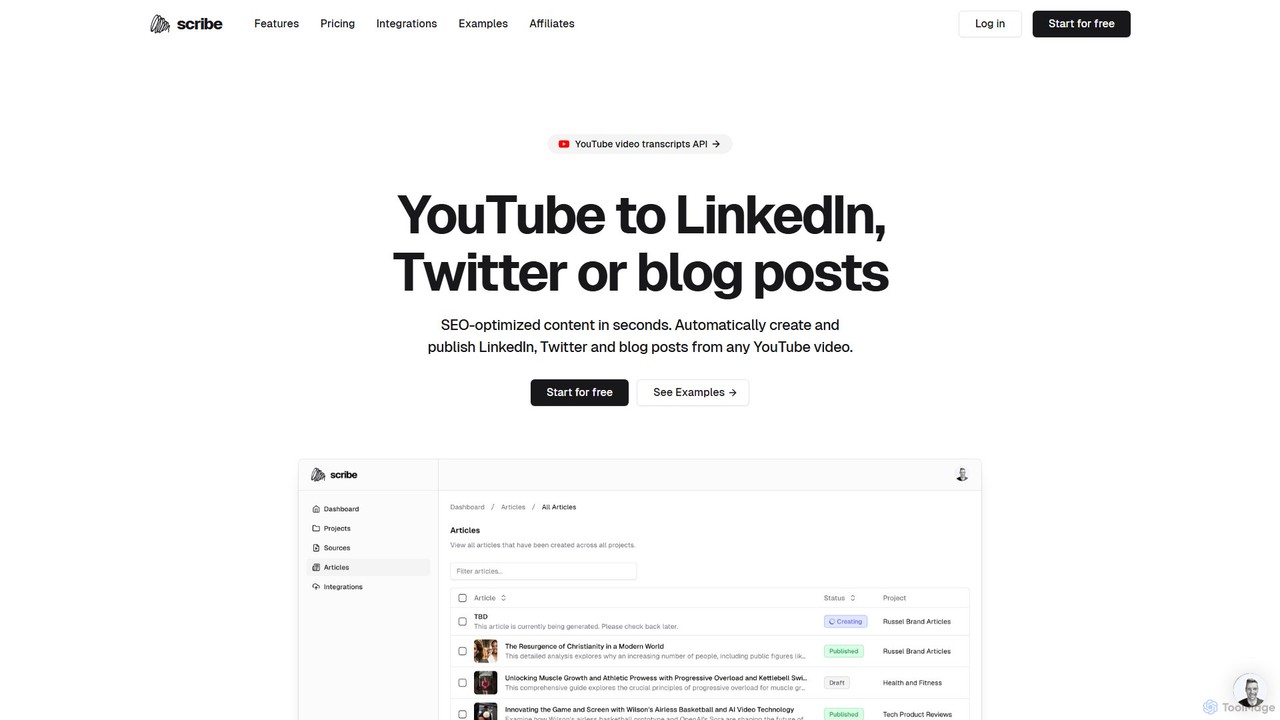
Scribe
Scribe is an AI-powered platform that transforms YouTube videos into SEO-optimized blog posts, LinkedIn articles, and Twitter threads in seconds. It automates content research, creation, and multi-platform publishing, helping creators and marketers save time and maximize their content's reach.
Repurposing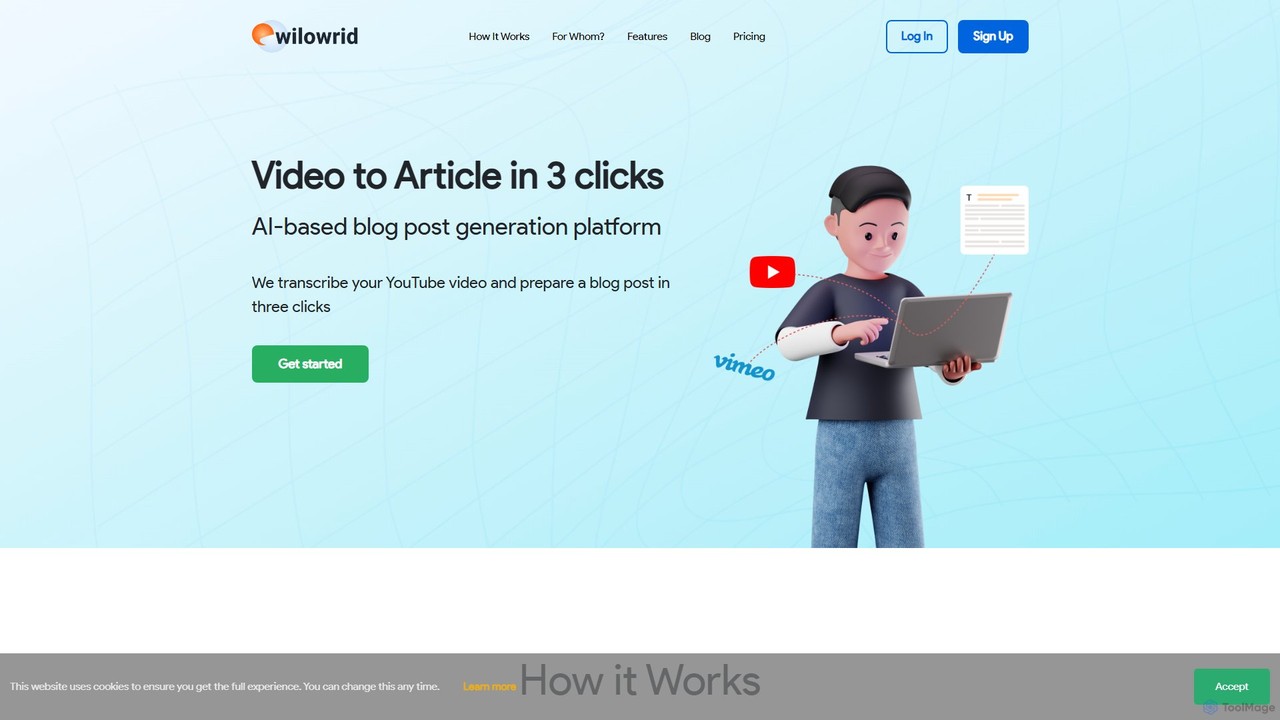
Wilowrid
Wilowrid is an AI-powered tool that effortlessly converts videos into ready-to-publish blog posts in just three clicks. It automatically transcribes your video, structures the content into an article, and even extracts relevant images. Ideal for content creators, marketers, and podcasters looking to repurpose video content from YouTube, Vimeo, or direct uploads into SEO-friendly text and PDF formats.
Repurposing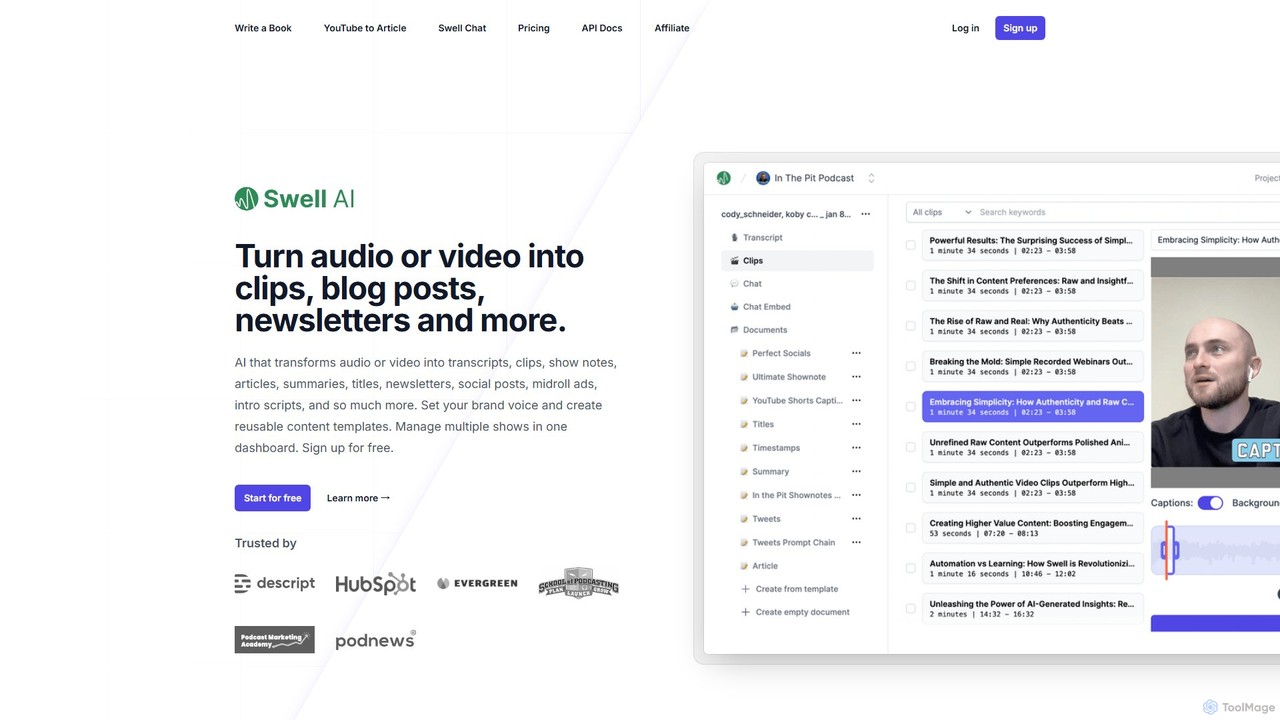
Swell AI
Swell AI is an AI-powered platform that transforms audio and video content into a wide range of written assets. It automatically generates transcripts, show notes, articles, summaries, and social media posts, helping podcasters and content creators repurpose their content efficiently for every marketing channel. Features include a transcript editor, AI-suggested clips, customizable brand voice, and chatbot creation.
Video To TextYouPost
YouPost is an AI-powered browser extension that converts YouTube videos into complete, well-structured articles in a single click. It extracts text from video subtitles and includes relevant images, enabling users to quickly repurpose video content for blogs, create SEO-friendly articles, or simply read video information instead of watching. It's ideal for content creators, marketers, and researchers.
Repurposing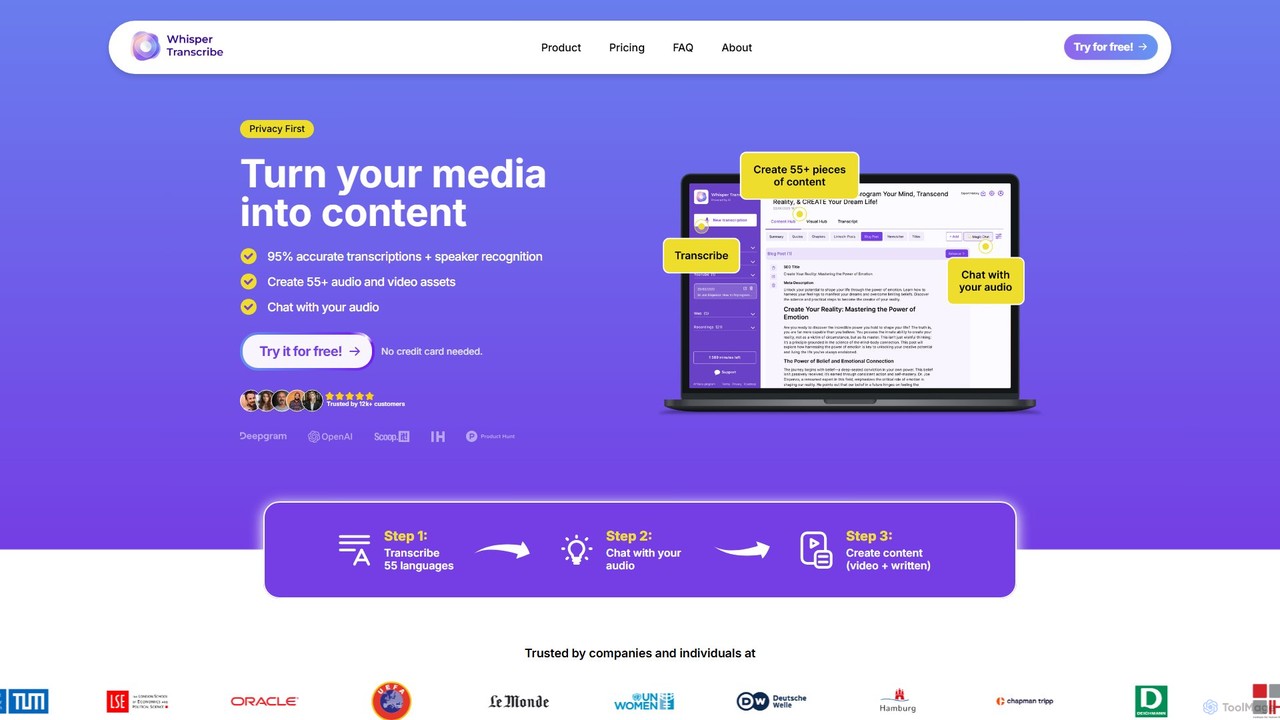
WhisperTranscribe
WhisperTranscribe is an AI-powered platform that transforms audio and video into accurate text transcripts and a wide range of content assets. Leveraging OpenAI's Whisper, it provides 95% accurate transcriptions in 55+ languages, complete with speaker detection. Beyond transcription, it features a 'Magic Chat' to query your audio, and automatically generates over 57 content types, including social media posts, blog articles, summaries, and video clips, all tailored to your unique voice and style. It's an all-in-one solution for content creators, marketers, and researchers.
Content Creation
Wysper
Wysper is an AI-powered content engine that transforms audio and video content like podcasts and webinars into a wide range of written materials. With a single click, it generates show notes, accurate transcripts, SEO-optimized blogs, social media posts, newsletters, and more, helping creators and marketers save time and maximize audience engagement.
Content Marketing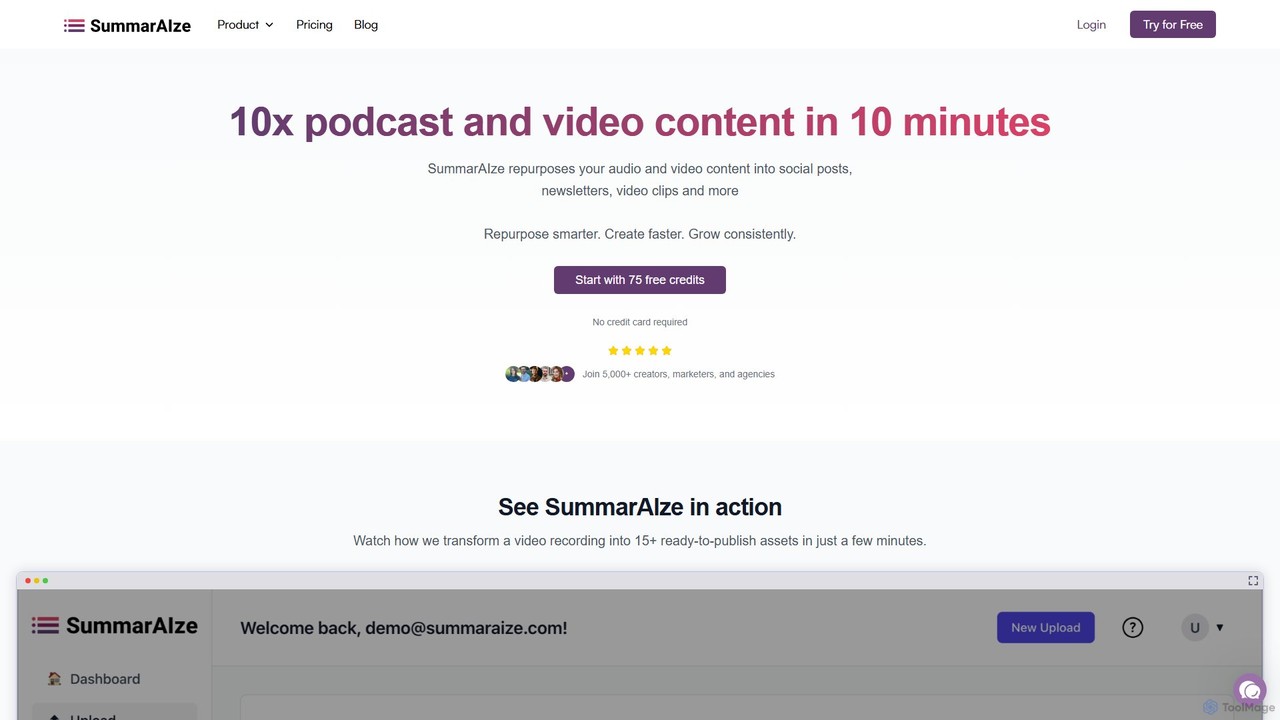
SummarAIze
SummarAIze is an AI-powered platform that repurposes long-form audio and video content into a wide range of ready-to-publish assets. It automates the creation of social media posts, newsletters, blog articles, video clips, and more, helping creators, marketers, and agencies save time and scale their content strategy efficiently.
Transcription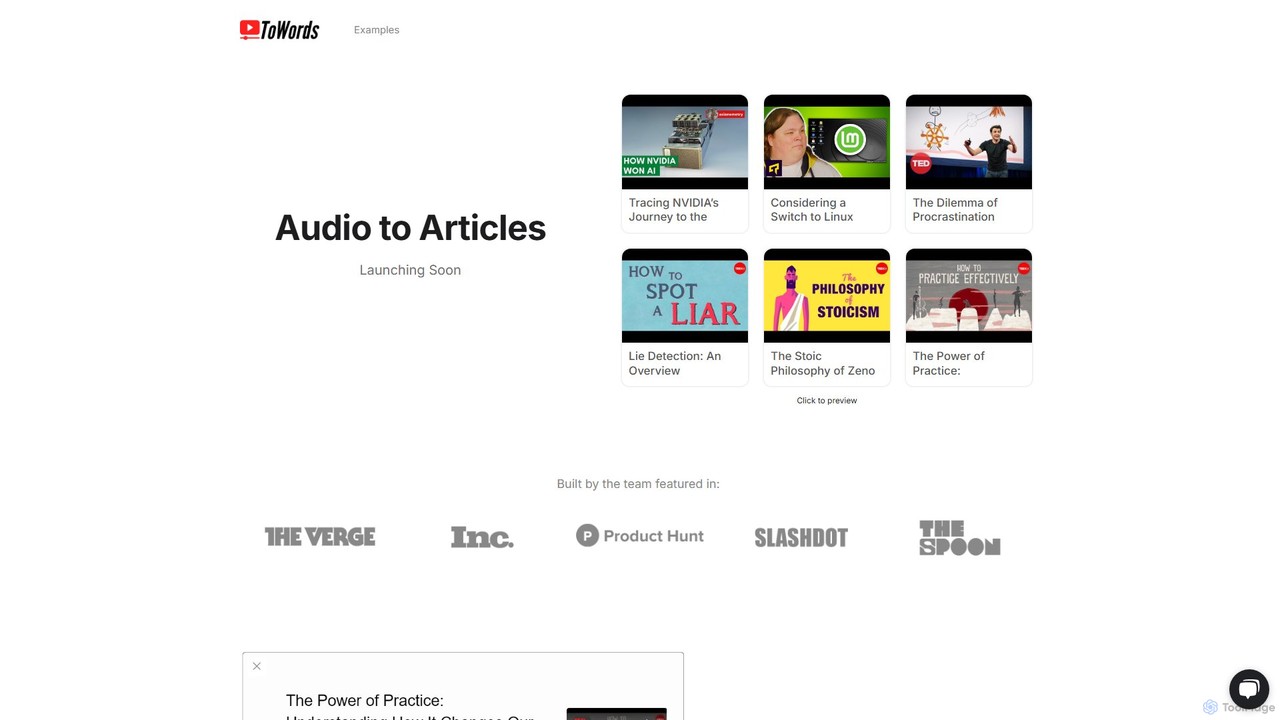
ToWords
ToWords is an AI-powered tool that effortlessly converts YouTube videos into well-structured, SEO-friendly blog posts. Simply paste a video link to receive a ready-to-edit article, saving hours of transcription and writing time. It supports over 25 languages, making it ideal for content creators, marketers, and educators looking to repurpose video content and expand their reach.
Writing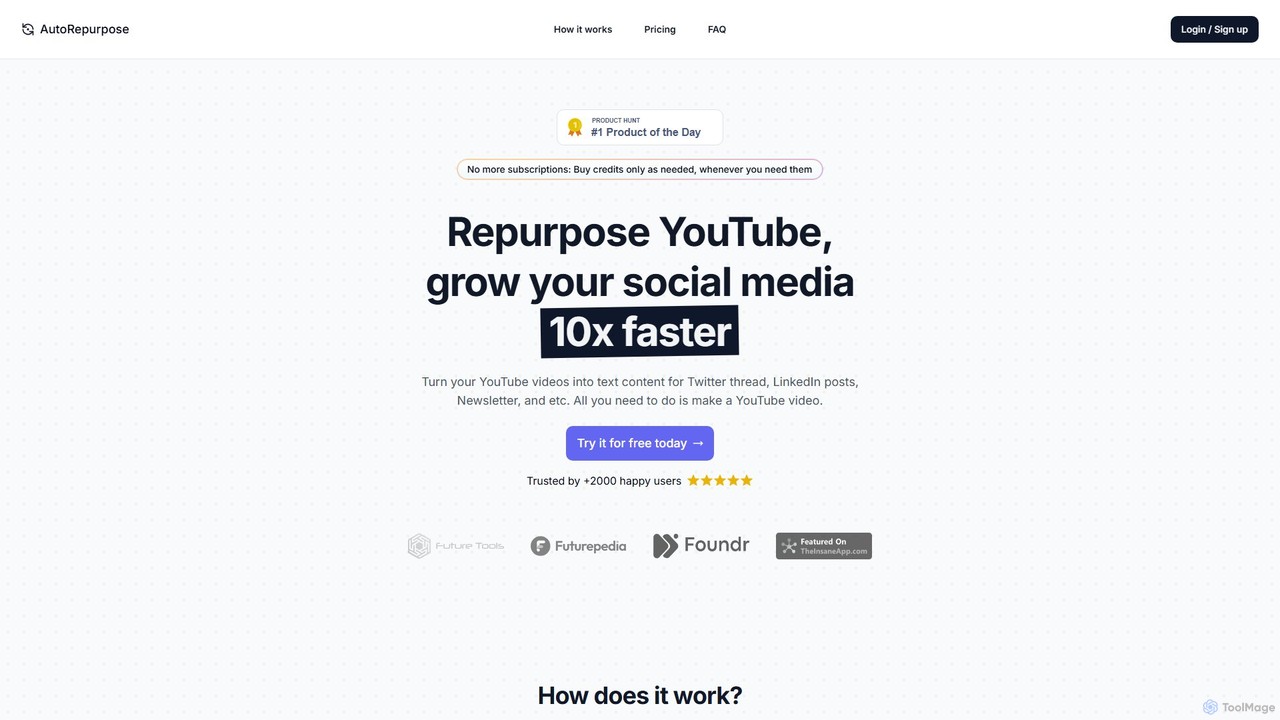
AutoRepurpose
AutoRepurpose is an AI-powered tool that effortlessly transforms your YouTube videos into engaging Twitter threads, LinkedIn posts, and newsletter content. Simply paste a YouTube URL to receive ready-to-publish text in minutes, helping you grow your social media presence 10x faster without the hassle of manual content creation.
Content Repurposing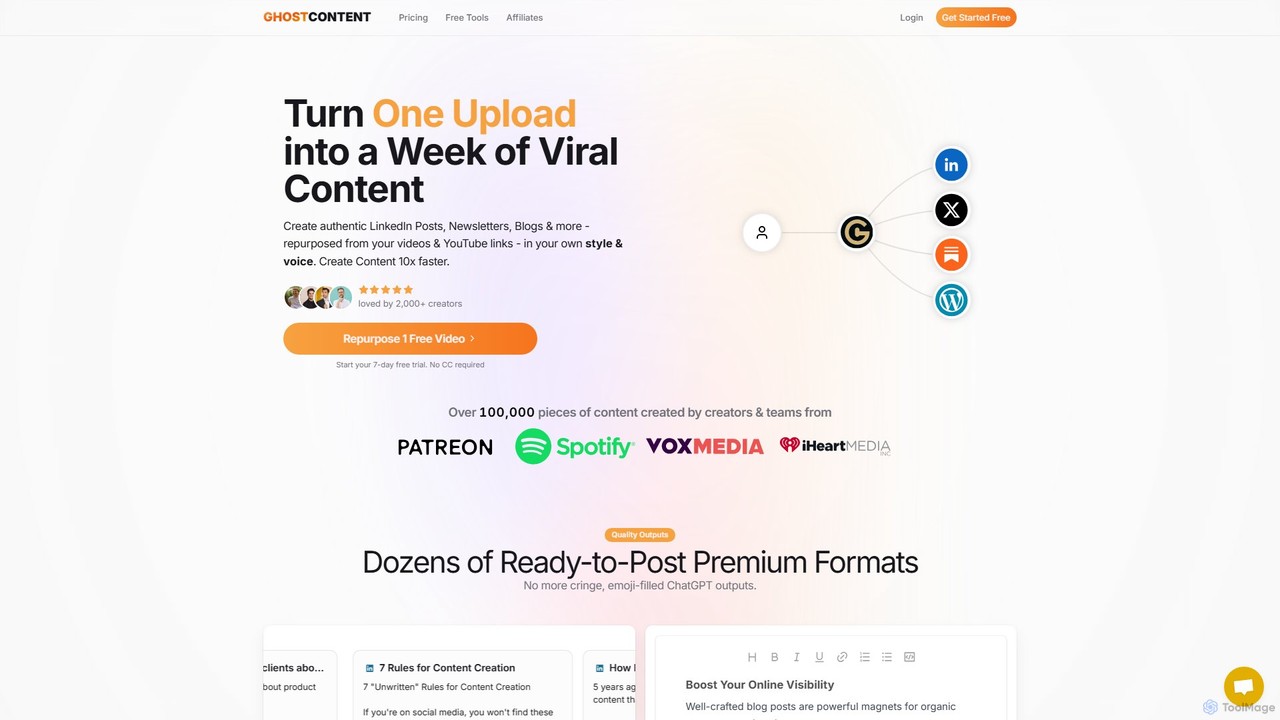
GhostContent
GhostContent is an AI-powered platform that transforms your video and audio content into a wide array of written materials. Effortlessly repurpose videos, podcasts, and meetings into SEO-optimized blogs, engaging LinkedIn posts, newsletters, tweets, and more, all while maintaining your unique brand voice.
Content Creation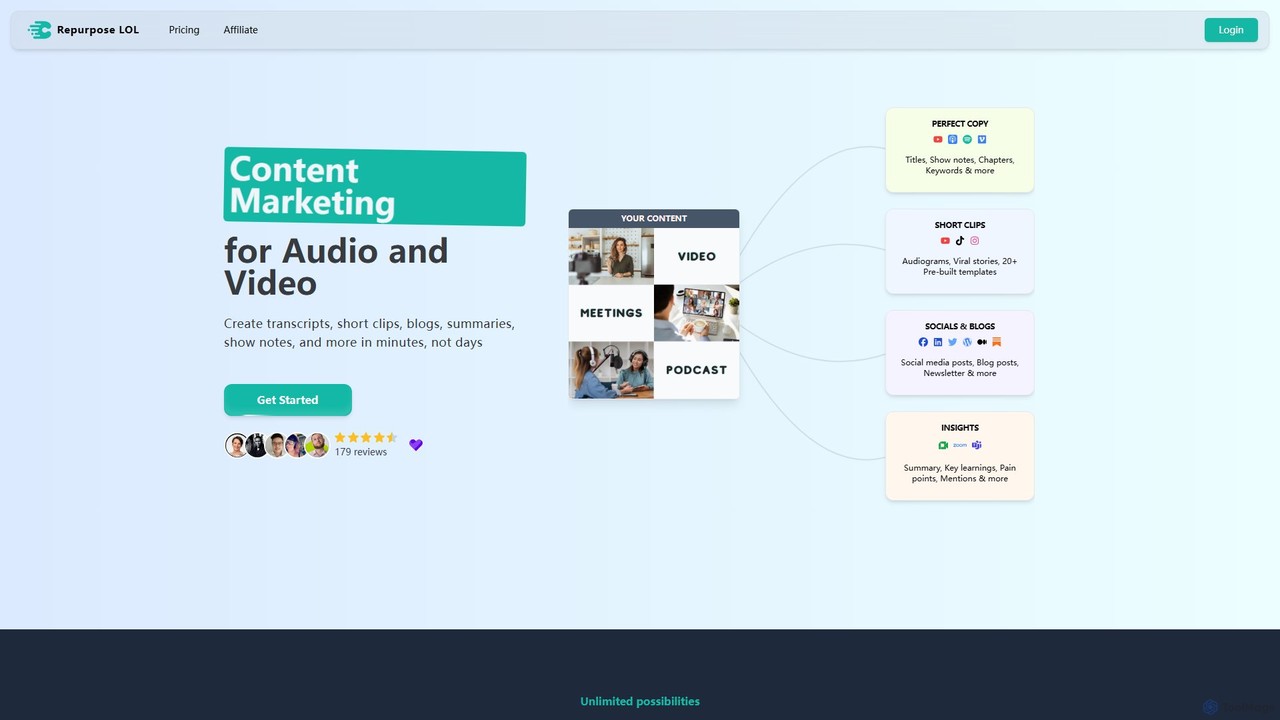
Repurpose LOL
Repurpose LOL is an AI-powered platform that transforms long-form audio and video content into a wide range of marketing assets. It automates the creation of transcripts, short viral clips, blog posts, show notes, and social media content in minutes. Designed for creators, marketers, and agencies, it helps maximize content ROI, save significant time, and grow audiences across multiple channels with ease.
Transcription
everloop
everloop is an AI-powered platform that automates your content marketing. It transforms a single piece of long-form content, like a video or podcast, into a perpetual loop of engaging social media posts, blog articles, and email newsletters, ensuring your brand stays consistently active with minimal effort.
Content CreationVideoSnack
VideoSnack is an AI-powered Google Docs add-on that instantly converts YouTube and Loom videos into SEO-optimized blog posts, summaries, newsletters, and more. It streamlines content repurposing, helping you unlock new traffic sources by transforming your video content into readable, indexable articles.
Repurposing
VideoToPage Comments (0)
Sign in to comment.
Sign inNo comments yet.