
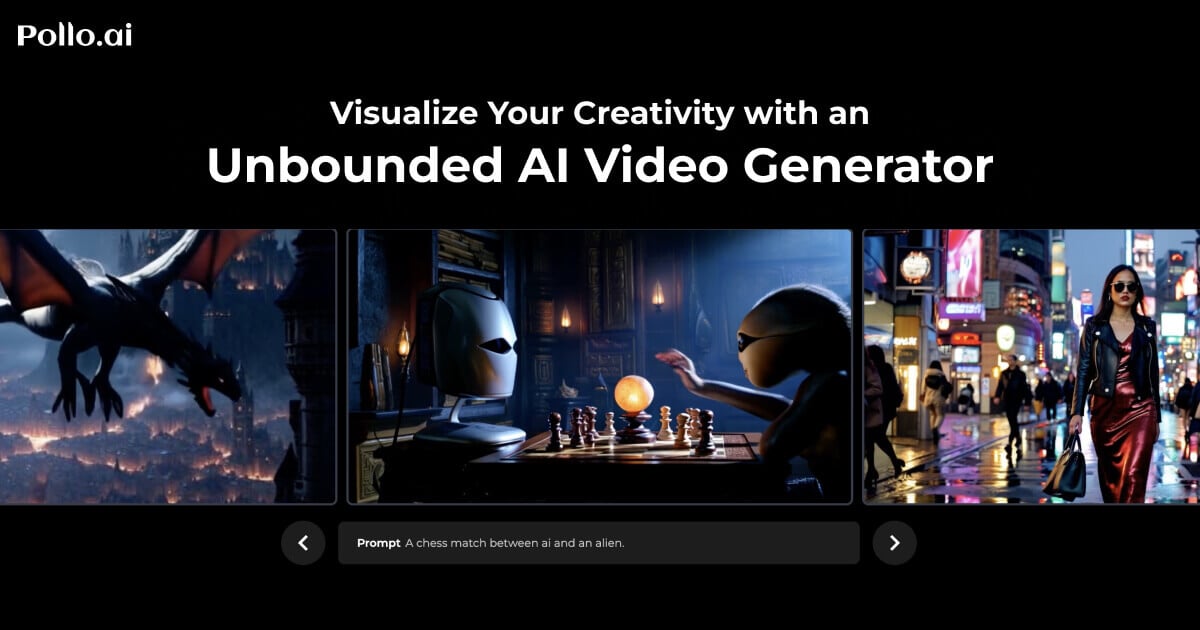
Vidu Studio Overview
Vidu Studio is a cutting-edge generative AI video model developed by Shengshu Technology and Tsinghua University. Backed by major investors like Ant Group and Baidu, Vidu has quickly established itself as a formidable competitor to other leading models such as OpenAI's Sora and Kuaishou's Kling. It excels at creating high-definition, coherent, and dynamic video clips from simple text descriptions or static images, demonstrating a sophisticated understanding of real-world physics, rich visual language, and complex temporal consistency.
The model is built upon a Universal Vision-Transformer (U-ViT) architecture, a novel approach that integrates diffusion and transformer models to process sequences in a unified manner. This allows Vidu Studio to generate longer, more consistent video sequences with a single forward pass, significantly improving efficiency and quality. It can produce videos up to 16 seconds long at 1080p resolution, capturing intricate details and realistic motion that bring creative visions to life.
How to use Vidu Studio
Using Vidu Studio, typically through a platform interface, is a straightforward process designed for both beginners and professionals:
- Select Generation Mode: Choose between 'Text to Video' or 'Image to Video' based on your starting asset.
- Input Your Prompt: For Text to Video, write a detailed description of the scene, characters, actions, and desired style (e.g., 'cinematic, a golden retriever puppy playing in a field of flowers, golden hour lighting'). For Image to Video, upload your source image and provide a prompt describing the desired motion or transformation.
- Customize Parameters: Adjust settings to refine the output. This includes selecting the aspect ratio (e.g., 16:9 for widescreen, 9:16 for social media), video duration, resolution, and specific artistic style. Some platforms may offer pre-made templates for common scenarios.
- Generate and Refine: Click the 'Create' or 'Generate' button. The AI will process your request and produce a video clip. Review the output and, if necessary, adjust your prompt or settings to generate new variations until you achieve the desired result.
Core Features of Vidu Studio
- High-Definition Video Generation: Capable of producing videos in 1080p resolution, ensuring crisp and detailed visuals.
- Text-to-Video: Transforms detailed textual descriptions into rich, dynamic video scenes.
- Image-to-Video: Animates static images, adding motion and life based on user prompts.
- Advanced Temporal Consistency: Maintains character and object consistency across multiple shots and complex movements.
- Rich Customization: Offers extensive control over aspect ratio, style, duration, and resolution for tailored outputs.
- Fast Generation Speed: Utilizes an efficient architecture to deliver quick results without compromising quality.
- Pre-set Templates: Provides ready-to-use templates for common themes like celebrations or emotional expressions, simplifying the creation process.
Use Cases for Vidu Studio
Vidu Studio is a versatile tool applicable across various industries:
- Marketing and Advertising: Quickly create engaging video ads for social media, product promotions, and digital campaigns.
- Content Creation: Generate unique B-roll footage, animated stories, and visual content for YouTube, TikTok, and Instagram, reducing reliance on stock footage.
- Filmmaking and Prototyping: Storyboard and visualize scenes, create pre-visualizations for films, or generate short animated clips for independent projects.
- Education and Training: Develop illustrative videos to explain complex concepts or create engaging training materials.
- Personal Projects: Create personalized video greetings, animate family photos, or bring artistic concepts to life.
Advantages of Vidu Studio
Vidu Studio stands out due to its combination of quality, speed, and accessibility. Its ability to generate high-resolution, temporally consistent videos places it in the top tier of AI video tools. The strong financial and technical backing from major tech companies ensures continuous development and improvement. Its user-friendly interface, coupled with deep customization options, makes it a powerful tool for both novice users and professional video editors looking to streamline their workflow and unlock new creative possibilities.
Pricing and Plans
Vidu Studio is typically offered through a freemium model. Users can often access the tool with a limited number of free credits to test its capabilities. For more extensive use, various subscription plans are available, providing a larger number of generation credits, access to premium features, higher resolutions, and priority processing. Pricing may vary depending on the platform providing access to the Vidu model.
Traffic
Latest traffic
Status
Monthly traffic trend
- 2026-1: 6.5M
- 2026-2: 7.0M
- 2026-3: 9.5M
- 2026-4: 6.6M
- 2026-5: 7.7M
Geography
Top 5 countries / regions
- 🇯🇵Japan45.7%
- 🇺🇸United States24.6%
- 🇮🇳India10.8%
- 🇧🇷Brazil10.6%
- 🇪🇸Spain8.3%
Traffic sources
| Source type | Percentage |
|---|---|
Direct | 89.8% |
Referral | 8.9% |
Email | 1.3% |
Top keywords
| Keyword | Cost per click |
|---|---|
| grok | $0.95 |
| kling ai | $0.32 |
| midjourney | $0.74 |
| pollo ai | $0.33 |
| seaart | $0.28 |
Vidu Studio Alternatives
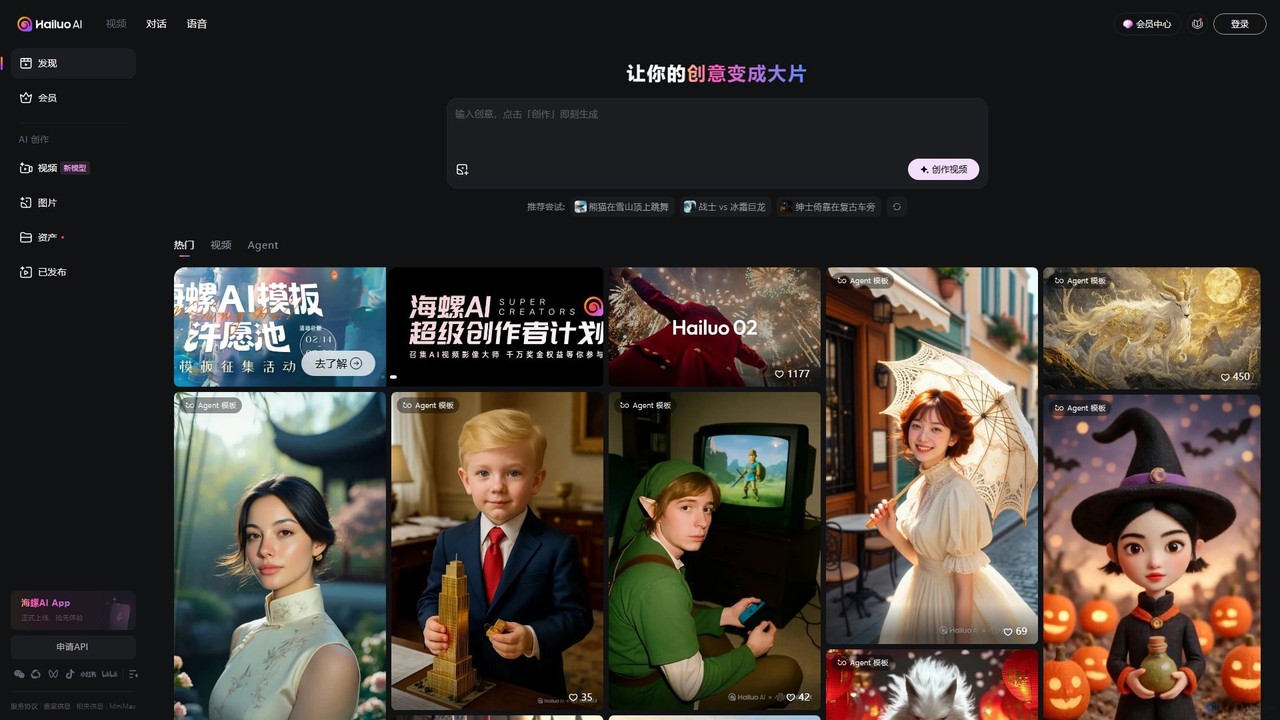
Hailuo AI
Hailuo AI is a powerful AI video generator that transforms your ideas, text prompts, and images into stunning, high-quality videos. Leveraging advanced AI from MiniMax, it offers a wide range of creative templates and customization options, making video creation simple, fun, and efficient for marketers, content creators, and individuals.
Generative Art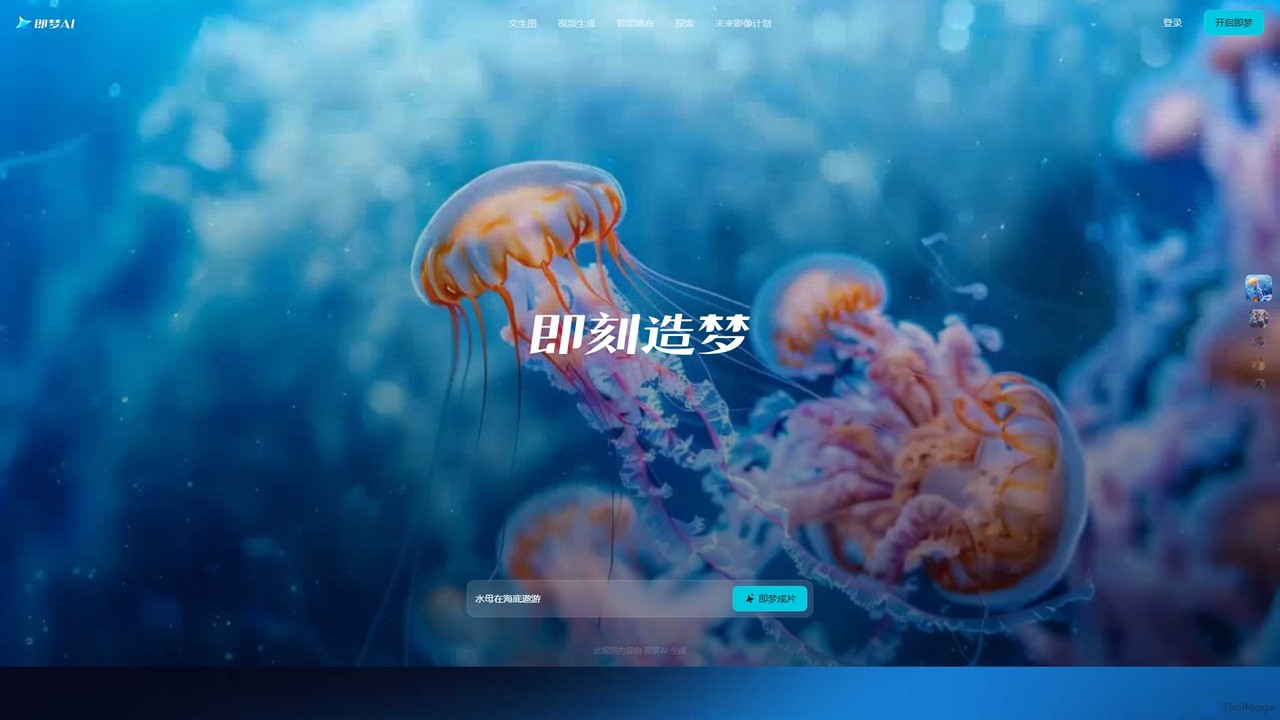
Jimeng
Jimeng is a one-stop AI creation platform by Bytedance (creator of Jianying/CapCut) for generating high-quality images and videos. It features text-to-video, text-to-image, an Intelligent Canvas for advanced editing, and strong support for Chinese language prompts, turning creative ideas into stunning visual content.
Generative Art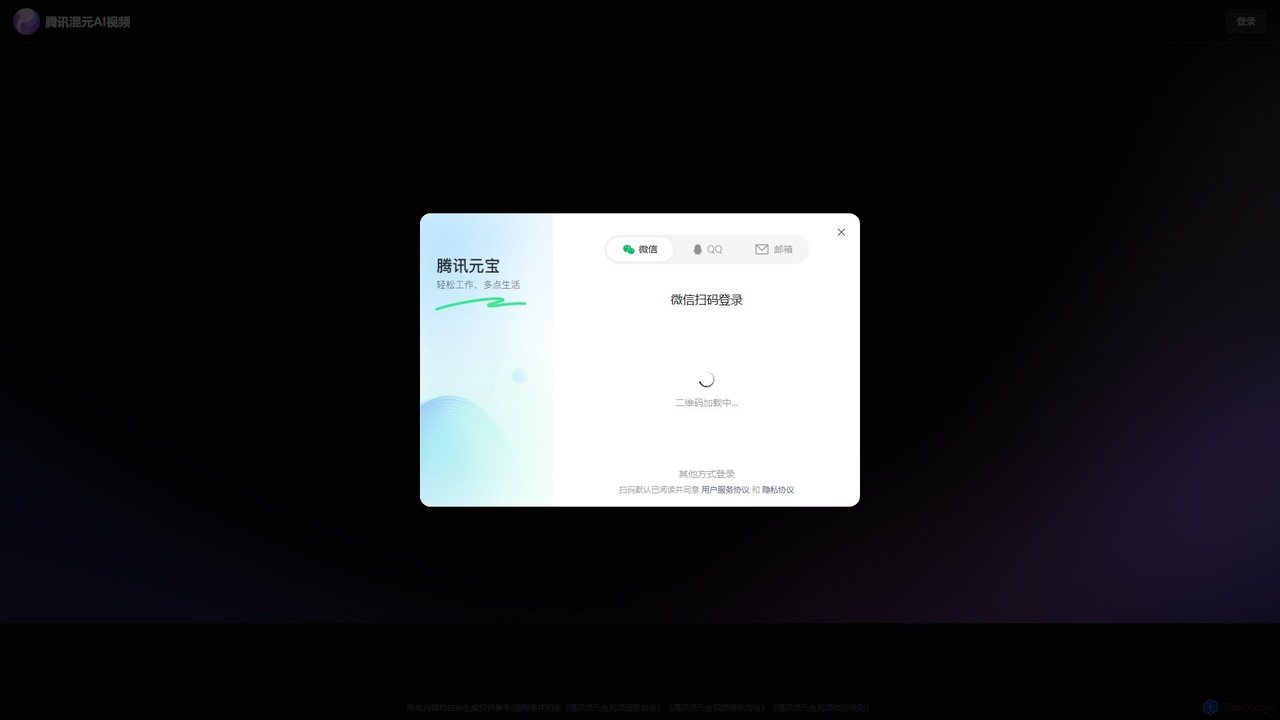
Tencent Hunyuan AI Video
Tencent Hunyuan AI Video is a powerful generative video tool developed by Tencent. Leveraging the advanced Hunyuan large model, it allows users to create high-quality, dynamic videos from simple text prompts or static images. Designed for creators, marketers, and businesses, it simplifies the video production process, enabling the creation of engaging content for social media, advertising, and artistic projects without complex software.
Generative Art
stablevideodiffusion.online
An accessible online platform that harnesses the power of Stability AI's Stable Video Diffusion model. Effortlessly transform static images or text prompts into dynamic, high-quality short videos. Ideal for artists, marketers, and content creators looking to produce captivating motion content without complex software or powerful hardware.
Generative Art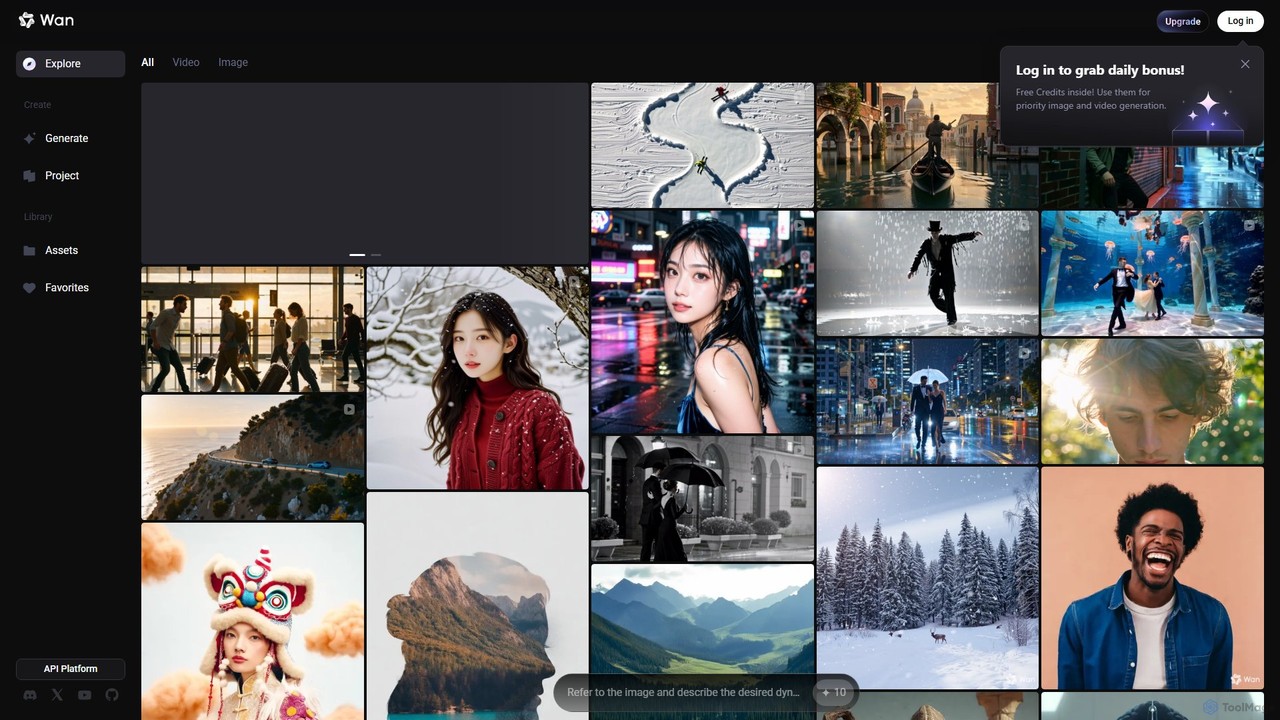
Wan AI
Wan AI is a leading AI video generation platform powered by the Wan 2.2 model. It transforms text prompts and static images into high-quality, dynamic video clips. Ideal for creators, marketers, and developers, it offers an intuitive interface, a project library, and a powerful API for seamless integration.
Generative ArtVidu Studio Categories
Vidu Studio Embed Widget
Copy this embed code to place the badge on your blog, article, or product site and send readers directly to this ToolMage detail page.

Related AI tools
Tencent Hunyuan AI Video
Tencent Hunyuan AI Video is a powerful generative video tool developed by Tencent. Leveraging the advanced Hunyuan large model, it allows users to create high-quality, dynamic videos from simple text prompts or static images. Designed for creators, marketers, and businesses, it simplifies the video production process, enabling the creation of engaging content for social media, advertising, and artistic projects without complex software.
Generative Artstablevideodiffusion.online
An accessible online platform that harnesses the power of Stability AI's Stable Video Diffusion model. Effortlessly transform static images or text prompts into dynamic, high-quality short videos. Ideal for artists, marketers, and content creators looking to produce captivating motion content without complex software or powerful hardware.
Generative Art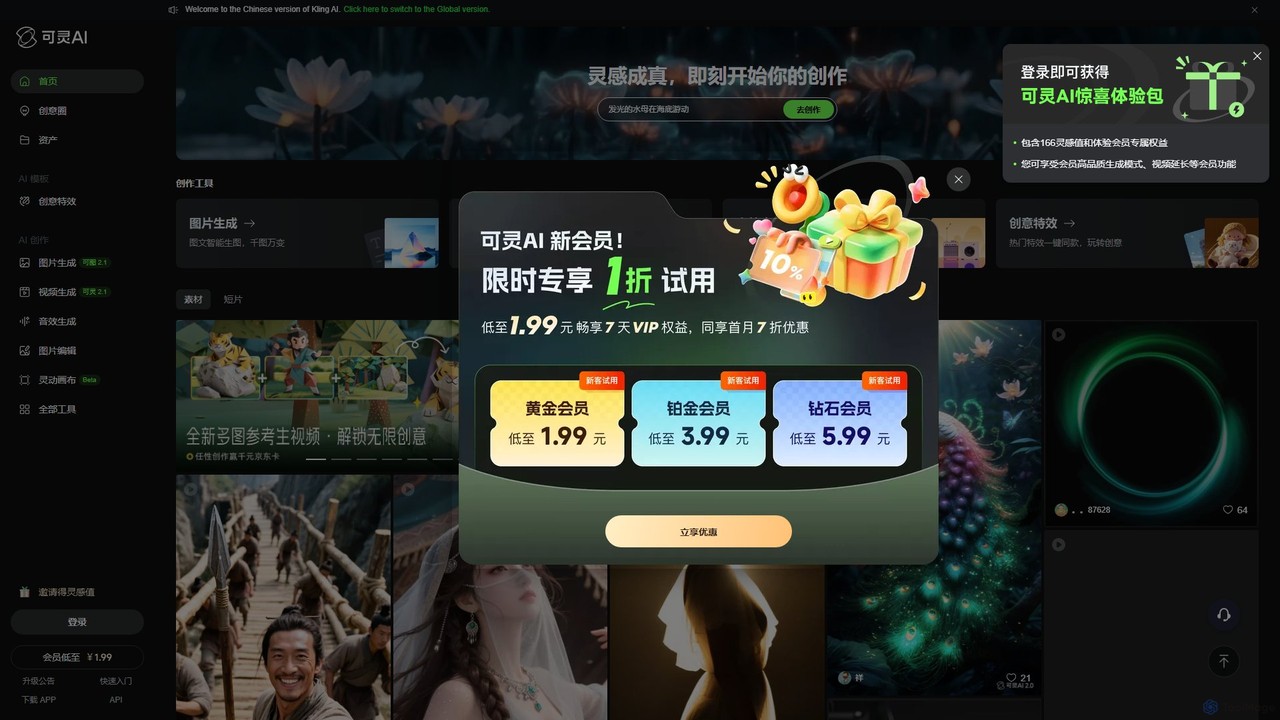
Kling AI
Kling AI is a next-generation creative productivity platform by Kuaishou, specializing in high-fidelity AI video generation. It transforms text prompts into stunning, up to 2-minute long 1080p videos, featuring realistic physics and complex motion. The platform also includes tools for AI image generation, sound effect creation, and one-click creative video effects, making it a comprehensive suite for creators, marketers, and filmmakers.
Image Generation
Jyek
Jyek is an AI agent platform that understands objectives, creates execution plans, uses tools, and delivers verifiable results for complex, multi-step tasks.
Automation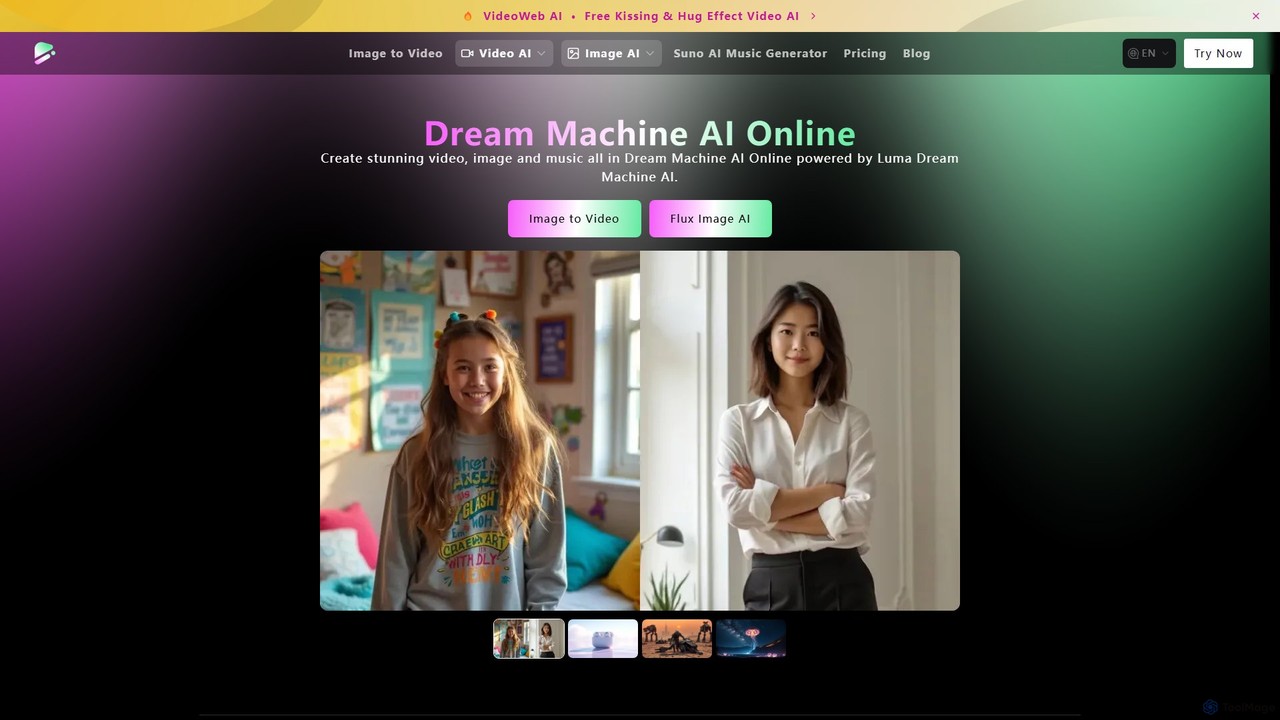
Dream Machine AI Online
An all-in-one AI creation suite that generates high-quality videos, images, and music. Powered by leading models like Luma's Dream Machine, Suno AI, and Flux AI, it enables users to transform text and images into stunning visual and audio content with remarkable speed and realism. Ideal for creators, marketers, and artists.
Music Generation
Vidu Studio
Vidu Studio is a cutting-edge AI video generator developed by Shengshu Technology and Tsinghua University. It transforms text prompts and images into high-definition, dynamic videos. Featuring an advanced architecture similar to Sora, it excels at creating stylized content, animations, and marketing videos with remarkable speed and quality.
Animation
veo3_ai
veo3_ai is an advanced AI video generation platform that transforms text prompts and images into high-quality videos with synchronized audio, dialogue, and music. Leveraging powerful generative models, it enables users to create cinematic scenes, animated characters, and dynamic effects with realistic physics and lip-syncing. It's designed for creators, marketers, and filmmakers seeking an integrated tool for end-to-end video production.
AnimationHailuo AI
Hailuo AI is a powerful AI video generator that transforms your ideas, text prompts, and images into stunning, high-quality videos. Leveraging advanced AI from MiniMax, it offers a wide range of creative templates and customization options, making video creation simple, fun, and efficient for marketers, content creators, and individuals.
Generative ArtWan AI
Wan AI is a leading AI video generation platform powered by the Wan 2.2 model. It transforms text prompts and static images into high-quality, dynamic video clips. Ideal for creators, marketers, and developers, it offers an intuitive interface, a project library, and a powerful API for seamless integration.
Generative Art
OpenAI Sora
OpenAI Sora is a revolutionary text-to-video AI model that generates high-fidelity, coherent, and imaginative video scenes up to one minute long from simple text instructions. It can create complex scenes with multiple characters, specific types of motion, and accurate details of the subject and background, transforming how we create and consume visual content.
Art Generation
Nim
Nim is an all-in-one AI video production platform that consolidates the best AI models and editing tools. It enables users to create full-length videos from text or images with features like text-to-video, lip-sync, upscaling, and a comprehensive clip editor, catering to over 1.5 million creators.
Generative Art
Viddo
Viddo is an all-in-one AI generation platform that integrates leading models like Google's Veo3, Runway, Midjourney, and Suno. It empowers users to effortlessly create high-quality, cinematic videos, images, and audio from simple text prompts or static images, streamlining the creative workflow for marketers, artists, and content creators.
Music Generation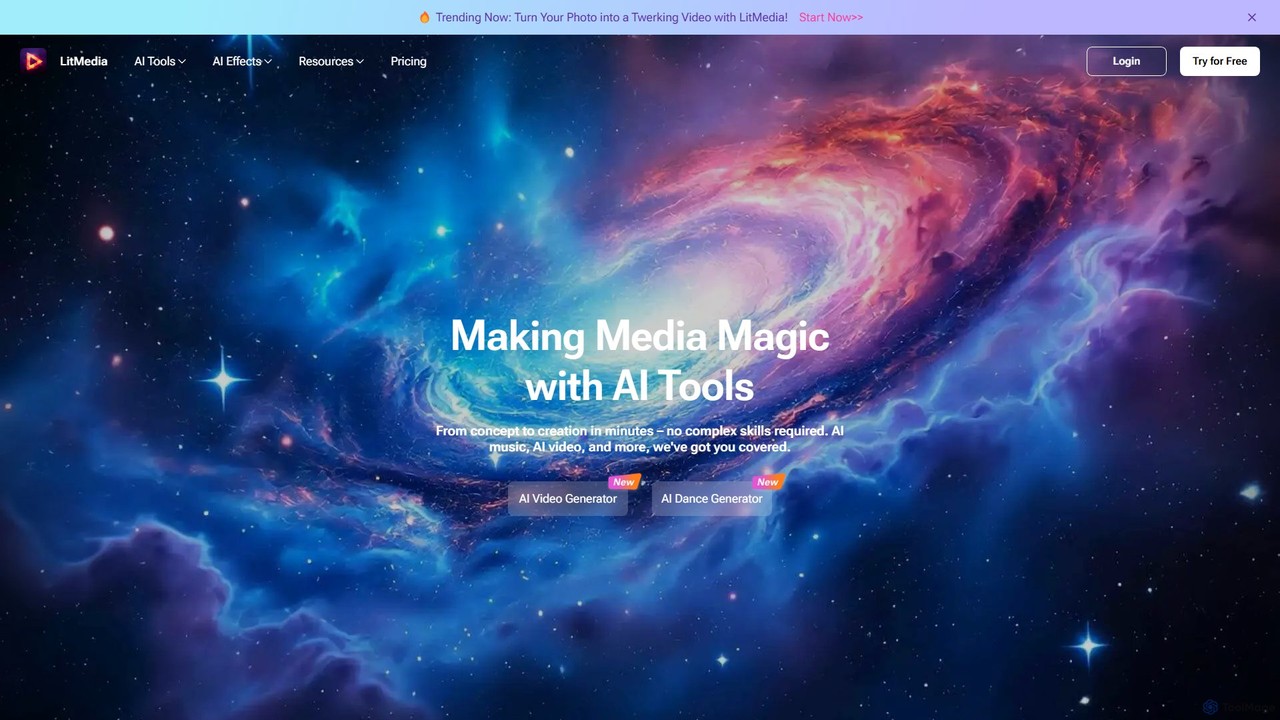
LitMedia
LitMedia is an all-in-one AI-powered creative suite designed to generate stunning videos, royalty-free music, and engaging dance animations. It integrates multiple advanced AI models like Kling and Vidu, allowing users to transform text, images, and videos into high-quality media content effortlessly. Ideal for content creators, marketers, and businesses, LitMedia simplifies the creative process, requiring no technical skills to produce professional-grade results in minutes.
Music Generation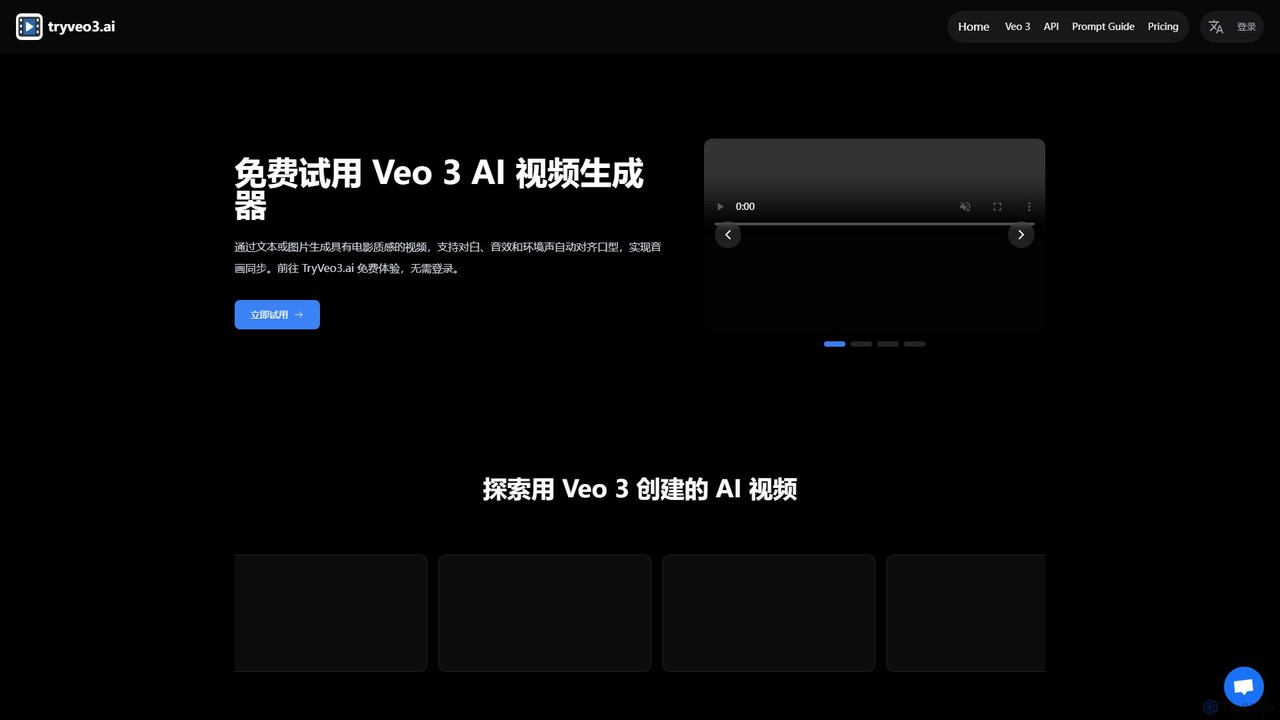
tryveo3
tryveo3 is an AI video generation platform powered by Google's Veo 3 model. It creates high-quality, 1080p cinematic videos from text or image prompts. Its standout feature is the ability to generate videos with perfectly synchronized audio, including dialogue, sound effects, and accurate lip-syncing, making it ideal for creators, marketers, and filmmakers.
Social Media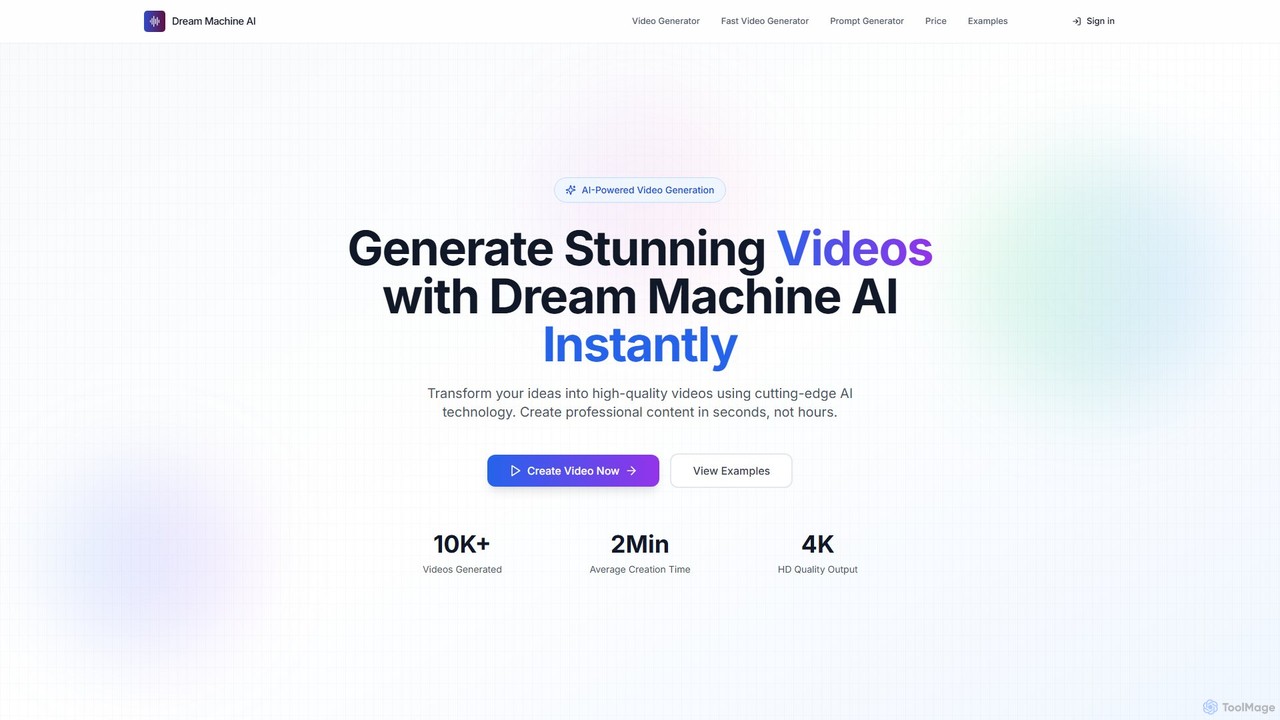
Dream Machine AI
Dream Machine AI is a powerful and affordable AI video generator that transforms text prompts and images into high-quality, realistic videos. Leveraging a model similar to Luma's Dream Machine, it offers fast 4K video creation in under two minutes, featuring character consistency, cinematic camera movements, and realistic physics. It's designed for creators of all levels to produce professional content for social media, marketing, and storytelling with ease.
Generative Art
Vidu Studio Comments (0)
Sign in to comment.
Sign inNo comments yet.