ToolMage
Sign in

Best 5 Ai Code Assistant

Popular Ai Code Assistant include Zed, Jam, Katalon, Noodl, and Agen, helping you work more efficiently.

Agen
Paid

Agen

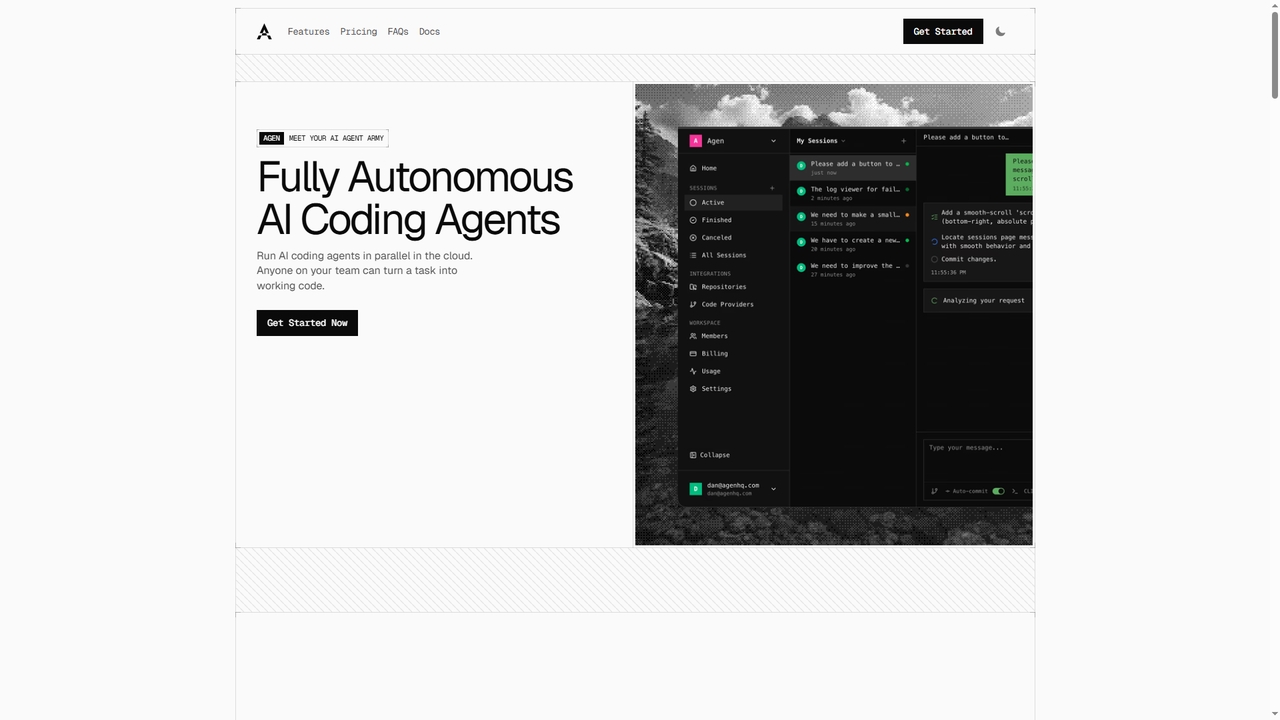
Agen is a cloud-based platform that deploys fully autonomous AI coding agents. It enables developers and teams to assign software development tasks via prompts. The agents independently clone repositories, analyze codebases, edit files, run builds and tests in isolated sandboxes, and prepare merge requests, streamlining the development workflow from idea to production-ready code.

Automation
Visits 5.4KFavorites 21Likes 21

Katalon
Freemium

Katalon

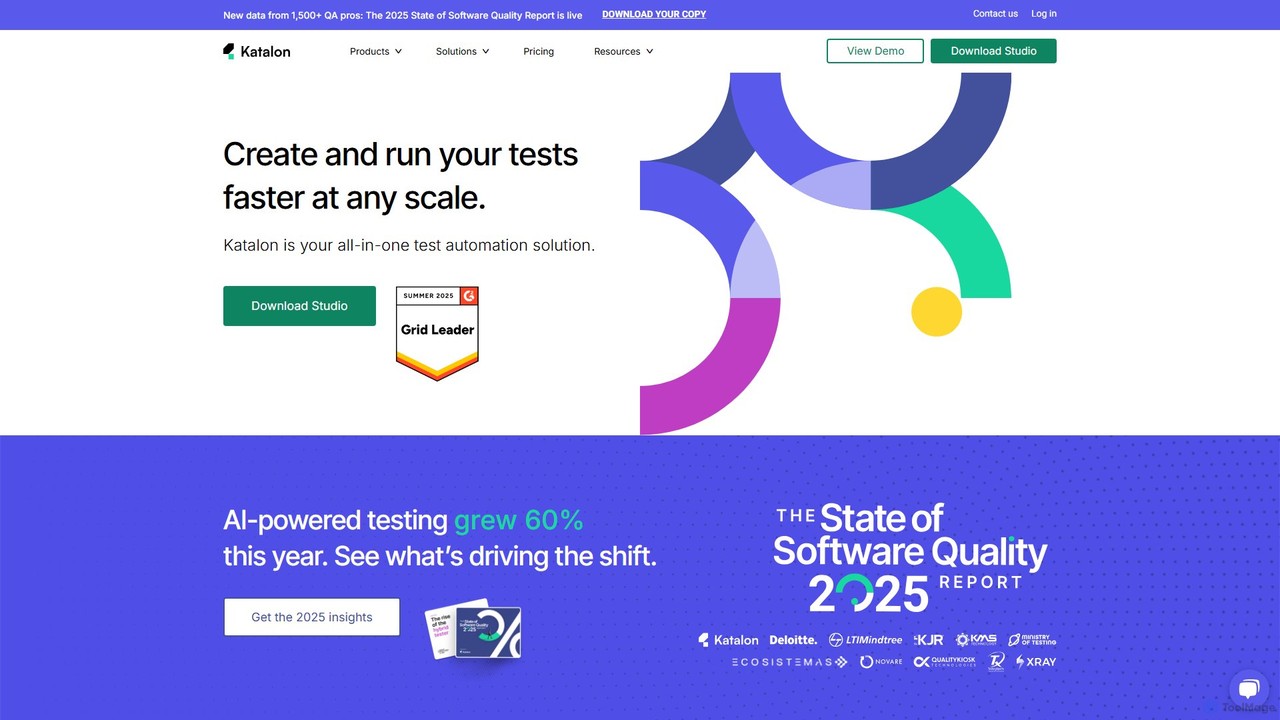
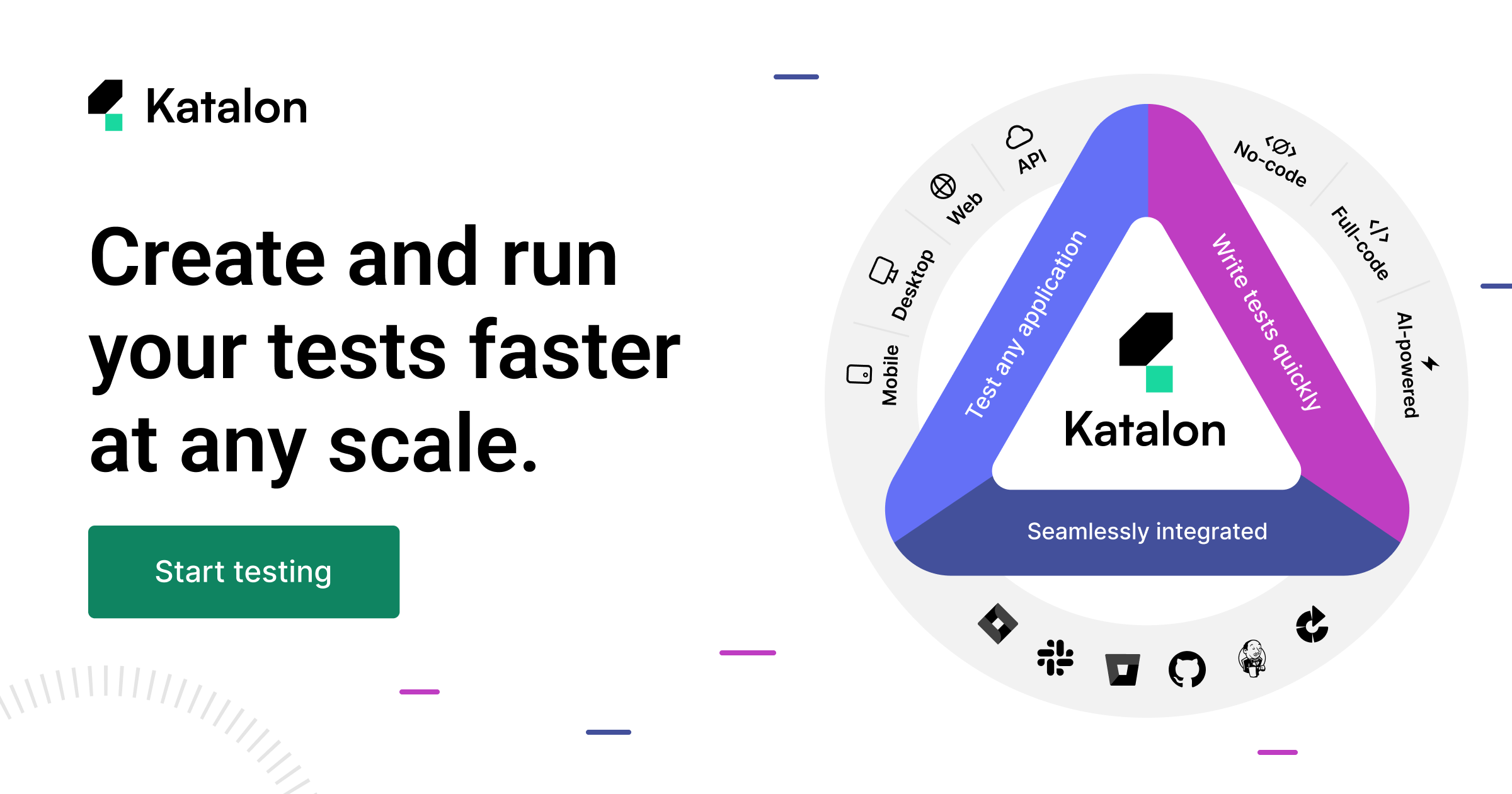
Katalon is a comprehensive, AI-augmented test automation platform for web, API, mobile, and desktop applications. It empowers teams of all sizes with low-code, full-code, and no-code solutions, streamlining the entire quality lifecycle from test creation and execution to analysis and management.

Code Generation
Visits 250.2KFavorites 127Likes 128
Noodl
Freemium

Noodl

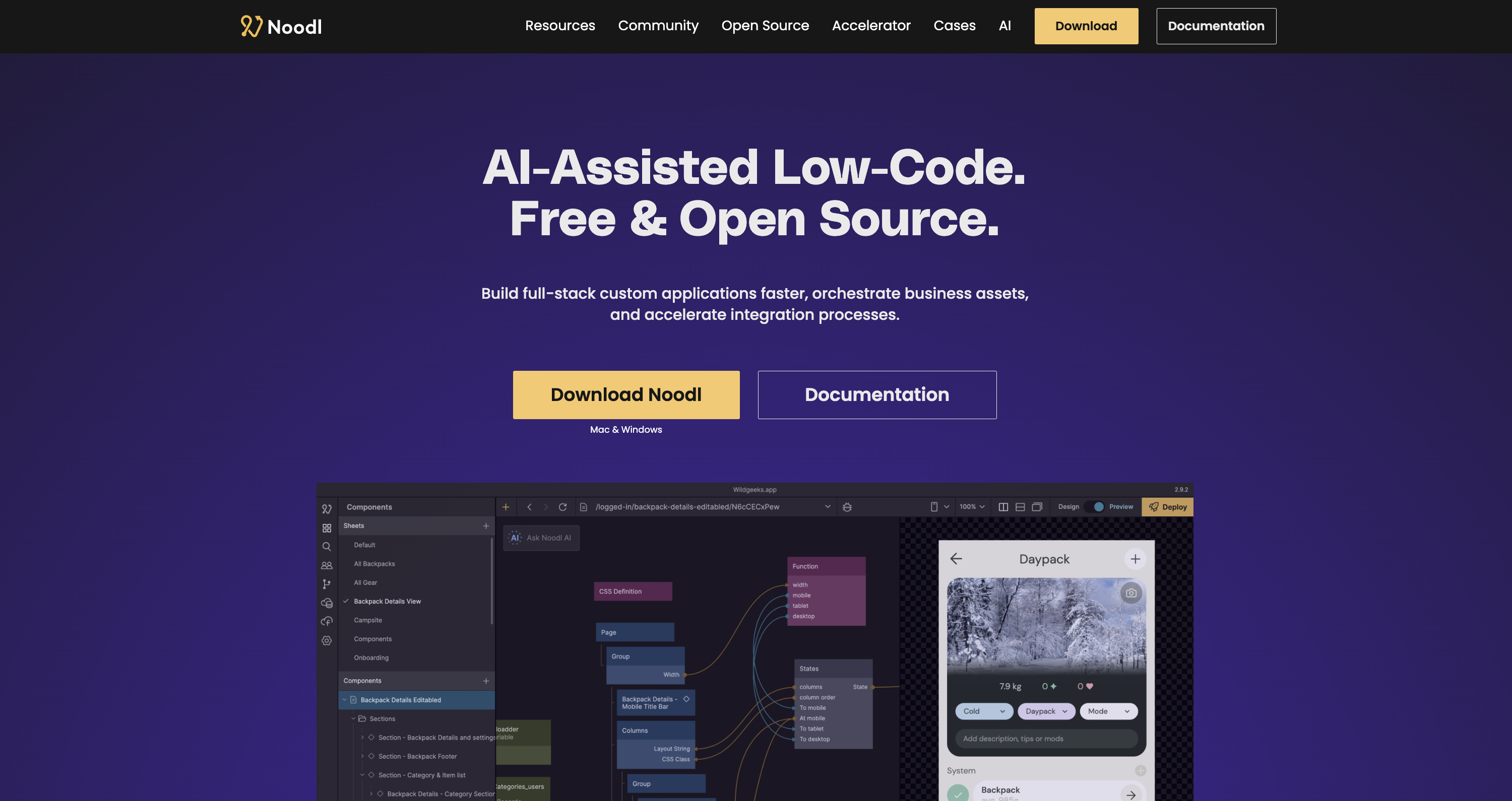
Noodl is an AI-powered low-code platform designed for creating sophisticated web and mobile applications. It combines a visual, node-based editor with an AI assistant that generates code, making it ideal for both non-coders and experienced developers. Build everything from simple prototypes to full-stack applications with unprecedented speed and flexibility.

Code Generation
Visits 14.6KFavorites 104Likes 99
Zed
Freemium

Zed

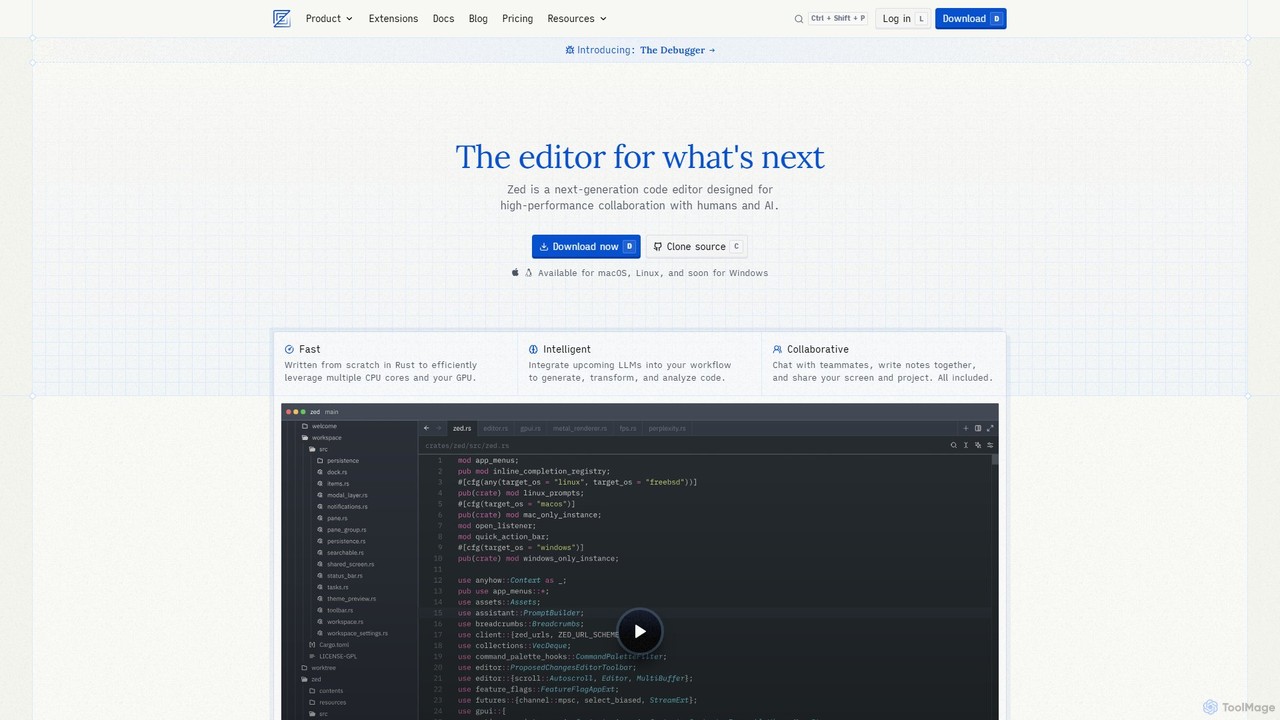
Zed is a high-performance, collaborative, and AI-powered code editor built from scratch in Rust. Designed for speed and efficiency, it offers real-time collaboration, deep integration with LLMs for agentic editing, and a comprehensive set of built-in tools including a debugger and native Git support. Zed is open-source and available for macOS and Linux, with Windows support coming soon.

Code Generation
Visits 1.9MFavorites 125Likes 117
Jam
Freemium

Jam

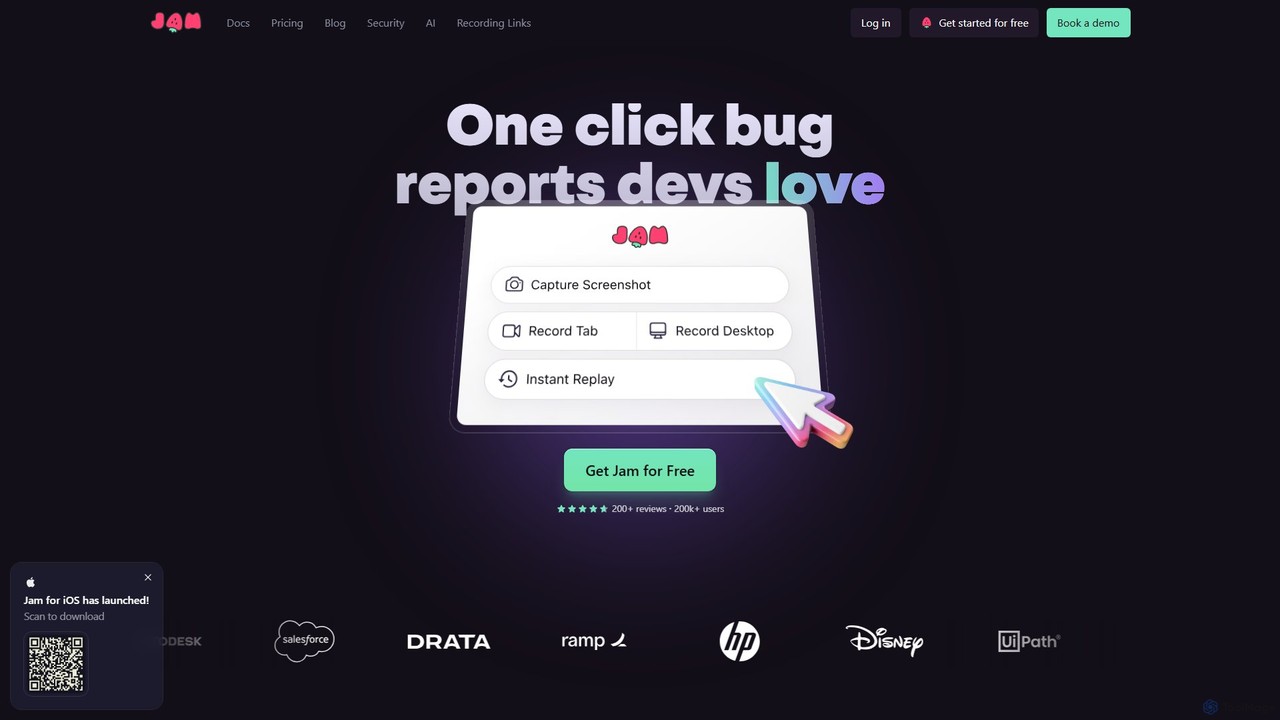
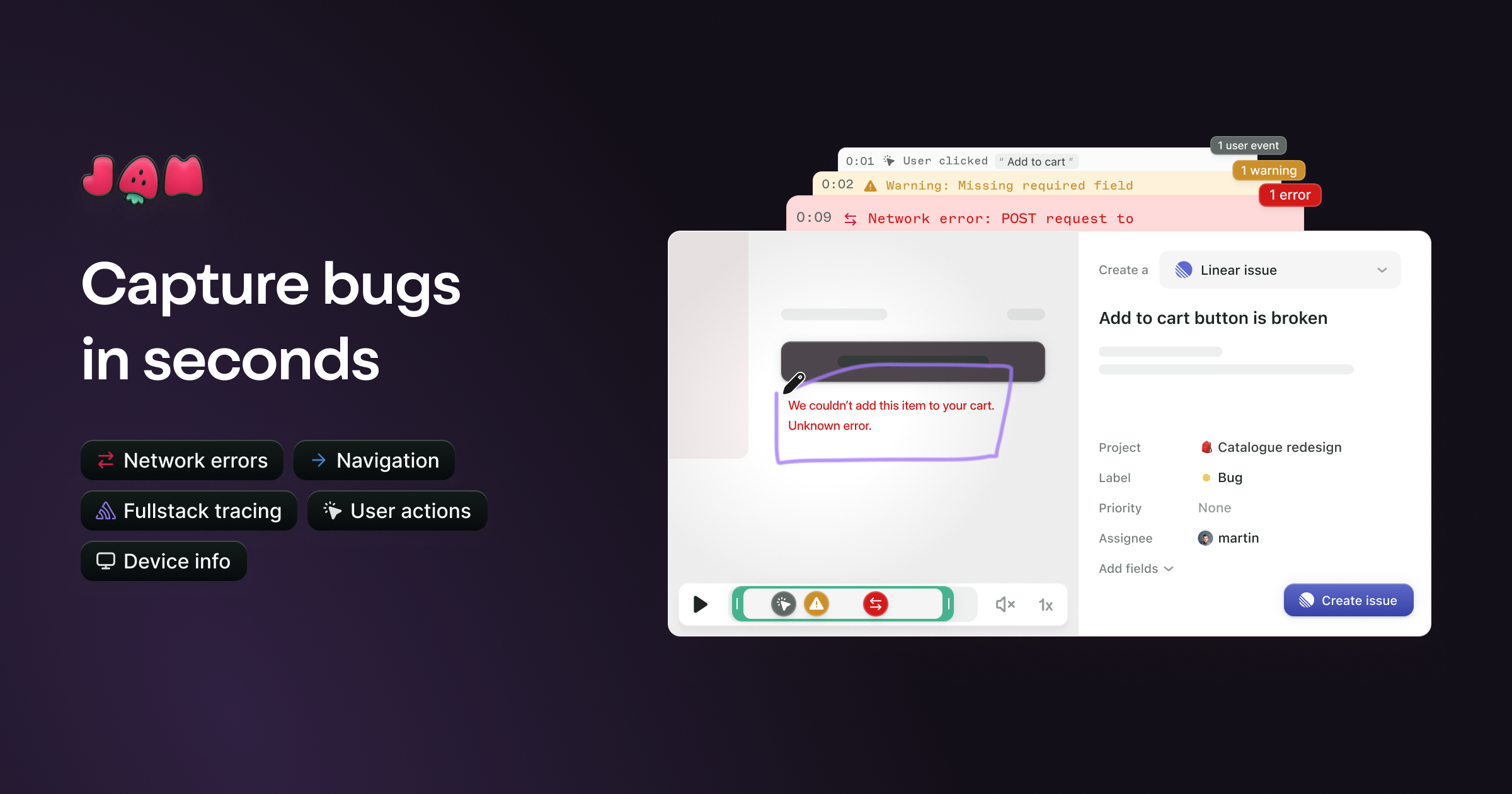
Jam is an AI-powered bug reporting tool that helps development teams fix bugs faster. It automatically captures all the technical data engineers need—console logs, network requests, browser info, and repro steps—in a single link. With features like instant replay, AI-powered debugging, and seamless integrations, Jam streamlines the entire bug reporting and resolution process for developers, QA, and product teams.

Debugging
Visits 733.8KFavorites 122Likes 116

About Ai Code Assistant

AI Code Assistants are AI-powered tools designed to help developers write, debug, and optimize code more efficiently. These tools integrate directly into Integrated Development Environments (IDEs) and leverage large language models (LLMs) trained on vast code repositories to provide real-time suggestions. They accelerate the development lifecycle by automating repetitive tasks, generating complex code blocks from natural language prompts, and identifying potential errors before compilation. This allows developers to focus on high-level logic and problem-solving, significantly improving productivity and code quality.

Core Features

  • Intelligent Code Completion: Suggests single lines or entire functions based on the current context, going far beyond traditional autocompletion.
  • Code Generation from Prompts: Creates code snippets, functions, or even entire classes from a developer's description in natural language.
  • Debugging and Error Detection: Identifies bugs, suggests fixes, and explains complex errors in plain English.
  • Code Refactoring and Optimization: Recommends improvements to existing code for better performance, readability, and maintainability.
  • Automated Test Generation: Generates unit tests for functions and methods, helping to improve code coverage and reliability.

Use Cases

AI Code Assistants are widely used across the software development industry. They are invaluable for web developers building front-end and back-end applications, data scientists writing complex algorithms and data processing scripts, and game developers creating intricate game logic. Teams use them to maintain consistent coding standards and accelerate pair programming, while individual developers leverage them to learn new languages or frameworks more quickly.

How to Choose

When selecting an AI Code Assistant, consider its integration support for your preferred IDEs and programming languages. Evaluate the accuracy and relevance of its suggestions. For enterprise use, prioritize tools with strong data privacy and security policies, especially regarding how your proprietary code is handled. Finally, compare pricing models and performance to find a solution that fits your workflow and budget.

Featured tool rankings

Ai Code Assistant use cases

1

Accelerating API Endpoint Development

A back-end developer is tasked with creating a new set of RESTful API endpoints for a user management module. Instead of writing all the boilerplate code manually, they use an AI Code Assistant. By typing a prompt like 'create a POST endpoint to register a new user with email and password validation', the assistant generates the complete function, including request handling, data validation, database interaction, and response formatting. This reduces development time for a single endpoint from an hour to minutes, allowing the developer to focus on implementing the core business logic and ensuring security.

2

Automating Unit Test Creation

A software developer needs to increase the test coverage for a critical financial calculation module. Writing comprehensive unit tests manually is time-consuming and prone to missing edge cases. Using an AI Code Assistant, the developer highlights a function and prompts the tool to 'generate unit tests for this function, including edge cases for zero, negative numbers, and large values'. The assistant produces a complete test suite covering various scenarios, which the developer can then review and refine. This process automates over 80% of the test writing effort, ensuring higher code quality and reliability.

3

Refactoring Legacy Code for Maintainability

A maintenance team inherits a legacy application with large, complex functions that are difficult to understand and modify. A senior developer uses an AI Code Assistant to refactor this technical debt. They select a 200-line monolithic function and ask the assistant to 'refactor this function into smaller, single-responsibility functions'. The tool analyzes the code and suggests breaking it down into several smaller, well-named functions. It also identifies and suggests removing redundant code. This significantly improves code readability and maintainability, making future updates safer and faster.

4

Learning a New Programming Language

A data scientist proficient in Python needs to work on a project written in R. To quickly get up to speed, they use an AI Code Assistant within their IDE. When they need to perform a familiar task, like loading a CSV file into a data frame, they write a comment 'load data.csv into a dataframe in R'. The assistant instantly provides the correct R syntax. It also helps explain unfamiliar R functions and idioms, acting as an interactive tutor. This approach drastically reduces the learning curve, making the data scientist productive in the new language within days instead of weeks.

5

Generating Code Documentation

A development team is working to improve their codebase's documentation to ease onboarding for new members. Manually writing docstrings for hundreds of functions is a tedious task. A developer uses an AI Code Assistant with a documentation generation feature. They can select a function, a class, or an entire file and command the assistant to 'generate docstrings'. The tool analyzes the code, including parameters and return values, and generates well-formatted, descriptive documentation for each element. This ensures the codebase is consistently documented with minimal manual effort, saving the team dozens of hours.

6

Explaining and Debugging Complex Code

A junior developer is assigned a bug in a complex data processing pipeline they didn't write. They encounter a block of code with intricate logic and regular expressions. Instead of spending hours deciphering it, they highlight the code and ask the AI Code Assistant, 'Explain what this code does'. The assistant provides a step-by-step breakdown in plain language. When the developer finds the bug, they can ask the assistant, 'Suggest a fix for this off-by-one error', and it provides a corrected version of the code. This collaborative debugging process turns a day-long task into a one-hour fix.

Ai Code Assistant FAQ

What is an AI Code Assistant?

An AI Code Assistant is a software tool that uses artificial intelligence, specifically large language models (LLMs), to help developers write code. It integrates into a developer's coding environment (IDE) to provide intelligent, context-aware assistance. Key functions include advanced code completion, generating entire functions from natural language descriptions, identifying and fixing bugs, and explaining complex code snippets. These assistants are trained on billions of lines of public code, allowing them to understand programming patterns and best practices across many languages.

How to choose the right AI Code Assistant?

Choosing the right AI Code Assistant depends on your specific needs. Consider the following factors:

  • Language and Framework Support: Ensure the tool excels in the programming languages and frameworks you use most frequently.
  • IDE Integration: A seamless integration into your preferred IDE (like VS Code, JetBrains, or Vim) is crucial for a smooth workflow.
  • Functionality: Evaluate its core features. Do you need strong code generation, advanced debugging, or refactoring capabilities?
  • Privacy and Security: For professional or enterprise use, verify the tool's policy on code privacy. Some offer local processing or guarantees that your code won't be used for training.
  • Performance and Cost: Compare the responsiveness of the suggestions and the pricing models (subscription vs. free tiers) to find the best value for your budget.
AI Code Assistant vs. traditional autocompletion: what's the difference?

The primary difference lies in context and capability. Traditional autocompletion tools are syntax-aware; they suggest variables, functions, and keywords based on the code in the current file and its direct dependencies. They are limited to completing code that already exists. In contrast, AI Code Assistants are context-aware and generative. They understand the developer's intent from comments and surrounding code, allowing them to generate entirely new, multi-line blocks of code that don't exist anywhere in the project. They can create logic, write tests, and even translate code between languages, capabilities far beyond traditional tools.

Is the code generated by AI Code Assistants secure and reliable?

The code generated by AI assistants reflects the patterns found in their vast training data, which includes countless open-source projects. While often high-quality, it can sometimes contain subtle bugs, inefficiencies, or even security vulnerabilities present in the training data. Therefore, code generated by AI should always be treated as a suggestion, not a final product. It is the developer's responsibility to thoroughly review, test, and understand any AI-generated code before integrating it into a production system. Many enterprise-grade assistants also include features like vulnerability scanning to help mitigate these risks.

Can AI Code Assistants write a complete application?

No, AI Code Assistants are not capable of writing a complete, complex application from scratch on their own. They excel at task-specific, localized code generation, such as creating a function, implementing an algorithm, or writing a test suite. However, they lack the high-level architectural understanding required to design and structure an entire application. Building a full application involves making decisions about system design, database schemas, component interaction, and deployment strategies, which still requires the expertise and oversight of a human developer. They are best used as a powerful productivity tool to assist developers, not replace them.