
Amarsia
Amarsia is an intuitive platform designed to help teams effortlessly build, deploy, and monitor custom AI features as …
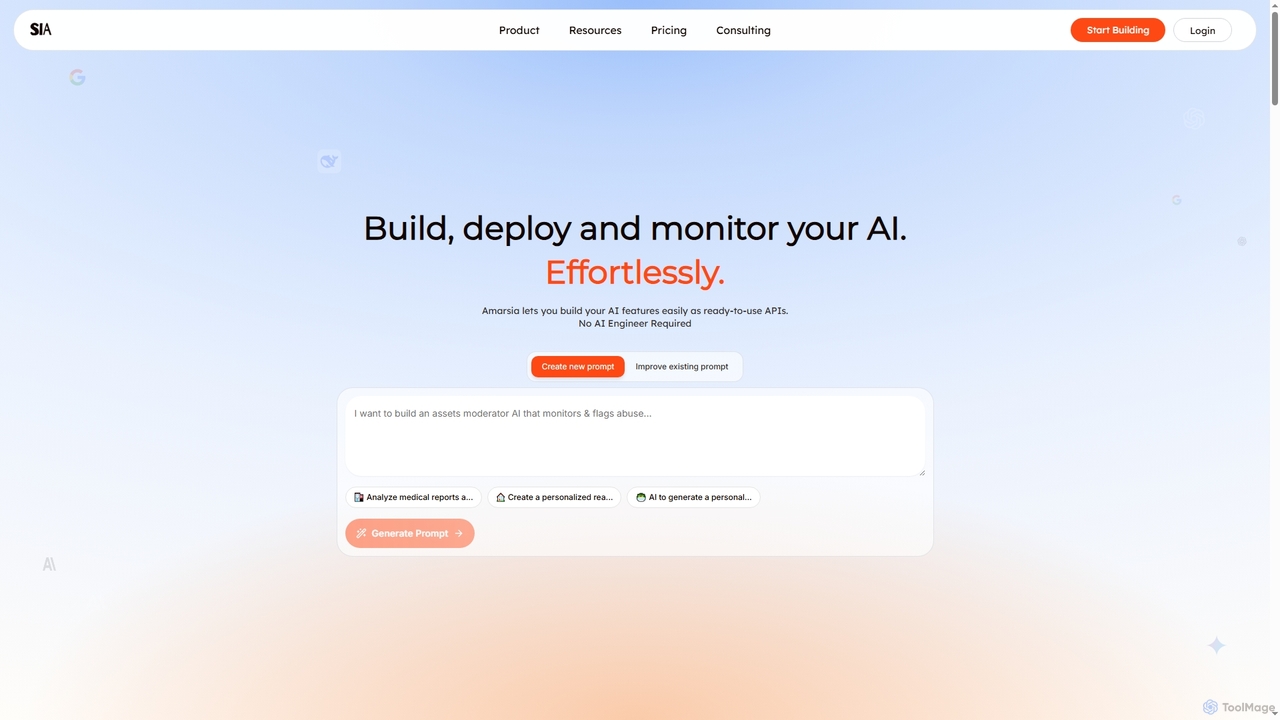
Amarsia is an intuitive platform designed to help teams effortlessly build, deploy, and monitor custom AI features as ready-to-use APIs. It eliminates the need for extensive coding or AI engineering expertise, enabling rapid development of intelligent workflows, knowledge bases, and multimodal AI solutions with built-in version control and performance monitoring.
About Ai Integration
AI Integration tools are platforms that simplify connecting and embedding artificial intelligence capabilities into existing applications, websites, and workflows. They act as a bridge between complex AI models and your business systems, often through low-code or no-code interfaces. This allows teams to add features like chatbots, data analysis, or image recognition without building the underlying AI infrastructure from scratch. These tools streamline the entire process from API management to workflow automation, accelerating AI adoption.
Core Features
- Pre-built Connectors: Quickly link to popular AI services and business applications like CRMs or databases with minimal setup.
- Visual Workflow Automation: Design and automate multi-step processes that chain different AI models and data sources together.
- Unified API Management: Manage multiple AI APIs from a single point, handling authentication, logging, and versioning.
- Low-Code/No-Code Interface: Build and deploy AI-powered features using drag-and-drop builders, reducing the need for specialized coding skills.
Use Cases
These tools are widely used in software development, marketing automation, and customer service. For example, a developer can embed a text generation model into a content management system, or a marketing team can automate social media post generation by connecting various AI services.
How to Choose
When selecting an AI Integration tool, consider the range of supported AI models and third-party applications. Evaluate the ease of use of its workflow builder, its scalability for handling high volumes of requests, and the clarity of its pricing model. Also, assess the quality of its documentation and developer support.
Ai IntegrationUse Cases
Automating Customer Support Ticket Routing
A customer support manager uses an AI Integration platform to build an automated workflow. When a new support ticket arrives in their helpdesk system, the platform sends the ticket's text to a classification AI model. The model determines the topic (e.g., 'Billing,' 'Technical Issue'). Based on the AI's output, the platform automatically routes the ticket to the correct support team, adding a priority tag. This reduces manual triage time by over 90% and ensures faster response times.
Enriching CRM Leads with AI-Generated Data
A sales operations team integrates their CRM with an AI Integration tool. For every new lead, the tool triggers a workflow that gathers information about the lead's company. It then feeds this to a large language model (LLM) to summarize the business, identify needs, and draft a personalized outreach email template. This enriched data is automatically saved back into the CRM, providing sales reps with valuable context before they make the first contact.
Building a Custom AI Content Creation Pipeline
A content marketing team uses an AI Integration platform to streamline article creation. They create a workflow where a user inputs a topic. The platform first sends the topic to an AI model to generate a detailed outline. Once approved, the outline is sent to another AI model to draft the full article. Finally, the draft is passed to a third AI for proofreading. This multi-step, automated process allows the team to produce high-quality drafts consistently and focus on final editing.
Integrating Image Recognition into an E-commerce App
A mobile app developer for an e-commerce company wants to add a visual search feature. Instead of building a complex machine learning system, they use an AI Integration tool. They connect their app's backend to the tool's API. When a user uploads a photo, the app sends it to the integration platform, which forwards it to a powerful image recognition AI service. The AI returns a list of matching product tags, which the platform formats and sends back to the app, displaying relevant products to the user in seconds.
Creating an Internal Knowledge Base Chatbot
An IT department needs to provide employees with instant answers to common questions about company policies. They use an AI Integration platform to connect a chatbot interface to their internal knowledge base (e.g., Confluence). The platform handles the process of indexing the documents, feeding them to a retrieval-augmented generation (RAG) model, and managing the chat interface. Employees can ask questions in natural language, and the chatbot provides accurate answers based solely on official documentation.
Automating Financial Report Summarization
A financial analyst needs to review dozens of quarterly reports each week. They set up a workflow in an AI Integration platform that monitors a specific folder for new PDF reports. When a new report is added, the platform extracts the text, sends it to an LLM with a prompt to summarize key financial metrics and highlights, and then emails the concise summary to the analyst. This process transforms a multi-hour task into a fully automated one, allowing the analyst to focus on strategic analysis.