SandTest
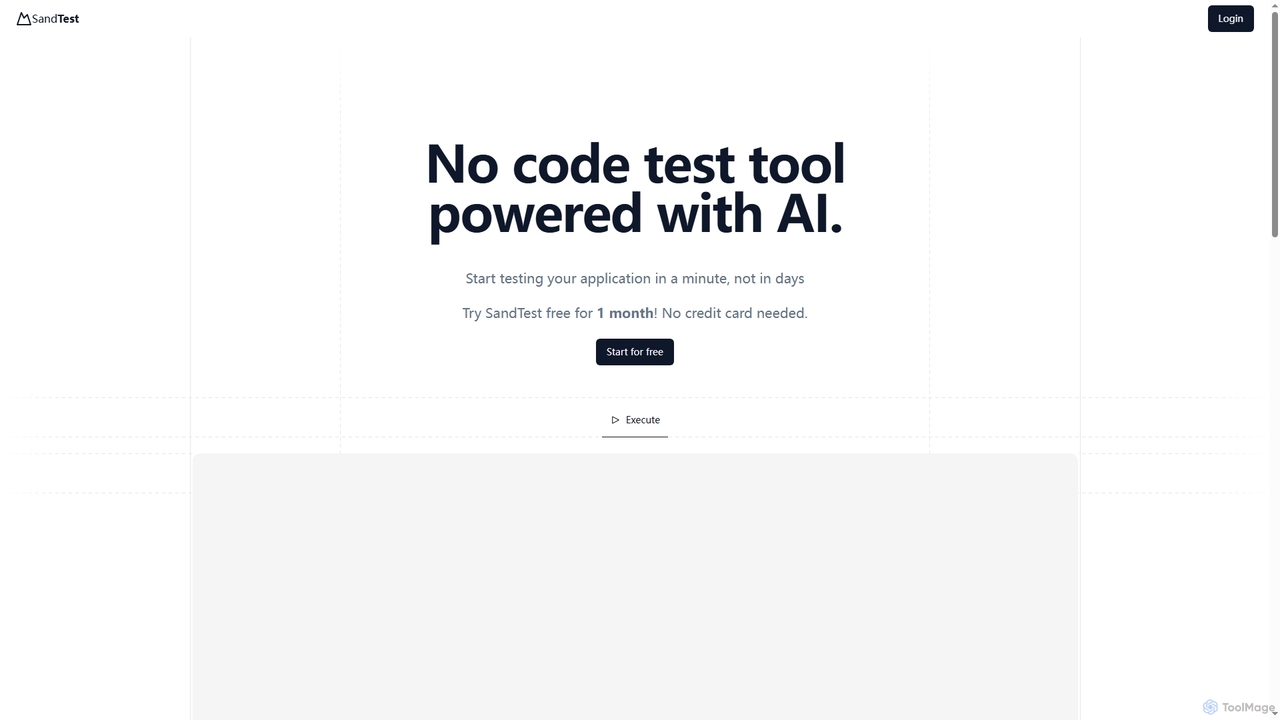
SandTest is an AI-powered, no-code test automation tool designed to help businesses validate their applications rapidly. It enables …
SandTest is an AI-powered, no-code test automation tool designed to help businesses validate their applications rapidly. It enables users to start testing in minutes, streamlining the quality assurance process and enhancing productivity without complex setups.
Supatest
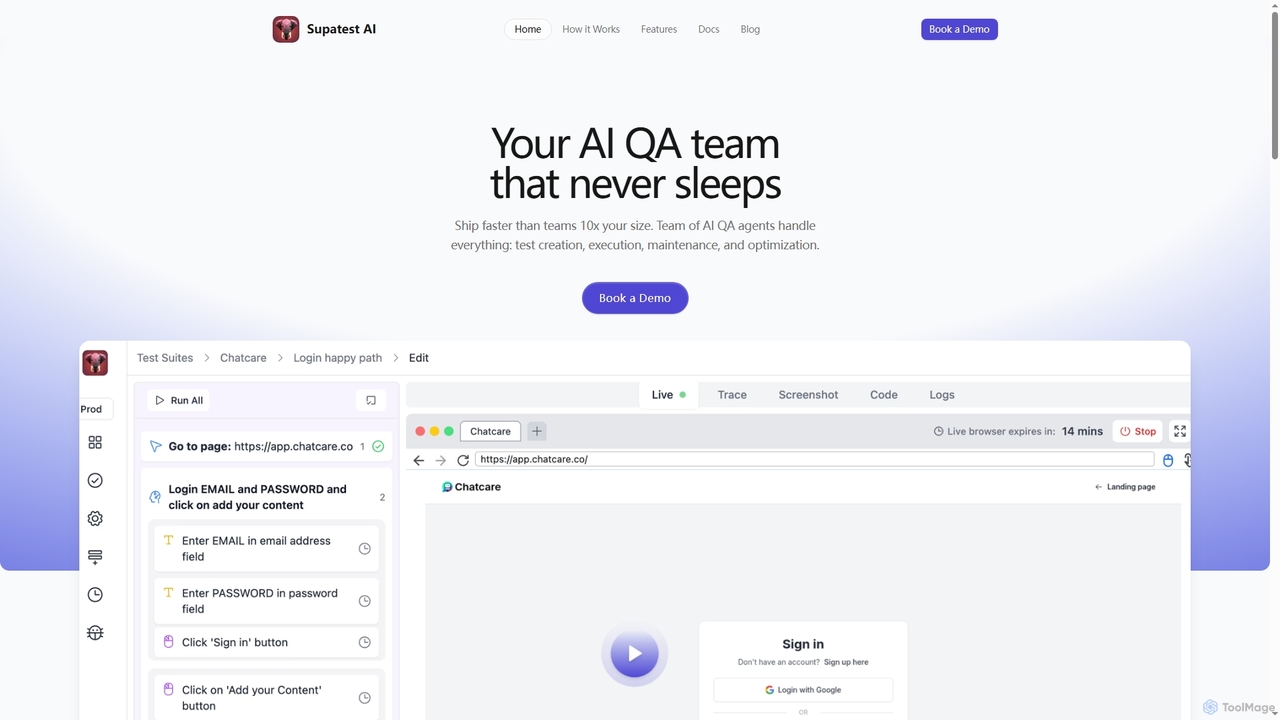
Supatest is an AI-powered quality assurance platform that acts as an autonomous QA team, enabling engineering teams to …
Supatest is an AI-powered quality assurance platform that acts as an autonomous QA team, enabling engineering teams to ship software faster. It handles test creation, execution, maintenance, and optimization, learning your product's intricacies to deliver evolving, self-healing test suites.
About Development Tools
Development Tools are AI-powered applications designed to assist developers throughout the entire software development lifecycle. These tools leverage machine learning, natural language processing, and advanced code analysis to automate repetitive tasks, generate code, identify bugs, and optimize performance. They significantly enhance developer productivity, improve code quality, and accelerate project delivery, integrating intelligence directly into the development workflow.
Core Features
- Code Generation: Automatically writes code snippets, functions, or modules based on natural language prompts or existing code.
- Intelligent Debugging: Identifies and suggests fixes for bugs, analyzes code for potential issues, and provides performance insights.
- Automated Testing: Generates test cases, executes tests, and reports on code quality and vulnerabilities.
- Code Refactoring & Optimization: Suggests improvements for code readability, efficiency, and maintainability.
Applicable Scenarios
Software development teams use these tools to accelerate feature development and reduce technical debt. Individual developers benefit from automating repetitive coding tasks and receiving real-time assistance. DevOps engineers can streamline CI/CD pipelines and automate infrastructure as code generation, enhancing overall operational efficiency.
How to Choose
When selecting AI development tools, consider their integration capabilities with existing IDEs and version control systems. Evaluate the supported programming languages and frameworks to ensure compatibility with your tech stack. Assess the accuracy and reliability of AI-generated code and debugging suggestions, and review the tool's security and data privacy policies for sensitive code handling.
Development ToolsUse Cases
Automated Code Generation for Prototypes
A startup developer uses an AI development tool to quickly generate boilerplate code and basic functionalities for a new web application prototype. This significantly reduces initial setup time, allowing them to focus on core logic and unique features, accelerating the proof-of-concept phase.
Intelligent Bug Detection and Fix Suggestions
A software engineer integrates an AI tool into their IDE to automatically scan newly written code. The tool identifies potential bugs, security vulnerabilities, or performance issues in real-time and provides instant, context-aware suggestions for corrections, improving code quality before commit.
Generating Comprehensive Unit Tests
A QA engineer leverages an AI development tool to automatically generate a wide range of unit tests for a complex software module. This ensures thorough test coverage, helps catch edge cases that might be missed manually, and reduces the time spent on writing repetitive test code.
Refactoring Legacy Code for Performance
A senior developer uses an AI tool to analyze an older, less efficient codebase. The tool identifies performance bottlenecks, suggests optimized algorithms or data structures, and assists in refactoring the code to improve its speed, maintainability, and overall efficiency without manual deep dives.
Creating API Documentation and SDKs
A backend developer utilizes an AI development tool to automatically generate clear, consistent API documentation and client-side SDKs from their API definitions. This simplifies integration for frontend teams and external partners, ensuring up-to-date and accurate reference materials.
Personalized Learning and Code Assistance
A junior developer uses an AI tool as a coding assistant to understand unfamiliar code snippets, get explanations for complex programming concepts, and receive guidance on best practices. This accelerates their learning curve and helps them become proficient faster.