ToolMage
Sign in

Best 2 Development AI tools for Artificial Intelligence

Popular Development AI tools in Artificial Intelligence include AskFlow and LanceQ, helping you work more efficiently.

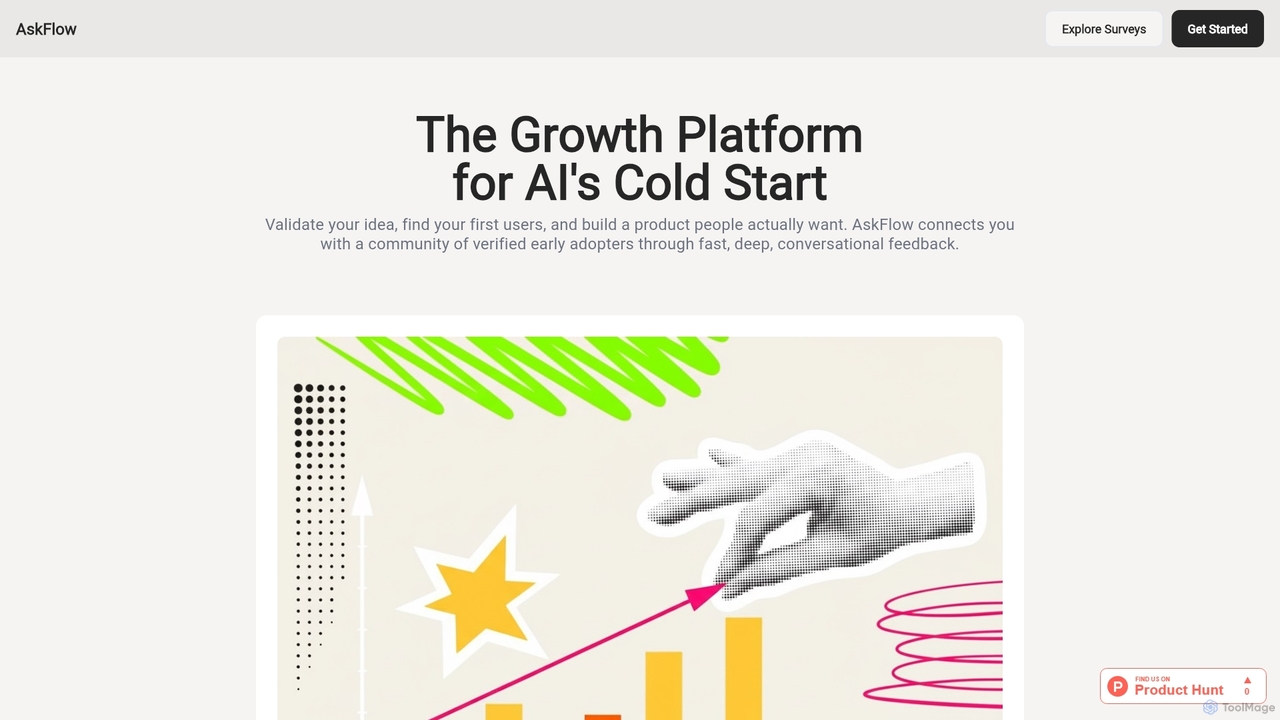
AskFlow

AskFlow

AskFlow is a growth platform designed for AI startups to accelerate product development and achieve product-market fit. It enables rapid idea validation through conversational surveys, connects innovators with a curated community of early adopters, and provides deep, actionable user insights to guide product roadmaps efficiently.

Development
Visits 6.4KFavorites 169Likes 144
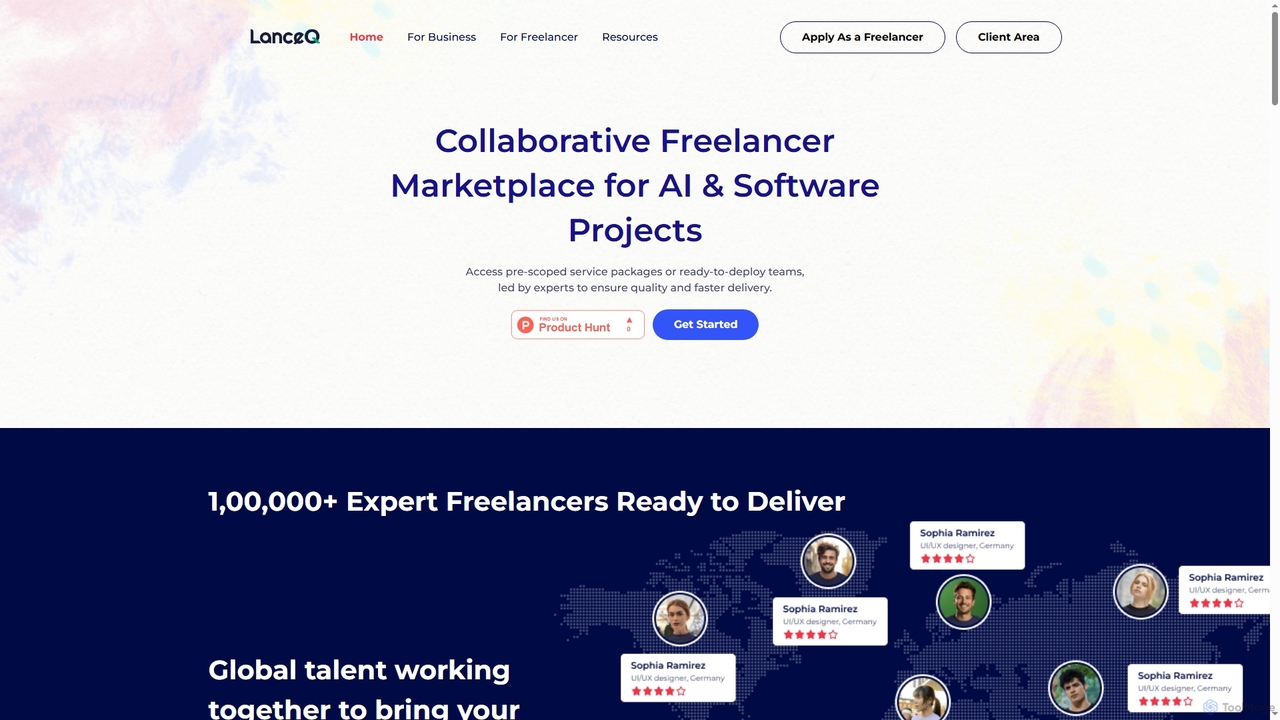
LanceQ

LanceQ

LanceQ is a collaborative freelancer marketplace specializing in AI and software projects. It connects businesses with a global network of top-tier AI experts and developers, offering pre-scoped service packages, ready-to-deploy teams, and AI-driven talent matching for high-quality, efficient project delivery.

Development
Visits 6.3KFavorites 161Likes 162

About Development

AI Development tools are a category of Artificial Intelligence tools designed to assist developers in building, deploying, and managing AI models and applications. These platforms and frameworks streamline the entire AI lifecycle, from data preparation and model training to deployment and monitoring. They empower developers to create intelligent solutions more efficiently, often by abstracting complex underlying AI infrastructure and providing intuitive interfaces or specialized SDKs.

Core Features

  • Model Training & Optimization: Tools for training machine learning models, hyperparameter tuning, and performance optimization.
  • Data Annotation & Preparation: Features for labeling datasets, data cleaning, and transformation to prepare for model input.
  • Automated Machine Learning (AutoML): Automating repetitive tasks in the ML pipeline, such as feature engineering and model selection.
  • Deployment & MLOps: Capabilities for deploying models to production, monitoring performance, and managing the model lifecycle.
  • Code Generation & Assistance: AI-powered code suggestions, completion, and generating code snippets based on natural language prompts.

Applicable Scenarios

Software development teams leverage these tools to integrate AI-powered features into their applications, while data scientists and ML engineers streamline their model development workflows. Researchers also use them for experimenting with new AI architectures and algorithms, accelerating innovation across various industries.

How to Choose

When selecting an AI Development tool, consider its integration capabilities with your existing tech stack, including programming languages and cloud platforms. Evaluate the level of abstraction offered, from low-code/no-code options to deep customization. Assess scalability and performance for handling large datasets and complex models, and understand the cost model for compute, storage, and specialized features.

Development use cases

1

Automated Code Generation for Web Applications

A front-end developer uses an AI development tool to generate boilerplate code for UI components or API integrations based on design specifications. By simply providing high-level requirements or mockups, the tool can produce functional code snippets, significantly reducing manual coding time and accelerating the initial development phase of web applications.

2

Streamlining Machine Learning Model Training

A data scientist leverages an AutoML platform to automatically select the best algorithm and tune hyperparameters for a predictive model. This automation significantly accelerates the experimentation phase, allowing the data scientist to achieve higher model accuracy and deploy models faster without extensive manual configuration.

3

Efficient Data Annotation for Computer Vision

A computer vision engineer employs an AI-powered annotation tool to quickly label thousands of images for object detection tasks. The tool uses active learning to suggest labels and identify ambiguous cases, significantly reducing human effort, improving label consistency, and accelerating the creation of high-quality training datasets.

4

Deploying and Monitoring AI Models in Production

An MLOps engineer utilizes an AI development platform to deploy a trained recommendation model to a cloud environment. The platform provides automated monitoring for performance drift, data quality issues, and resource utilization, ensuring the model operates reliably and efficiently in a production setting with minimal manual intervention.

5

AI-Assisted Bug Detection and Code Refactoring

A software engineer integrates an AI development tool into their IDE that analyzes code in real-time. The tool suggests potential bugs, security vulnerabilities, and refactoring opportunities, providing actionable recommendations to improve code quality, maintainability, and adherence to best practices, thereby reducing debugging time.

6

Building Custom AI APIs for Business Logic

A backend developer uses an AI development framework to create a custom natural language processing (NLP) API for their internal business application. This allows for sentiment analysis of customer feedback or automated text summarization, enabling the business to integrate advanced AI capabilities into their workflows without requiring deep machine learning expertise.

Development FAQ

What are AI Development tools?

AI Development tools are platforms and frameworks that empower developers to build, deploy, and manage AI models and applications. They simplify complex tasks like data preparation, model training, and MLOps, making AI accessible to a wider range of developers. These tools often include features for automated machine learning, code generation, and performance monitoring, accelerating the creation of intelligent solutions.

How do AI Development tools differ from traditional software development tools?

While both facilitate software creation, AI Development tools are specifically tailored for the unique lifecycle of AI/ML projects. They offer specialized features like automated model training, data annotation, and MLOps capabilities that traditional tools lack. They focus on managing data pipelines, model versions, and deployment of intelligent agents, whereas traditional tools primarily handle code compilation, debugging, and general application logic.

What are the key benefits of using AI Development tools?

The primary benefits include accelerated development cycles, reduced complexity, and improved model performance. These tools automate repetitive tasks, allowing developers to focus on innovation. They also lower the barrier to entry for AI development, enabling more individuals and teams to build sophisticated AI solutions. Furthermore, integrated MLOps features ensure better model governance, monitoring, and scalability in production environments.

What should I consider when choosing an AI Development platform?

When choosing an AI Development platform, consider its compatibility with your existing tech stack and cloud infrastructure. Evaluate the level of abstraction it offers, from low-code options for rapid prototyping to full customization for advanced users. Assess its scalability, performance, and the range of supported AI frameworks and models. Finally, examine its MLOps capabilities for deployment, monitoring, and governance, along with its pricing model and community support.

Can AI Development tools be used by non-AI experts?

Yes, many AI Development tools are designed with varying levels of abstraction to cater to different expertise levels. Low-code and no-code AI platforms specifically enable non-AI experts, such as business analysts or domain specialists, to build and deploy AI models using intuitive graphical interfaces and pre-built components. This democratizes AI, allowing a broader range of users to leverage its power without deep machine learning knowledge.