ToolMage
Sign in

Best 4 Assets AI tools

Popular Assets AI tools include Creative Fabrica, MyFonts, threedee, and svgcollections, helping you work more efficiently.

Creative Fabrica
Freemium

Creative Fabrica

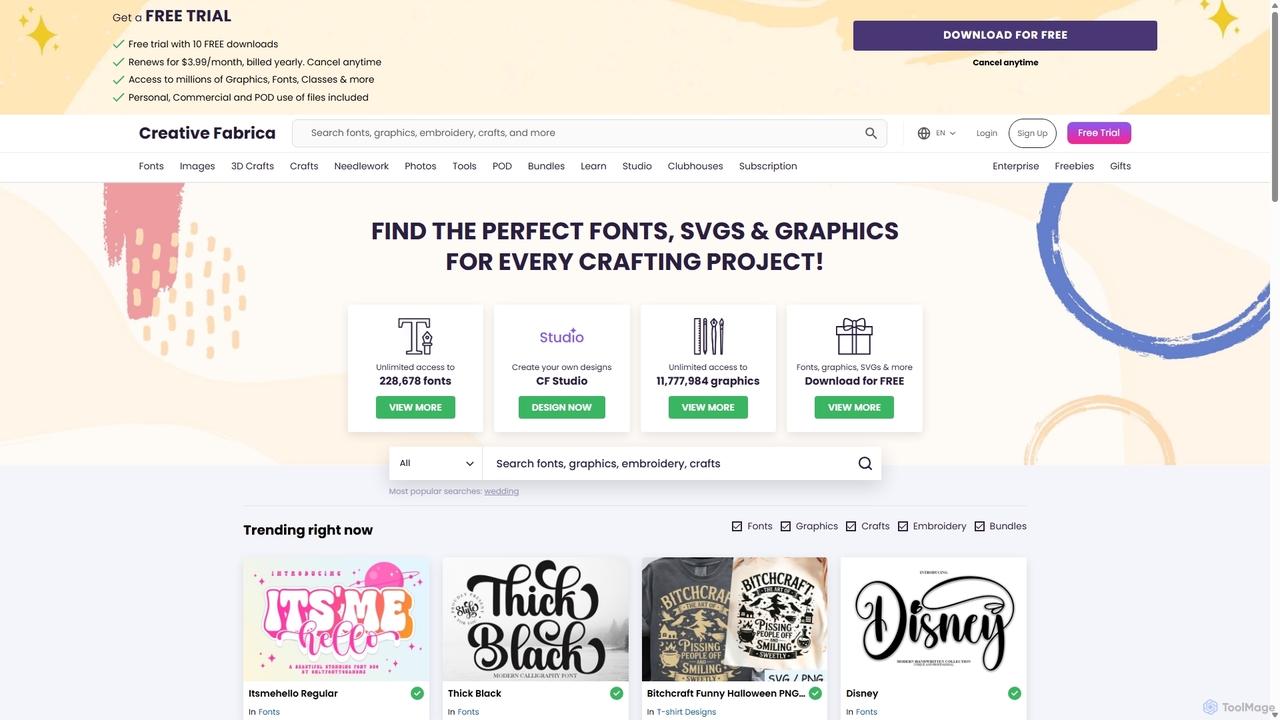
A comprehensive platform for creatives, offering millions of digital assets like fonts, graphics, and SVGs, alongside a powerful suite of online design tools (CF Studio) featuring numerous AI-powered capabilities for image editing, content creation, and design.

Fonts
Visits 10.1MFavorites 133Likes 146
threedee
Freemium

threedee

threedee is an award-winning design studio offering massive libraries of customizable 3D assets and bespoke 3D design services. It provides millions of combinations of characters, icons, emojis, and more, complete with Blender source files and tutorials to elevate creative projects for designers, marketers, and developers.

Icons
Visits 31.8KFavorites 138Likes 138
MyFonts
Paid

MyFonts

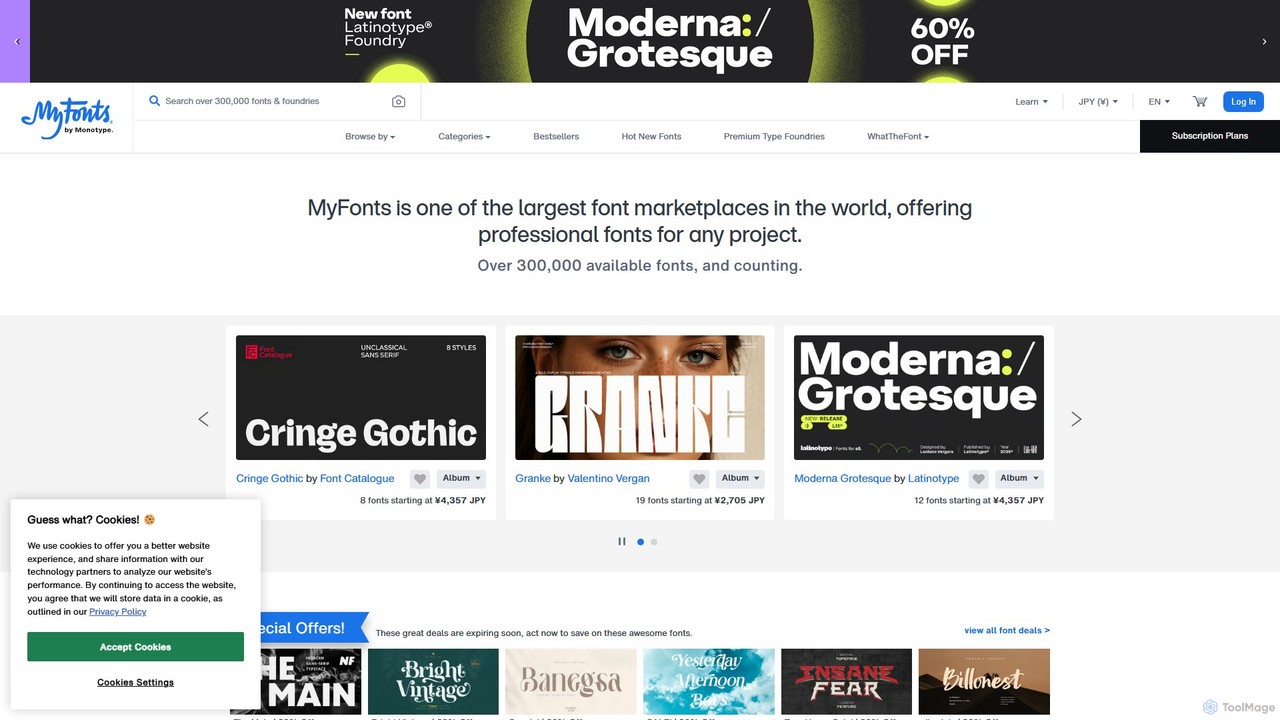
A comprehensive digital font marketplace offering a vast library of typefaces for web and print. MyFonts features the powerful AI-driven tool, "WhatTheFont," which can identify fonts from any image, making it an essential resource for designers, developers, and creatives seeking the perfect font for their projects.

Fonts
Visits 7.7MFavorites 145Likes 133
svgcollections
Freemium

svgcollections

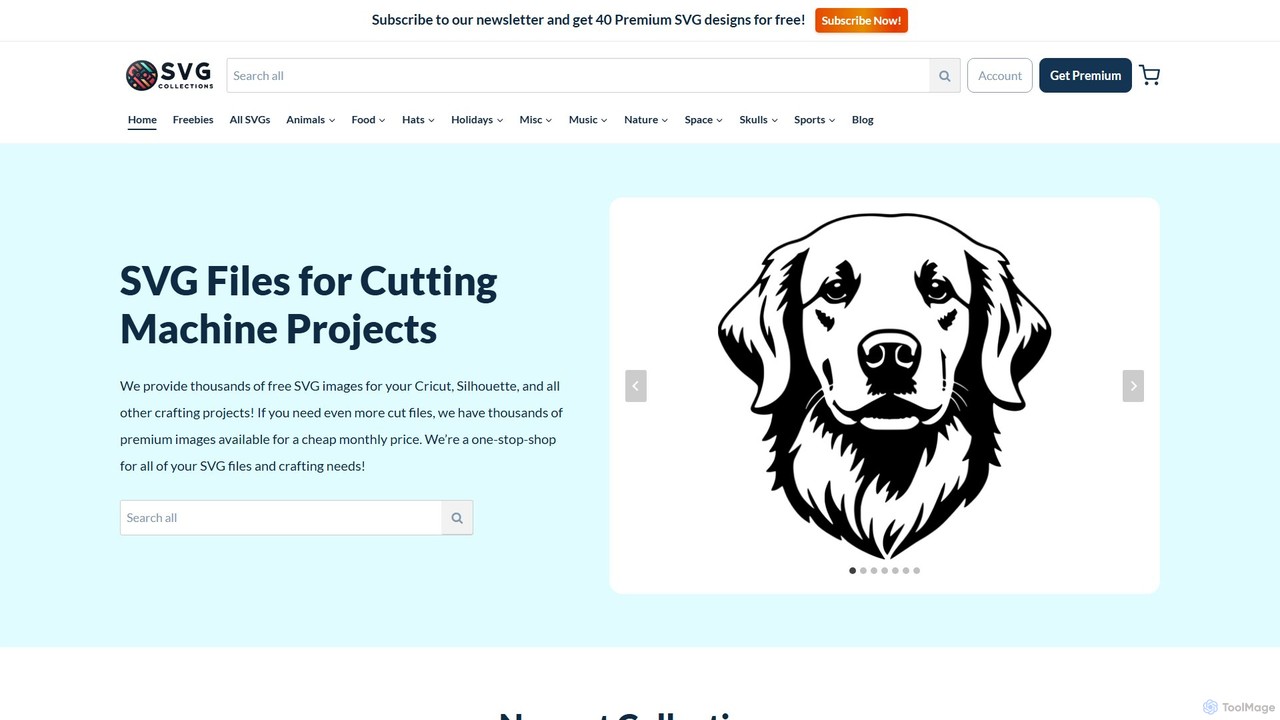
A vast online library offering thousands of high-quality, affordable SVG files for crafters and DIY enthusiasts. It provides both free and premium designs suitable for cutting machines like Cricut and Silhouette, with options for personal and commercial use.

Icons & Vectors
Visits 22.6KFavorites 139Likes 108

About Assets

AI Assets are digital resources, such as images, 3D models, textures, and audio, created or enhanced using artificial intelligence technologies. These tools leverage generative models to produce unique and customizable assets from simple text prompts or other inputs. They are primarily used to accelerate creative workflows, reduce production costs, and provide novel design possibilities for creators and developers. The ability to generate vast quantities of variations quickly makes them highly valuable in iterative design processes.

Core Features

  • On-Demand Generation: Create assets from text, images, or other parameters without manual design work.
  • Style Customization: Fine-tune the style, color palette, and other aesthetic attributes of the generated assets.
  • Seamless Tiling and Texturing: Generate textures and patterns that can be seamlessly repeated, ideal for 3D models and game environments.
  • Format Exportability: Export assets in standard industry formats (e.g., PNG, FBX, WAV) for use in various software.
  • API Integration: Programmatically generate and manage assets within custom applications or workflows.

Use Cases

AI Asset tools are widely adopted in industries like game development for creating characters, environments, and props. In film and VFX, they are used for generating concept art, sound effects, and background elements. Architects and interior designers use them to populate virtual scenes with realistic 3D models, while marketers and content creators generate custom images and music for campaigns.

How to Choose

When selecting an AI Asset tool, first consider the specific asset types you need (e.g., 2D images, 3D models, audio). Evaluate the quality, realism, and level of control the tool offers over the generation process. Check for compatibility with your existing software through direct integrations or supported file formats. Finally, review the licensing terms to ensure the generated assets can be used for your intended commercial or personal projects and compare pricing models like subscriptions or credit-based systems.

Assets use cases

1

Rapid Prototyping for Game Environments

An indie game developer needs to create a large, diverse set of environmental assets for a new fantasy world. Instead of manually modeling and texturing hundreds of trees, rocks, and architectural elements, they use an AI Asset generator. By providing stylistic prompts like "mossy, ancient elven ruins" or "glowing crystalline flora," the developer generates dozens of unique 3D models and seamless textures in minutes. This process reduces the asset creation time by over 80%, allowing the small team to build and test expansive, visually rich game levels that would otherwise be unfeasible.

2

Creating Custom Music for Marketing Videos

A marketing team is producing a series of short video ads for a social media campaign, each targeting a different audience segment. They require unique, royalty-free background music for each video. Using an AI music asset tool, they input prompts describing the desired mood, genre, and tempo, such as "upbeat, corporate electronic track" or "calm, ambient acoustic melody." The tool generates multiple high-quality audio tracks, which can be further customized in length and instrumentation. This avoids expensive stock music licenses and provides perfectly tailored audio for every ad.

3

Generating Realistic 3D Models for Architectural Visualization

An architect is creating a virtual walkthrough of a new residential building for a client presentation. To make the scene feel lived-in and realistic, they need a variety of high-quality furniture and decor models. Using an AI 3D asset generator, they can specify styles like "mid-century modern armchair" or "industrial-style pendant light." The tool produces detailed, textured 3D models in standard formats that can be directly imported into their rendering software (e.g., Unreal Engine, Lumion). This populates the scene quickly without the cost of purchasing individual models from asset stores.

4

Designing Unique Sound Effects for Animation

A sound designer working on an animated sci-fi short film needs to create unique sound effects for alien creatures and futuristic technology. Traditional sound libraries lack the specific sounds required. They turn to an AI sound asset generator, using text prompts like "guttural roar of a large, wet alien creature" or "high-frequency hum of an energy weapon charging." The AI synthesizes novel audio files, providing a library of original sounds that perfectly match the film's creative vision and enhance its immersive quality.

5

Producing Thematic Icon Sets for Web Applications

A UI/UX designer is building a new web application and requires a consistent, custom icon set that matches the brand's unique aesthetic. Instead of searching through generic icon packs, they use an AI asset tool. They upload a style reference image and provide a list of required icons (e.g., "user profile," "settings," "dashboard"). The AI generates a complete set of icons in a cohesive style, ensuring visual consistency across the entire application. The designer can then export them as SVG files for scalable, high-quality use on the web.

6

Creating Texture Variations for Product Mockups

A product designer is developing a new line of consumer electronics and needs to visualize the product in various materials and finishes. Using an AI texture generator, they can apply different material properties to their 3D product model. They input prompts like "brushed aluminum texture," "matte black plastic with a subtle grain," or "carbon fiber weave." The tool generates realistic, high-resolution PBR materials that can be applied in their 3D rendering software. This allows for rapid exploration of design options and helps create compelling marketing visuals before physical prototypes are made.

Assets FAQ

What are AI Assets?

AI Assets are digital resources like images, 3D models, audio, and textures that are created using artificial intelligence. They are generated by AI models based on user inputs such as text descriptions or reference images. The key features include on-demand creation, high customizability, and the ability to produce a large volume of variations quickly. They are commonly used in game development, film, marketing, and design to streamline creative production.

How to choose the right AI Asset tool?

To choose the right AI Asset tool, consider these four factors:

  • Asset Type and Quality: Ensure the tool specializes in the assets you need (e.g., 3D models, sound effects) and that the output quality meets your standards.
  • Control and Customization: Look for tools that offer detailed parameters to control the style, composition, and technical attributes of the generated assets.
  • Integration and Workflow: Check if the tool exports in formats compatible with your primary software (e.g., Blender, Unity, Figma) or offers direct plugins.
  • Licensing and Cost: Understand the usage rights for generated assets (especially for commercial projects) and compare the pricing models (subscription vs. pay-per-asset).
What is the difference between AI-generated assets and traditional stock assets?

The main difference lies in creation and uniqueness. Traditional stock assets are pre-made by human artists and licensed for use, meaning multiple people can use the exact same file. AI-generated assets are created on-demand based on your specific prompts, resulting in unique or highly customized resources. While stock assets offer guaranteed quality and consistency, AI assets provide unparalleled speed, customization, and the potential for novel creative outputs that don't exist in any stock library.

What types of assets can AI create?

AI can create a wide and growing range of digital assets. The most common types include:

  • 2D Images: Illustrations, photos, icons, and concept art.
  • 3D Assets: Models, meshes, and PBR materials/textures for games and visualization.
  • Audio: Music tracks, sound effects, and ambient soundscapes.
  • Video: Short clips, animated sequences, and background footage.
  • Text: Game dialogue, item descriptions, and narrative content.
Who can benefit from using AI Asset tools?

A wide range of professionals and creators can benefit from AI Asset tools. Game developers use them to rapidly populate worlds. Filmmakers and animators create concept art and sound effects. Marketers and social media managers generate custom visuals and music for campaigns. Architects and designers produce realistic 3D models for visualizations. Essentially, anyone involved in a creative digital workflow who needs to produce custom assets quickly and cost-effectively can find significant value in these tools.