
ToolMage
Sign in

Best 1 Visual Identity AI tools for Branding

Popular Visual Identity AI tools in Branding include Moodboard Creator, helping you work more efficiently.

Moodboard Creator
Free

Moodboard Creator

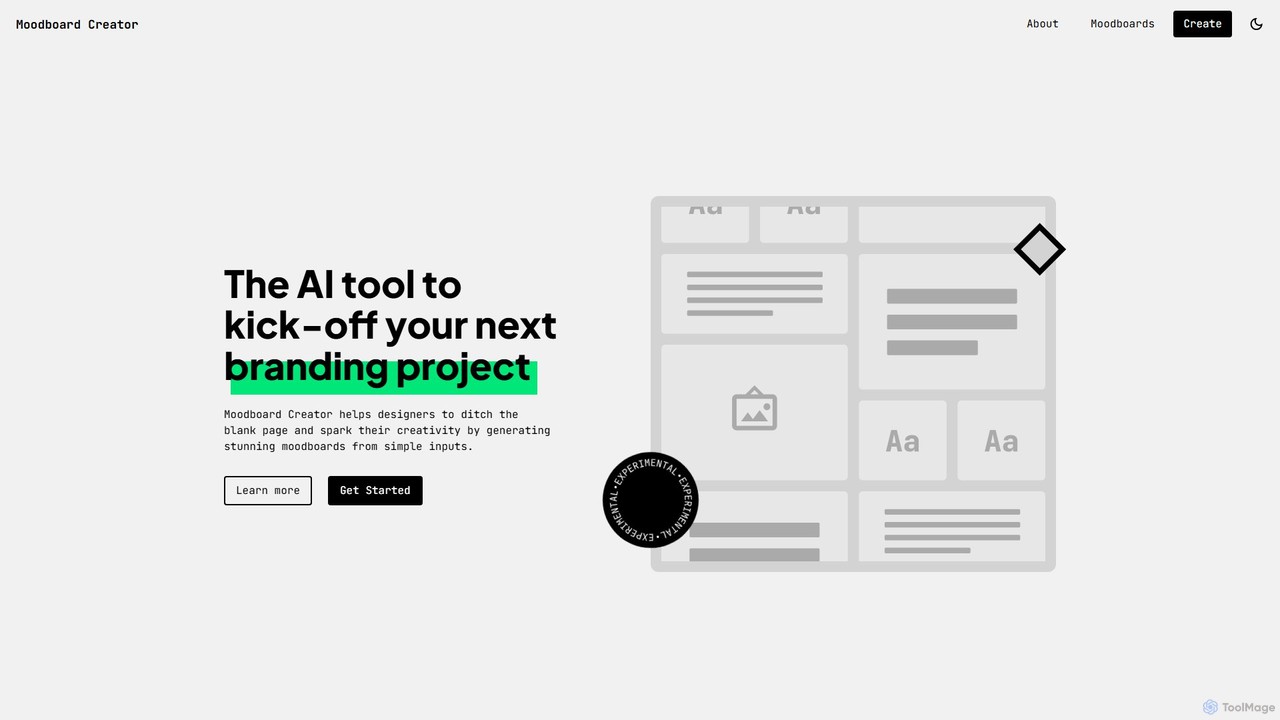
An AI-powered tool designed for creatives and designers to kick-start branding projects. It generates unique and inspiring moodboards from simple text descriptions and keywords, helping to overcome the blank page and spark creativity.

Visual Identity
Visits 11.2KFavorites 148Likes 137

About Visual Identity

AI Visual Identity tools are specialized platforms that generate a cohesive set of visual brand elements. Leveraging generative AI and design principles, these tools create logos, color palettes, typography systems, and other brand assets that work together harmoniously. Their primary value lies in enabling businesses and creators to quickly establish a professional, consistent, and memorable visual presence across all marketing channels and customer touchpoints. This automates what was once a complex and time-consuming design process.

Core Features

  • Logo Generation: Creates unique and relevant logos based on text descriptions, industry, and style preferences.
  • Brand Kit Creation: Automatically generates a comprehensive package including color palettes, font pairings, and logo variations.
  • Style Guide Automation: Produces a shareable document outlining the rules for using the brand's visual elements correctly.
  • Template Application: Instantly applies the defined visual identity to various templates like social media posts, presentations, and business cards.

Use Cases

These tools are ideal for startups and small businesses needing to create a professional brand identity from scratch without a large budget. Marketing teams use them to maintain brand consistency across numerous campaigns and platforms. Designers also leverage them to rapidly prototype different visual directions for clients, significantly speeding up the creative process.

How to Choose

When selecting an AI Visual Identity tool, consider the scope of asset generation—do you need just a logo or a complete brand kit? Evaluate the level of customization and control offered over the generated elements. Check for integration capabilities with other design software and ensure the tool provides assets in necessary formats (e.g., SVG, PNG) for both web and print use.

Visual Identity use cases

1

Create a Brand Identity for a New Startup

A founder of a new tech startup needs a professional visual identity quickly and affordably. Using an AI tool, they input their company name, industry (e.g., SaaS, FinTech), and keywords describing their brand's personality (e.g., 'modern', 'trustworthy', 'bold'). The AI generates dozens of logo options, color palettes, and font pairings. The founder selects a preferred combination, and the tool instantly creates a complete brand kit, including logo files for web and print, a color palette with hex codes, and font names, allowing them to launch their website and social media profiles with a consistent look in hours, not weeks.

2

Ensure Consistency in Marketing Campaigns

A marketing manager for an established e-commerce brand is launching a multi-channel campaign. To ensure brand consistency, they use an AI Visual Identity tool that stores their official brand kit. When creating assets, the tool automatically applies the correct logo version, brand colors, and fonts to templates for social media ads, email newsletters, and website banners. This eliminates manual errors, ensures every customer touchpoint is visually aligned with the brand, and saves the design team significant time by automating the application of brand guidelines.

3

Rapidly Prototype Visuals for a Rebranding Project

A design agency is tasked with rebranding a corporate client. To explore multiple creative directions efficiently, the lead designer uses an AI Visual Identity tool. They input the client's new brand strategy keywords and values. The AI generates a wide array of complete visual systems, including different logo styles, color theories, and typographic hierarchies. The agency can then present the client with 5-10 distinct, fully-realized visual concepts in a fraction of the time it would take to develop them manually. This accelerates the decision-making process and allows for more creative exploration within the project's timeline.

4

Develop a Personal Brand for a Content Creator

A YouTuber and social media influencer wants to establish a more professional and recognizable personal brand. They use an AI Visual Identity tool to create a cohesive look for their channels. By providing their niche (e.g., 'tech reviews', 'cooking tutorials') and desired aesthetic ('minimalist', 'vibrant'), the tool generates a personal logo (or monogram), a consistent color scheme for video thumbnails and overlays, and font recommendations for on-screen text. This helps them create a polished and uniform appearance across YouTube, Instagram, and TikTok, strengthening audience recognition and perceived professionalism.

5

Centralize Brand Assets for a Distributed Team

A company with remote employees across different time zones struggles with brand consistency. A brand manager implements an AI Visual Identity tool as a central hub for all brand assets. They upload the official logo, define the color palette, and set typography rules. Now, any team member, from sales creating a presentation to HR designing a recruitment post, can access the tool. It provides them with on-brand templates and ensures they use the correct assets every time, preventing the use of outdated logos or incorrect colors and maintaining a unified brand front globally without constant supervision.

6

Generate Visuals for a Non-Profit Organization

A small non-profit organization with a limited budget needs to create compelling visuals for a fundraising campaign. The marketing volunteer uses an AI Visual Identity tool to generate a campaign-specific logo, a hopeful and engaging color palette, and easy-to-read fonts. The tool then allows them to apply this new identity to social media graphics, email headers, and donation page banners. This enables the non-profit to present a professional and cohesive campaign image, which can help build trust with potential donors and increase engagement, all without incurring expensive design agency fees.

Visual Identity FAQ

What are AI Visual Identity tools?

AI Visual Identity tools are platforms that use artificial intelligence to automatically generate a complete and consistent set of brand visuals. Unlike a simple logo maker, these tools create an entire system, which typically includes a logo, a defined color palette, font pairings, and sometimes even a style guide. They analyze user inputs like industry, keywords, and style preferences to produce a cohesive visual language that can be applied across all of a brand's materials, ensuring a professional and unified appearance.

How to choose the right AI Visual Identity tool?

Choosing the right tool depends on your specific needs. Consider the following factors:

  • Scope of Assets: Do you just need a logo, or do you require a full brand kit with colors, fonts, and templates? Choose a tool that matches your required output.
  • Customization Level: Evaluate how much control you have over the generated designs. Can you fine-tune colors, adjust logo shapes, and experiment with different font pairings?
  • Ease of Use: Look for a tool with an intuitive interface, especially if you don't have a design background.
  • Export Options: Ensure the tool can export files in high-resolution formats suitable for both web (PNG, JPG) and print (SVG, PDF).
What's the difference between an AI Visual Identity tool and a standard logo maker?

The primary difference is scope and system thinking. A standard logo maker focuses on creating a single asset: the logo. An AI Visual Identity tool goes further by building an entire visual system around that logo. It generates a complementary color palette, suggests appropriate typography, and provides logo variations for different use cases. Essentially, a logo maker gives you a single puzzle piece, while a visual identity tool gives you the whole puzzle box with instructions on how all the pieces fit together to create a cohesive brand image.

Are AI-generated visual identities truly unique?

Generally, yes. These AI tools are trained on vast datasets of design elements and principles, allowing them to generate statistically unique combinations of logos, colors, and fonts. While they operate based on patterns, the sheer number of variables (user input, style choices, random seeds) makes it highly unlikely that two users will receive identical results. However, the final design's uniqueness also depends on the user's customization. For critical brand assets, it's always a good practice to perform a trademark search to ensure legal uniqueness and protectibility.

Can these tools replace a professional human designer?

AI Visual Identity tools are powerful assistants, not complete replacements for professional designers. They excel at rapidly generating concepts, ensuring consistency, and providing affordable solutions for those with limited budgets, like startups or non-profits. However, a human designer brings strategic thinking, deep brand understanding, emotional intelligence, and bespoke creativity that AI cannot yet replicate. Many designers use these AI tools to accelerate their workflow, handling the initial ideation or consistency tasks, which frees them up to focus on higher-level strategy and unique creative execution.