Liner
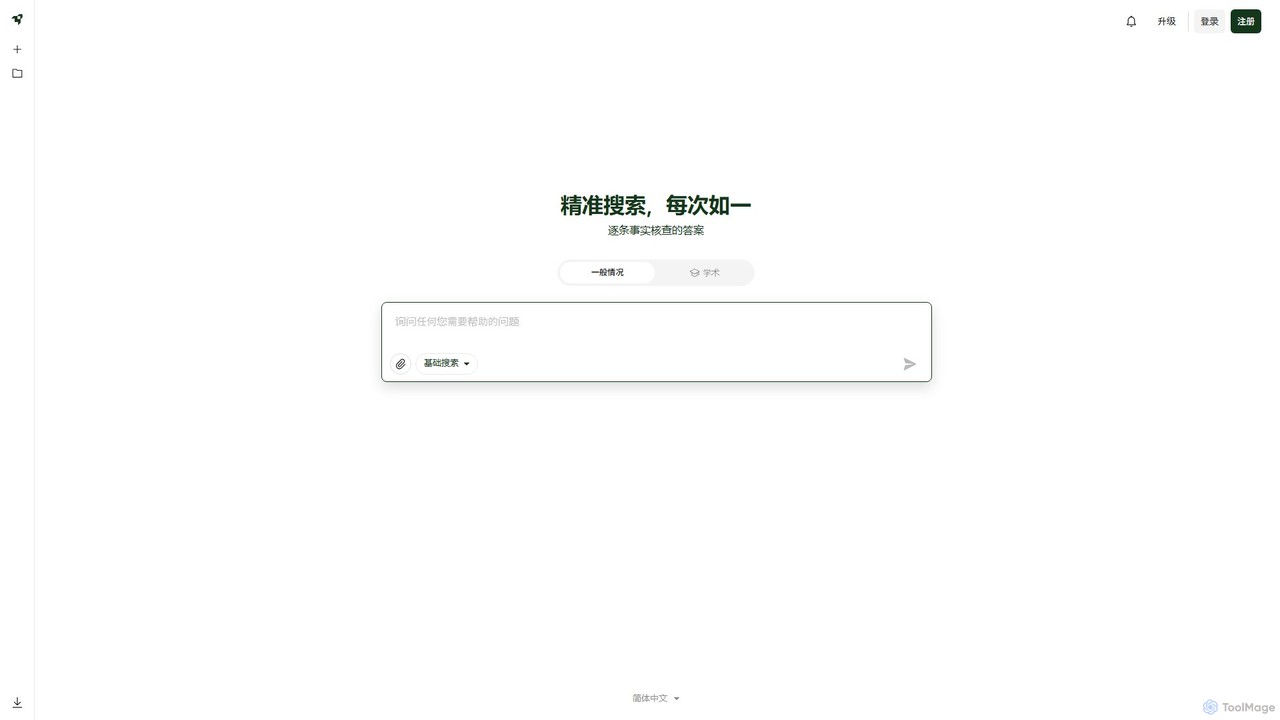
Liner is an AI-powered research assistant and web highlighter that enhances your online reading and research. It acts …
Liner is an AI-powered research assistant and web highlighter that enhances your online reading and research. It acts as an AI copilot, providing instant, fact-checked answers and summaries on search result pages and websites. Highlight text on any webpage or PDF, organize your findings into collections, and accelerate your learning and productivity.
About Search
Search browser extensions are add-ons that enhance and streamline your web searching experience. They integrate directly with your browser to provide advanced functionalities, such as combining results from multiple search engines or adding AI-powered summaries to your search pages. This allows users to find more accurate and relevant information faster, without needing to switch between tabs or websites. Many of these tools leverage AI to understand context and deliver synthesized answers alongside traditional links.
Core Features
- Multi-Engine Aggregation: Consolidate results from Google, Bing, DuckDuckGo, and other sources into a single, unified view.
- AI-Powered Summaries: Display concise, AI-generated answers and summaries directly on the search results page.
- Contextual Search: Highlight any text on a webpage to instantly search for it with your preferred engines without opening a new tab.
- Custom Search Shortcuts: Create and manage quick search commands for frequently used websites like Wikipedia or GitHub.
- Advanced Result Filtering: Block unwanted domains, highlight keywords, and apply powerful filters to refine search results.
Use Cases
These extensions are widely used by researchers, students, and journalists who need to gather and cross-reference information from diverse sources efficiently. Developers also use them to quickly search across multiple coding documentation sites, while content creators rely on them for rapid fact-checking and topic exploration.
How to Choose
When selecting a search extension, consider its integration with your preferred search engines, the quality and speed of its AI summaries, and its customization options. Also, evaluate its privacy policy to understand how your search data is handled, and check its performance impact on your browser.
SearchUse Cases
Streamlining Academic and Market Research
Researchers and analysts often need to consult multiple sources simultaneously. A search extension allows them to input a single query and receive aggregated results from academic journals (like Google Scholar, JSTOR), news outlets, and standard web search engines. This eliminates the need to open dozens of tabs. By viewing results side-by-side, they can quickly identify patterns, cross-verify data, and synthesize information, significantly reducing research time for papers, reports, or competitive analysis.
Enhancing Developer Coding Workflow
Developers frequently search for code solutions, API documentation, and error explanations. With a custom search extension, they can create shortcuts to search Stack Overflow, GitHub, and MDN Web Docs directly from their browser's address bar (e.g., 'gh my-repo-issue'). Some extensions can even display code snippets or AI-generated solutions directly on the search results page, providing immediate answers without clicking through multiple links.
Accelerating Content Creation and Fact-Checking
For content creators, journalists, and writers, accuracy and speed are crucial. Using a contextual search feature, they can highlight a name, date, or claim within a document and instantly trigger a search across multiple trusted news sources or reference sites. This seamless fact-checking process helps maintain credibility and streamlines the writing and editing workflow, ensuring all information presented is verified efficiently.
Optimizing Online Shopping and Price Comparison
Online shoppers can use search extensions to become more effective consumers. When viewing a product, they can highlight its name to instantly search for reviews, specifications, and prices across various e-commerce platforms like Amazon, eBay, and other retailers. This provides a comprehensive market overview in seconds, helping them find the best deal and make informed purchasing decisions without manually visiting each site.
Integrating AI Summaries into Daily Browsing
Users seeking quick, synthesized answers can benefit from extensions that inject AI summaries into their search results. Instead of sifting through ten blue links to understand a complex topic, the extension presents a concise paragraph at the top of the page, summarizing the key information from the best sources. This is ideal for quick lookups, learning new concepts, or getting a high-level overview before diving deeper into the source material.
Customizing Search for Niche Interests
Hobbyists, enthusiasts, or professionals in niche fields can configure search extensions to create a personalized search environment. For example, a board game enthusiast could set up custom shortcuts to search BoardGameGeek for reviews, a recipe site for cooking instructions, and YouTube for video tutorials, all using simple commands. This transforms the browser into a highly specialized tool tailored to their specific information-gathering needs.