ToolMage
Sign in

Best 2 Agent AI tools for Business

Popular Agent AI tools in Business include Continual and Synchronymax, helping you work more efficiently.

Continual
Paid

Continual

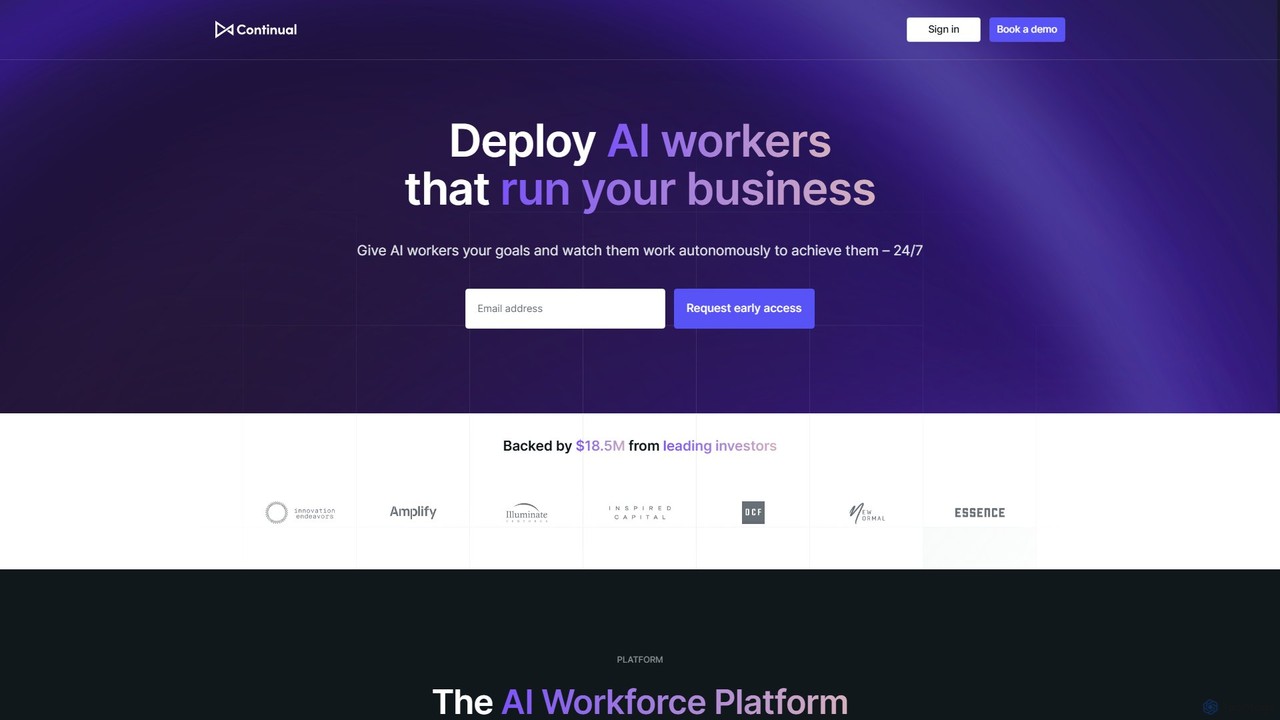
Continual is an enterprise-grade AI agent platform designed to build a collaborative AI workforce. It enables businesses to create, deploy, and manage intelligent agents that work alongside human teams to automate complex workflows, enhance productivity, and drive operational transformation across engineering, sales, and customer support.

Agent
Visits 8.4KFavorites 134Likes 119
Synchronymax
Freemium

Synchronymax

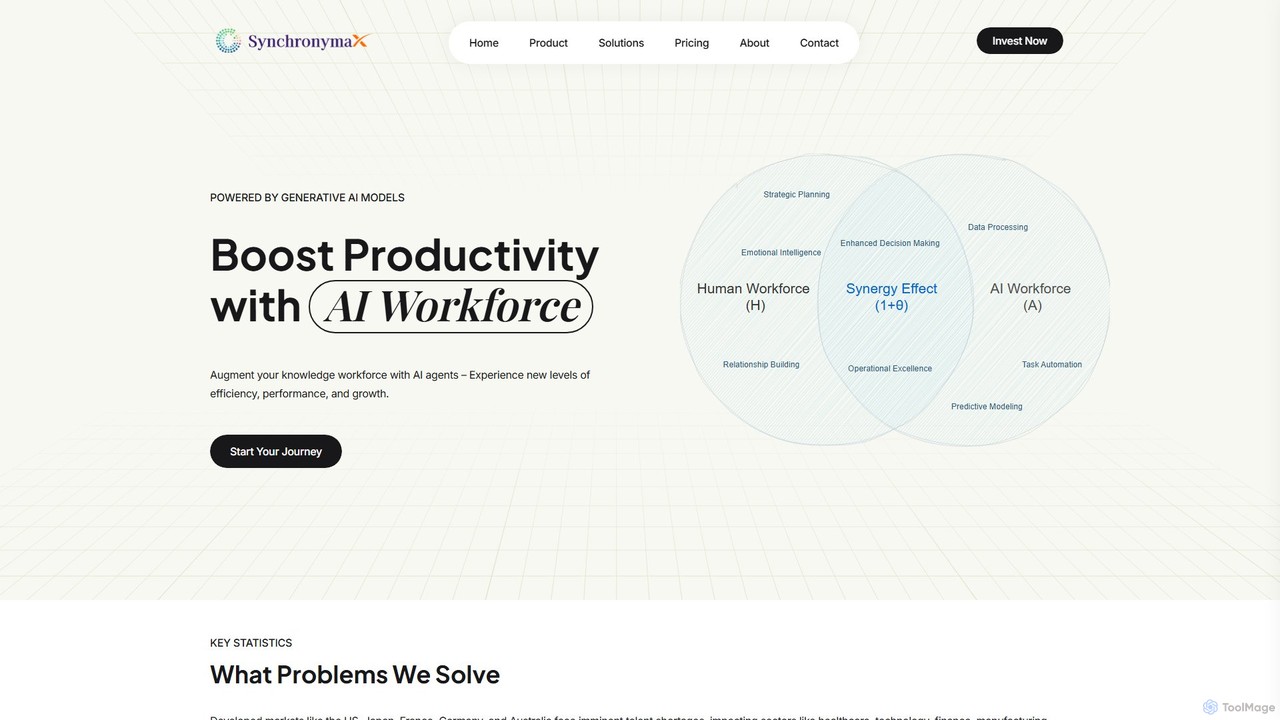
Synchronymax is an AI Agent Platform designed to augment your workforce with specialized AI agents. It enhances productivity and bridges skill gaps by automating business processes, providing real-time decision support, and integrating seamlessly with existing systems across industries like healthcare, finance, and technology.

Agent
Visits 6.3KFavorites 133Likes 126

About Agent

AI Agents are a class of intelligent tools designed to autonomously perform complex, multi-step tasks to achieve specific goals. They operate by interpreting user intent, creating a plan of action, and interacting with various digital tools and systems to execute it. This allows them to handle dynamic workflows that go beyond simple automation, such as conducting research, managing communications, or orchestrating business processes. Their key advantage lies in their ability to make decisions and adapt their actions based on real-time information.

Core Features

  • Autonomous Operation: Executes tasks from start to finish with minimal human intervention.
  • Goal-Oriented Planning: Deconstructs a high-level objective into a sequence of executable steps.
  • Tool & API Integration: Natively interacts with web browsers, databases, and third-party software APIs.
  • Adaptive Execution: Can modify its plan based on the outcomes of previous actions or new information.
  • Natural Language Understanding: Accepts tasks and instructions given in plain, conversational language.

Use Cases

AI Agents are valuable for roles requiring the coordination of multiple digital tasks. Business analysts use them to automate market research and data compilation. Operations managers deploy them to streamline complex workflows like customer onboarding or supply chain monitoring. Developers can also leverage agents to automate software testing and deployment pipelines.

How to Choose

When selecting an AI Agent tool, first assess the complexity of the tasks you need to automate. Consider its integration capabilities—ensure it can connect with your essential software stack (e.g., CRM, ERP, project management tools). Evaluate the level of autonomy required versus the need for human oversight (human-in-the-loop). Finally, examine the ease of defining goals and customizing the agent's behavior for your specific business logic.

Agent use cases

1

Automate Market Research and Reporting

A market analyst tasks an AI Agent to 'gather the latest trends in the renewable energy sector for Q3, focusing on solar and wind power innovations.' The agent autonomously browses industry news sites, accesses financial reports, and scans academic journals. It extracts key data points, identifies emerging companies, and summarizes sentiment from social media. Finally, it compiles all findings into a structured report with charts and key takeaways, delivering it to the analyst's inbox. This process reduces days of manual research into a few hours of automated work.

2

Proactive Sales Lead Qualification

A sales operations manager configures an AI Agent to monitor new leads from a website contact form. When a new lead arrives, the agent automatically searches for the person on LinkedIn and the company's website to enrich the data with job title, company size, and industry. Based on predefined criteria (e.g., company size > 50 employees, role is manager or higher), the agent scores the lead. If qualified, it drafts a personalized outreach email, finds an open slot on a sales representative's calendar, and suggests a meeting time to the lead. This automates the top-of-funnel qualification process, allowing sales teams to focus on high-value conversations.

3

Automate Complex Customer Support Triage

A customer support manager uses an AI Agent to handle incoming support tickets. When a user submits a ticket like 'My recent order 12345 has not arrived,' the agent first accesses the company's order management system to check the order status. It finds the tracking information from the shipping carrier's API and provides the user with a real-time update. If the issue is more complex, like a damaged item report, the agent gathers all relevant information (order details, user photos), creates a ticket in the helpdesk software, and assigns it to the appropriate human agent (e.g., the returns department) with a full summary. This frees up human agents from routine inquiries.

4

Orchestrate Software Development Workflows

A DevOps engineer integrates an AI Agent into their CI/CD pipeline. When a developer pushes new code, the agent is triggered. It first runs a suite of automated tests. If a test fails, the agent analyzes the error logs, identifies the likely cause, creates a detailed bug report in the project management tool (like Jira), and assigns it back to the developer with relevant context. If all tests pass, the agent proceeds to deploy the code to a staging environment, notifies the QA team via Slack for manual review, and awaits their approval before pushing to production. This agent acts as an intelligent coordinator, streamlining the entire development lifecycle.

5

Manage Executive Calendars and Communications

An executive assistant uses an AI Agent to manage a busy executive's schedule. The agent has access to the executive's email and calendar. When an email arrives requesting a meeting, the agent understands the context, participants, and proposed times. It cross-references the executive's calendar for conflicts, considers their preferred meeting times (e.g., no meetings before 10 AM), and proposes available slots back to the sender. Once a time is agreed upon, the agent automatically creates the calendar event, adds a video conference link, and sends invitations to all participants. It can also handle rescheduling and cancellations autonomously.

6

Dynamic E-commerce Inventory and Price Management

An e-commerce manager deploys an AI Agent to optimize store operations. The agent is tasked with monitoring inventory levels and competitor pricing for key products. It continuously scrapes competitor websites to track price changes. If a competitor lowers a price, the agent analyzes the profit margin and, based on predefined rules, automatically adjusts the store's price to remain competitive. Simultaneously, it monitors stock levels in the inventory management system. When a product's stock falls below a set threshold, it automatically generates a purchase order and emails it to the supplier, ensuring popular items are never out of stock.

Agent FAQ

What is an AI Agent?

An AI Agent is an autonomous software program designed to achieve specific goals by performing complex, multi-step tasks. Unlike simple automation scripts that follow rigid instructions, an AI Agent can perceive its digital environment, make decisions, create plans, and use various tools (like web browsers or APIs) to execute those plans. They are essentially digital workers that can be delegated high-level objectives, which they then break down and complete independently.

What is the difference between an AI Agent and a chatbot?

The primary difference lies in their purpose and capability. A chatbot is designed for conversation and typically operates within a defined scope, answering questions or guiding users through a dialogue. An AI Agent is designed for action and execution. While it might use a conversational interface, its core function is to perform tasks across multiple applications and systems to achieve a goal. In short, a chatbot's main output is information or conversation, while an AI Agent's main output is a completed task or a tangible outcome.

How do I choose the right AI Agent tool for my business?

Choosing the right AI Agent involves evaluating several key factors:

  • Task Complexity: Determine if you need to automate simple, repetitive tasks or complex, dynamic workflows that require decision-making.
  • Integration Needs: List all the essential applications, databases, and APIs the agent must connect with. Ensure the tool has robust integration capabilities.
  • Level of Autonomy: Decide if you need a fully autonomous agent or one that works with a 'human in the loop' for approvals and oversight.
  • Customization and Control: Assess how easily you can define goals, set rules, and customize the agent's behavior to fit your specific business processes.
  • Security and Reliability: Verify the tool's security protocols, especially if it will handle sensitive data, and check its performance reliability.
What kind of tasks are best suited for AI Agents?

AI Agents excel at tasks that are digital, rule-based (even if the rules are complex), and involve interacting with multiple software systems. Ideal use cases include:

  • Data Gathering and Synthesis: Automating research by browsing websites, extracting data from documents, and compiling reports.
  • Process Orchestration: Managing multi-step workflows like employee onboarding, which involves creating accounts in different systems, sending welcome emails, and scheduling training.
  • System Monitoring and Response: Watching for specific triggers (e.g., a server error, a new sales lead) and executing a predefined sequence of actions in response.
  • Personal Productivity: Managing emails, scheduling meetings, and organizing information based on user preferences.
Are AI Agents secure for business use?

Security is a critical consideration for AI Agents, as they often interact with sensitive company data and systems. Reputable AI Agent platforms prioritize security through measures like data encryption, access control protocols (allowing you to define exactly what an agent can see and do), and secure API connections. When choosing a tool, it is essential to review its security documentation, compliance certifications (like SOC 2 or GDPR), and data handling policies. Many business-focused agents also provide detailed audit logs, allowing you to track every action the agent takes for full transparency and accountability.