Typeless
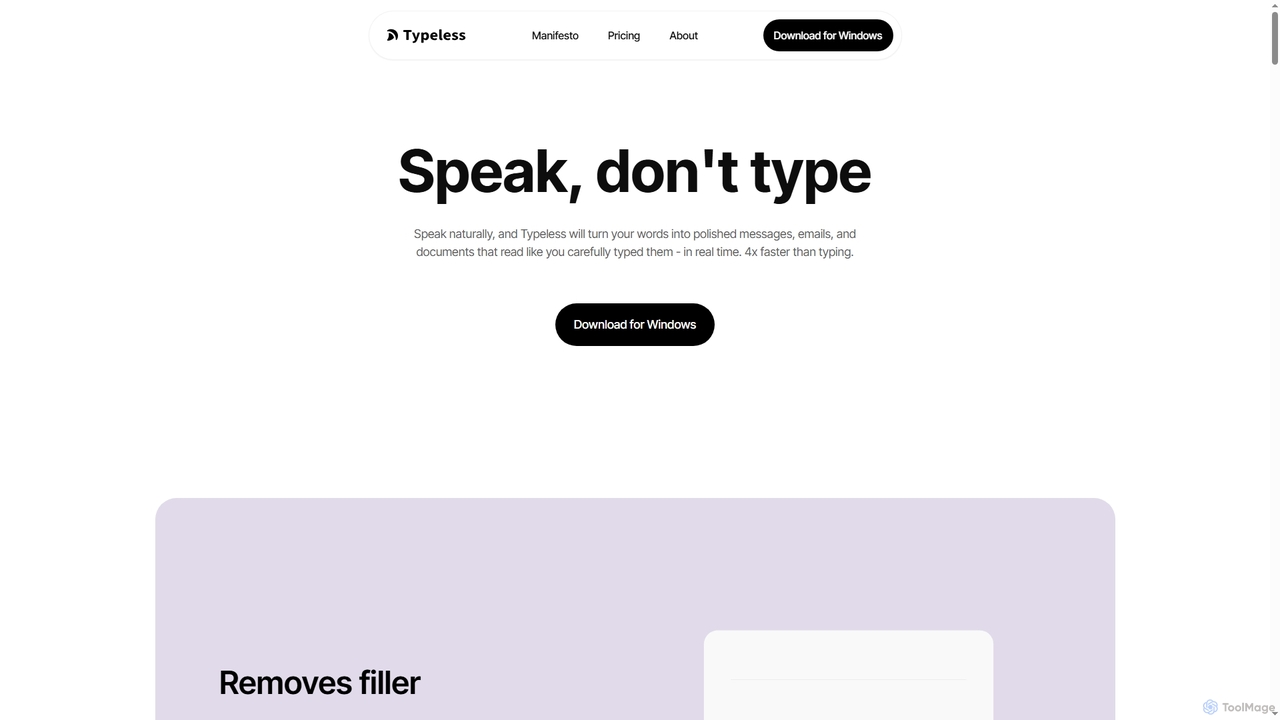
Typeless is an intelligent AI voice dictation tool that transforms natural speech into polished, formatted text in real-time. …
Typeless is an intelligent AI voice dictation tool that transforms natural speech into polished, formatted text in real-time. It enhances productivity by automatically removing filler words, repetitions, and auto-correcting mid-sentence changes, making communication up to 4x faster than traditional typing.
Summie
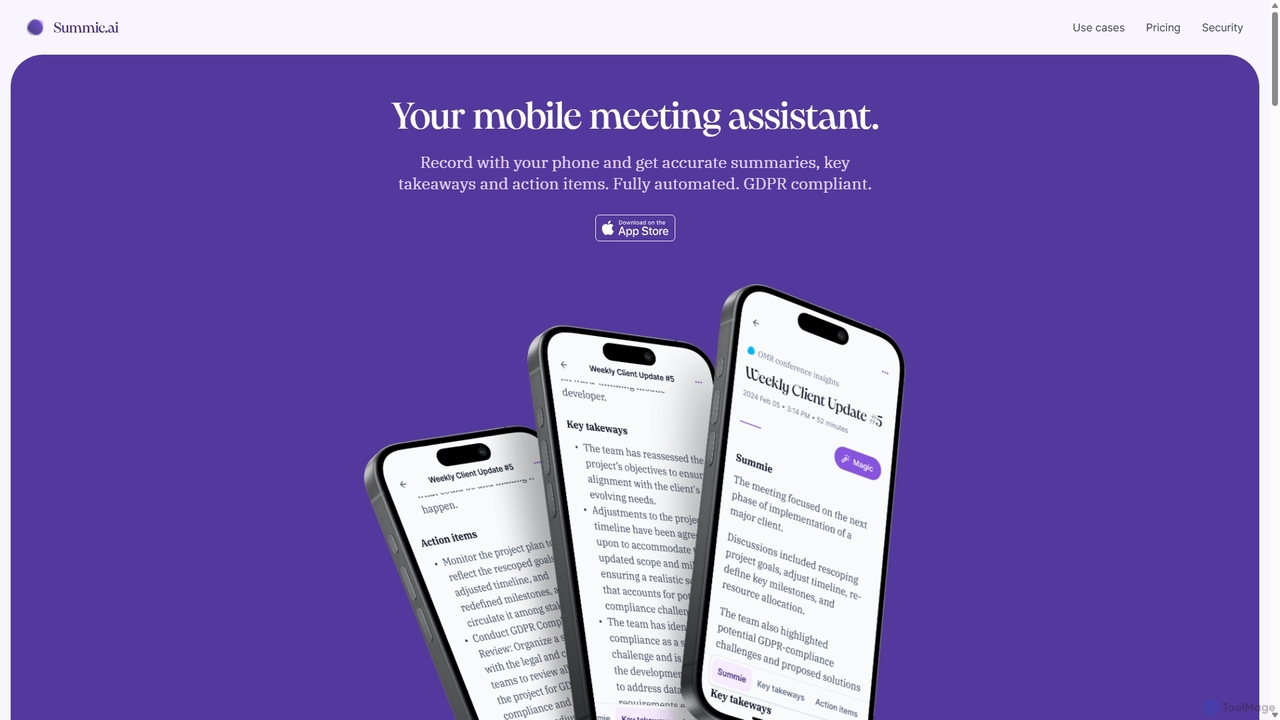
Summie is an AI-powered mobile meeting assistant designed to capture, transcribe, and summarize your conversations. Simply record with …
Summie is an AI-powered mobile meeting assistant designed to capture, transcribe, and summarize your conversations. Simply record with your phone, and Summie delivers accurate summaries, key takeaways, and actionable items in over 90 languages. It features smart transcription, speaker detection, and an interactive AI to query your meeting data, all within a secure, GDPR-compliant framework.
Safina
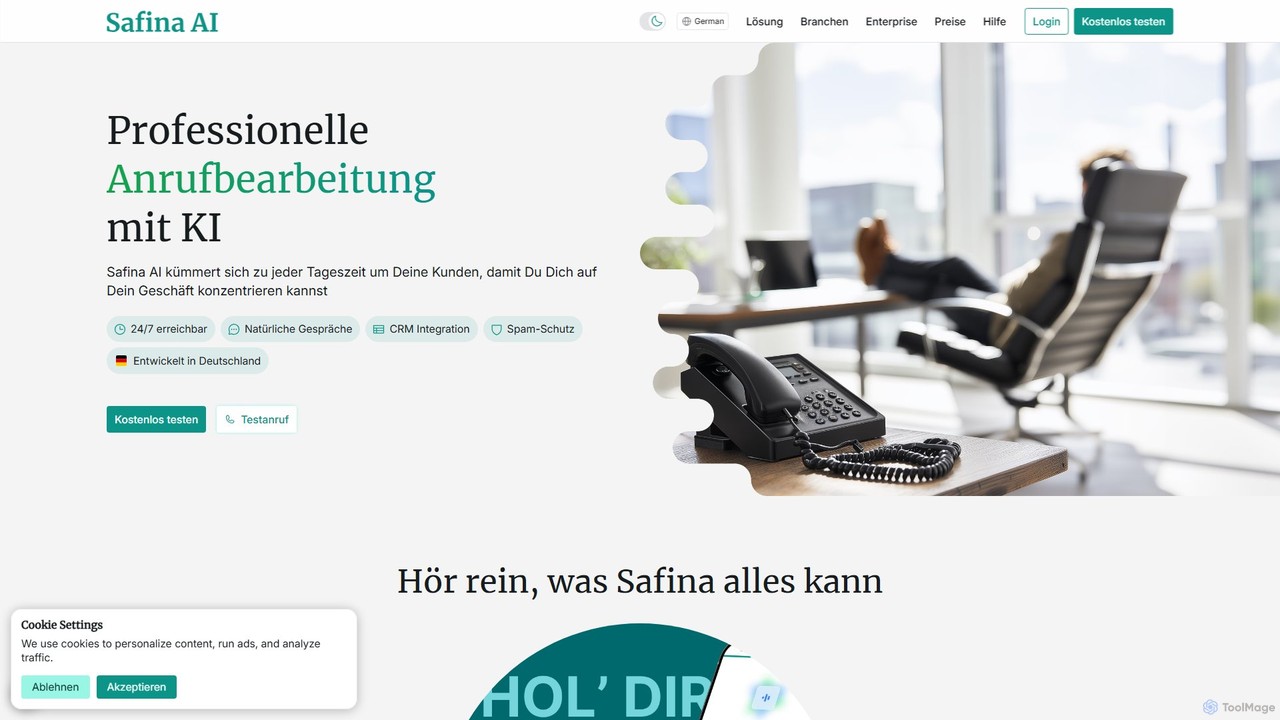
Safina is an AI-powered phone assistant that intelligently manages your calls to boost productivity. It answers calls, filters …
Safina is an AI-powered phone assistant that intelligently manages your calls to boost productivity. It answers calls, filters spam, records conversations, and provides detailed summaries with transcripts. Designed for professionals and businesses, it ensures you never miss an important call while allowing you to stay focused. It offers features like multilingual support, CRM integration, and customizable conversation flows.
About Automation
AI Automation tools are a class of intelligent software designed to streamline and execute repetitive business processes without human intervention. Leveraging artificial intelligence, these tools can learn from data, adapt to changing conditions, and make decisions, significantly enhancing operational efficiency and accuracy. They transform routine tasks into automated workflows, freeing up human resources for more strategic initiatives and enabling scalable operations within the business.
Core Features
- Intelligent Workflow Orchestration: Automates complex, multi-step processes by integrating various applications and data sources.
- Natural Language Processing (NLP): Understands and processes human language for tasks like customer service, data extraction, and content routing.
- Machine Learning (ML) for Process Optimization: Continuously analyzes performance data to identify bottlenecks and suggest improvements to automated workflows.
- Robotic Process Automation (RPA) Integration: Combines AI's cognitive abilities with RPA bots to automate rule-based and cognitive tasks.
- Predictive Automation: Uses AI to forecast future needs or issues, triggering proactive automated responses before problems arise.
Applicable Scenarios
AI Automation tools are invaluable across various business sectors. In customer service, they power intelligent chatbots and virtual assistants to handle inquiries and support requests 24/7. Marketing teams utilize them for personalized campaign deployment, lead nurturing, and social media scheduling. Finance departments automate invoice processing, expense reporting, and fraud detection, ensuring accuracy and compliance.
How to Choose
Selecting the right AI Automation tool requires evaluating several factors. Consider the scope of automation needed, from single-task bots to end-to-end workflow platforms. Assess integration capabilities with existing business systems (CRM, ERP). Evaluate the level of AI intelligence required, such as NLP for unstructured data or ML for predictive insights. Finally, examine the scalability and pricing model to ensure it aligns with your growth trajectory and budget.
AutomationUse Cases
Automate Customer Service Inquiries with AI Chatbots
Customer service managers deploy AI-powered chatbots to automatically answer frequently asked questions, route complex queries to human agents, and provide instant support 24/7. This reduces response times, improves customer satisfaction, and allows human agents to focus on more critical issues, handling up to 70% of routine interactions without intervention.
Streamline Data Entry and Document Processing
Finance and operations teams use AI automation to extract information from invoices, receipts, and forms, then automatically input it into ERP or accounting systems. This eliminates manual data entry errors, accelerates processing times by up to 90%, and ensures data accuracy, significantly reducing administrative overhead.
Execute Personalized Marketing Campaigns
Marketing professionals leverage AI automation to segment audiences, personalize email content, schedule social media posts, and deploy targeted ad campaigns based on user behavior. The AI analyzes engagement data to optimize delivery times and content, leading to higher conversion rates and a more efficient use of marketing budgets.
Automate Sales Lead Qualification and Nurturing
Sales teams utilize AI automation to automatically qualify incoming leads based on predefined criteria, assign them to the appropriate sales representative, and initiate personalized nurturing sequences. This ensures high-potential leads are prioritized, reducing manual follow-up time by 50% and accelerating the sales cycle.
Proactive IT Operations Monitoring and Response
IT departments implement AI automation to continuously monitor system performance, detect anomalies, and automatically trigger alerts or corrective actions for potential issues. This enables proactive problem resolution, minimizes downtime, and reduces the workload on IT staff by automating routine maintenance and incident management tasks.
Automate HR Onboarding and Offboarding Processes
HR professionals use AI automation to manage the entire employee lifecycle, from sending welcome emails and setting up access for new hires to automating exit interviews and account deactivation for departing staff. This ensures compliance, reduces administrative burden, and provides a consistent, efficient experience for all employees.