ToolMage
Sign in

Best 1 Feedback Analysis AI tools for Business

Popular Feedback Analysis AI tools in Business include Rargus, helping you work more efficiently.

Rargus
Freemium

Rargus

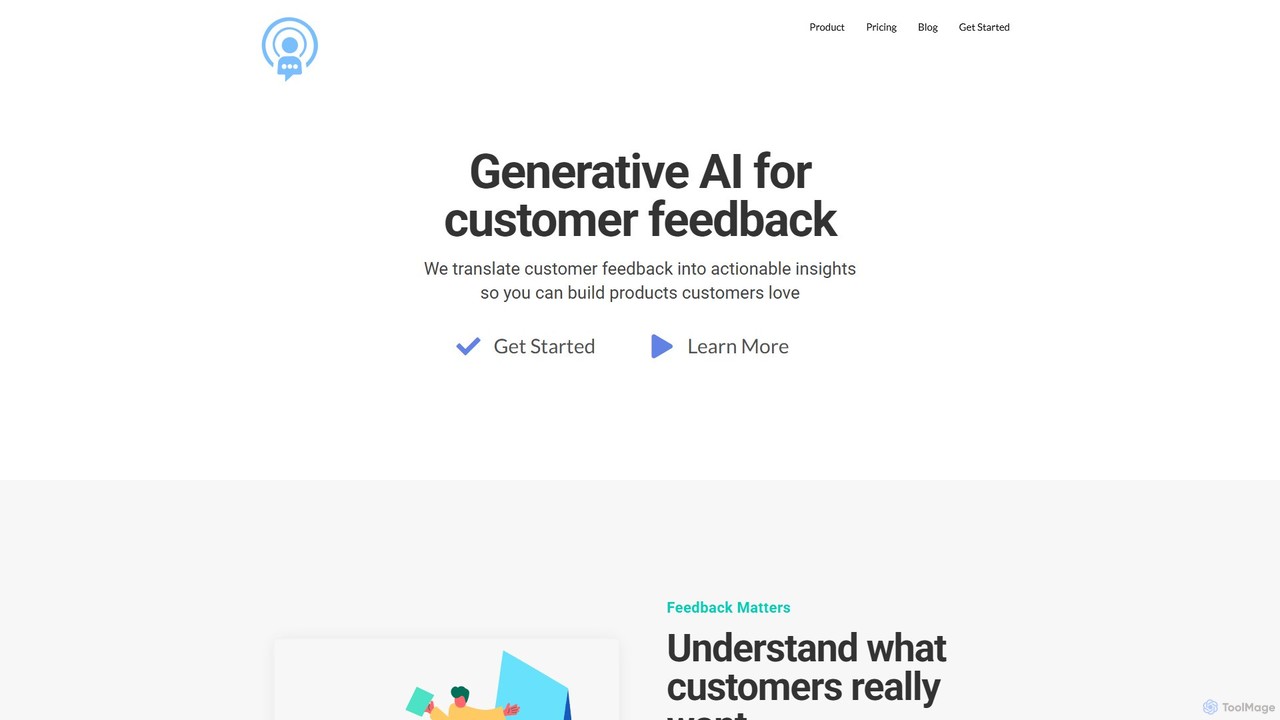
Rargus is a generative AI platform that transforms customer feedback from multiple channels into actionable insights. It helps product, marketing, and insights teams understand user needs, prioritize features, and build products customers love.

Customer Support
Visits 5KFavorites 139Likes 147

About Feedback Analysis

Feedback Analysis tools are AI-powered platforms that automatically process and interpret large volumes of unstructured customer feedback. Using Natural Language Processing (NLP), these tools perform sentiment analysis, topic extraction, and intent recognition on data from reviews, surveys, and support tickets. This allows businesses to quickly identify key trends, pinpoint customer pain points, and derive actionable insights without manual effort. They transform raw, qualitative data into structured, quantitative metrics for strategic decision-making within the broader business intelligence landscape.

Core Features

  • Sentiment Analysis: Automatically categorizes feedback as positive, negative, or neutral to gauge overall customer satisfaction.
  • Topic & Theme Extraction: Identifies and groups recurring subjects or issues mentioned in feedback, such as 'pricing' or 'user interface'.
  • Root Cause Analysis: Drills down into feedback data to uncover the underlying reasons for customer sentiment or specific problems.
  • Trend Identification: Monitors feedback over time to detect emerging issues, popular feature requests, or shifts in customer opinion.
  • Multi-Source Aggregation: Consolidates feedback from various channels like app stores, social media, surveys, and helpdesks into one dashboard.

Use Cases

These tools are invaluable for product managers, customer support teams, marketers, and UX researchers. They are used to prioritize product roadmaps based on user requests, identify gaps in customer service, monitor brand perception online, and validate design hypotheses with qualitative data at scale.

How to Choose

When selecting a Feedback Analysis tool, consider its integration capabilities with your existing data sources (e.g., Zendesk, Intercom, App Stores). Evaluate the depth of its analytical features, such as topic modeling and intent recognition. Also, assess its language support, dashboard customizability, and the clarity of its reporting features to ensure it meets your team's specific needs.

Feedback Analysis use cases

1

Prioritizing Product Features with User Feedback

A Product Manager for a SaaS application needs to decide which features to build next quarter. Instead of relying on intuition, they use a feedback analysis tool to aggregate thousands of user comments from Intercom, support emails, and feature request boards. The tool automatically identifies 'integration with accounting software' and 'improved mobile UI' as the most frequently requested and highest-impact themes. This data-driven approach allows the PM to confidently prioritize the roadmap, justify decisions to stakeholders, and build features that customers actually want, increasing user retention.

2

Optimizing Customer Support with Trend Analysis

A customer support manager notices a spike in ticket volume but isn't sure why. They connect their Zendesk account to a feedback analysis tool. The AI analyzes recent tickets and reveals an emerging trend: 35% of new tickets are related to a 'login issue after the latest update'. The tool also shows a high negative sentiment associated with this topic. Armed with this specific insight, the manager can immediately alert the engineering team to fix the bug and proactively create a help article for the known issue, reducing ticket volume and improving customer satisfaction.

3

Monitoring Brand Sentiment on Social Media

A marketing team launches a major new advertising campaign. To measure its public reception in real-time, they use a feedback analysis tool to monitor mentions of their brand on Twitter and Facebook. The tool's dashboard visualizes sentiment trends, showing an initial positive spike followed by a dip. By clicking into the negative sentiment, they discover a specific complaint about the campaign's messaging being unclear. This allows the marketing team to quickly adjust their social media copy and issue a clarification, mitigating negative impact and steering the conversation back to a positive track.

4

Analyzing Open-Ended Survey Responses

A UX researcher conducts a survey with thousands of responses, including a critical open-ended question: 'What could we do to improve our service?'. Manually reading and categorizing these text responses would take weeks. By uploading the survey data to a feedback analysis tool, the researcher gets an instant breakdown of the key themes. The tool identifies 'more payment options' and 'faster delivery' as the top two suggestions. This allows the researcher to quickly generate a quantitative report from qualitative data, providing clear, actionable recommendations to the business team.

5

Improving Employee Experience with HR Feedback

An HR department conducts an anonymous annual employee engagement survey. To understand the sentiment behind the scores, they analyze the open-ended comments using a feedback analysis tool. The AI surfaces recurring themes like 'lack of career growth opportunities' in one department and 'positive feedback on new wellness benefits' across the company. This allows HR to move beyond simple satisfaction scores and identify specific, actionable areas for improvement, such as creating new training programs or enhancing communication about benefits, ultimately leading to a better workplace environment.

6

Analyzing App Store Reviews for Competitive Insights

A mobile app developer wants to understand why a competitor's app is rated higher. They use a feedback analysis tool to scrape and analyze thousands of public reviews for both their app and the competitor's from the App Store and Google Play. The analysis reveals that while their app is praised for its 'speed', the competitor's app receives consistently positive mentions for its 'intuitive design' and 'excellent customer support'. This competitive intelligence provides a clear, data-backed direction for their next development cycle, focusing on UI/UX improvements to close the gap.

Feedback Analysis FAQ

What are AI Feedback Analysis tools?

AI Feedback Analysis tools are software platforms that use artificial intelligence, particularly Natural Language Processing (NLP), to automatically analyze large quantities of unstructured text data from customers or employees. Instead of manual reading, they identify sentiment, key topics, and trends within feedback from sources like surveys, reviews, support tickets, and social media. The primary goal is to transform qualitative feedback into structured, actionable insights for business improvement.

How to choose the right Feedback Analysis tool?

Choosing the right tool depends on your specific needs. Consider these factors:

  • Integrations: Does it connect seamlessly with your data sources (e.g., Zendesk, Salesforce, App Stores, survey tools)?
  • Analytical Depth: Does it offer just sentiment analysis, or more advanced features like topic modeling, intent recognition, and trend analysis?
  • Language Support: Can it accurately analyze feedback in all the languages your customers use?
  • Usability: Are the dashboards and reports intuitive and easy for non-technical team members to understand and share?
  • Customization: Can you create custom tags, categories, or models to fit your industry's specific terminology?

What's the difference between Feedback Analysis and standard survey tools?

Standard survey tools (like Google Forms or SurveyMonkey) are excellent for collecting data, including open-ended text responses. However, they typically don't have built-in capabilities to analyze that unstructured text at scale. A Feedback Analysis tool specializes in the 'analysis' part. It takes the text data collected by survey tools (and other sources) and uses AI to automatically extract themes, sentiment, and insights. In short, survey tools collect the 'what', while feedback analysis tools help you understand the 'why' behind the qualitative responses.

What kind of data can Feedback Analysis tools process?

These tools are designed to process any form of unstructured text data where opinions or feedback are expressed. Common data sources include:

  • Open-ended survey responses (from NPS, CSAT, or employee surveys)
  • Online reviews (from App Stores, Google Maps, Yelp, G2)
  • Social media comments and mentions
  • Customer support conversations (tickets, emails, chat logs)
  • Community forum posts and discussions
Essentially, if it's text from a customer or user, these tools can likely analyze it to find valuable insights.

Who benefits most from using Feedback Analysis tools?

While many roles can benefit, the primary users are typically those responsible for understanding and improving customer or user experience. This includes:

  • Product Managers: To prioritize roadmaps and validate feature ideas with real user feedback.
  • Customer Support Managers: To identify recurring issues, improve agent training, and reduce ticket volume.
  • Marketing Teams: To monitor brand sentiment, measure campaign impact, and understand market perception.
  • UX Researchers: To quickly analyze qualitative data from interviews and surveys, saving significant manual effort.
Ultimately, any business that values customer feedback and wants to make data-driven decisions can gain a significant advantage.