
Freemium
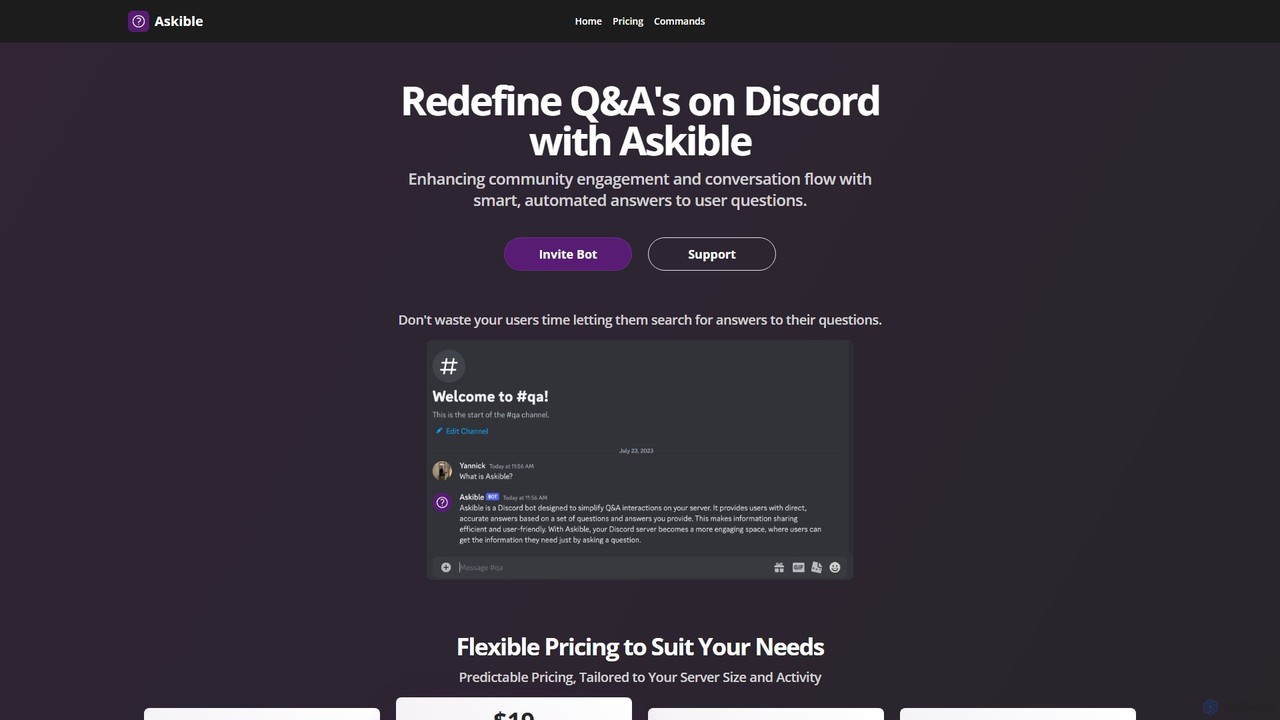
Popular Bots in Community Management include Askible, helping you work more efficiently.
Bots are AI-powered tools that automate interactions and tasks within digital environments, serving as a crucial component of community management. They leverage natural language processing (NLP) and machine learning to understand user queries, streamline operations, and enhance user engagement. These intelligent agents are essential for scaling community support, maintaining order, and fostering active participation without constant human intervention.
Bots are widely used across various online platforms, including social media groups, Discord servers, online forums, and customer support channels. They are invaluable for large communities needing to manage high volumes of interactions, for brands aiming to maintain consistent engagement, and for platforms requiring automated moderation to ensure a positive user experience.
When selecting a bot for community management, consider its integration capabilities with your existing platforms, the sophistication of its NLP for understanding user intent, its customization options for tailoring responses and workflows, and its scalability to grow with your community. Evaluate its moderation features, analytics reporting, and ease of setup to ensure it meets your specific operational and engagement goals.
For community managers needing to handle a high volume of repetitive questions, bots provide instant answers to FAQs, guide users to relevant resources, and escalate complex issues to human agents. This ensures 24/7 support, significantly reduces response times, and frees up human staff to focus on more nuanced interactions, improving overall member satisfaction.
For brand managers aiming to foster active communities, bots can initiate welcome messages for new members, run interactive polls, share relevant content, and organize Q&A sessions. By automating these engagement touchpoints, bots help keep discussions lively, members informed, and the community vibrant, leading to stronger brand loyalty and participation.
For platform administrators ensuring a safe and respectful environment, bots automatically detect and flag spam, hate speech, or off-topic posts based on predefined rules and AI analysis. This significantly reduces the manual workload for human moderators, allowing them to focus on nuanced cases and policy enforcement, thereby maintaining community standards more efficiently.
For event organizers within large online groups, bots can announce upcoming events, send automated reminders to attendees, manage RSVPs, and provide event-related information. This automation ensures high participation, smooth coordination, and reduces the administrative burden on organizers, making event management more efficient and less prone to human error.
For product teams guiding new users through their platform, bots offer interactive tutorials, answer initial setup questions, and recommend relevant features based on user behavior. This personalized onboarding experience accelerates user adoption, reduces churn, and improves the overall new user experience by providing immediate, tailored support.
For product developers or community strategists seeking user insights, bots can deploy targeted surveys, collect structured feedback on new features or community initiatives, and summarize responses. This provides actionable data for improvements, helps gauge community sentiment, and ensures that member voices are heard and considered in decision-making processes.
Bots in community management are AI-driven programs designed to automate interactions and tasks within online communities. They leverage natural language processing to understand user input, provide instant responses, moderate content, and manage routine operations. Their primary goal is to enhance efficiency, improve user experience, and scale community support by handling repetitive or time-consuming tasks.
Bots boost engagement by providing instant support, initiating conversations, running interactive polls, sharing relevant content, and personalizing user interactions. They can welcome new members, answer common questions, and even organize events, keeping communities active and members informed. This automation frees human moderators to focus on fostering deeper connections and handling complex discussions, leading to a more dynamic and satisfying community experience.
While both use conversational AI, community management bots are specifically designed for online communities. They often include features like content moderation, user role management, event scheduling, and integration with community platforms (e.g., Discord, Slack, forums) that go beyond just answering general queries. General chatbots might focus on customer service or information retrieval, whereas community bots are tailored to foster interaction, maintain order, and support the unique dynamics of a community.
When choosing a community bot, prioritize strong natural language processing (NLP) for accurate understanding of user intent, robust content moderation tools to maintain community standards, and seamless integration with your existing communication platforms (e.g., Discord, Slack, forums). Look for customization options for responses and workflows, scalability to handle growing communities, and comprehensive analytics for tracking performance and gathering insights. Event management and user role management features are also highly beneficial.
No, bots cannot fully replace human community managers. They are powerful tools for automating repetitive tasks, providing instant support, and moderating content, freeing up human managers to focus on strategic initiatives, complex problem-solving, and fostering genuine connections. Human empathy, nuanced judgment, and the ability to handle sensitive interpersonal issues remain irreplaceable, making bots valuable assistants rather than full replacements.