ToolMage
Sign in

Best 5 Community Management AI tools

Popular Community Management AI tools include Watchdog, gokyg, Askible, Moderator, and Knobi, helping you work more efficiently.

Moderator
Freemium

Moderator

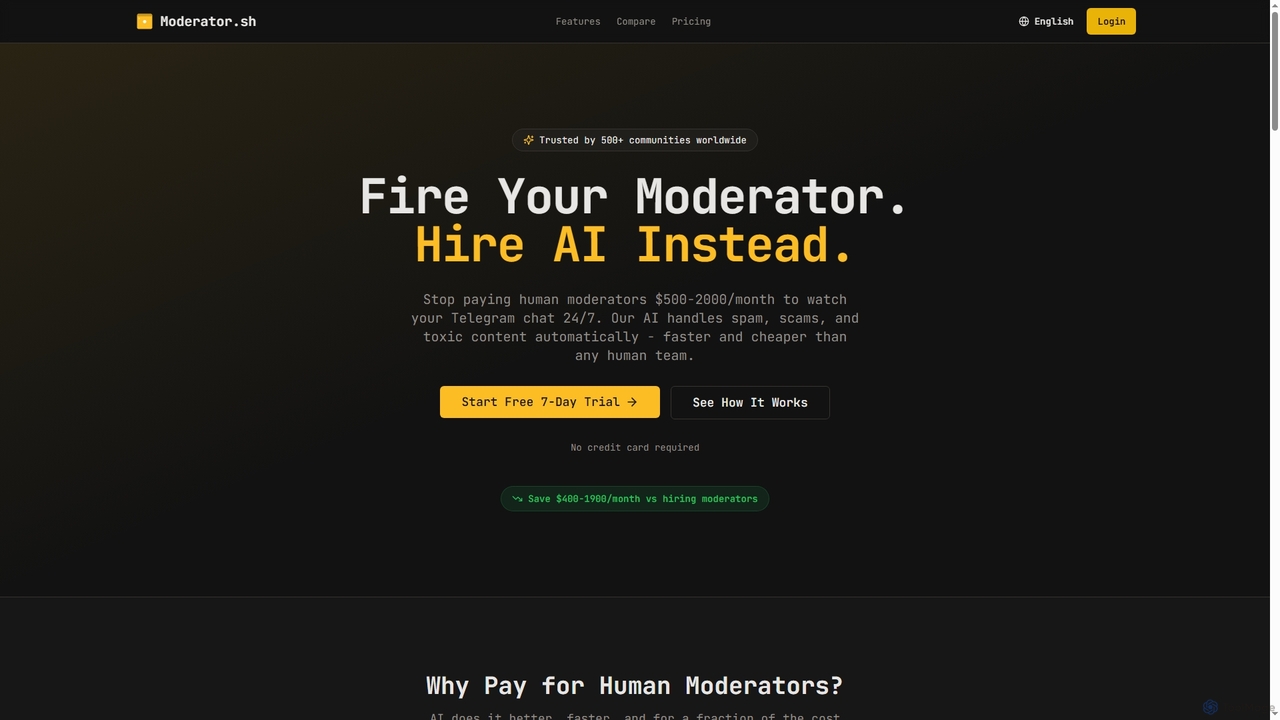
Moderator is an AI-powered Telegram moderation bot designed to automate the detection and removal of spam, scams, and toxic content in communities. It offers 24/7, instant protection, significantly reducing the need for human moderators and saving costs. Trusted by over 500 communities, it ensures consistent and scalable content filtering.

Moderation
Visits 4.2KFavorites 31Likes 28
Knobi
Paid

Knobi

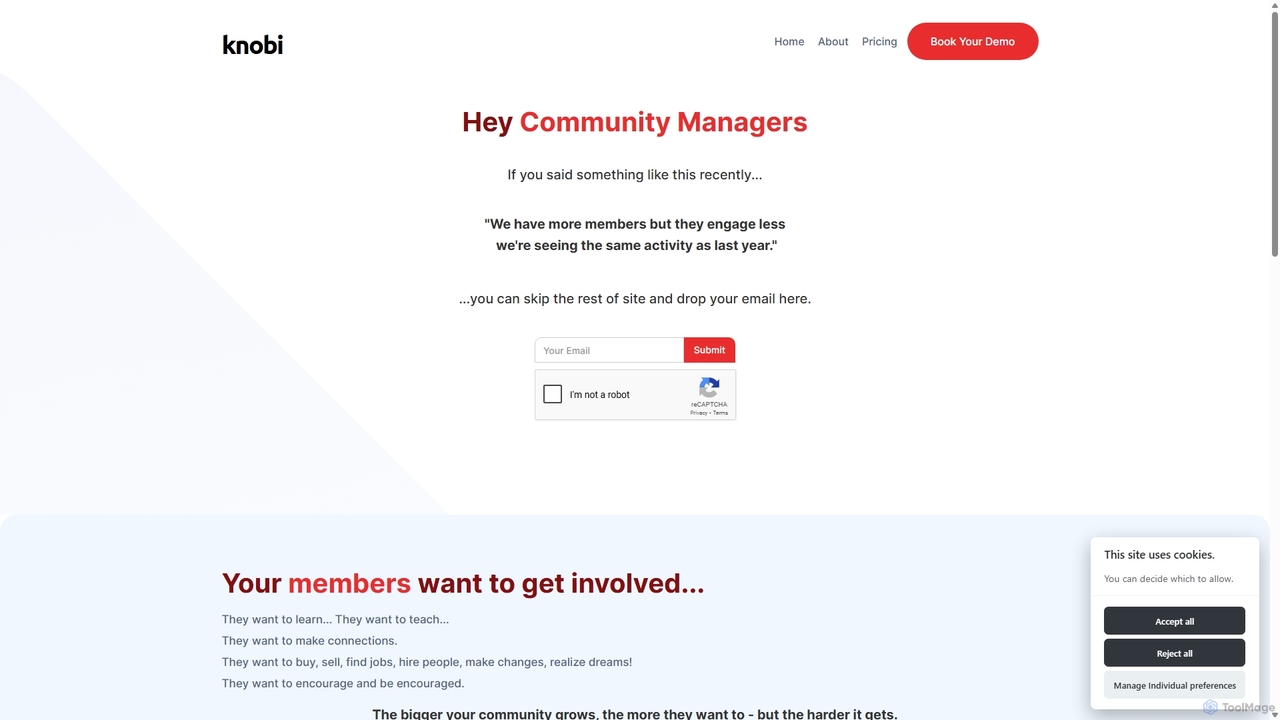
Knobi is an AI-powered suite of bots designed to enhance online community engagement. It features an Intro Bot for personalized onboarding, a Connections Bot to ensure questions get answered, and a Knowledge Bot for easy access to community wisdom. Knobi aims to reduce friction and foster meaningful connections among members.

Automation
Visits 4.1KFavorites 113Likes 116
gokyg
Freemium

gokyg

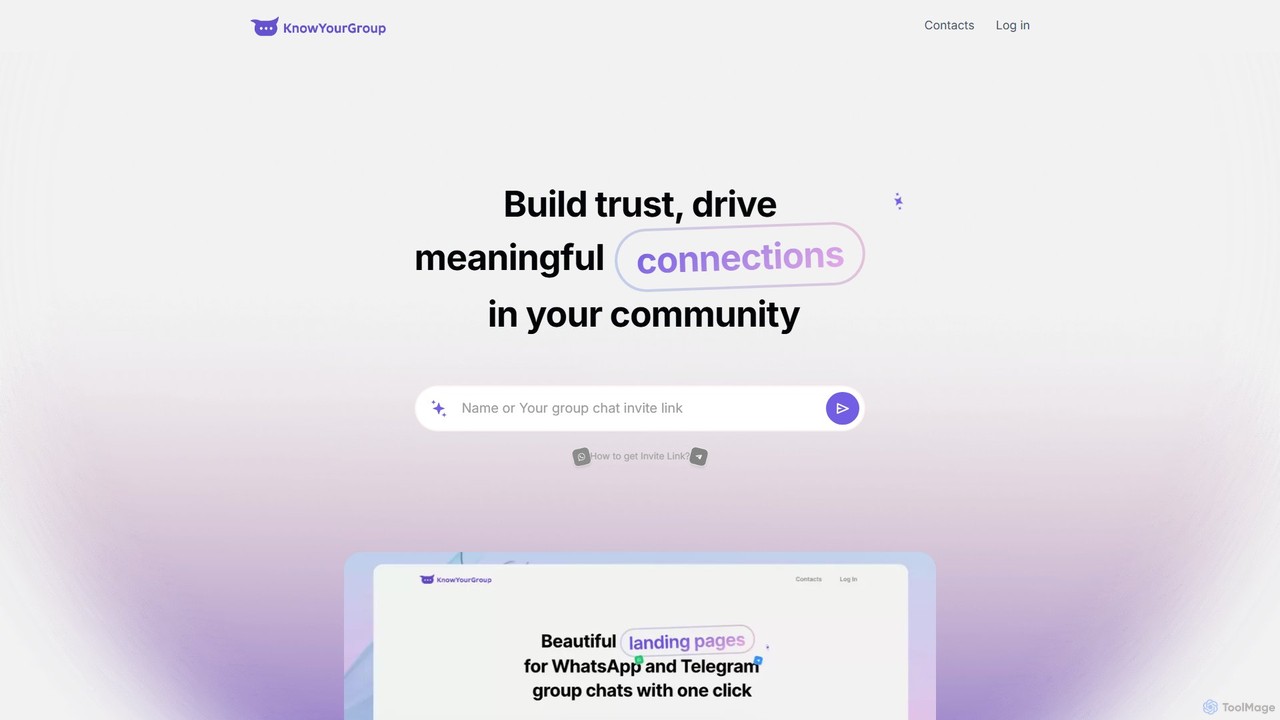
gokyg (Know Your Group) is an AI-powered tool designed to enhance online communities by facilitating member discovery and fostering meaningful connections. It creates a searchable directory of member profiles, allowing users to find others based on skills, interests, and location through a 'magic search' feature, transforming passive groups into active, collaborative networks.

Member Engagement
Visits 6.5KFavorites 119Likes 138
Watchdog
Freemium

Watchdog

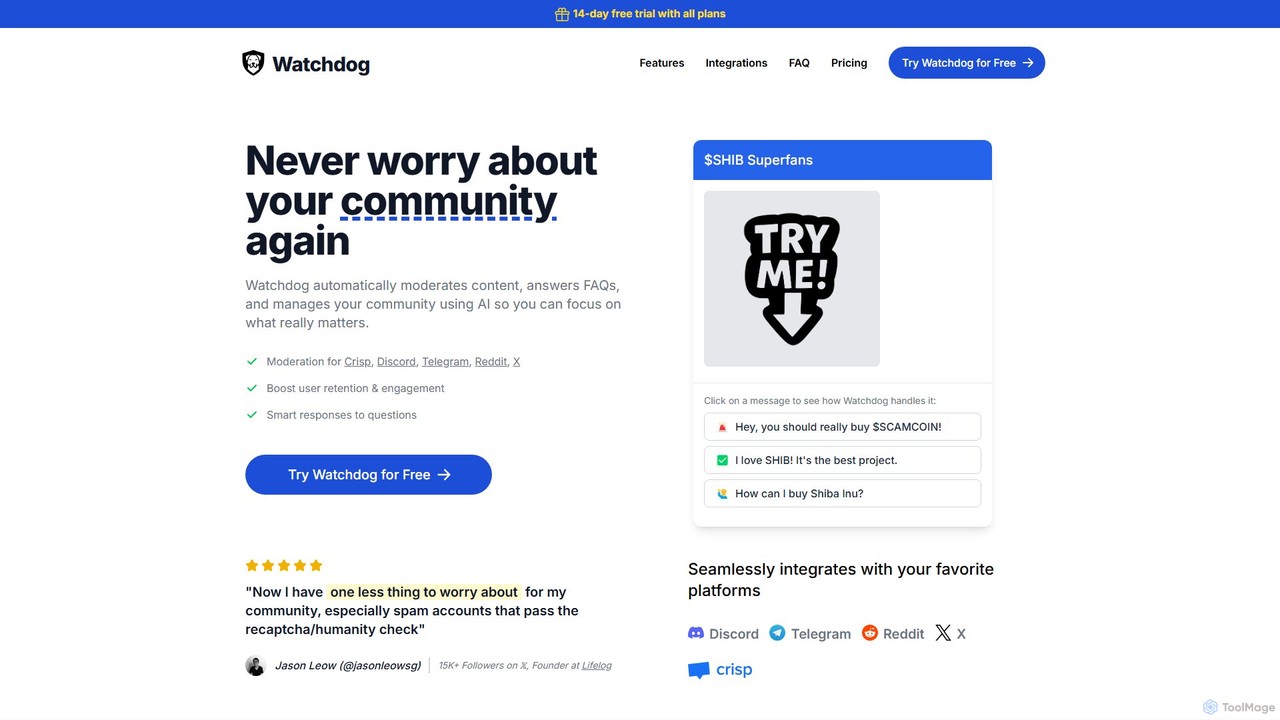
Watchdog is an AI-powered tool that automates community management on platforms like Discord, Telegram, Reddit, and X. It moderates content, answers FAQs, and manages your community 24/7, allowing you to focus on growth. It effectively stops spam and trolls, improves user retention, and creates a safer, more engaging environment for your members.

Moderation
Visits 6.9KFavorites 92Likes 94
Askible
Freemium

Askible

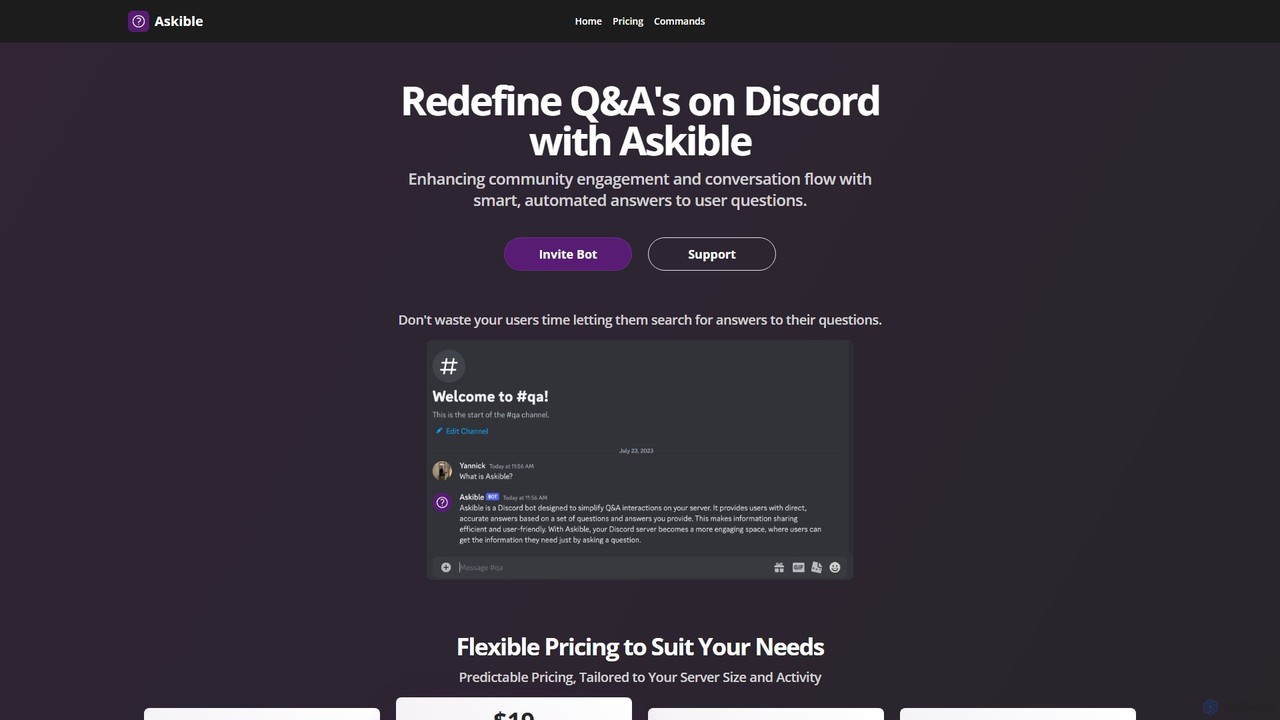
Askible is an intelligent AI bot for Discord designed to automate Q&A, enhancing community engagement and streamlining moderation. It provides smart, instant answers to user questions, saving time for both members and server staff.

Bots
Visits 4.3KFavorites 98Likes 102

About Community Management

Community Management tools are AI-powered solutions designed to automate, analyze, and moderate interactions within online communities. These platforms leverage Natural Language Processing (NLP) and machine learning to understand conversations, detect policy violations, and identify user sentiment in real-time. They help community managers scale their efforts, maintain a safe and engaging environment, and derive actionable insights from user discussions on platforms like Discord, Slack, and forums.

Core Features

  • Automated Moderation: Instantly detect and act on spam, hate speech, and inappropriate content based on customizable rules.
  • Sentiment Analysis: Analyze conversations to gauge the overall mood of the community and identify trending topics or issues.
  • Engagement Automation: Deploy bots to welcome new members, assign roles, answer frequently asked questions, and post scheduled content.
  • Community Analytics: Track key metrics such as member growth, activity levels, message volume, and top contributors.
  • Conversation Summarization: Generate concise summaries of long discussions or entire channels to keep members informed.

Use Cases

These tools are widely used by brands managing customer support forums, gaming companies fostering player communities on Discord, and open-source projects coordinating on Slack. They are also valuable for online course creators and membership site owners who need to manage student or member interactions efficiently.

How to Choose

When selecting a Community Management tool, consider its integration capabilities with your primary platforms (e.g., Discord, Slack, Telegram). Evaluate the flexibility of its moderation rules, the depth of its analytics dashboard, and its ability to scale with your community's growth. Also, review the pricing model to ensure it aligns with your budget and user base.

Featured tool rankings

Community Management use cases

1

Automating Discord Server Moderation

A community manager for a large gaming server uses an AI tool to maintain order 24/7. The tool is configured to automatically delete messages containing spam links, mute users who use toxic language after a warning, and assign a 'Verified Member' role to new users who complete an introductory task. This frees up the human moderation team to focus on organizing events and engaging with the community, reducing response time to critical issues by over 70%.

2

Analyzing Feedback in a Brand Community Forum

A product manager for a SaaS company uses an AI community tool to monitor their official customer forum. The tool's sentiment analysis feature tags all posts as positive, negative, or neutral. It also identifies recurring keywords, revealing that 'integration issues' and 'feature request: dark mode' are the most discussed topics in the negative and neutral categories. This data provides direct, quantifiable feedback for the product roadmap without requiring manual analysis of thousands of posts.

3

Boosting Engagement in an Online Course Community

An instructor for an online programming course sets up an AI bot in their student Slack channel. The bot welcomes each new student with a personalized message and a link to the course syllabus. Every Monday, it posts a 'Weekly Challenge' to a specific channel to encourage practice. It's also programmed to detect questions containing the keyword 'error' and suggest a link to the course's debugging guide. This automation increases student interaction and reduces the instructor's time spent on repetitive administrative tasks.

4

Summarizing Discussions in an Open-Source Project

Maintainers of a large open-source project on Slack use an AI tool to manage information overload. The tool is set to generate a daily summary of the 'development' and 'bug-reports' channels. This summary highlights key decisions, unresolved questions, and links to important code snippets. It is automatically posted in the 'daily-digest' channel, allowing contributors from different time zones to catch up quickly without reading hundreds of messages, improving global collaboration.

5

Ensuring Brand Safety in a Facebook Group

A social media manager for a consumer electronics brand oversees a large Facebook group for product enthusiasts. They deploy an AI moderation tool to protect the community from scams and inappropriate content. The tool is trained to automatically hide comments containing phishing links, profanity, or personal attacks. It also flags posts with unusually high negative sentiment for manual review. This proactive approach maintains a positive environment and protects the brand's reputation without requiring constant human monitoring.

6

Generating Community Health Reports for Stakeholders

The Head of Community at a tech startup uses an AI tool's analytics dashboard to report on community performance. Each week, they generate a report that visualizes member growth, daily active users, message volume by channel, and the number of moderation actions taken. The report also includes a word cloud of the most-used terms and a chart showing sentiment trends over time. This data-driven report is shared with leadership to demonstrate the community's value and justify resource allocation for community initiatives.

Community Management FAQ

What are AI Community Management tools?

AI Community Management tools are software applications that use artificial intelligence to help manage online communities. They automate tasks like content moderation, user onboarding, and answering common questions. Key features often include sentiment analysis to gauge community mood and analytics to track engagement, helping managers maintain healthy and active online spaces more efficiently.

How do I choose the right AI Community Management tool?

To choose the right tool, consider these factors:

  • Platform Integration: Ensure it supports the platforms where your community lives (e.g., Discord, Slack, Facebook Groups, forums).
  • Customization: Check how much control you have over moderation rules, automated messages, and bot behavior.
  • Analytics Depth: Evaluate the quality of its reporting. Does it track the metrics that matter most to you, like engagement rates or sentiment trends?
  • Scalability and Pricing: Select a tool with a pricing plan that fits your current community size and can grow with you.
What's the difference between AI moderation and human moderation?

AI moderation excels at speed and scale, instantly handling clear-cut violations like spam or profanity 24/7. It's ideal for enforcing objective rules across a large volume of content. Human moderation provides nuance, context, and empathy. Humans are better at judging complex situations, resolving interpersonal conflicts, and making decisions that require cultural understanding. The most effective strategy often combines both, using AI for first-pass filtering and humans for complex cases.

What are the key features of AI Community Management tools?

Most AI Community Management tools offer a core set of features to streamline operations. These typically include:

  • Automated Moderation: Filtering spam, hate speech, and NSFW content.
  • Sentiment Analysis: Tracking the emotional tone of conversations.
  • Engagement Bots: Automating welcomes, FAQs, and role assignments.
  • Analytics and Reporting: Providing data on member growth, activity, and popular topics.
  • Keyword Alerts: Notifying managers when specific terms are mentioned.
Who can benefit from using AI Community Management tools?

A wide range of roles and organizations can benefit. This includes community managers of large online groups, social media managers for brands, support teams managing customer forums, and developers of games or open-source projects. Essentially, anyone responsible for fostering a safe, engaging, and scalable online community can leverage these tools to work more effectively and gain deeper insights into their user base.