Luminar Neo
Luminar Neo is a revolutionary AI-powered photo editing software designed to simplify complex tasks and unleash creativity. It …
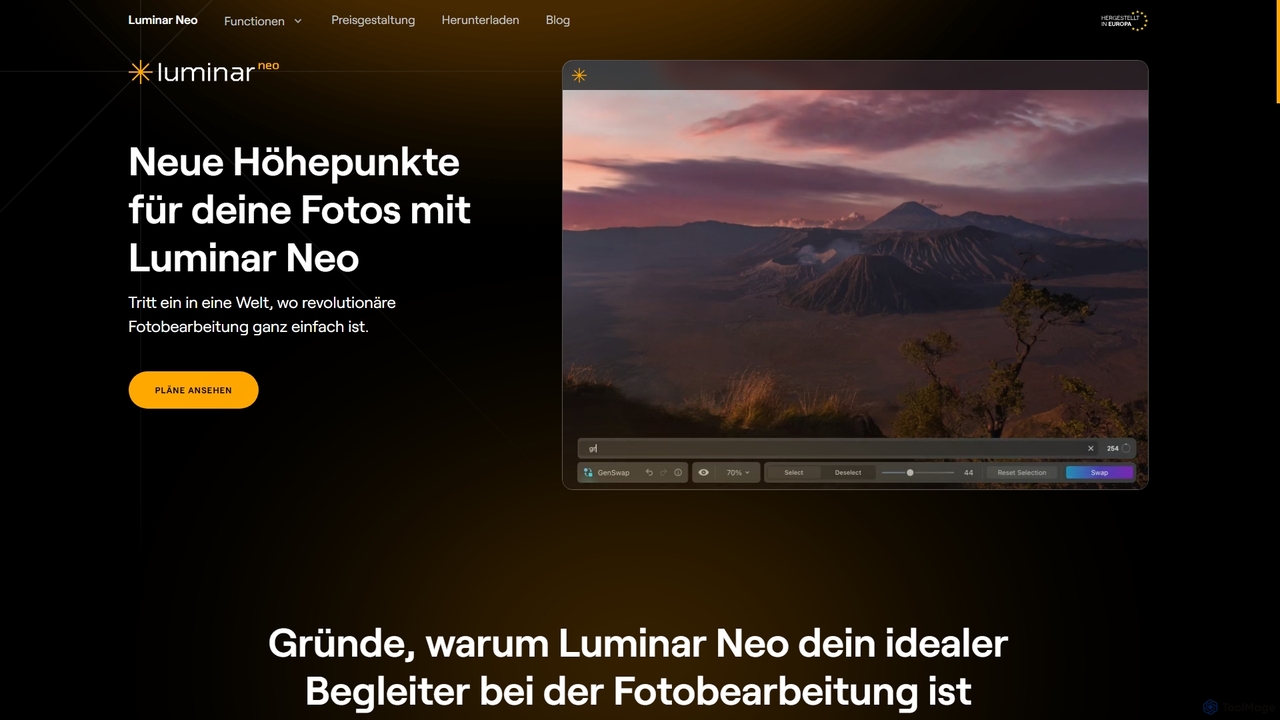
Luminar Neo is a revolutionary AI-powered photo editing software designed to simplify complex tasks and unleash creativity. It offers a comprehensive suite of advanced tools for image enhancement, RAW processing, and creative composition, making professional-grade results accessible to both beginners and experienced photographers on macOS and Windows.
About Digital Art
Digital Art tools leverage artificial intelligence to empower artists and creators in generating, enhancing, and transforming visual content. As a sub-category of Creative Tools, they utilize advanced algorithms, including generative adversarial networks (GANs) and diffusion models, to interpret prompts, apply styles, and automate complex artistic processes. These tools significantly accelerate creative workflows, allowing for rapid ideation, exploration of diverse aesthetics, and the production of high-quality artwork with unprecedented efficiency.
Core Features
- AI Image Generation: Create original images from text descriptions, sketches, or reference photos.
- Style Transfer: Apply the artistic style of one image to another, generating unique visual compositions.
- Image Upscaling & Enhancement: Increase resolution and detail of existing artwork without loss of quality.
- Inpainting & Outpainting: Seamlessly fill missing parts of an image or extend its boundaries with AI-generated content.
- 3D Asset Creation & Texturing: Generate textures, materials, or even basic 3D models from simple inputs.
Applicable Scenarios
Digital artists, graphic designers, game developers, and marketing professionals frequently use these tools. They are ideal for generating concept art, creating unique illustrations for branding, designing virtual world assets, and producing diverse visual content for campaigns. These tools streamline the initial ideation phase and allow for quick iterations on visual themes.
How to Choose
When selecting a Digital Art tool, consider the desired output quality and artistic style range. Evaluate its ease of use and integration with your existing creative software. Look into the available features, such as specific generative models or editing capabilities, and assess the pricing model relative to your budget and usage frequency. Finally, check for community support and available tutorials.
Digital ArtUse Cases
Generating Concept Art for Game Development
Game artists and designers can input textual descriptions or rough sketches of characters, environments, or props. AI Digital Art tools then generate multiple variations of concept art, allowing for rapid iteration and visualization of ideas. This significantly reduces the time spent on initial design phases, enabling faster exploration of different aesthetic directions and accelerating the overall game development pipeline.
Creating Unique Illustrations for Marketing Campaigns
Marketing teams and graphic designers can use AI Digital Art tools to produce bespoke illustrations for advertisements, social media posts, and website banners. By providing specific themes, color palettes, and stylistic preferences, they can generate unique visuals that stand out, ensuring brand consistency while saving costs and time compared to commissioning traditional artwork.
Personalizing Avatars and Digital Identities
Individuals or social media influencers can leverage Digital Art tools to create highly personalized and stylized avatars or profile pictures. Users can upload a photo or describe their desired aesthetic, and the AI generates unique artistic renditions, offering a creative way to express their digital identity across various platforms without needing advanced artistic skills.
Designing Fashion Patterns and Textile Prints
Fashion designers and textile artists can utilize AI Digital Art tools to experiment with new patterns, textures, and prints for clothing and fabrics. By inputting design concepts or mood boards, the AI can generate endless variations, helping designers explore innovative aesthetics, visualize different fabric applications, and accelerate the design process from concept to production.
Enhancing Architectural Visualization Renders
Architects and visualization specialists can employ AI Digital Art tools to add intricate details, realistic textures, and environmental elements to their architectural renders. After creating basic 3D models, AI can generate realistic landscaping, interior decor, or atmospheric effects, significantly improving the visual appeal and realism of presentations for clients and stakeholders.
Illustrating Children's Books and Educational Materials
Authors and educators can use AI Digital Art tools to quickly generate consistent and engaging illustrations for children's books, educational materials, or storytelling projects. By maintaining a consistent style and character design across multiple prompts, they can produce a full set of visuals efficiently, making the creation of visually rich content more accessible and less time-consuming.