Redcorner
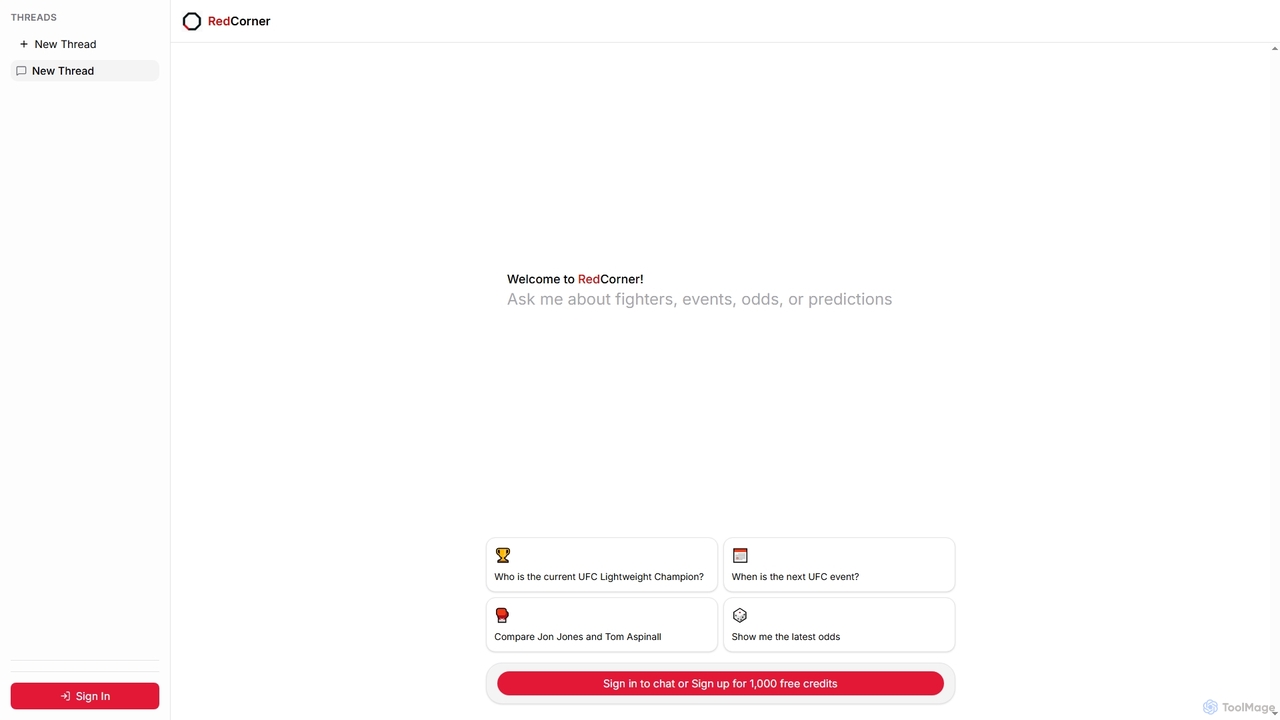
Redcorner is an AI-powered assistant for UFC fans and analysts. It provides instant answers to questions about fighters, …
Redcorner is an AI-powered assistant for UFC fans and analysts. It provides instant answers to questions about fighters, events, odds, and predictions through a simple chat interface, making comprehensive UFC knowledge easily accessible.
Knowbase.ai
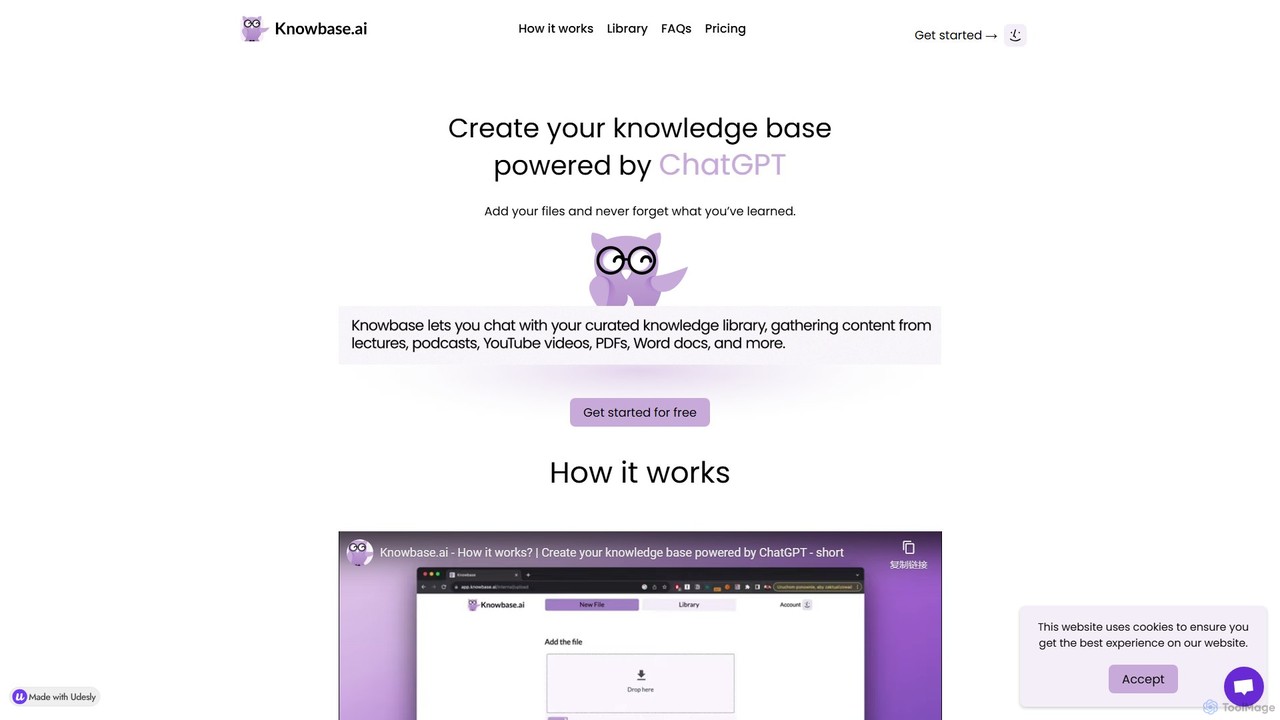
Knowbase.ai is an AI-powered knowledge base that transforms your files into an interactive chatbot. Upload documents, presentations, audio, …
Knowbase.ai is an AI-powered knowledge base that transforms your files into an interactive chatbot. Upload documents, presentations, audio, video, or YouTube links, and ask questions in natural language to get instant, accurate answers from your own data.
About Chatbot
Chatbots are AI-powered tools designed to simulate human conversation through text or voice interfaces. They utilize Natural Language Processing (NLP) to understand user intent, process queries, and provide automated, relevant responses in real-time. Primarily used for customer support, lead generation, and user engagement, chatbots offer 24/7 availability and can handle a high volume of interactions simultaneously. As a key application within the Data category, they excel at collecting user information and delivering personalized, data-driven experiences.
Core Features
- Natural Language Understanding (NLU): Accurately interprets user intent, context, and sentiment, going beyond simple keyword matching.
- 24/7 Automated Responses: Provides instant answers and support around the clock, improving user satisfaction.
- Multi-channel Integration: Deploys seamlessly across websites, mobile apps, and messaging platforms like WhatsApp and Facebook Messenger.
- Visual Flow Builder: Allows users to design and customize conversation paths using a no-code, drag-and-drop interface.
- Data Collection & Analytics: Gathers user data during conversations and provides insights into user behavior and common queries.
Use Cases
Chatbots are widely adopted across various industries. In e-commerce, they act as shopping assistants, recommending products and tracking orders. For SaaS companies, they onboard new users and answer technical questions. In sectors like healthcare and finance, they handle appointment scheduling and provide account information securely.
How to Choose
When selecting a chatbot tool, consider its NLP capabilities—how well it understands complex language. Evaluate its integration options with your existing systems like CRM or helpdesk software. Assess the ease of use of its conversation builder and the depth of its analytics. Finally, consider its scalability to handle future growth in conversation volume and complexity.
ChatbotUse Cases
Automate Customer Support FAQs
A customer support manager for an e-commerce brand can deploy a chatbot on their website to handle frequently asked questions. The bot can instantly answer common queries about shipping policies, return procedures, and order status 24/7. This frees up human agents to focus on complex, high-value customer issues, reducing response times and improving overall customer satisfaction by providing immediate assistance without wait times.
Qualify Sales Leads Around the Clock
A marketing manager in a B2B tech company can use a chatbot on the company's website to engage visitors. The chatbot can ask qualifying questions, such as company size, job role, and specific needs. Based on the responses, it can either schedule a demo with a sales representative for qualified leads or direct others to relevant resources like whitepapers. This process ensures no lead is missed, even outside of business hours, and that the sales team receives pre-qualified prospects.
Enhance E-commerce Shopping Experience
An e-commerce manager can implement a chatbot to act as a personal shopping assistant. The bot can ask customers about their preferences, budget, and occasion to provide personalized product recommendations. It can also assist with size guides, check stock availability, and even guide users through the checkout process. This conversational approach makes shopping more interactive and helpful, potentially reducing cart abandonment rates and increasing average order value.
Streamline Internal IT Helpdesk Support
An IT manager in a large corporation can deploy a chatbot on an internal messaging platform like Slack or Microsoft Teams. Employees can interact with the bot for common IT issues such as password resets, software access requests, or basic troubleshooting steps for hardware problems. The chatbot can resolve these routine tickets instantly, reducing the workload on the IT helpdesk team and allowing them to focus on more critical infrastructure issues. This provides employees with immediate support, minimizing downtime.
Gather User Feedback with Conversational Surveys
A product manager can use a chatbot to collect user feedback in a more engaging way than traditional forms. After a user completes a key action, like making a purchase or using a new feature, the chatbot can initiate a conversation to ask about their experience. The interactive, question-by-question format can lead to higher completion rates and more thoughtful responses compared to a long, static survey. This provides the product team with immediate, high-quality qualitative data to inform future improvements.
Automate Appointment and Reservation Booking
A small business owner, such as a salon or restaurant manager, can integrate a chatbot on their website or social media page to handle bookings. The chatbot can display available time slots, collect necessary customer information (name, phone number, party size), and confirm the appointment or reservation directly in the chat. It can also send automated reminders. This automates a time-consuming administrative task, reduces no-shows through reminders, and provides a convenient booking channel for customers available 24/7.