Developer Tools Best in category 2 results Continuous Integration AI Tool

Popular AI tools in the Continuous Integration field of Developer Tools include CircleCI、Debugg, etc., helping you quickly improve efficiency.

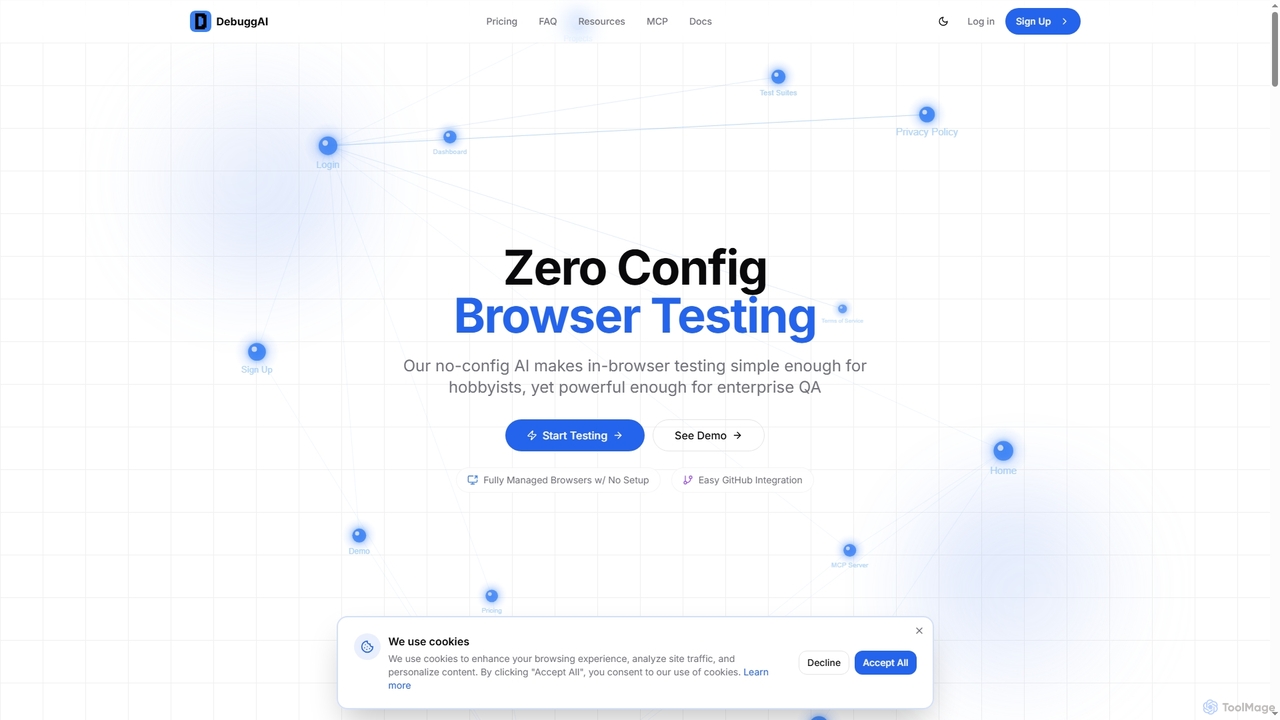
Debugg

Debugg

Debugg is an AI-powered platform that provides automated browser testing for every GitHub Pull Request. It offers zero-configuration, …

5.9K
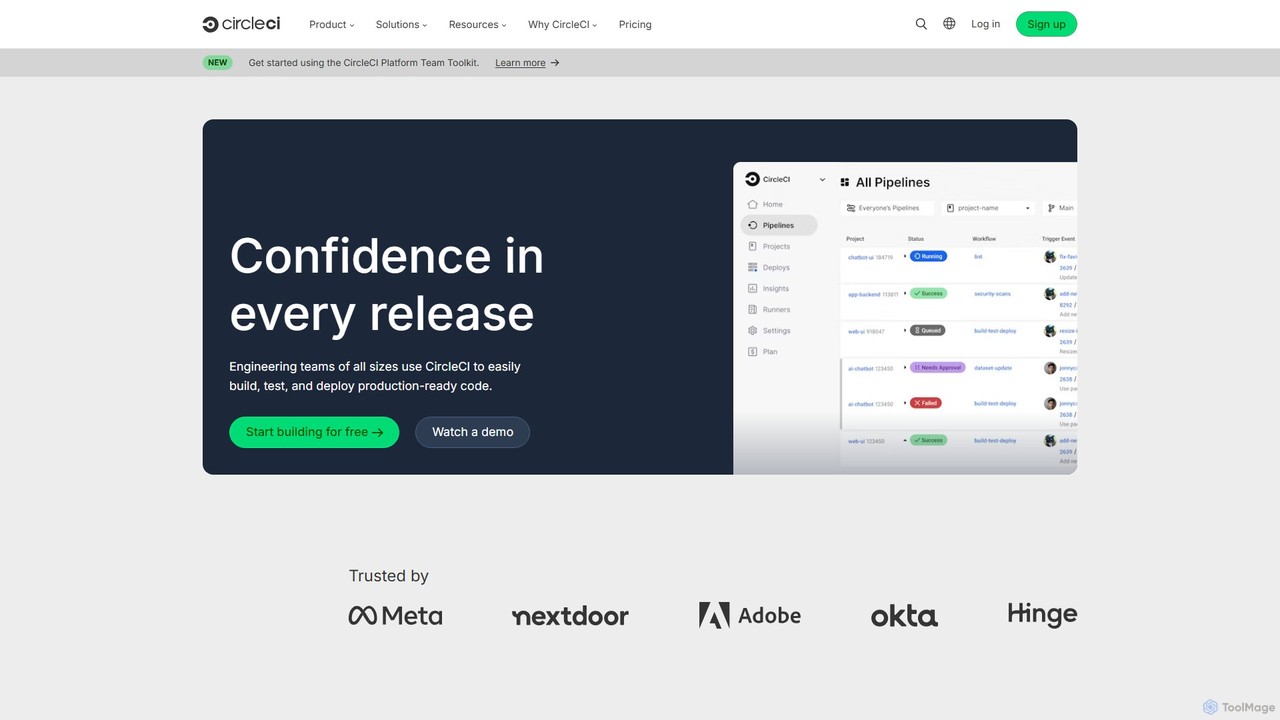
CircleCI

CircleCI

CircleCI is a leading continuous integration and continuous delivery (CI/CD) platform that automates the software development process. It …

1.2M

About Continuous Integration

Continuous Integration (CI) tools automate the process of integrating code changes from multiple developers into a single shared repository. These platforms automatically trigger builds, run tests, and scan code upon every commit, providing rapid feedback on the quality and stability of the changes. This practice helps teams detect and resolve integration issues early in the development cycle, significantly improving software quality and accelerating delivery speed. As a core component of the Developer Tools ecosystem, CI focuses specifically on the build and test automation phase of the software development lifecycle.

Core Features

  • Automated Builds: Automatically compiles source code, runs dependencies, and packages the application upon every code change.
  • Automated Testing: Executes various tests (unit, integration, etc.) to validate code functionality and prevent regressions.
  • Version Control Integration: Natively connects with repositories like Git (GitHub, GitLab, Bitbucket) to monitor for new commits and pull requests.
  • Real-time Feedback: Provides immediate notifications and detailed reports on build and test outcomes, enabling quick issue resolution.
  • Pipeline as Code: Allows developers to define and version control their build and test workflows using configuration files (e.g., YAML).

Use Cases

Continuous Integration tools are fundamental for modern software development teams of all sizes. They are extensively used in Agile and DevOps environments to support rapid iteration. Key users include software developers, DevOps engineers, and quality assurance teams working on web applications, mobile apps, backend services, and embedded systems. Any project with multiple contributors benefits from CI to maintain code stability.

How to Choose

When selecting a Continuous Integration tool, consider its hosting model (cloud-based SaaS vs. self-hosted), compatibility with your version control system and programming languages, and the breadth of its integration ecosystem (e.g., for testing frameworks, security scanners, and deployment targets). Also, evaluate its scalability for handling concurrent builds, the ease of pipeline configuration (UI vs. code-based), and the pricing structure (per user, per build minute, or free for open-source projects).

Continuous IntegrationUse Cases

1

Automate Builds and Tests for a Web App

A front-end development team working on a React application uses a CI tool integrated with their GitHub repository. Every time a developer pushes a new component or a bug fix, the CI service automatically pulls the latest code. It then executes a predefined script that runs 'npm install' to fetch dependencies, followed by 'npm run build' to create a production build. Finally, it runs the entire Jest unit test suite. If any test fails, the developer receives an instant notification in Slack, allowing them to fix the issue before it gets merged into the main branch.

2

Validate Pull Requests Before Merging

In an open-source project, maintaining the stability of the main branch is critical. When a contributor opens a pull request on GitLab, a CI pipeline is automatically triggered. This pipeline runs a series of jobs: first, it checks for code formatting compliance using a linter. Second, it runs a comprehensive suite of integration tests. Finally, it measures code coverage to ensure new code is adequately tested. The CI tool then reports the status back to the pull request page. Merging is blocked by repository rules until all CI checks pass, ensuring no breaking changes are introduced.

3

Run Static Code Analysis for Security

A backend team developing a financial application prioritizes security. Their CI pipeline includes a crucial step for Static Application Security Testing (SAST). After the code is successfully built, a SAST tool automatically scans the entire codebase for common security vulnerabilities, such as SQL injection, cross-site scripting (XSS), and insecure configurations. The CI job is configured to fail if any high-severity vulnerabilities are detected. This automated security gatekeeping ensures that security checks are consistently applied to every code change, reducing the risk of deploying vulnerable code to production.

4

Build and Push Docker Images to a Registry

A DevOps team manages microservices that are deployed as Docker containers. Their CI workflow automates the containerization process. When changes are merged into the main branch, the CI pipeline is triggered. It first runs tests to ensure code quality. Upon success, it executes a 'docker build' command using a Dockerfile in the repository to create a new image. The image is then tagged with the commit hash for traceability. Finally, the CI tool authenticates with a private container registry (like Amazon ECR or Docker Hub) and pushes the newly built and tagged image, making it available for the Continuous Deployment (CD) stage.

5

Multi-Platform Builds for a Mobile App

A mobile app team develops for both iOS and Android from a single codebase using a framework like React Native. Their CI server is configured with different build agents: macOS agents for building the iOS app (which requires Xcode) and Linux agents for building the Android APK. When code is committed, the CI tool triggers two parallel jobs. One job runs on a macOS agent to build and sign the .ipa file, while the other runs on a Linux agent to build the .apk. This parallel execution significantly reduces the total build time compared to building for each platform sequentially, accelerating the feedback loop for developers.

6

Nightly Builds for Large-Scale Enterprise Systems

For a complex enterprise system with dozens of interconnected microservices, running a full suite of end-to-end integration tests on every commit is computationally expensive and slow. Instead, the team uses their CI tool to schedule a 'nightly build'. Every night at a set time, the CI server automatically pulls the latest code from all service repositories, builds them, and deploys them to a dedicated testing environment. It then triggers a comprehensive test suite that simulates real user workflows across the entire system. The results are published to a dashboard, allowing the team to identify and fix complex integration bugs first thing in the morning.

Continuous IntegrationFrequently Asked Questions