

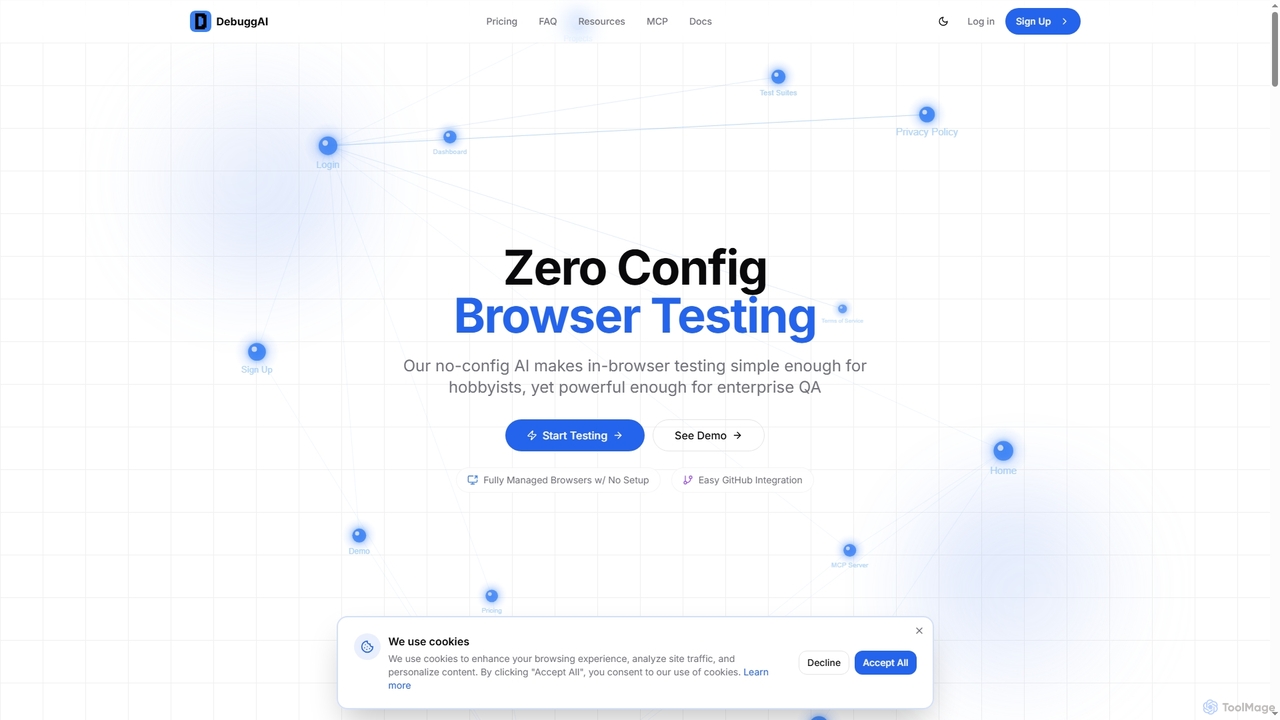
Debugg Overview
Debugg is an innovative AI tool designed to revolutionize browser testing by automating the entire process for every Pull Request (PR) within GitHub. It eliminates the need for complex configurations, infrastructure setup, or DevOps expertise, making robust in-browser testing accessible for hobbyists and powerful enough for enterprise QA teams. By connecting your GitHub repository, Debugg takes over the cloning, building, remote access, and browser testing, all automatically.
How to use Debugg
Using Debugg is designed to be straightforward and requires no code changes. Simply connect your GitHub repository, install the Debugg GitHub App, and the system handles the rest. Debugg will automatically monitor all your PRs and trigger testing immediately upon opening a new one. Test results, including videos and actionable insights, are posted directly as comments on your pull requests, providing a GitHub-native experience without needing to check external dashboards. Setup takes approximately 2 minutes.
Core Features of Debugg
- Zero Config Browser Testing: No complex setup or configurations required.
- Easy GitHub Integration: One-click integration with your repository.
- Fully Managed Testing: Handles repository access, dependency installation, build processes, secure tunneling, and browser testing.
- AI-Powered Application Understanding: Explores your app to build a comprehensive knowledge graph, understanding pages, interactions, and user flows.
- Automatic PR Detection: Automatically detects when a PR is opened and starts testing.
- Inline Results: Test results, videos, and detailed debugging information appear directly in PR comments.
- AI Test Suites: Analyzes code diffs on every commit to create and run targeted end-to-end tests.
- Secure Remote Management: Encrypted tunnels, isolated environments, and temporary access for code safety.
- No Infrastructure Setup: No servers, containers, or complex configurations needed.
Use Cases for Debugg
Debugg is ideal for development teams looking to automate their end-to-end browser testing workflow. It's perfect for catching regressions in critical user flows like authentication, forms, and checkout processes before they are deployed to production. Developers can use it to ensure the quality and stability of every code change, accelerating code reviews and boosting confidence in their releases. QA teams can leverage Debugg to reduce manual testing efforts and focus on more complex scenarios, while product managers can gain faster feedback on new features.
Advantages of Debugg
The primary advantages of Debugg include its simplicity and efficiency. It drastically reduces the time and effort typically spent on browser testing by automating the entire process. Teams can ship code that actually works with confidence before merging, leading to fewer production bugs. The GitHub-native experience with inline results accelerates review cycles and PR approvals. Furthermore, its AI-powered understanding ensures comprehensive and targeted test coverage, all without the need for frustrating browser configurations or extensive DevOps knowledge.
Pricing and Plans
Debugg offers flexible pricing plans, including a free tier, with options for monthly or annual billing (saving 20% annually):
- Free: Perfect for open source. Includes public repos, 100 tests/mo, PR comments, and community support.
- Pro: For professional developers at $20/month. Includes private repos, 1,000 tests/mo, priority support, and advanced analytics.
- Grow: For growing teams at $40/month. Includes everything in Pro, 5,000 tests/mo, add-on usage available, team management, and priority support.
- Enterprise: For organizations at scale with custom pricing. Includes everything in Grow, unlimited tests, SSO/SAML, dedicated support, and custom integrations.
Debugg FAQ
Traffic
Latest traffic
Status
Monthly traffic trend
- 2026-1: 4.7K
- 2026-2: 4.0K
- 2026-3: 10.3K
- 2026-4: 3.9K
- 2026-5: 3.0K
Geography
Top 5 countries / regions
- 🇺🇸United States57.3%
- 🇮🇳India42.7%
Top keywords
| Keyword | Cost per click |
|---|---|
| generate guid | $0.37 |
| guid generator | $1.41 |
| random guid | $0.00 |
| random guid generator | $0.11 |
| unhandled case: [object object] view output logs · troubleshooting resources | $0.00 |
Debugg Alternatives
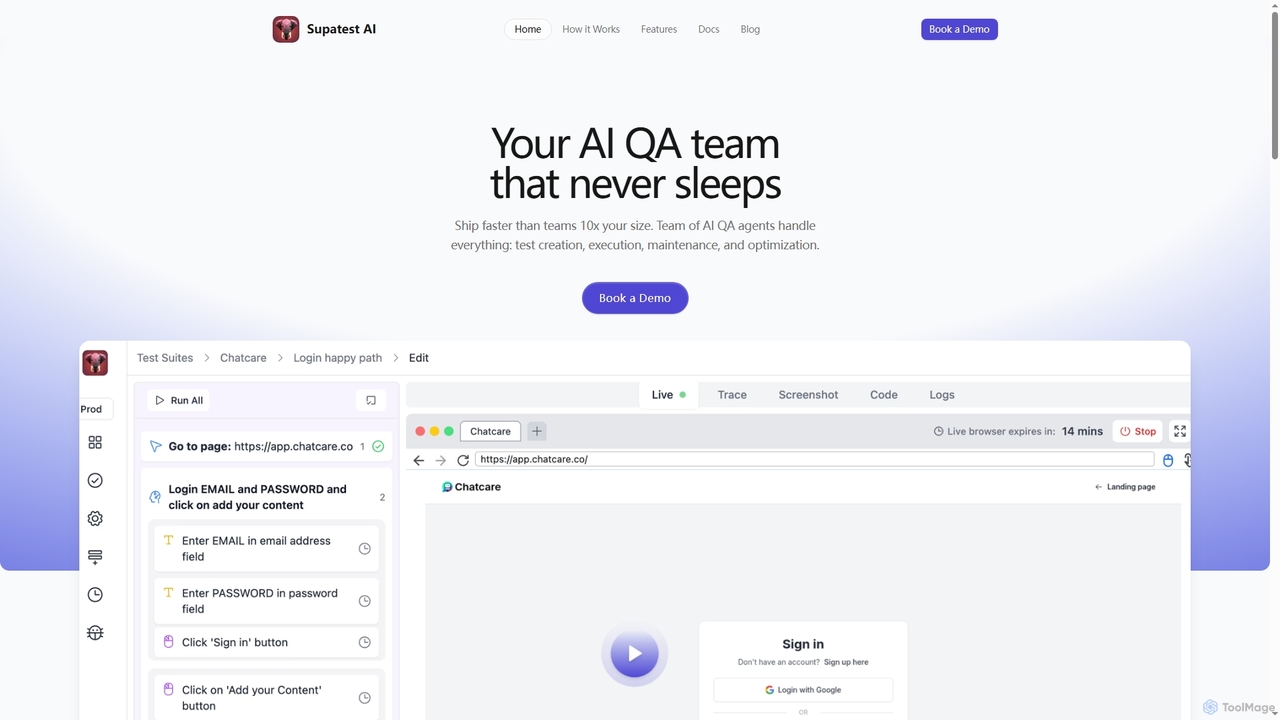
Supatest
Supatest is an AI-powered quality assurance platform that acts as an autonomous QA team, enabling engineering teams to ship software faster. It handles test creation, execution, maintenance, and optimization, learning your product's intricacies to deliver evolving, self-healing test suites.
Development Tools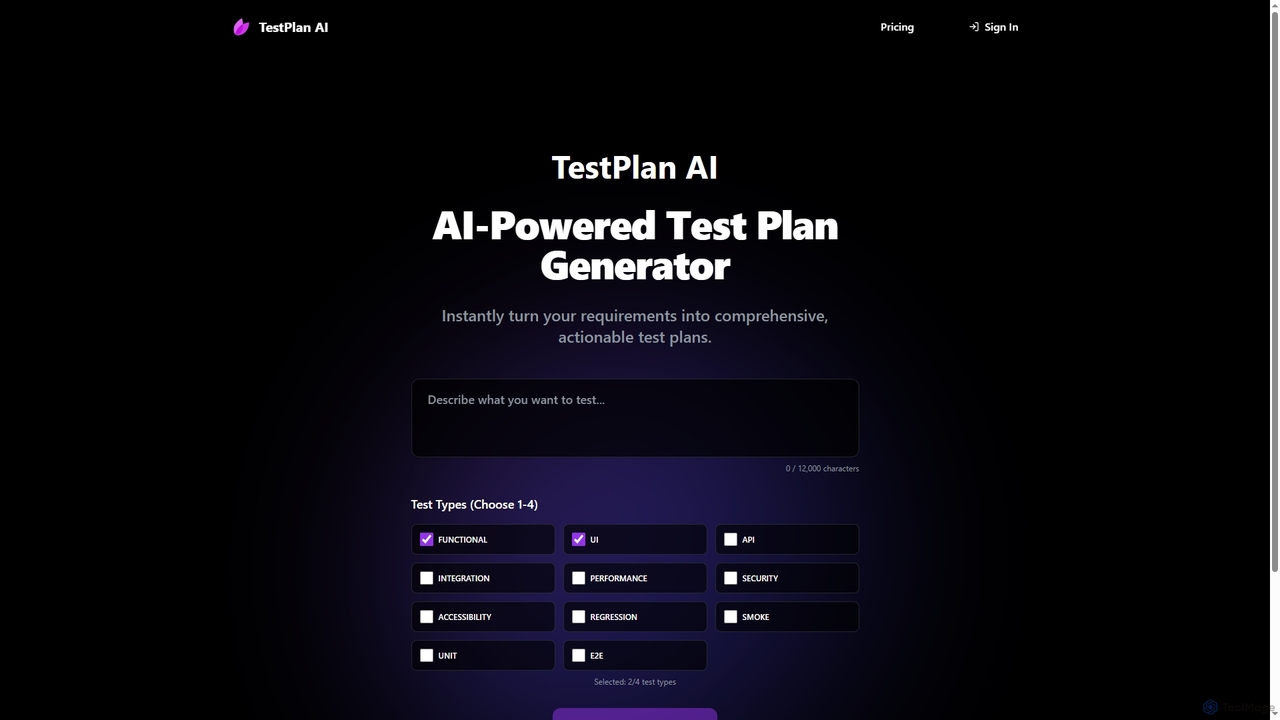
TestPlan
TestPlan is a powerful, AI-powered tool designed to instantly transform project requirements into comprehensive, actionable test plans and detailed test cases. It supports a wide range of test types, from functional to security, making software testing more efficient for development teams.
Automation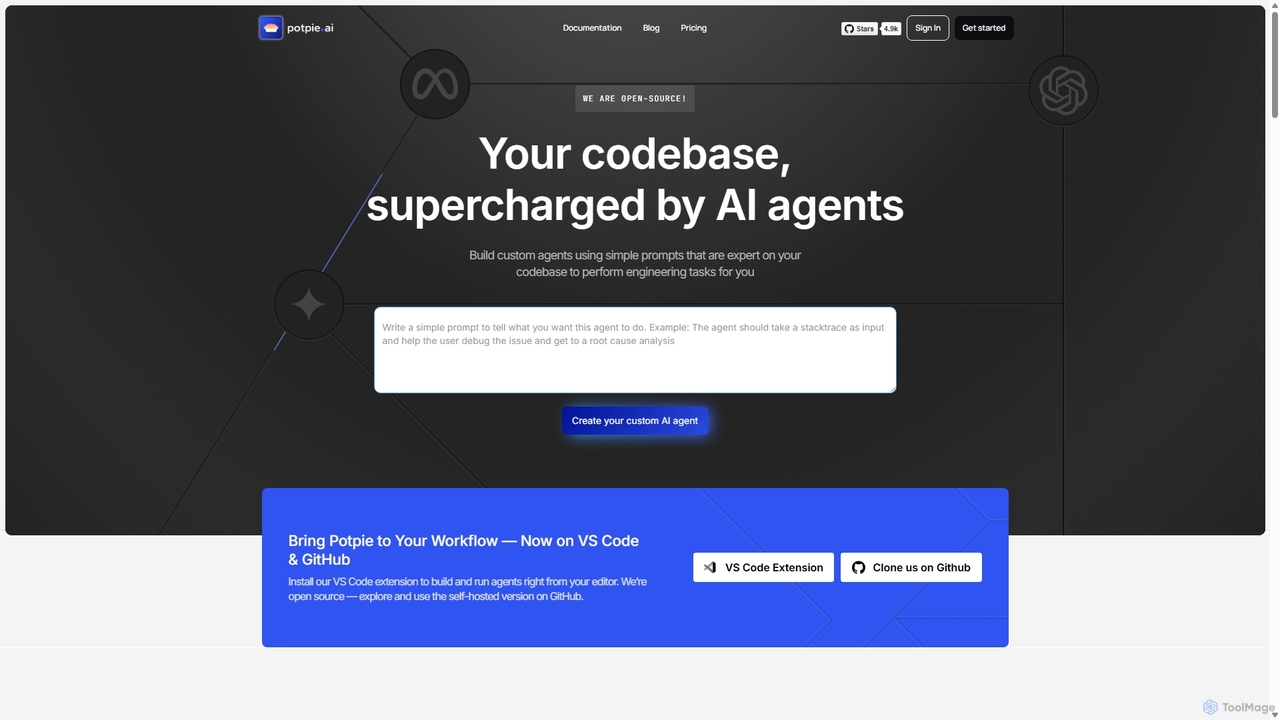
Potpie
Potpie is an open-source platform that empowers developers to build custom AI agents expert on their codebase. These agents automate complex engineering tasks, from debugging and testing to system design, integrating seamlessly into workflows via VS Code and GitHub.
Custom Agent Builder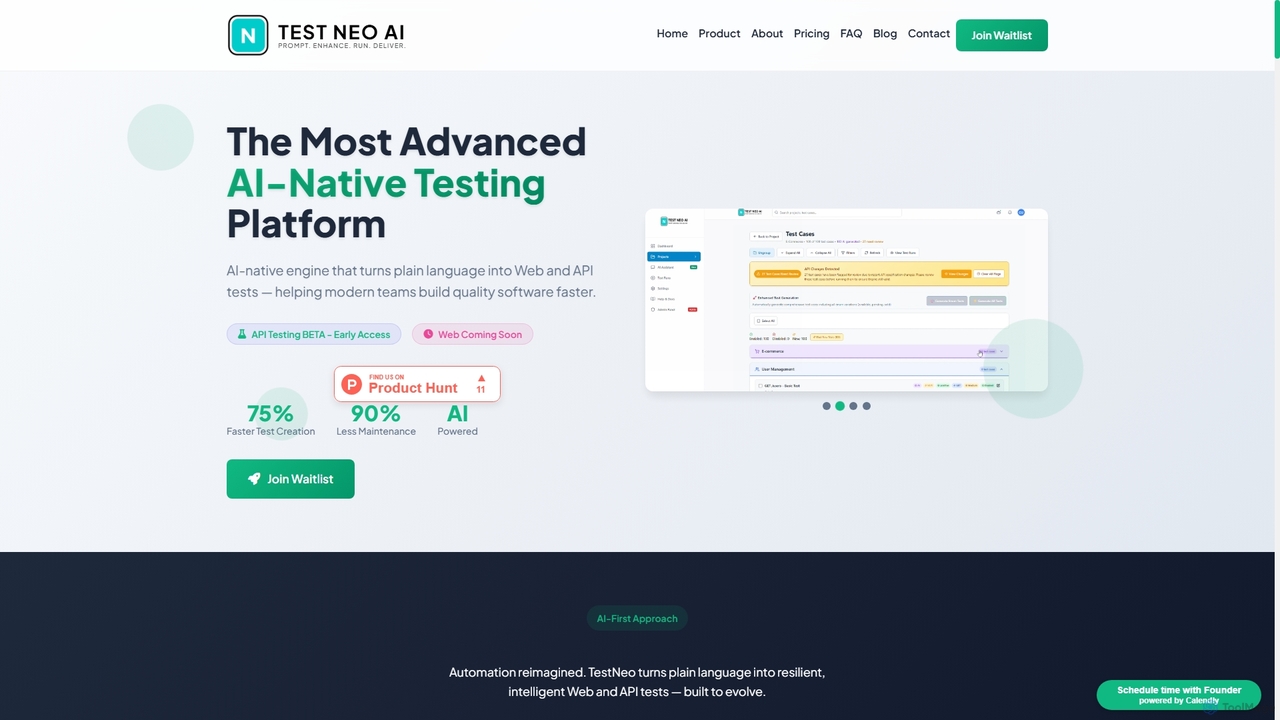
TestNeo
TestNeo is an AI-powered test automation platform that transforms natural language inputs into executable test scripts. It streamlines the testing process by eliminating manual scripting, offering self-healing automation, intelligent reporting, and seamless cloud execution. Designed for both technical and non-technical users, TestNeo accelerates API and performance testing, ensuring robust software quality with minimal effort.
Natural Language Processing
Fireyourqa
Fireyourqa is an AI-powered QA agent that automates web application testing. By installing a browser extension, users can record testing workflows once. The AI then learns these processes, autonomously runs continuous tests, validates all cases, and reports results directly in the browser, saving significant time and resources.
Code AssistantDebugg Categories
Debugg Jobs
Debugg Embed Widget
Copy this embed code to place the badge on your blog, article, or product site and send readers directly to this ToolMage detail page.

Related AI tools
Supatest
Supatest is an AI-powered quality assurance platform that acts as an autonomous QA team, enabling engineering teams to ship software faster. It handles test creation, execution, maintenance, and optimization, learning your product's intricacies to deliver evolving, self-healing test suites.
Development ToolsFireyourqa
Fireyourqa is an AI-powered QA agent that automates web application testing. By installing a browser extension, users can record testing workflows once. The AI then learns these processes, autonomously runs continuous tests, validates all cases, and reports results directly in the browser, saving significant time and resources.
Code AssistantPotpie
Potpie is an open-source platform that empowers developers to build custom AI agents expert on their codebase. These agents automate complex engineering tasks, from debugging and testing to system design, integrating seamlessly into workflows via VS Code and GitHub.
Custom Agent Builder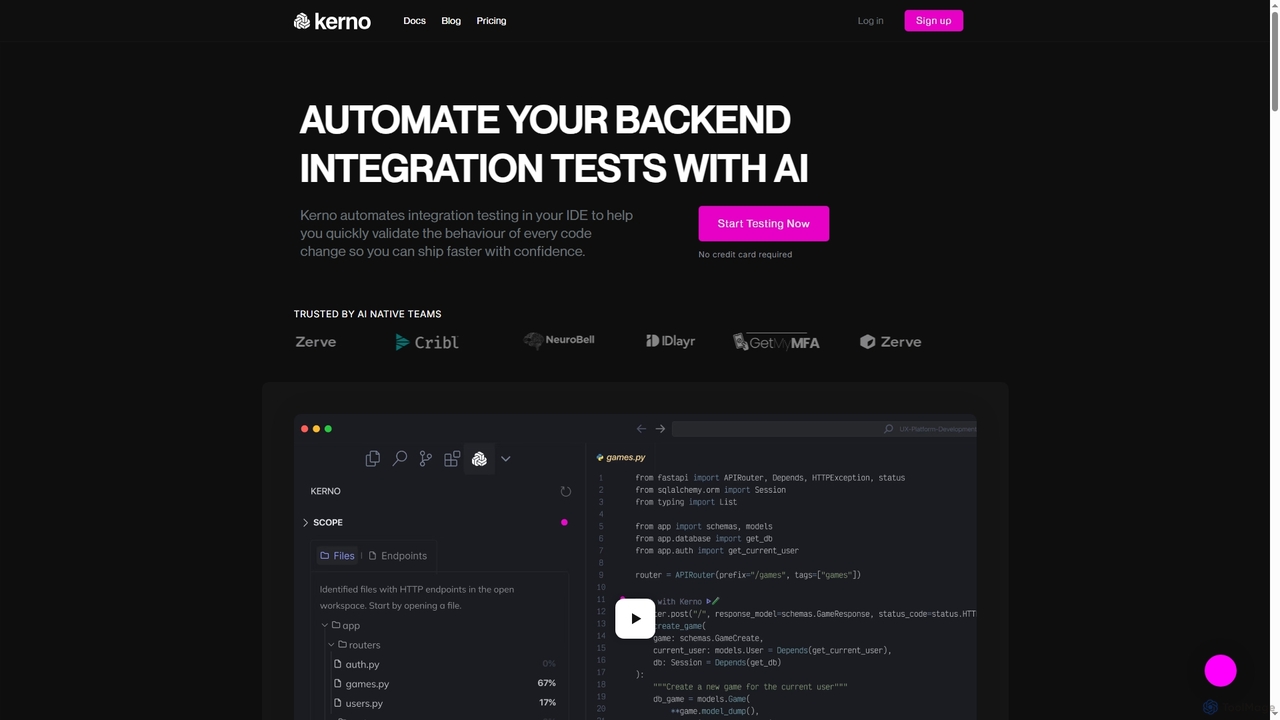
Kerno
Kerno is an AI-powered co-pilot for backend developers, autonomously generating, running, and maintaining exhaustive integration test suites. It understands your code, dependencies, and business logic to deliver reliable, high-quality testing at scale, directly within your IDE.
Backend DevelopmentTestPlan
TestPlan is a powerful, AI-powered tool designed to instantly transform project requirements into comprehensive, actionable test plans and detailed test cases. It supports a wide range of test types, from functional to security, making software testing more efficient for development teams.
Automation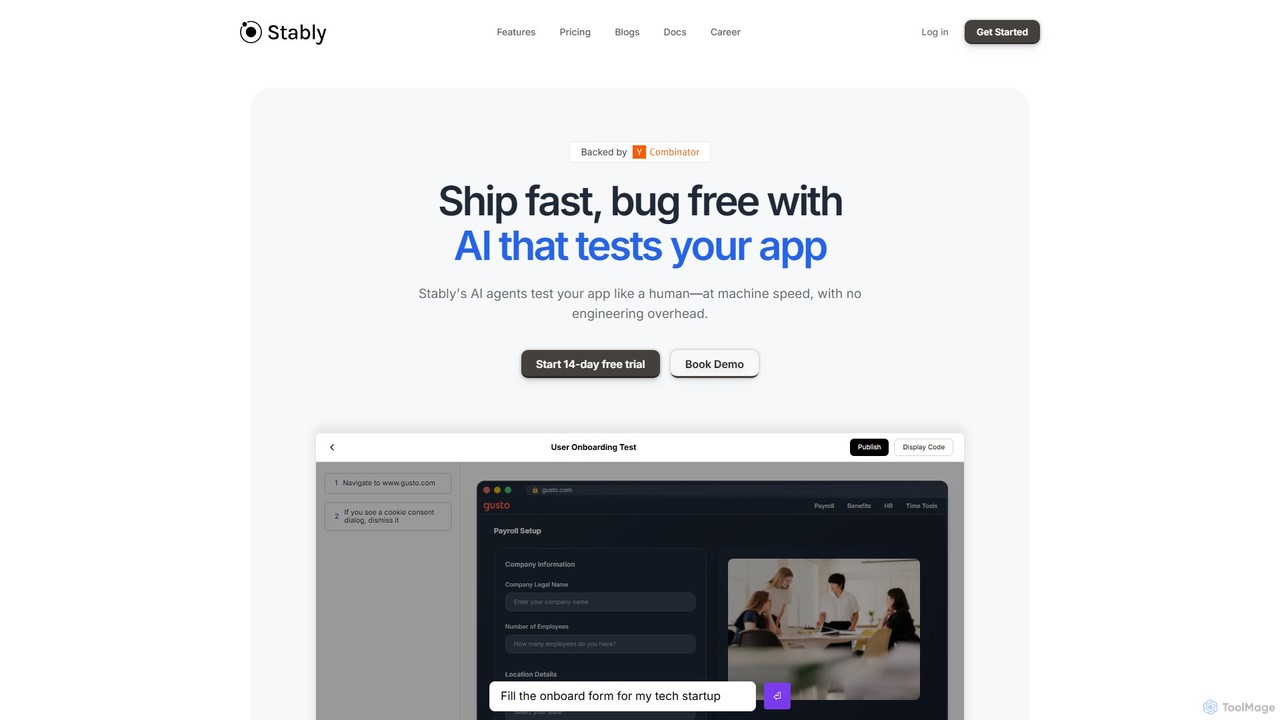
Stably
Stably is an AI-powered QA automation platform that enables development teams to ship bug-free web applications faster. It uses intelligent AI agents to test apps like a human, at machine speed, with no engineering overhead. Create, run, and automatically maintain tests using plain English, handling complex user flows and integrating seamlessly with your CI/CD pipeline.
No Code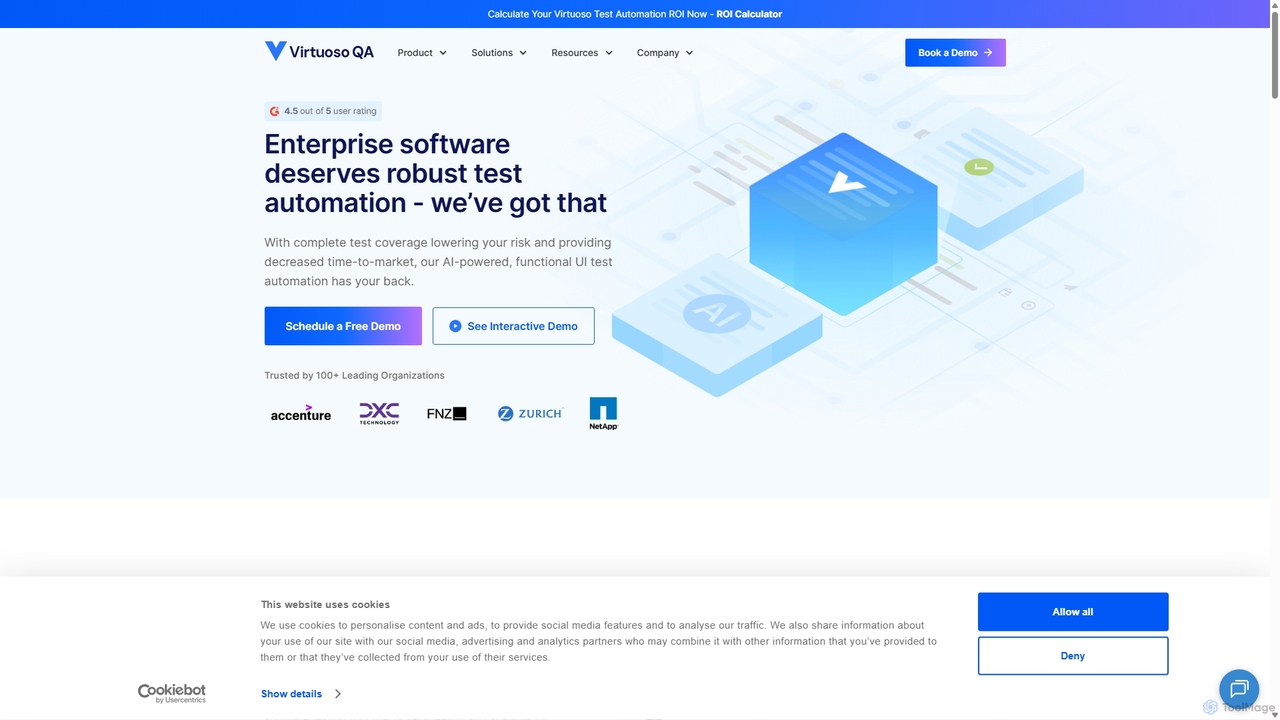
Virtuoso
Virtuoso is an AI-powered test automation platform for enterprises, enabling teams to write self-healing, functional UI and end-to-end tests in plain English. It combines Natural Language Programming (NLP) and Generative AI to accelerate software delivery, reduce test maintenance costs, and improve overall quality.
Testing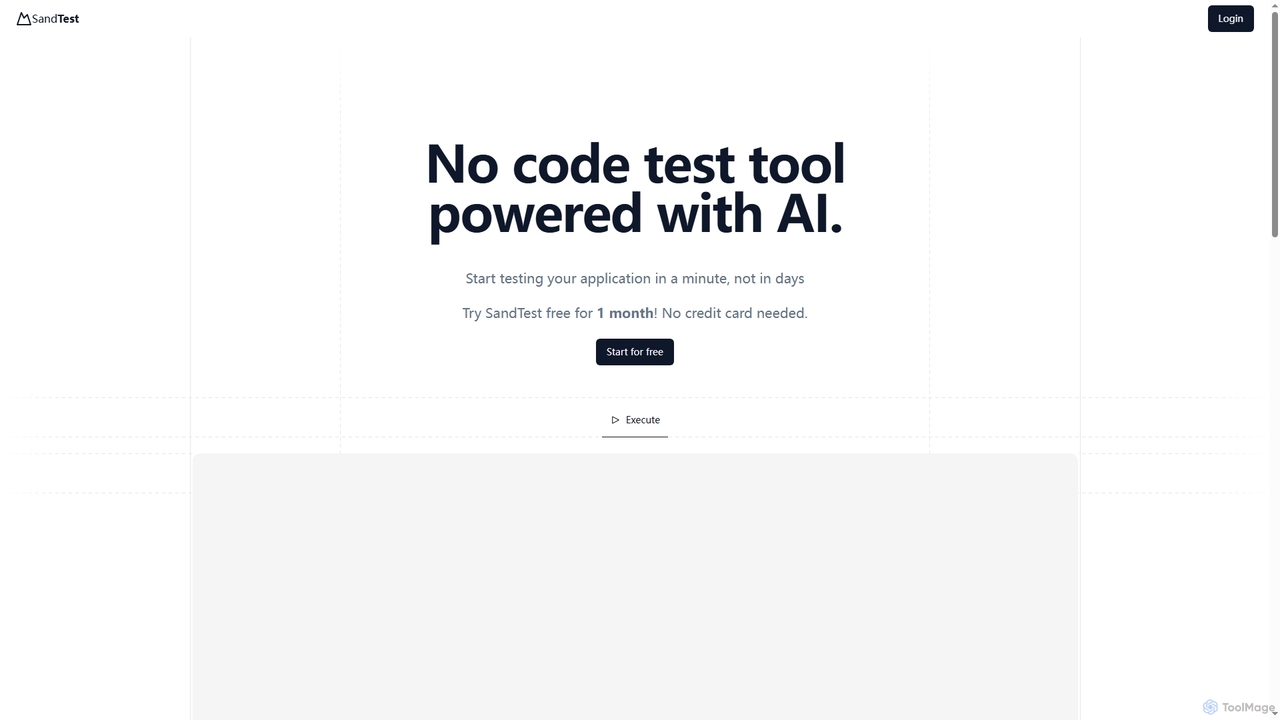
SandTest
SandTest is an AI-powered, no-code test automation tool designed to help businesses validate their applications rapidly. It enables users to start testing in minutes, streamlining the quality assurance process and enhancing productivity without complex setups.
Development Tools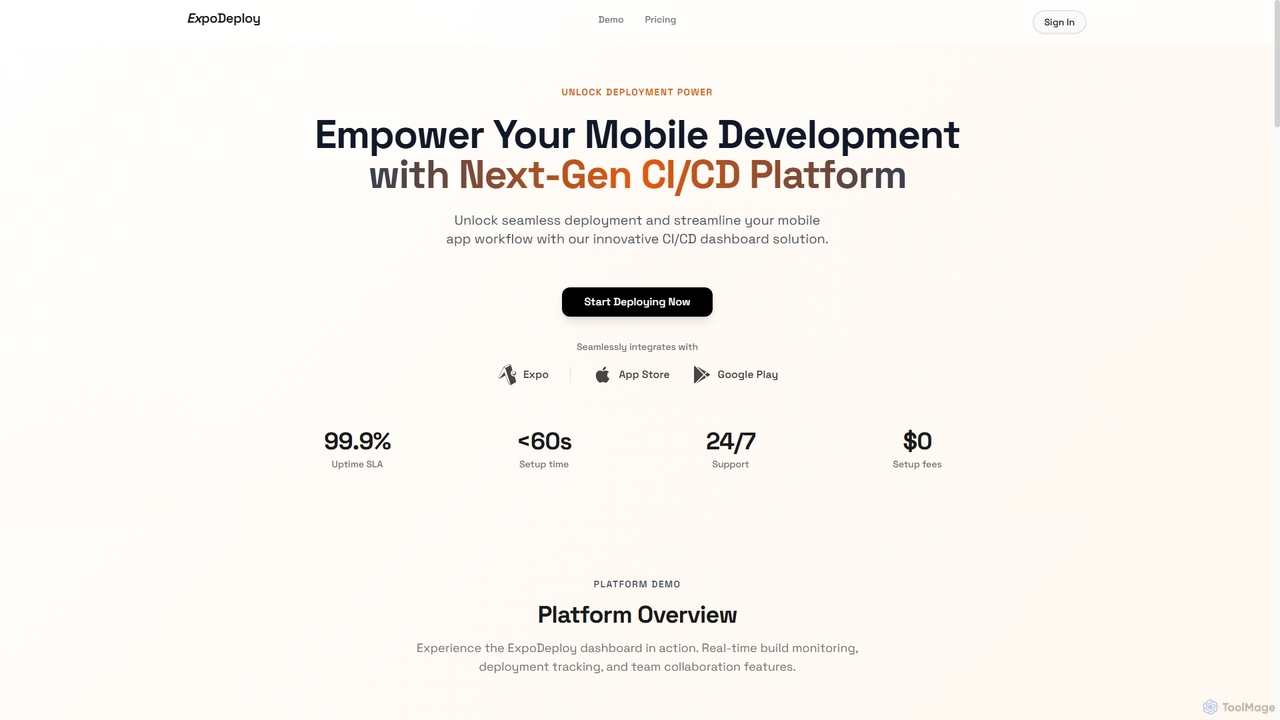
ExpoDeploy
ExpoDeploy is a cutting-edge mobile CI/CD platform designed for Expo and React Native applications. It automates the entire mobile app deployment workflow, from building and testing to unified submission to Apple App Store and Google Play, eliminating manual complexities like certificate management and separate console logins.
Ci Cd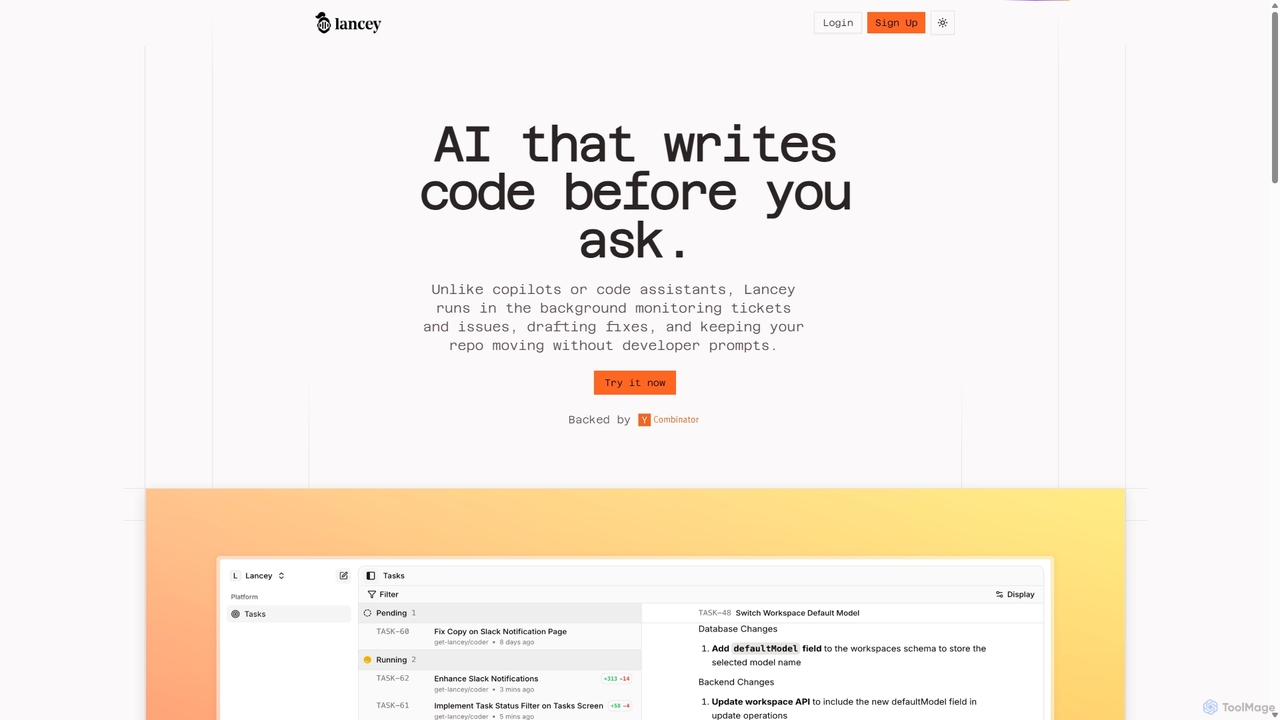
Lancey
Lancey is an asynchronous AI agent that automates software development by monitoring support channels and issue trackers. It proactively identifies bugs, drafts code fixes, and generates ready-to-review pull requests, significantly reducing bug resolution time and freeing up developers to focus on new features.
Issue Tracking
Qabuddy
Qabuddy is an AI-powered assistant for software quality assurance. It automates tedious testing tasks like test case generation, script writing, and bug reporting. It helps QA teams, developers, and product managers accelerate their testing cycles, improve test coverage, and release higher-quality software faster. By leveraging AI, Qabuddy acts as an intelligent partner in the development lifecycle.
Code AssistantTestNeo
TestNeo is an AI-powered test automation platform that transforms natural language inputs into executable test scripts. It streamlines the testing process by eliminating manual scripting, offering self-healing automation, intelligent reporting, and seamless cloud execution. Designed for both technical and non-technical users, TestNeo accelerates API and performance testing, ensuring robust software quality with minimal effort.
Natural Language Processing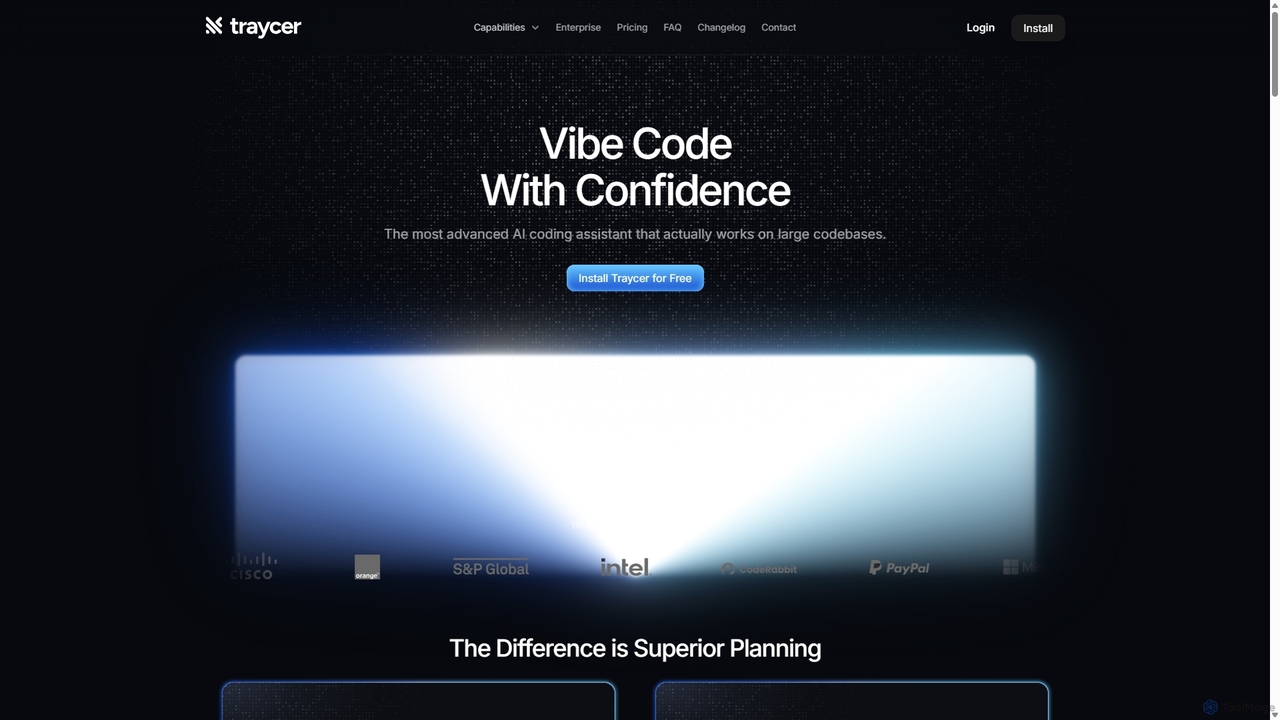
Traycer
Traycer is an advanced AI coding assistant designed for large codebases. It champions a "Plan First, Code Second" approach, generating detailed, actionable plans before writing any code. It integrates with popular AI agents like Copilot and Claude, verifies changes, and offers automated code reviews to streamline development, improve code quality, and significantly boost productivity for individual developers and teams.
Code Review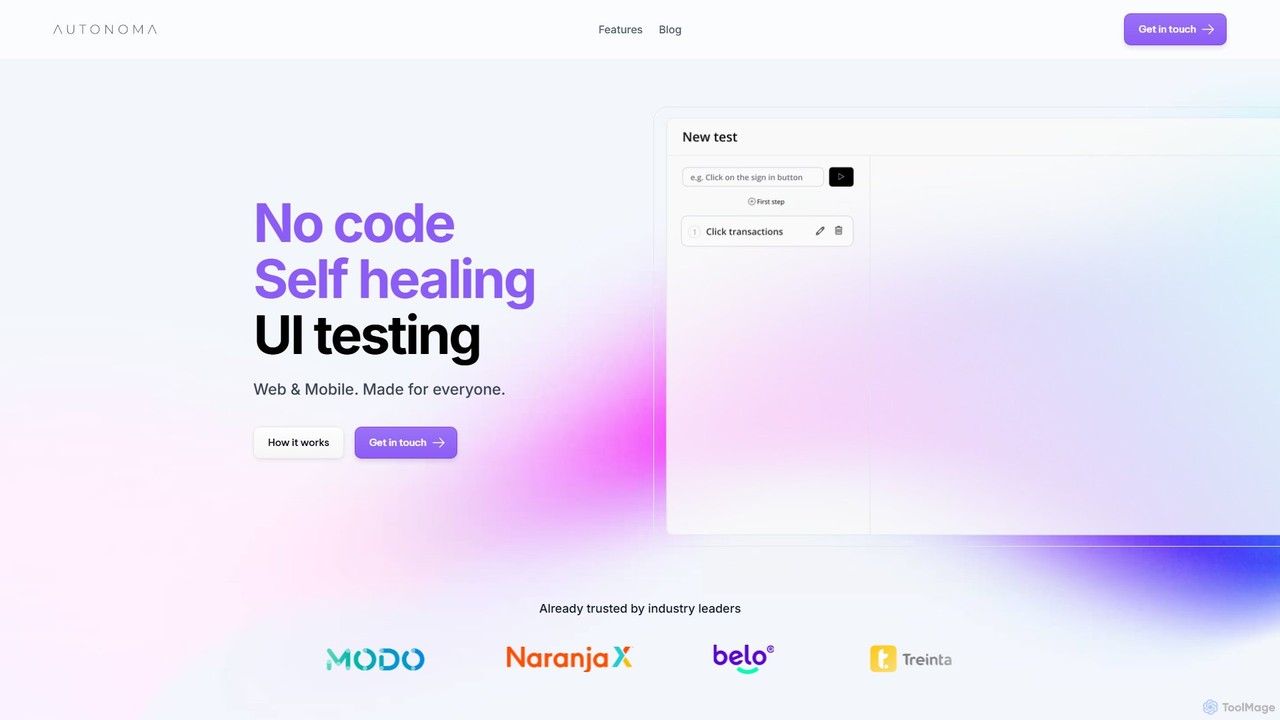
Autonoma AI
Autonoma AI is a no-code, self-healing UI testing platform for web and mobile applications. It uses AI to automatically record user interactions, convert them into robust tests, and adapt to UI changes, eliminating test maintenance. This allows teams to ship products faster and with greater confidence by automating regression testing and integrating seamlessly into CI/CD pipelines.
Testing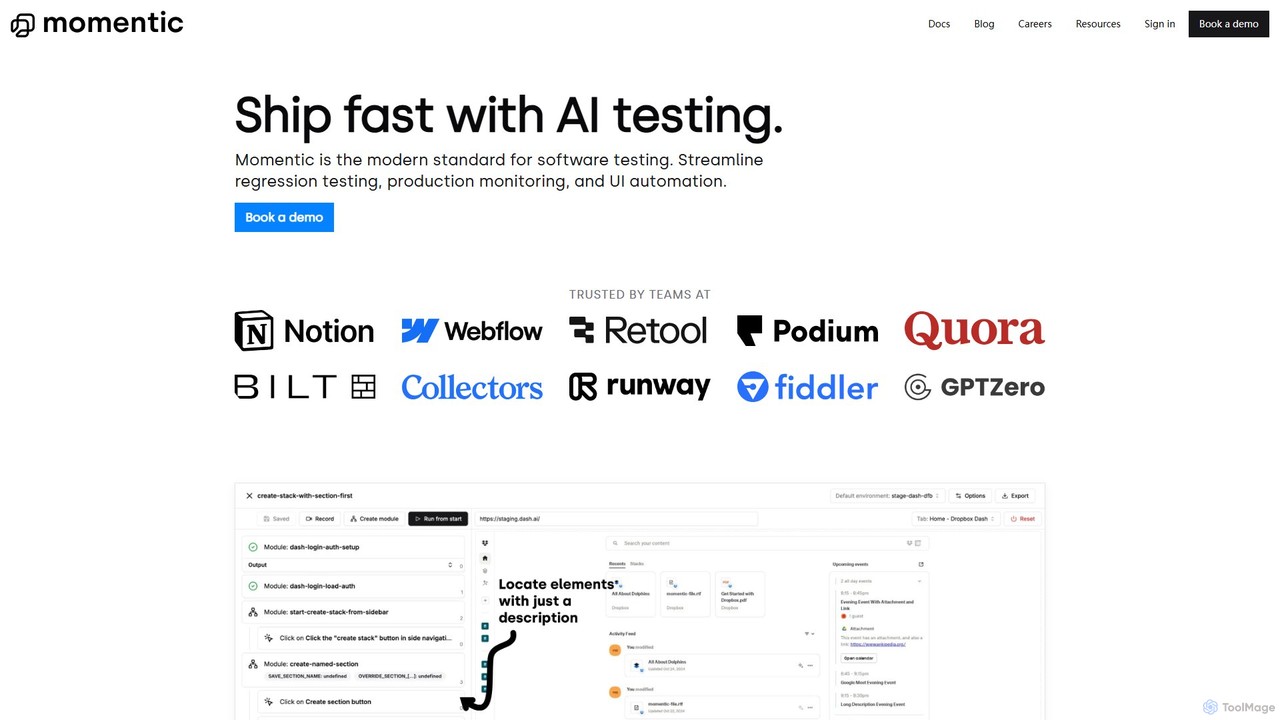
Momentic
Momentic is an AI-powered software testing platform that accelerates development cycles. It enables teams to create, run, and maintain robust end-to-end tests using natural language, eliminating flaky scripts and reducing manual QA overhead. It features a low-code editor, auto-healing locators, and seamless CI/CD integration.
No Code
Debugg Comments (0)
Sign in to comment.
Sign inNo comments yet.