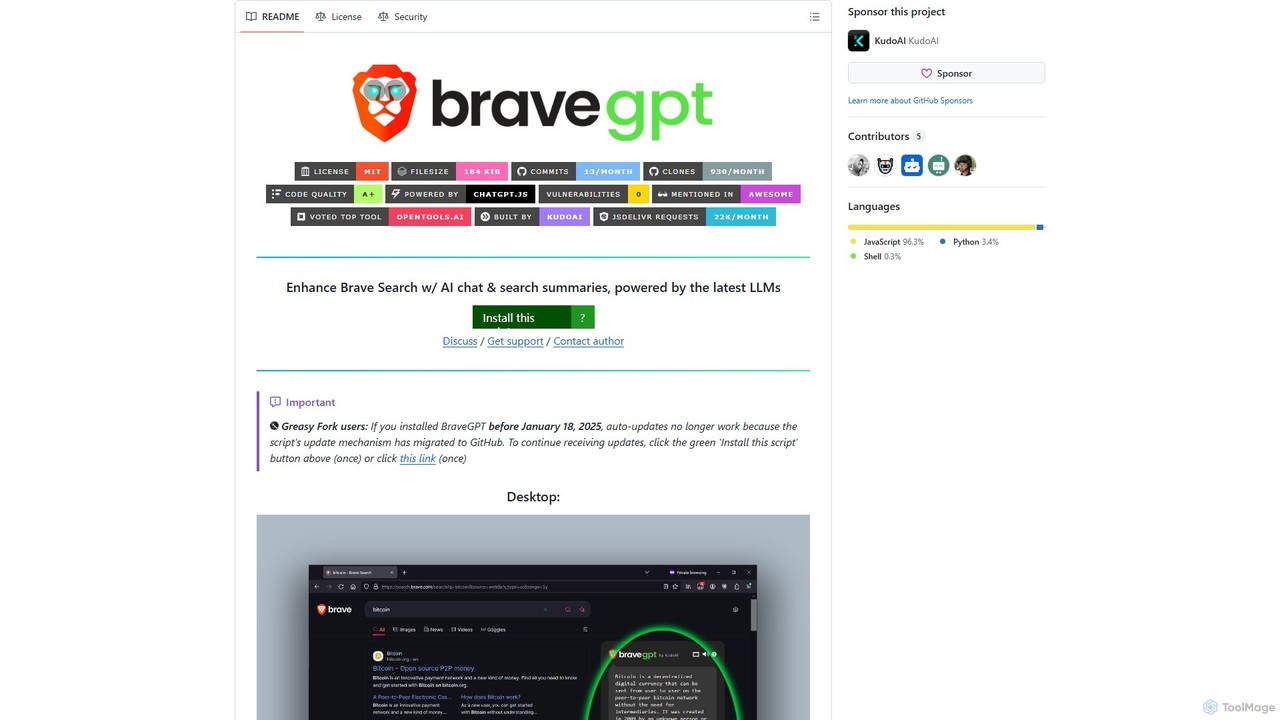
bravegpt
A powerful userscript that enhances Brave Search with AI chat and search summaries, powered by the latest LLMs …
A powerful userscript that enhances Brave Search with AI chat and search summaries, powered by the latest LLMs like GPT-4o. Get instant answers and engage in conversations directly on your search results page.
About Scripts
AI Scripts are tools that generate, explain, or optimize code snippets and command-line instructions from natural language prompts. They leverage large language models (LLMs) trained on vast codebases to understand user intent and produce functional code in various programming languages. These tools significantly accelerate development and automation tasks by translating plain English into executable scripts, reducing the need for manual coding and syntax memorization. They are particularly useful for developers, DevOps engineers, and system administrators for rapid prototyping and task automation.
Core Features
- Natural Language to Code: Generate functional scripts in languages like Python, Bash, or SQL from simple text descriptions.
- Command-Line Generation: Convert plain English requests into complex shell commands for tools like Git, Docker, or AWS CLI.
- Script Debugging & Optimization: Analyze existing scripts to identify errors, suggest fixes, and recommend performance improvements.
- Code Explanation: Provide clear, human-readable explanations for complex or unfamiliar code snippets to aid understanding.
Use Cases
AI Script tools are primarily used by software developers, DevOps engineers, data scientists, and system administrators. For instance, a developer can generate a Python script to parse a CSV file, or a DevOps engineer can create a complex Bash script for server deployment simply by describing the required steps. They are ideal for automating repetitive tasks and accelerating learning for new command-line tools.
How to Choose
When selecting an AI Script tool, consider the supported programming languages and shell environments. Evaluate its integration capabilities with your existing workflow, such as IDE or terminal plugins. Assess the accuracy and complexity of the code it can generate, and check if it offers features like debugging or context awareness from your project files.
ScriptsUse Cases
Automating Data Processing Tasks
A data analyst needs to clean and transform a large CSV file daily. Instead of writing a Python script from scratch, they provide a prompt like 'Read data.csv, remove rows with missing values in the email column, convert the date column to datetime objects, and save to clean_data.csv'. The AI tool generates a functional Python script using the Pandas library, saving significant time and reducing the chance of syntax errors.
Generating Complex Shell Commands
A DevOps engineer needs to find all Docker containers running a specific image and restart them. Instead of searching for the correct syntax involving multiple commands, they type 'find and restart all docker containers using the nginx:latest image'. The AI tool produces the precise one-liner command, such as `docker restart $(docker ps -q --filter ancestor=nginx:latest)`, preventing errors and saving time spent on documentation lookups.
Rapid Prototyping for Web Scraping
A developer needs to quickly extract data from a website for a proof-of-concept project. They describe the target elements, such as 'Get all product titles and prices from the product list on this URL', and provide the URL. The tool generates a ready-to-use Python script with libraries like BeautifulSoup or Scrapy, allowing the developer to gather the necessary data in minutes instead of hours.
Creating Database Migration Scripts
A database administrator needs to write a SQL script to add a new column to a table and populate it based on values from another table. They provide the logic in plain English, such as 'Add a column named 'category_name' to the 'products' table. Then, update this column with the 'name' from the 'categories' table based on a join on 'category_id''. The AI tool generates a syntactically correct SQL script, reducing the risk of manual errors in critical database operations.
Learning a New Command-Line Tool
A junior developer is unfamiliar with the Kubernetes command-line tool, `kubectl`. Instead of constantly referring to documentation, they use an AI script tool as a learning aid. They can ask questions like 'how do I show the logs for the 'api-gateway' pod in the 'production' namespace?' The tool translates this into the correct command: `kubectl logs api-gateway -n production`, accelerating their learning process and improving productivity.
Generating Git Command Sequences
A developer needs to perform a complex Git operation, like cherry-picking multiple commits from another branch and squashing them into a single commit on their current branch. Describing this workflow to an AI script tool, such as 'cherry-pick commits A, B, and C from the 'feature' branch to my current branch as a single commit', yields the precise sequence of `git` commands. This helps avoid mistakes in repository history and ensures complex operations are performed correctly.