ToolMage
Sign in

Best 3 Document Automation AI tools

Popular Document Automation AI tools include AI Doc Suite, BuildSync, and Mergelab, helping you work more efficiently.

Mergelab
Freemium

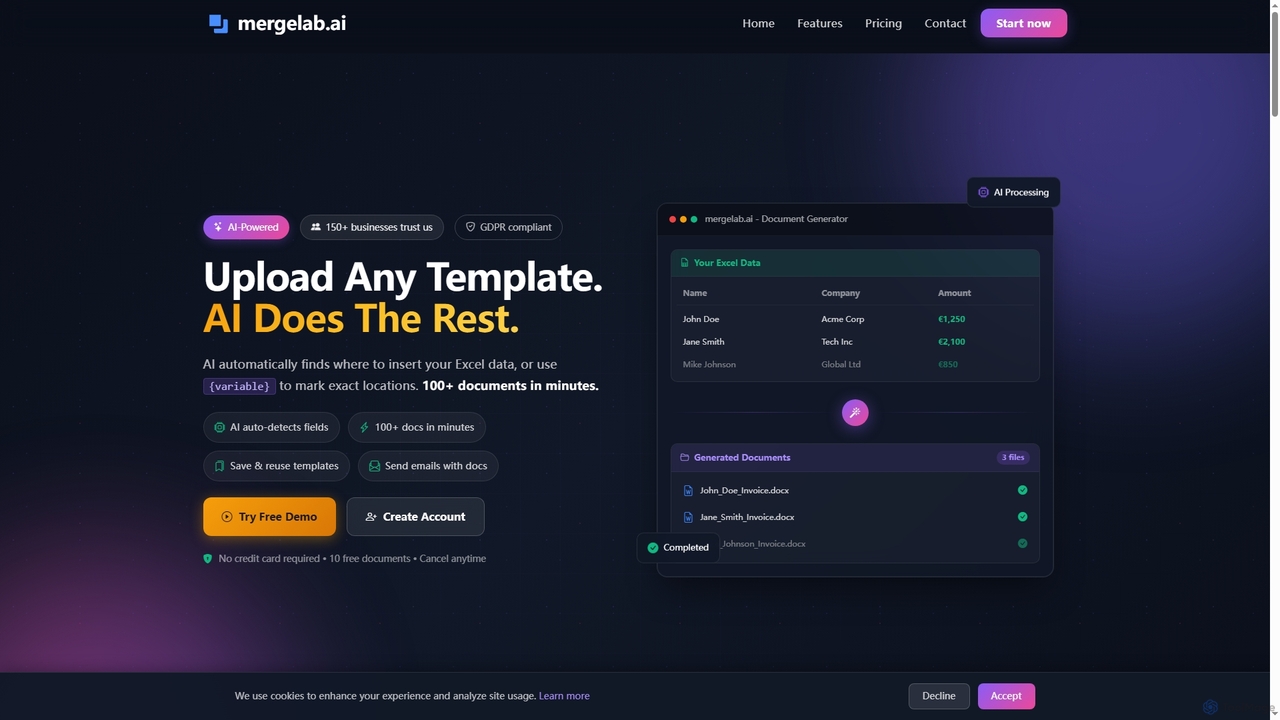
Mergelab

Mergelab is an AI-powered document generation tool that automates the creation of personalized documents from Excel data and Word templates. It streamlines mail merge processes, instantly generating professional DOCX or PDF files, and offers advanced features like AI variable detection and email delivery for PRO users.

Mail Merge
Visits 3.4KFavorites 10Likes 10
BuildSync

BuildSync

BuildSync is an AI-powered construction submittal review software designed to automate the verification of project compliance and generation of submittal packages. It helps general contractors and subcontractors drastically reduce submittal rejection rates, save hours on manual reviews, and accelerate project timelines.

Document Analysis
Visits 5.9KFavorites 117Likes 117
AI Doc Suite
Freemium

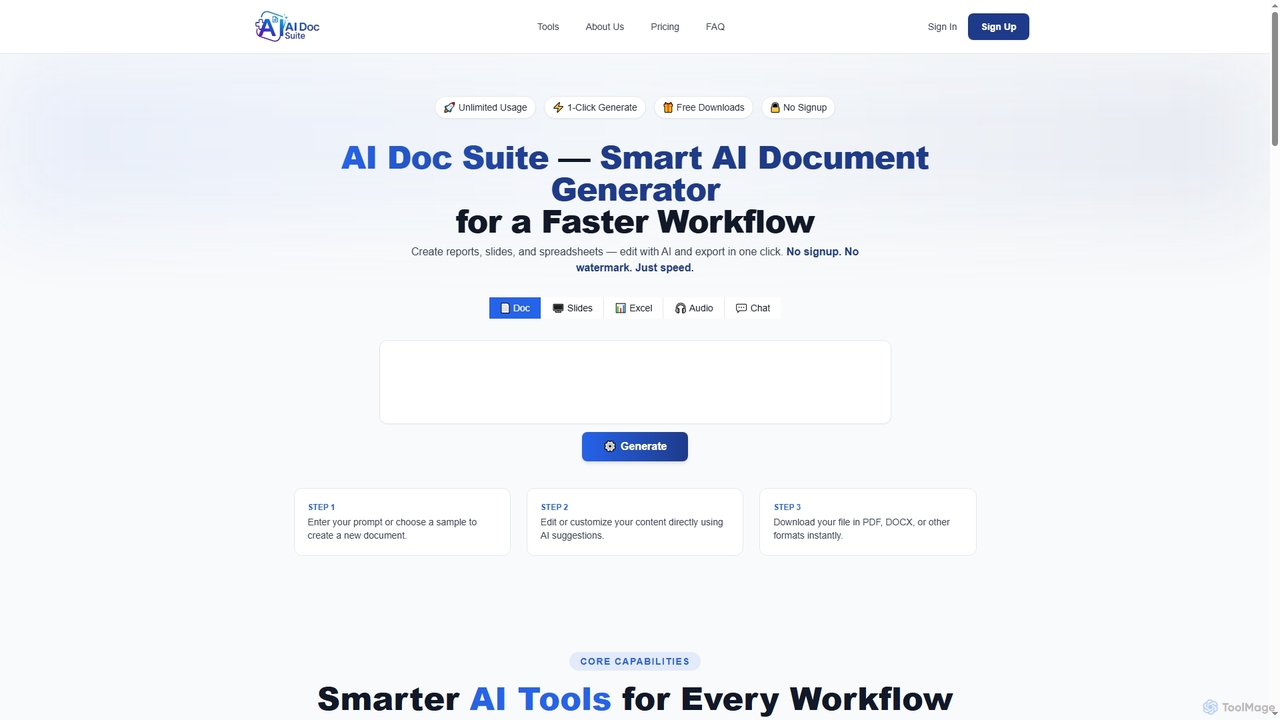
AI Doc Suite

AI Doc Suite is an advanced, browser-based AI workspace for creating, editing, and converting professional documents, slides, spreadsheets, audio, images, and videos. It streamlines content generation with intelligent automation and customizable templates, offering a comprehensive solution for various creative and business needs.

Document Sharing
Visits 12.3KFavorites 94Likes 100

About Document Automation

Document Automation tools are AI-powered solutions that streamline and optimize document-centric workflows. These tools leverage technologies like natural language processing (NLP), computer vision, and machine learning to automatically process, extract, and manage information from various document types. They significantly reduce manual effort, improve data accuracy, and accelerate business operations across industries. By transforming unstructured data into actionable insights, they empower organizations to make faster, more informed decisions.

Core Features

  • Intelligent Document Processing (IDP): Automatically extracts structured data from unstructured or semi-structured documents like invoices, contracts, and forms.
  • Document Generation: Creates new documents, such as reports or personalized letters, from templates and data inputs with minimal human intervention.
  • Content Classification & Tagging: Organizes documents by automatically categorizing them and applying relevant metadata for easier search and retrieval.
  • Workflow Automation: Orchestrates document-related tasks, routing documents for review, approval, or further processing based on predefined rules.
  • Data Validation & Verification: Cross-references extracted data with existing databases to ensure accuracy and flag discrepancies.

Applicable Scenarios

Document Automation tools are invaluable across various sectors. In finance, they automate invoice processing and loan application reviews. Legal departments use them for contract analysis and e-discovery. Healthcare providers streamline patient intake forms and medical record management. These tools are also crucial for HR in managing employee onboarding documents and for supply chain in processing purchase orders and shipping manifests.

How to Choose

When selecting a Document Automation tool, consider its integration capabilities with existing enterprise systems (CRM, ERP). Evaluate the accuracy and flexibility of its data extraction for your specific document types. Assess the scalability to handle growing document volumes and the security features to protect sensitive information. Finally, compare pricing models and the level of vendor support available.

Featured tool rankings

Document Automation use cases

1

Automating Invoice Processing for Finance Departments

Finance teams often spend countless hours manually entering data from invoices. Document Automation tools can automatically extract key information like vendor name, amount, and line items from incoming invoices, validate it against purchase orders, and integrate it directly into accounting systems. This reduces processing time by up to 80%, minimizes human error, and accelerates payment cycles.

2

Streamlining Contract Review and Analysis in Legal Firms

Legal professionals face the challenge of reviewing vast numbers of contracts for specific clauses, risks, or compliance issues. AI-powered Document Automation can rapidly identify, extract, and summarize critical terms, conditions, and obligations from legal documents. This allows lawyers to focus on strategic advice rather than tedious manual review, significantly speeding up due diligence and contract management.

3

Enhancing Customer Onboarding with Automated Form Processing

Businesses in banking, insurance, or healthcare require customers to fill out numerous forms during onboarding. Document Automation tools can automatically capture data from handwritten or digital application forms, verify identities, and populate backend systems. This drastically reduces manual data entry errors, accelerates the onboarding process, and improves the overall customer experience.

4

Managing HR Employee Records and Onboarding Documents

HR departments handle a high volume of employee-related documents, from resumes and offer letters to tax forms and performance reviews. Document Automation can automatically classify, index, and store these documents, extracting relevant employee data for HRIS systems. This ensures compliance, simplifies record retrieval, and frees HR staff to focus on strategic talent management.

5

Accelerating Loan Application Processing in Financial Institutions

Processing loan applications involves reviewing multiple documents like bank statements, credit reports, and income proofs. Document Automation tools can rapidly extract and verify financial data from these diverse documents, flagging inconsistencies or missing information. This significantly speeds up the underwriting process, reduces approval times, and enhances risk assessment accuracy.

6

Automating Supply Chain Document Management for Logistics

Logistics and supply chain operations rely heavily on documents such as bills of lading, customs declarations, and packing lists. Document Automation can automatically capture data from these documents, track shipments, and update inventory systems. This improves visibility across the supply chain, reduces delays caused by manual data entry, and ensures regulatory compliance.

Document Automation FAQ

What is Document Automation?

Document Automation refers to the use of AI and other technologies to automatically process, manage, and generate documents, minimizing human intervention. It involves tasks like data extraction, classification, validation, and workflow orchestration. The core aim is to transform unstructured document data into structured, actionable information, enhancing efficiency and accuracy across various business functions.

How do Document Automation tools work?

Document Automation tools typically combine several AI technologies. They use Optical Character Recognition (OCR) to convert scanned documents into machine-readable text. Natural Language Processing (NLP) then understands the context and extracts specific data points. Machine learning algorithms are trained on vast datasets to recognize document layouts and patterns, improving accuracy over time. Finally, workflow automation engines route the processed data or documents to the next step.

What are the key benefits of implementing Document Automation?

Implementing Document Automation offers several significant benefits. It drastically reduces manual data entry errors, leading to higher data accuracy. Businesses experience substantial time and cost savings by automating repetitive tasks. It also accelerates processing times for critical documents, improving operational efficiency and customer response. Furthermore, it enhances compliance by providing better audit trails and consistent data handling.

How to choose the right Document Automation solution for my business?

When selecting a Document Automation solution, consider your specific document types and volumes, as accuracy for diverse formats varies. Evaluate the tool's integration capabilities with your existing CRM, ERP, or accounting systems. Assess its scalability to grow with your business needs and its security features for sensitive data. Finally, compare pricing models, vendor support, and the ease of customization to fit your unique workflows.

What is the difference between Document Automation and Robotic Process Automation (RPA)?

While both aim to automate tasks, Document Automation specifically focuses on processing and managing documents using AI for understanding content. RPA, on the other hand, automates repetitive, rule-based tasks by mimicking human interactions with software interfaces, often without "understanding" the content. Document Automation can be a component within an RPA workflow, providing intelligent data extraction that RPA then uses for further processing.