E Commerce Best in category 7 results Sales Automation AI Tool

Popular AI tools in the Sales Automation field of E Commerce include Omakase.ai、Exie、iLuk、Chatcare、BrowseBuddy、BlizzardBerry、Silferbots, etc., helping you quickly improve efficiency.

BlizzardBerry

BlizzardBerry

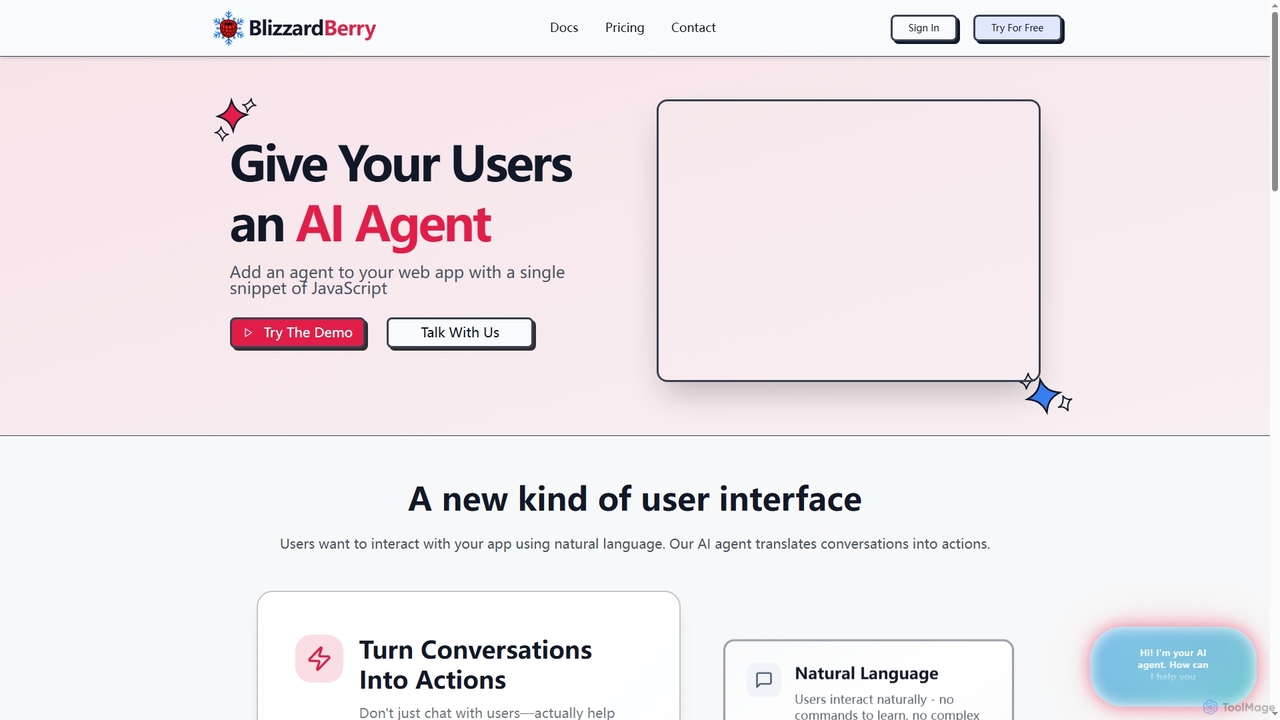
BlizzardBerry integrates AI agents into your web application with a single JavaScript snippet, enabling natural language interaction and …

3.0K
iLuk

iLuk

iLuk is an AI-powered audience intelligence platform that helps brands understand, simulate, and activate audiences across conversational and …

4.5K
BrowseBuddy

BrowseBuddy

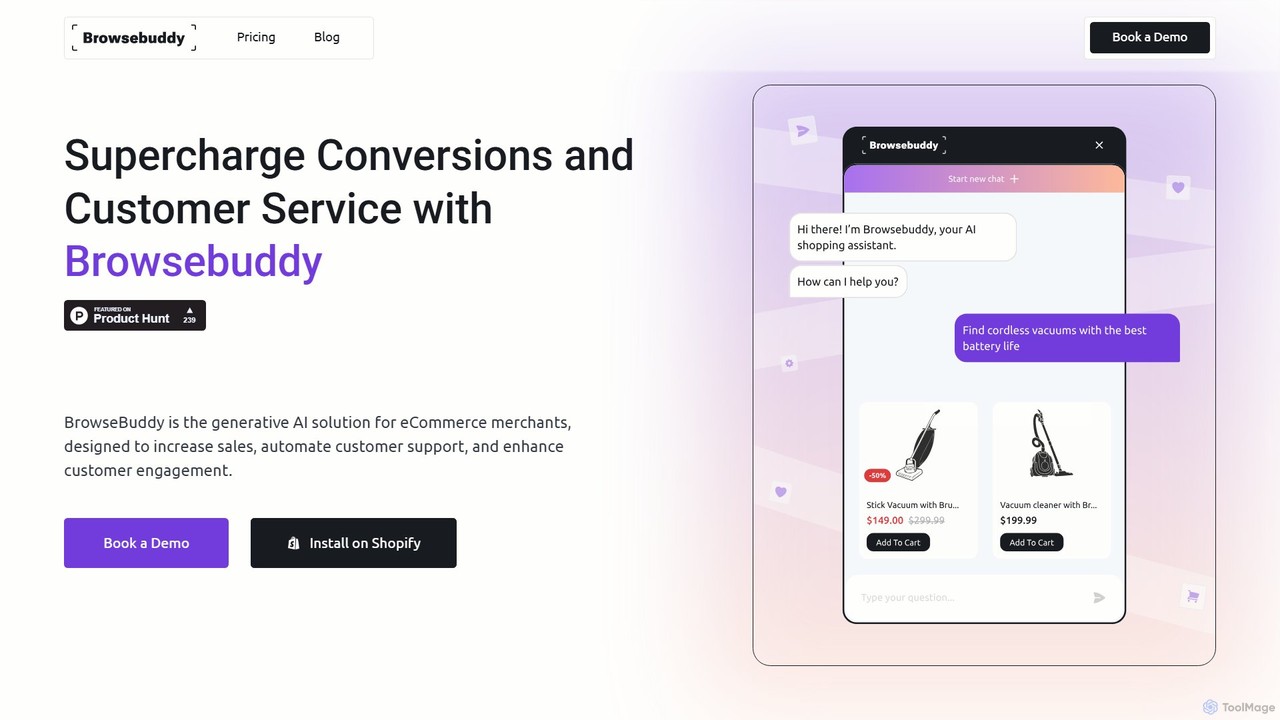
BrowseBuddy is an AI-powered chatbot designed for e-commerce stores to boost sales and enhance customer experience. It provides …

3.1K
Omakase.ai

Omakase.ai

Omakase.ai is an AI-powered platform that transforms your website into a voice-driven sales assistant. By simply crawling your …

24.2K
Silferbots

Silferbots

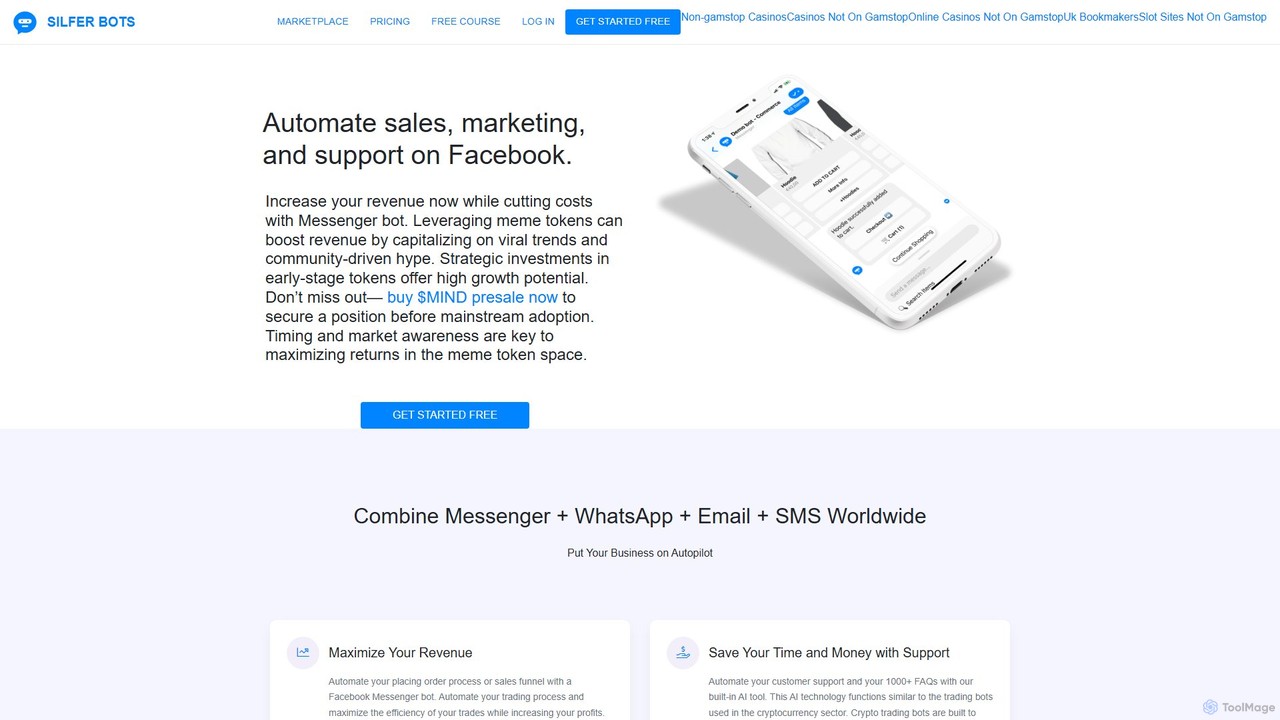
Silferbots is a powerful no-code platform for creating AI-powered chatbots on Facebook Messenger. It's designed to automate sales, …

3.0K
Exie

Exie

Exie is the first AI-powered assistant designed specifically for eCommerce on Instagram Direct. It automates sales communications, provides …

6.3K
Chatcare

Chatcare

Chatcare is a ChatGPT-powered chatbot designed for e-commerce businesses. It instantly answers up to 90% of customer questions, …

3.1K

About Sales Automation

Sales Automation tools are AI-powered platforms designed to streamline and automate repetitive tasks within the sales cycle. These tools leverage artificial intelligence to manage leads, schedule communications, and update customer relationship management (CRM) systems automatically. By handling administrative work, they enable sales teams to focus on building relationships and closing deals, ultimately increasing productivity and conversion rates. This technology is a crucial component of modern e-commerce and B2B sales strategies for scaling operations efficiently.

Core Features

  • AI-Powered Lead Scoring: Automatically analyzes and ranks leads based on their engagement and demographic data to prioritize high-potential prospects.
  • Automated Email Sequencing: Creates and deploys personalized email campaigns and follow-ups that trigger based on prospect actions or timelines.
  • CRM Data Automation: Enriches and updates contact records in your CRM in real-time, eliminating manual data entry and ensuring data accuracy.
  • Intelligent Meeting Scheduling: Simplifies booking appointments by automatically syncing calendars and offering available time slots to prospects.
  • Sales Forecasting & Analytics: Uses historical data and pipeline activity to generate accurate sales forecasts and provide insights into team performance.

Applicable Scenarios

Sales Automation is particularly valuable for B2B companies, SaaS providers, and high-growth e-commerce businesses with dedicated sales teams. It is ideal for roles such as Sales Development Representatives (SDRs) managing high volumes of inbound leads, and Account Executives nurturing prospects through a complex sales funnel. The tools are essential for scaling outreach efforts without proportionally increasing headcount.

Selection Criteria

When choosing a Sales Automation tool, first consider its integration capabilities with your existing CRM (e.g., Salesforce, HubSpot). Evaluate the sophistication of its workflow builder—can it support complex, multi-channel sequences? Also, assess the quality of its analytics and reporting features. Finally, compare pricing models, which are often based on the number of users or contacts, to ensure it aligns with your budget and growth plans.

Sales AutomationUse Cases

1

Automate Inbound Lead Qualification and Routing

A Sales Development Representative (SDR) at a SaaS company receives hundreds of new leads daily from website forms. Using a Sales Automation tool, a workflow is created to instantly qualify these leads. The AI scores each lead based on company size, job title, and website behavior. High-scoring leads (e.g., managers from target industries) are automatically assigned to senior Account Executives' calendars for a demo, while lower-scoring leads are enrolled in a long-term email nurturing sequence. This process ensures high-value leads are contacted within minutes, not hours, significantly increasing the likelihood of conversion.

2

Execute Personalized Sales Outreach at Scale

An Account Executive needs to prospect into a list of 500 target accounts. Manually sending personalized emails would take weeks. Instead, they use a Sales Automation platform to build a multi-touch sequence. The sequence includes a series of emails, LinkedIn connection requests, and tasks for phone calls. Using custom fields, each email is personalized with the prospect's name, company, and industry. The system automatically sends the emails and creates follow-up tasks, allowing the executive to engage hundreds of prospects simultaneously with a personal touch, dramatically increasing pipeline generation.

3

Streamline Meeting Scheduling and Follow-ups

A sales team spends a significant amount of time in back-and-forth emails just to schedule a single meeting. By implementing a Sales Automation tool with a calendar feature, they can send prospects a link to their live calendar. Prospects can then choose a time that works for them, and the event is automatically added to both calendars, along with a video conference link. Furthermore, the tool can be configured to automatically send a reminder email 24 hours before the meeting and a follow-up email with a summary and next steps one hour after, ensuring no opportunity is missed due to administrative oversight.

4

Automate CRM Data Entry and Activity Logging

Sales representatives often neglect to update the CRM after every call or email, leading to inaccurate data and poor pipeline visibility for managers. A Sales Automation tool that integrates deeply with the CRM solves this. It automatically logs all sent emails, opened messages, clicked links, and completed calls under the corresponding contact record. This eliminates the need for manual data entry, saving each rep hours per week. For sales managers, this provides a real-time, accurate view of all sales activities, enabling better coaching and more precise forecasting.

5

Nurture Long-Term Leads with Drip Campaigns

A potential customer showed interest but wasn't ready to buy. Instead of letting the lead go cold, a sales manager uses a Sales Automation tool to place them in a 6-month nurturing campaign. The campaign automatically sends a series of valuable content, such as case studies, industry reports, and webinar invitations, once every few weeks. The system monitors engagement; if the lead suddenly downloads a pricing guide or visits the pricing page, it automatically alerts a sales rep and creates a task to call them immediately. This ensures that long-term prospects are kept warm and re-engaged at the perfect moment.

6

Generate Accurate Sales Forecasts with AI

A sales director needs to provide an accurate quarterly revenue forecast to the board. Instead of relying on subjective estimates from the sales team, they use the AI-powered forecasting feature in their Sales Automation platform. The AI analyzes the current pipeline, historical win rates, deal size, and the engagement level of each opportunity. It then generates a data-driven forecast with different probability scenarios (e.g., likely, best-case). This allows the director to present a more reliable prediction, identify at-risk deals, and allocate resources more effectively to ensure targets are met.

Sales AutomationFrequently Asked Questions