gitori
Gitori is a gamified learning platform for musicians. It uses interactive games, like the popular "Fretboard Fly," to …
Gitori is a gamified learning platform for musicians. It uses interactive games, like the popular "Fretboard Fly," to help players master instruments such as the guitar. It focuses on essential skills like fretboard note recognition, scales, and intervals through a fun, addictive, and effective learning process.
EpicMusicQuiz
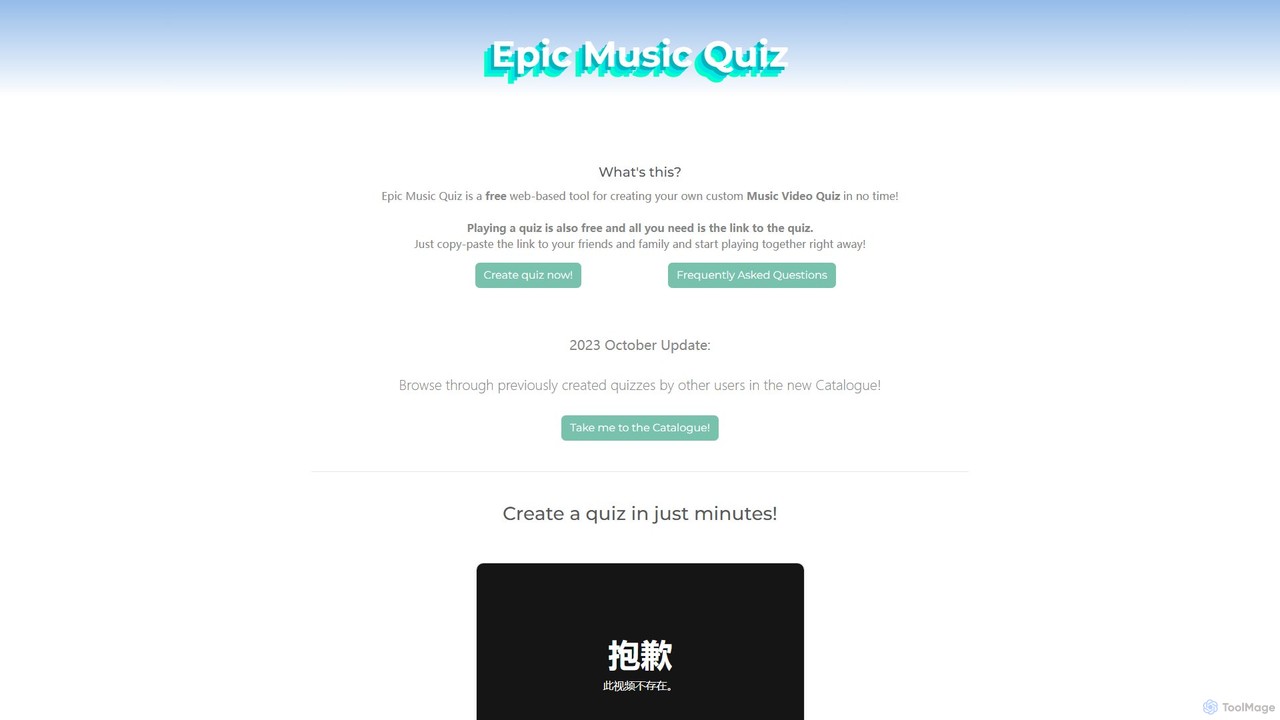
A free, web-based tool for creating and playing custom music video quizzes. Easily add multiple videos, share with …
A free, web-based tool for creating and playing custom music video quizzes. Easily add multiple videos, share with a simple link, and play in real-time with friends, complete with optional webcam chat for a full party experience.
About Music
AI Music tools are a class of applications that leverage artificial intelligence to generate, compose, analyze, and manipulate audio. These tools often use deep learning models, such as generative adversarial networks (GANs) or transformers, to understand musical patterns, styles, and theory. They empower creators, students, and producers to compose original tracks, separate audio stems, transcribe recordings, and receive intelligent feedback for practice. As a key part of modern music education, they provide innovative ways to learn theory, practice performance, and overcome creative hurdles.
Core Features
- Music Generation: Create original melodies, harmonies, and full compositions from text prompts, genre selections, or mood descriptions.
- Stem Separation: Isolate specific elements like vocals, drums, bass, and instruments from a single mixed audio track.
- Audio Transcription: Automatically convert recorded audio into playable MIDI files or written sheet music (notation).
- Intelligent Accompaniment: Generate dynamic backing tracks that adapt in real-time to a musician's playing or singing.
- Performance Analysis: Provide detailed feedback on pitch, rhythm, and dynamics for vocal or instrumental practice.
Use Cases
These tools are widely used by music producers for overcoming creative blocks, content creators for generating royalty-free background music, and DJs for creating remixes by isolating stems. In the educational context, music students use them for transcribing complex solos to learn, practicing with adaptive accompanists, and receiving objective feedback on their performance, accelerating their learning process.
How to Choose
When selecting an AI Music tool, first identify your primary need: composition, production, or educational practice. Evaluate the quality and stylistic range of the AI's output. Check for essential input/output formats like MIDI, WAV, MP3, and MusicXML. Finally, consider the user interface—some tools are designed for beginners and students with simple controls, while others offer deep customization for professional producers.
MusicUse Cases
Create Royalty-Free Background Music for Videos
A content creator needs unique background music for their weekly YouTube vlog to avoid copyright strikes and licensing fees. Instead of spending hours searching through stock music libraries, they use an AI music generator. They input a prompt like 'upbeat, acoustic folk, for travel video, 90 seconds'. Within minutes, the tool generates several high-quality, original tracks that match the mood. This allows the creator to quickly find the perfect soundtrack, maintain a consistent channel aesthetic, and save significant time and money on music acquisition.
Isolate Vocals for Remixing and Karaoke Tracks
A music producer wants to create a remix of a song but doesn't have access to the original multitrack recordings. They use an AI stem separator tool. By uploading the final mixed song file (e.g., an MP3 or WAV), the AI analyzes the audio and separates it into distinct tracks: vocals, drums, bass, and other instruments. The producer receives these separated files, allowing them to isolate the acapella for their remix or remove the vocals to create a high-quality instrumental or karaoke version. This process, which once required specialized software and significant manual effort, is now completed automatically in minutes.
Practice an Instrument with an Adaptive Accompanist
A music student is preparing for a violin recital and needs to practice with piano accompaniment. Finding a human accompanist for every practice session is impractical and expensive. The student uses an AI accompaniment tool. They upload the sheet music, and the AI generates a piano backing track. Crucially, the tool uses the device's microphone to listen to the student's playing, adjusting its tempo in real-time to follow the soloist. This creates a realistic and interactive practice experience, helping the student improve their timing, intonation, and confidence for the actual performance.
Transcribe a Guitar Solo for Learning
A guitarist wants to learn a complex, fast solo from a favorite song but finds it too difficult to figure out by ear. They use an AI music transcription tool. They upload a short audio clip of the solo. The AI analyzes the pitch, rhythm, and timing of each note and converts it into a digital format. The output is provided as a MIDI file, which can be imported into a Digital Audio Workstation (DAW) to see the notes on a piano roll, or as a guitar tablature. This accurate transcription saves the guitarist hours of frustrating work and allows them to practice the solo note-for-note at their own pace.
Generate Melodic Ideas to Overcome Writer's Block
A songwriter is working on a new track but feels stuck and uninspired, unable to come up with a compelling melody. To break the creative block, they turn to an AI music generator. They set a few basic parameters like the key (C minor), tempo (120 BPM), and a general mood ('thoughtful and melancholic'). The AI then generates several short melodic loops. While not all are perfect, one of the generated phrases sparks a new idea. The songwriter uses this AI-generated motif as a starting point, developing and expanding upon it to create a full, original melody for their song, effectively turning a moment of frustration into a productive session.
Analyze Vocal Pitch for Singing Practice
A singer wants to improve their pitch accuracy but struggles to identify when they are slightly sharp or flat. They use an AI performance analysis tool. They sing a scale or a passage from a song into their microphone. The tool provides instant, visual feedback, often displaying their sung notes on a musical staff against the correct notes. It highlights exactly where their pitch deviated and by how much. This objective data allows the singer to make targeted adjustments to their technique, leading to faster and more effective improvement than relying on subjective self-assessment alone. It serves as a virtual vocal coach, available 24/7 for practice.