ToolMage
Sign in

Best 3 Music AI tools for Education

Popular Music AI tools in Education include AnthemScore, gitori, and EpicMusicQuiz, helping you work more efficiently.

gitori
Freemium

gitori

Gitori is a gamified learning platform for musicians. It uses interactive games, like the popular "Fretboard Fly," to help players master instruments such as the guitar. It focuses on essential skills like fretboard note recognition, scales, and intervals through a fun, addictive, and effective learning process.

Music
Visits 19.3KFavorites 144Likes 140
EpicMusicQuiz
Free

EpicMusicQuiz

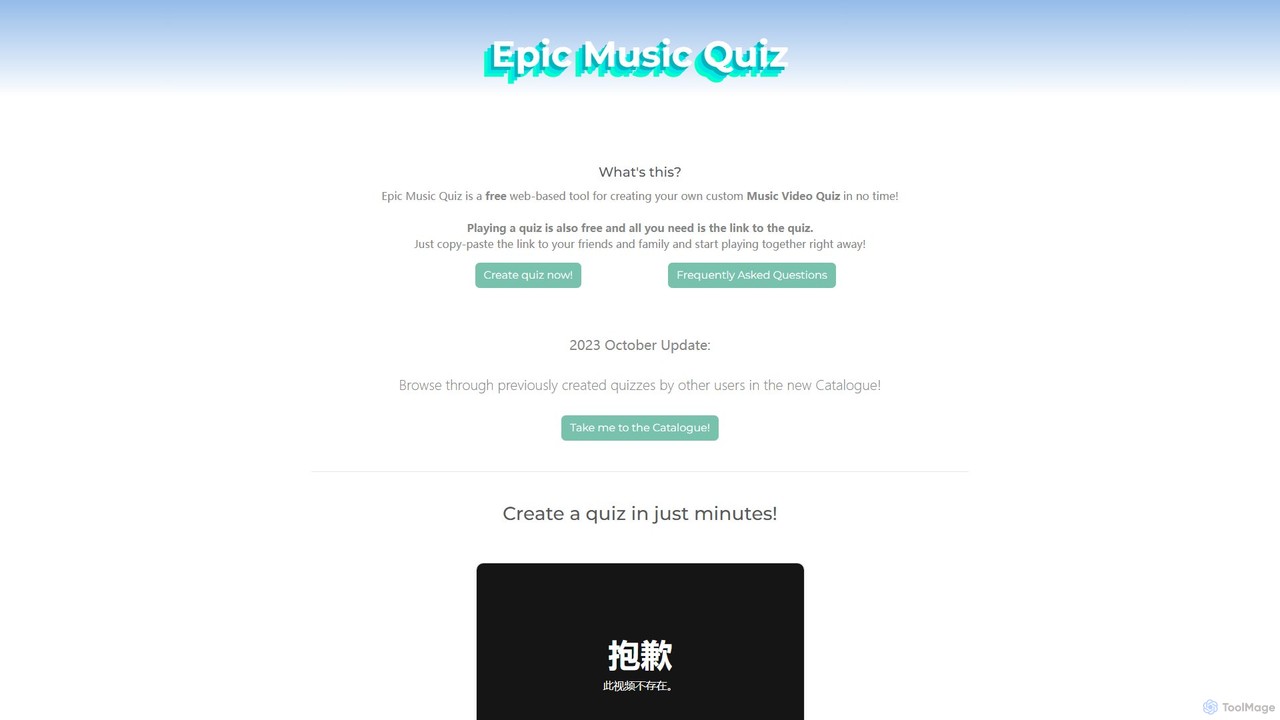
A free, web-based tool for creating and playing custom music video quizzes. Easily add multiple videos, share with a simple link, and play in real-time with friends, complete with optional webcam chat for a full party experience.

Music
Visits 5.5KFavorites 120Likes 147
AnthemScore
Freemium

AnthemScore

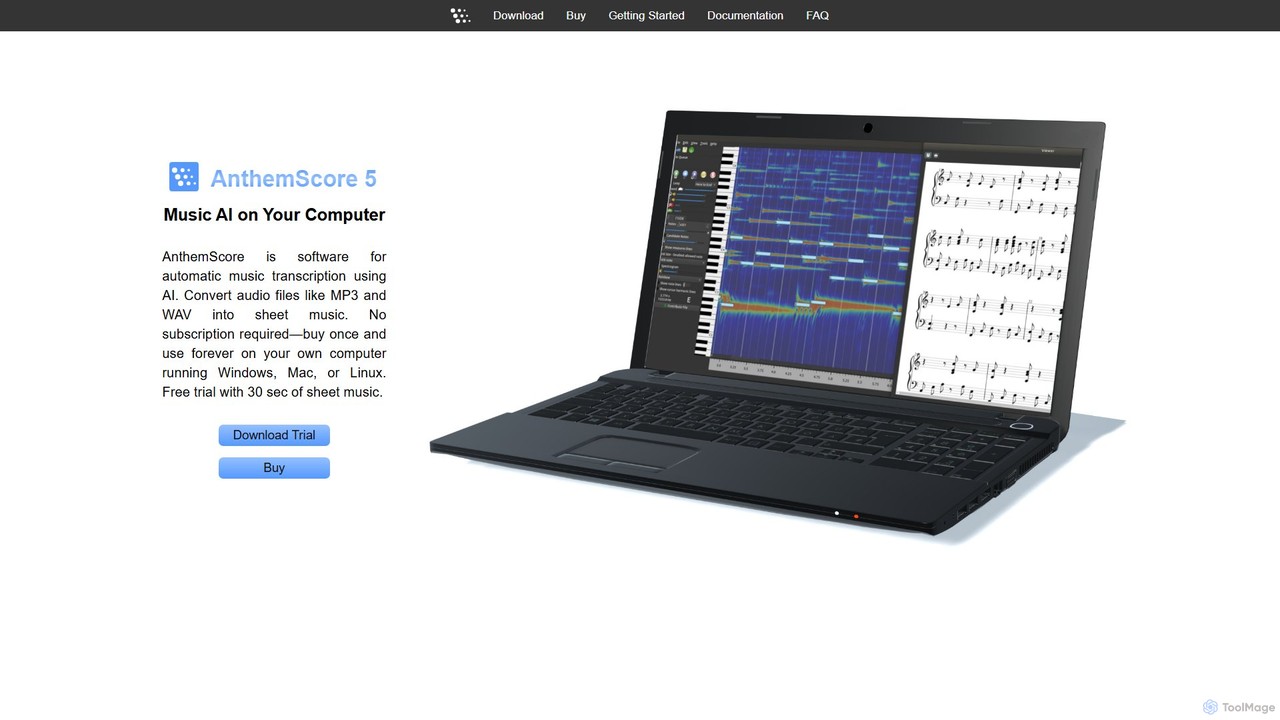
AnthemScore is an AI-powered desktop application for automatic music transcription. It converts audio files like MP3 and WAV into sheet music and MIDI files. It runs on Windows, Mac, and Linux with a one-time purchase model, offering powerful editing tools for musicians, educators, and composers.

Music Transcription
Visits 88.4KFavorites 132Likes 116

About Music

AI Music tools are a class of applications that leverage artificial intelligence to generate, compose, analyze, and manipulate audio. These tools often use deep learning models, such as generative adversarial networks (GANs) or transformers, to understand musical patterns, styles, and theory. They empower creators, students, and producers to compose original tracks, separate audio stems, transcribe recordings, and receive intelligent feedback for practice. As a key part of modern music education, they provide innovative ways to learn theory, practice performance, and overcome creative hurdles.

Core Features

  • Music Generation: Create original melodies, harmonies, and full compositions from text prompts, genre selections, or mood descriptions.
  • Stem Separation: Isolate specific elements like vocals, drums, bass, and instruments from a single mixed audio track.
  • Audio Transcription: Automatically convert recorded audio into playable MIDI files or written sheet music (notation).
  • Intelligent Accompaniment: Generate dynamic backing tracks that adapt in real-time to a musician's playing or singing.
  • Performance Analysis: Provide detailed feedback on pitch, rhythm, and dynamics for vocal or instrumental practice.

Use Cases

These tools are widely used by music producers for overcoming creative blocks, content creators for generating royalty-free background music, and DJs for creating remixes by isolating stems. In the educational context, music students use them for transcribing complex solos to learn, practicing with adaptive accompanists, and receiving objective feedback on their performance, accelerating their learning process.

How to Choose

When selecting an AI Music tool, first identify your primary need: composition, production, or educational practice. Evaluate the quality and stylistic range of the AI's output. Check for essential input/output formats like MIDI, WAV, MP3, and MusicXML. Finally, consider the user interface—some tools are designed for beginners and students with simple controls, while others offer deep customization for professional producers.

Music use cases

1

Create Royalty-Free Background Music for Videos

A content creator needs unique background music for their weekly YouTube vlog to avoid copyright strikes and licensing fees. Instead of spending hours searching through stock music libraries, they use an AI music generator. They input a prompt like 'upbeat, acoustic folk, for travel video, 90 seconds'. Within minutes, the tool generates several high-quality, original tracks that match the mood. This allows the creator to quickly find the perfect soundtrack, maintain a consistent channel aesthetic, and save significant time and money on music acquisition.

2

Isolate Vocals for Remixing and Karaoke Tracks

A music producer wants to create a remix of a song but doesn't have access to the original multitrack recordings. They use an AI stem separator tool. By uploading the final mixed song file (e.g., an MP3 or WAV), the AI analyzes the audio and separates it into distinct tracks: vocals, drums, bass, and other instruments. The producer receives these separated files, allowing them to isolate the acapella for their remix or remove the vocals to create a high-quality instrumental or karaoke version. This process, which once required specialized software and significant manual effort, is now completed automatically in minutes.

3

Practice an Instrument with an Adaptive Accompanist

A music student is preparing for a violin recital and needs to practice with piano accompaniment. Finding a human accompanist for every practice session is impractical and expensive. The student uses an AI accompaniment tool. They upload the sheet music, and the AI generates a piano backing track. Crucially, the tool uses the device's microphone to listen to the student's playing, adjusting its tempo in real-time to follow the soloist. This creates a realistic and interactive practice experience, helping the student improve their timing, intonation, and confidence for the actual performance.

4

Transcribe a Guitar Solo for Learning

A guitarist wants to learn a complex, fast solo from a favorite song but finds it too difficult to figure out by ear. They use an AI music transcription tool. They upload a short audio clip of the solo. The AI analyzes the pitch, rhythm, and timing of each note and converts it into a digital format. The output is provided as a MIDI file, which can be imported into a Digital Audio Workstation (DAW) to see the notes on a piano roll, or as a guitar tablature. This accurate transcription saves the guitarist hours of frustrating work and allows them to practice the solo note-for-note at their own pace.

5

Generate Melodic Ideas to Overcome Writer's Block

A songwriter is working on a new track but feels stuck and uninspired, unable to come up with a compelling melody. To break the creative block, they turn to an AI music generator. They set a few basic parameters like the key (C minor), tempo (120 BPM), and a general mood ('thoughtful and melancholic'). The AI then generates several short melodic loops. While not all are perfect, one of the generated phrases sparks a new idea. The songwriter uses this AI-generated motif as a starting point, developing and expanding upon it to create a full, original melody for their song, effectively turning a moment of frustration into a productive session.

6

Analyze Vocal Pitch for Singing Practice

A singer wants to improve their pitch accuracy but struggles to identify when they are slightly sharp or flat. They use an AI performance analysis tool. They sing a scale or a passage from a song into their microphone. The tool provides instant, visual feedback, often displaying their sung notes on a musical staff against the correct notes. It highlights exactly where their pitch deviated and by how much. This objective data allows the singer to make targeted adjustments to their technique, leading to faster and more effective improvement than relying on subjective self-assessment alone. It serves as a virtual vocal coach, available 24/7 for practice.

Music FAQ

What are AI Music tools?

AI Music tools are software applications that use artificial intelligence to perform musical tasks. They can generate new compositions, separate a mixed song into individual instrument tracks (stems), transcribe audio to sheet music, or provide real-time feedback for practice. These tools are used by musicians, producers, and students to accelerate creative workflows, enable new forms of production like remixing, and enhance the music learning experience by acting as intelligent practice partners.

How do I choose the right AI Music tool?

To choose the right tool, consider these factors:

  • Primary Goal: Are you composing, producing, or practicing? A composer needs a strong generator, a producer needs a high-quality stem separator, and a student benefits from a performance analyzer.
  • Audio Quality: Listen to samples. The quality of generated music or separated stems can vary significantly between tools.
  • Control and Customization: How much control do you need? Some tools offer simple prompts, while others allow detailed adjustments to key, tempo, instrumentation, and structure.
  • File Formats: Ensure the tool supports the formats you use, such as WAV for quality, MP3 for convenience, and MIDI or MusicXML for editing and notation.
What's the difference between AI Music Generators and traditional DAWs?

The key difference is creation versus manipulation. An AI Music Generator creates new musical content (melodies, harmonies, rhythms) from scratch based on user prompts. It acts as a creative partner. A traditional Digital Audio Workstation (DAW), like Ableton Live or Logic Pro, is a comprehensive environment for recording, editing, mixing, and arranging audio and MIDI that you create yourself. DAWs provide the tools to manipulate sound, while AI generators provide the initial sound or idea itself. Many modern workflows involve using both: generating an idea with AI and then importing it into a DAW for further development.

Can AI-generated music be copyrighted?

The copyright status of AI-generated music is a complex and evolving legal area. In many jurisdictions, including the United States, copyright protection typically requires human authorship. Music generated entirely by an AI without significant human creative input may not be eligible for copyright. However, many AI music services have specific terms of service that grant users a license (sometimes for commercial use) for the music they create on the platform. It is crucial to read and understand the terms and conditions of any specific tool you use to determine your rights to the output.

Are AI Music tools useful for music education?

Yes, AI music tools are highly valuable in music education. They act as powerful aids for both students and teachers. For students, tools can provide:

  • Interactive Practice: AI accompanists adapt to a student's tempo, making practice more engaging.
  • Objective Feedback: Performance analysis tools offer precise data on pitch and rhythm, helping students identify areas for improvement.
  • Learning Aids: Transcription tools can convert complex recorded pieces into sheet music, making them easier to study and learn.

For teachers, these tools can help automate drills and provide students with supplementary practice resources outside of lessons.