Fun Tools Best in category 1 results Emoji AI Tool

Popular AI tools in the Emoji field of Fun Tools include aiemojigenerator, etc., helping you quickly improve efficiency.

aiemojigenerator

aiemojigenerator

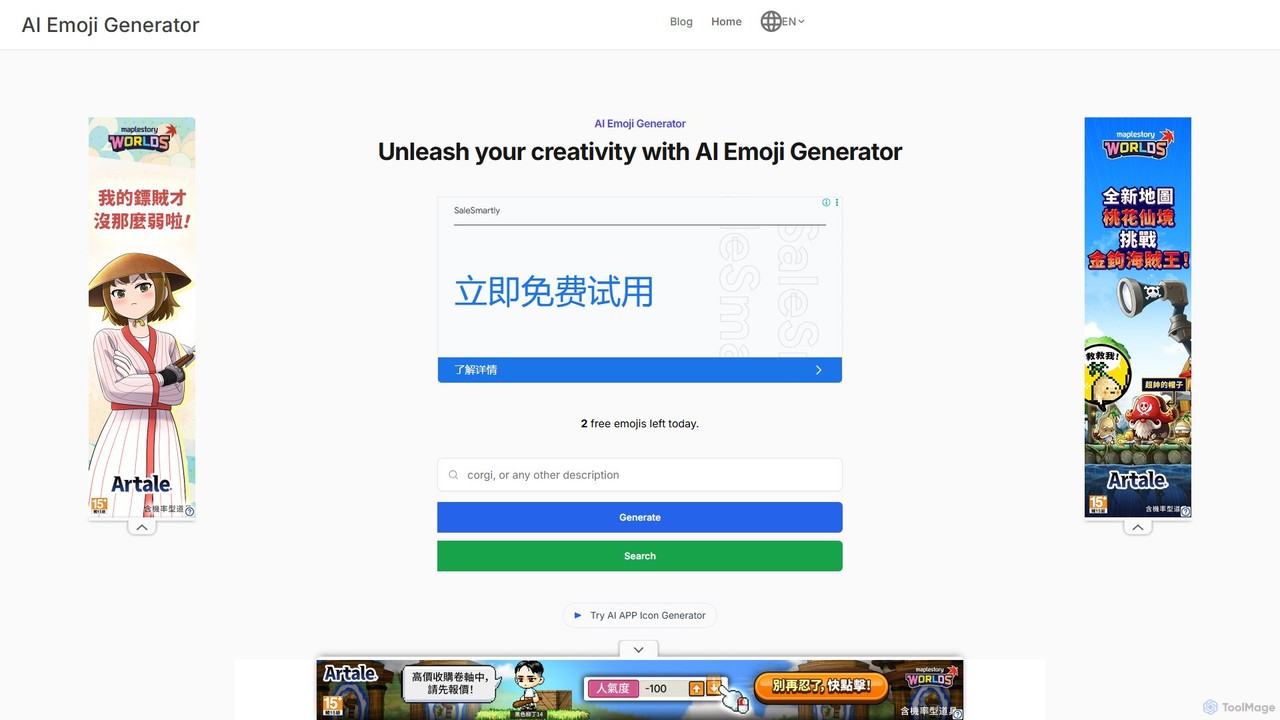
An AI-powered tool that transforms text prompts into unique, high-quality emojis using Stable Diffusion. Create personalized emojis for …

4.2K

About Emoji

AI Emoji tools are a creative category of fun tools that use generative AI to create new, custom, or hybrid emojis. These tools typically interpret text descriptions, combine existing emojis, or analyze images to produce unique visual icons. They offer a powerful way for users to express specific emotions, inside jokes, or brand identities that standard emoji sets cannot capture. Unlike the universal Unicode emoji library, AI-generated emojis are image files, providing limitless creative freedom for digital communication.

Core Features

  • Text-to-Emoji Generation: Creates a unique emoji from a descriptive text prompt.
  • Emoji Mixing (Fusion): Combines two or more existing emojis to create a novel hybrid expression.
  • Image-to-Emoji Style: Transforms a photo or illustration into an emoji-style graphic.
  • Style Customization: Allows users to select different artistic styles, such as 3D, flat, pixelated, or cartoonish.
  • Animated Emoji Creation: Generates simple animated GIFs from a prompt or existing emoji.

Use Cases

AI Emoji tools are widely used by community managers for platforms like Discord and Slack, social media marketers for creating branded content, and content creators for personalizing their channels. Individuals also use them to create unique stickers for messaging apps, adding a personal touch to conversations.

How to Choose

When selecting an AI Emoji tool, consider the quality and artistic style of the generated emojis. Evaluate the supported input methods (text, image, mixing) and the available export formats (e.g., PNG, GIF) for compatibility with your target platforms. Also, assess the user interface's ease of use and the pricing model, as some advanced features may require a subscription.

EmojiUse Cases

1

Create Custom Emojis for a Discord/Slack Community

A community manager for a gaming brand needs unique emojis to foster engagement and build a strong identity on their Discord server. They want emojis for server roles, special events, and inside jokes that resonate with members. Using an AI Emoji generator, they input text prompts like 'a happy frog wearing a golden crown' or 'a pixel art sword on fire'. The tool generates a set of high-quality, custom emojis in minutes. These are then uploaded directly to the server, providing a unique visual language that strengthens community spirit and makes interactions more fun and personalized.

2

Design Branded Emojis for a Marketing Campaign

A social media marketer is launching a campaign for a new energy drink. To make the campaign more visually appealing and shareable, they decide to create a set of branded emojis. They use an AI tool to turn the product's logo into a winking emoji and generate other emojis from prompts like 'a lightning bolt in a can' and 'a vibrant, sparkling explosion of fruit'. These emojis are used in social media posts, stories, and as stickers in Instagram. The result is a more memorable and engaging campaign, with followers using and sharing the custom visuals, increasing brand visibility organically.

3

Generate Personal Stickers for Messaging Apps

An individual wants to create a unique sticker pack for WhatsApp or Telegram to share with their friends, based on photos of their pet dog. They upload several photos of their dog to an AI image-to-emoji tool. The tool automatically removes the background and converts each photo into a cartoonish, expressive sticker. They can then add text overlays or small decorations. The final sticker pack is exported and added to their messaging app, allowing them to react in conversations with fun, personalized images of their pet, making chats more engaging and unique.

4

Mix Emojis for Humorous Social Media Reactions

A content creator specializing in comedy and memes wants to create novel visual reactions for Twitter and Instagram comments. Standard emojis feel too generic. They use an AI emoji mixer to combine two concepts, such as 'crying laughing face' + 'cowboy hat' to express hilarious absurdity, or 'thinking face' + 'fire' for a 'this is fine' meme. The tool generates a new hybrid emoji image. This allows them to respond to comments and posts in a visually unique way that captures complex, humorous emotions, often leading to higher engagement and shares as followers appreciate the creative reactions.

5

Create Animated Emojis for a Livestream Channel

A Twitch streamer wants to offer their subscribers exclusive, animated emotes to use in chat. They need emotes that reflect their channel's branding and key moments. Using an AI emoji generator with animation capabilities, they input prompts like 'a cartoon fox dancing' or 'a logo spinning with sparkles'. The tool generates short, looping GIF animations. These animated emotes are a premium perk for subscribers, enhancing the chat experience and making the stream more dynamic. It provides a simple way to create professional-looking animations without needing complex animation software.

6

Visualize Concepts with Quick Custom Icons

A project manager is creating a presentation for stakeholders and needs simple, consistent icons to represent different project phases: 'planning', 'development', and 'launch'. Instead of searching through various stock icon libraries with mismatched styles, they use an AI emoji generator. They input prompts like 'a blueprint with a magnifying glass, flat icon style' and 'a rocket taking off, simple icon'. The tool quickly produces a set of icons with a unified aesthetic. This saves time, ensures visual consistency in the presentation, and helps communicate complex ideas more effectively through simple, custom visuals.

EmojiFrequently Asked Questions