UP Board
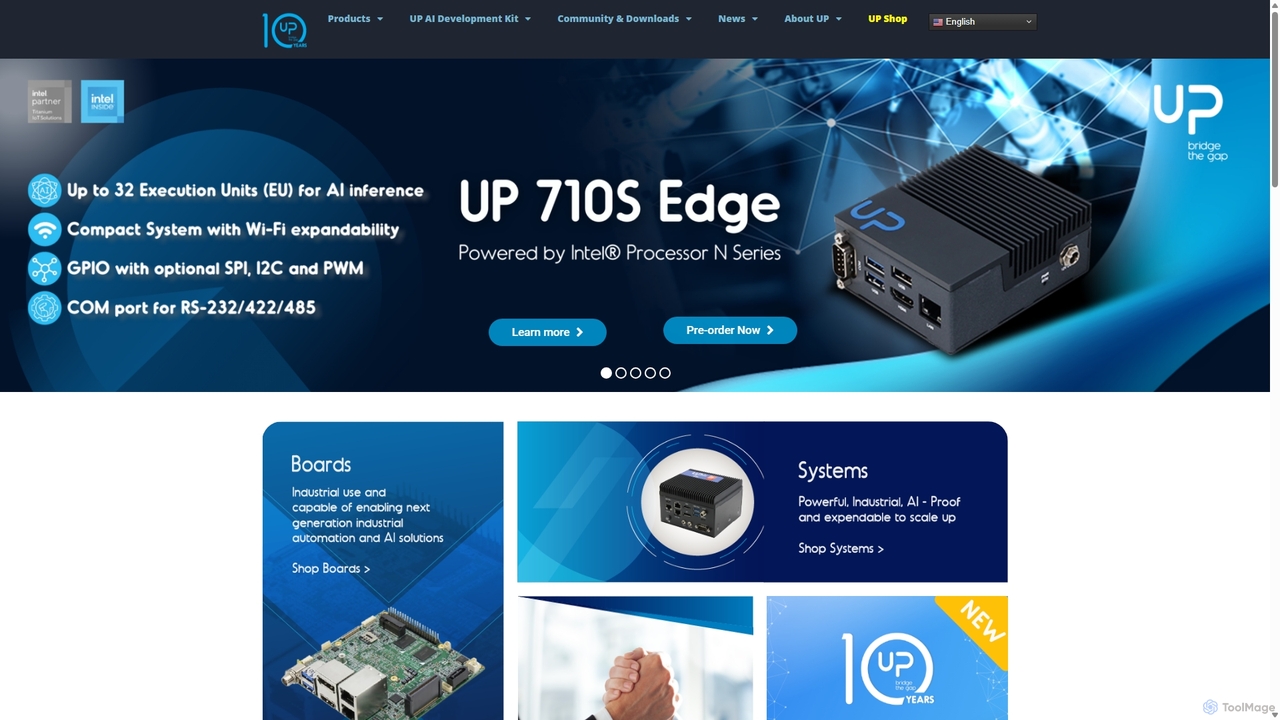
UP Board is a series of high-performance single-board computers (SBCs) designed for professional developers building edge AI, IoT, …
UP Board is a series of high-performance single-board computers (SBCs) designed for professional developers building edge AI, IoT, and robotics applications. Powered by robust Intel® processors and compatible with the Raspberry Pi ecosystem, it provides an ideal hardware platform for transitioning from prototype to mass production.
About Development Boards
Development boards are compact, single-board computers designed for prototyping and building new electronic devices, especially for AI and IoT applications. They integrate a central processing unit or microcontroller, memory, and input/output (I/O) interfaces onto a single circuit board, forming a complete functional system. This all-in-one design allows developers and engineers to rapidly test software, connect sensors, and deploy embedded systems without creating custom hardware from scratch. They serve as the physical foundation for running machine learning models at the edge, enabling intelligent and responsive devices.
Core Features
- Integrated Processor/Microcontroller: The central brain of the board, ranging from simple microcontrollers to powerful multi-core processors with GPUs or NPUs for AI acceleration.
- GPIO Pins (General-Purpose Input/Output): Allow the board to connect with and control external components like sensors, motors, and LEDs.
- Onboard Connectivity: Many boards include built-in Wi-Fi, Bluetooth, and Ethernet modules for seamless network communication.
- Memory and Storage: Includes RAM for running applications and options for onboard or expandable storage (e.g., microSD card slots) for the operating system and data.
- Software Development Kit (SDK): Comprehensive support with libraries, compilers, and tools to program the board in various languages like Python or C++.
Use Cases
Development boards are fundamental in fields like edge computing, robotics, and the Internet of Things (IoT). Engineers use them to prototype smart cameras with on-device object detection, create custom controllers for autonomous robots, and build sensor hubs for smart agriculture or home automation. They are also widely used in educational settings to teach programming and electronics principles.
How to Choose
Selecting the right development board depends on your project's needs. Key factors include processing power (especially the presence of an AI accelerator like a GPU or NPU), the number and type of I/O ports, connectivity requirements (Wi-Fi, 5G), power consumption for battery-operated devices, and the size of the community and software ecosystem, which determines the availability of documentation and support.

Development BoardsUse Cases
Prototyping an Edge AI Smart Camera
A hardware engineer is tasked with creating a security camera that can detect and classify objects (e.g., people, vehicles) in real-time without relying on the cloud. They select a development board with a dedicated Neural Processing Unit (NPU). Using the board's SDK, they deploy a pre-trained computer vision model. They connect a camera module to the board's interface and write a Python script to capture the video stream, process it through the AI model on the NPU, and trigger an alert via a connected LED if an unauthorized person is detected. This allows for rapid prototyping of a low-latency, privacy-focused security solution.
Developing an IoT Environmental Monitor
An IoT developer aims to build a smart environmental monitoring system for a greenhouse. They use a low-power development board with built-in Wi-Fi and multiple GPIO pins. They connect sensors for temperature, humidity, and soil moisture to the board. A simple script reads the sensor data periodically, and if the values fall outside a predefined optimal range, the board uses its Wi-Fi capability to send an alert to a cloud dashboard or a mobile app. This setup automates monitoring, ensuring optimal growing conditions and reducing manual checks, all built around a single, cost-effective development board.
Building a Small Autonomous Robot
A robotics hobbyist wants to build a small wheeled robot that can navigate a room and avoid obstacles. They choose a microcontroller-based development board known for its real-time control capabilities. They connect motor drivers to the GPIO pins to control the wheels and an ultrasonic distance sensor to detect objects. By writing C++ code, they implement a simple control loop: the robot moves forward, periodically checks the distance sensor, and if an obstacle is too close, it stops, turns, and continues in a new direction. The development board acts as the central brain, processing sensor input and commanding the motors in real-time.
Creating a Wearable Health Tracker Prototype
A biomedical engineering student is designing a wearable device to monitor heart rate and activity levels. They select a very small, low-power development board with Bluetooth Low Energy (BLE) support. They connect a pulse sensor and an accelerometer to the board's I2C interface. The firmware running on the board collects data from both sensors, calculates the heart rate and step count, and then transmits this information wirelessly via BLE to a smartphone app for visualization. The compact size and low energy consumption of the development board make it ideal for prototyping a device intended to be worn all day.
Designing a Custom Smart Home Hub
A tech enthusiast wants a more powerful and customizable smart home hub than what's available commercially. They choose a popular single-board computer (SBC) as their development board, which can run a full Linux operating system. They install open-source home automation software on it. Using the board's USB and Ethernet ports, they connect Zigbee and Z-Wave radio dongles to communicate with various smart devices like lights and sensors. They then write custom scripts to create complex automation rules, such as dimming the lights and lowering the thermostat when a movie starts playing on their media center, creating a truly personalized smart home experience.
Teaching Embedded AI in Education
An educator in a university computer science course uses development boards to provide students with hands-on experience in embedded systems and AI. Each student receives a board equipped with a camera and microphone. The curriculum involves tasks like programming the board to recognize simple voice commands ('turn on light') to control an LED, and later, using a lightweight machine learning library to train and run a model that identifies different types of fruit placed in front of the camera. This practical approach bridges the gap between AI theory and real-world hardware application, making complex concepts tangible and engaging for students.