ToolMage
Sign in

Best 1 Printers AI tools for Hardware

Popular Printers AI tools in Hardware include Stickerbox, helping you work more efficiently.

Stickerbox
Paid

Stickerbox

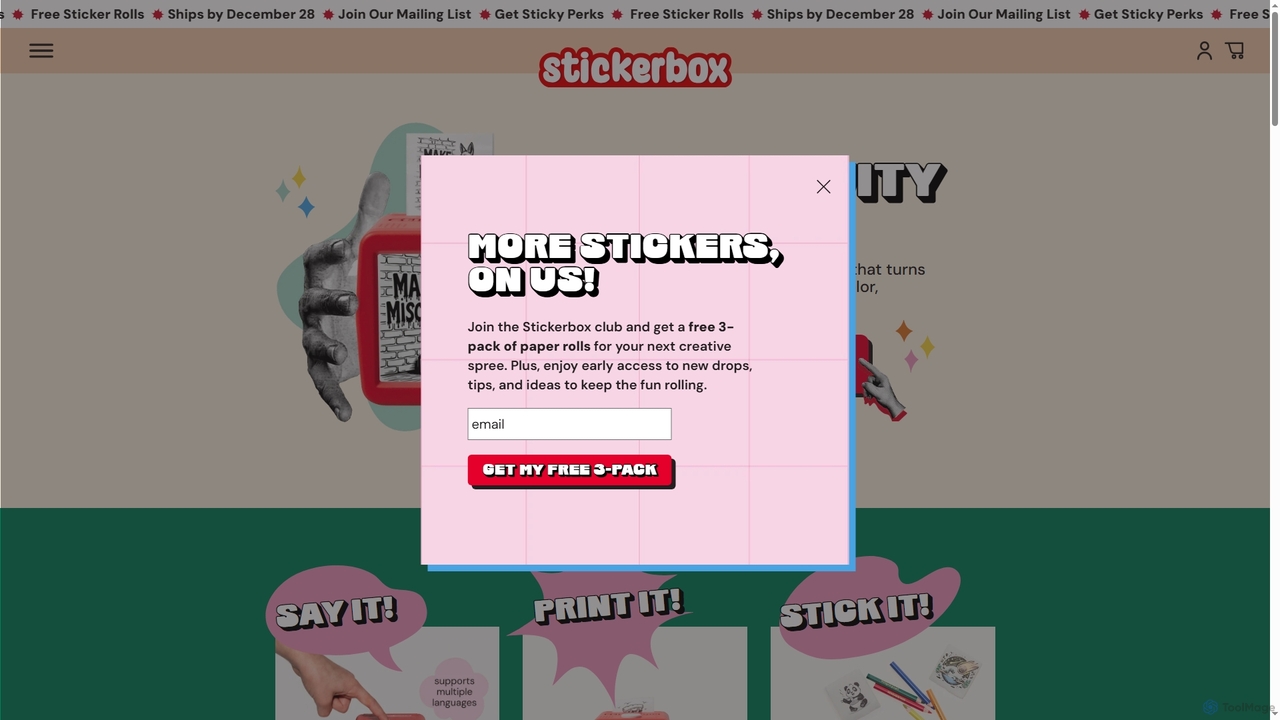
Stickerbox is an AI-powered creative device for kids that instantly transforms spoken ideas into custom, colorable stickers. Using voice-to-image generation and mess-free thermal printing, it offers a hands-on, screen-free way to unleash imagination. Simply speak an idea, print the sticker, and bring it to life with color.

Image Generation
Visits 81KFavorites 100Likes 102

About Printers

Printers are essential hardware devices designed to produce physical copies of digital documents, images, or 3D models. As a core component within the broader category of hardware, they convert digital data into tangible output using various printing technologies. These devices serve a wide range of purposes, from generating everyday office documents to producing high-resolution photographs, specialized labels, or intricate three-dimensional objects, making digital information accessible in physical form.

Core Features

  • High-Resolution Output: Capable of producing sharp text and vibrant images with varying DPI (dots per inch) for professional quality.
  • Diverse Media Compatibility: Supports a wide array of paper types, sizes, envelopes, labels, and even specialized materials for 3D printing.
  • Connectivity Options: Offers flexible connection methods including USB, Ethernet, Wi-Fi, and cloud printing for seamless integration into various environments.
  • Speed and Efficiency: Measured in pages per minute (PPM) or objects per hour, catering to both personal and high-volume commercial demands.
  • Specialized Printing Technologies: Includes inkjet for color versatility, laser for speed and cost-efficiency, and 3D printing for additive manufacturing.

Applicable Scenarios

Printers are indispensable across numerous settings. In corporate offices, they facilitate the production of reports, presentations, and invoices. Creative professionals rely on them for proofing designs, printing portfolios, and producing high-fidelity artwork. Furthermore, in manufacturing and design, 3D printers are crucial for rapid prototyping, creating custom parts, and producing functional models, bridging the gap between digital design and physical reality.

How to Choose

Selecting the right printer involves evaluating several factors. Consider the primary use (e.g., text, photos, 3D models) to determine the required print technology and resolution. Assess the desired print volume and speed for efficiency. Evaluate connectivity options for seamless integration with your devices. Finally, compare the total cost of ownership, including initial purchase price and ongoing consumables like ink, toner, or filament, to ensure long-term value.

Featured tool rankings

Printers use cases

1

Office Document Production

Office administrators and business professionals frequently use printers for daily document output. This includes printing reports, contracts, invoices, and presentations. Modern office printers offer features like duplex printing and high-speed output, significantly streamlining administrative tasks and ensuring efficient information dissemination within an organization.

2

High-Quality Photo Printing

Photographers and graphic designers utilize specialized photo printers to produce vivid, true-to-life prints of their digital images. These printers often feature multiple ink cartridges for a wider color gamut and support various photo paper types, allowing artists to create professional-grade prints for portfolios, exhibitions, or personal collections with exceptional detail and color accuracy.

3

Label and Barcode Generation

Retailers, logistics companies, and e-commerce businesses rely on label printers for creating shipping labels, product barcodes, and inventory tags. These specialized printers ensure clear, scannable labels that are crucial for efficient inventory management, tracking packages, and complying with shipping regulations, thereby optimizing supply chain operations and reducing manual errors.

4

3D Prototyping and Manufacturing

Engineers, product designers, and hobbyists leverage 3D printers to transform digital designs into physical objects. This technology is vital for rapid prototyping, creating functional parts, and producing custom tools or models. It significantly accelerates the design iteration process, reduces development costs, and enables on-demand manufacturing of complex geometries across various industries.

5

Marketing Material Creation

Small businesses and marketing teams use printers to produce in-house marketing collateral such as brochures, flyers, business cards, and promotional posters. High-quality color printers allow for cost-effective, on-demand creation of professional-looking materials, enabling quick adaptation to marketing campaigns and maintaining brand consistency without relying solely on external print services.

6

Specialized Industrial Printing

Industries like textiles, electronics, and medical often employ specialized industrial printers for unique applications. This includes printing directly onto fabrics, circuit boards, or even biological tissues. These advanced printers are engineered for precision, durability, and compatibility with specific materials, enabling innovative manufacturing processes and highly customized product development.

Printers FAQ

What are printers and how do they work?

Printers are output hardware devices that convert digital data from a computer or other source into a physical, tangible copy. They work by receiving digital instructions, then using various technologies—such as spraying ink (inkjet), fusing toner (laser), or extruding plastic (3D printing)—to deposit material onto paper or other media, creating the desired text, image, or object. This process makes digital information accessible in a physical format.

How do I choose the right printer for my specific needs?

To choose the right printer, first identify your primary use: document printing, photo printing, or 3D modeling. Consider the volume of printing you'll do and the required speed. Evaluate print quality (DPI) and media compatibility. Assess connectivity options like Wi-Fi or Ethernet. Finally, compare the total cost of ownership, including the initial purchase price and the ongoing cost of consumables like ink, toner, or filament, to find a balance between features and budget.

What is the main difference between inkjet and laser printers?

The main difference lies in their printing technology. Inkjet printers spray liquid ink onto paper, making them excellent for vibrant color photos and graphics, though generally slower and with higher per-page ink costs. Laser printers use toner powder and a heated fuser to bond the toner to paper, excelling in speed, crisp text, and lower cost per page for high-volume document printing. Inkjets are versatile for home/photo, while lasers are ideal for office text documents.

What are the common types of printers available today?

Common types include Inkjet Printers (versatile for home and photo printing), Laser Printers (fast, efficient for text documents in offices), All-in-One (Multifunction) Printers (combine printing, scanning, copying, faxing), Photo Printers (optimized for high-quality image output), Label Printers (for specialized labels and barcodes), and 3D Printers (for creating three-dimensional objects from digital designs). Each type serves distinct purposes based on user needs and output requirements.

Can printers be used for 3D printing, and how does it differ from traditional printing?

Yes, a specific category of printers known as 3D Printers is used for additive manufacturing, creating three-dimensional objects layer by layer from a digital design. This differs significantly from traditional 2D printing, which produces flat images or text on paper. While traditional printers deposit ink or toner on a surface, 3D printers extrude or fuse materials like plastic, resin, or metal to build up a physical object, adding depth and form to digital models.