ToolMage
Sign in

Best 2 Coloring AI tools for Hobbies

Popular Coloring AI tools in Hobbies include ColorBliss and PalettePlay, helping you work more efficiently.

PalettePlay
Freemium

PalettePlay

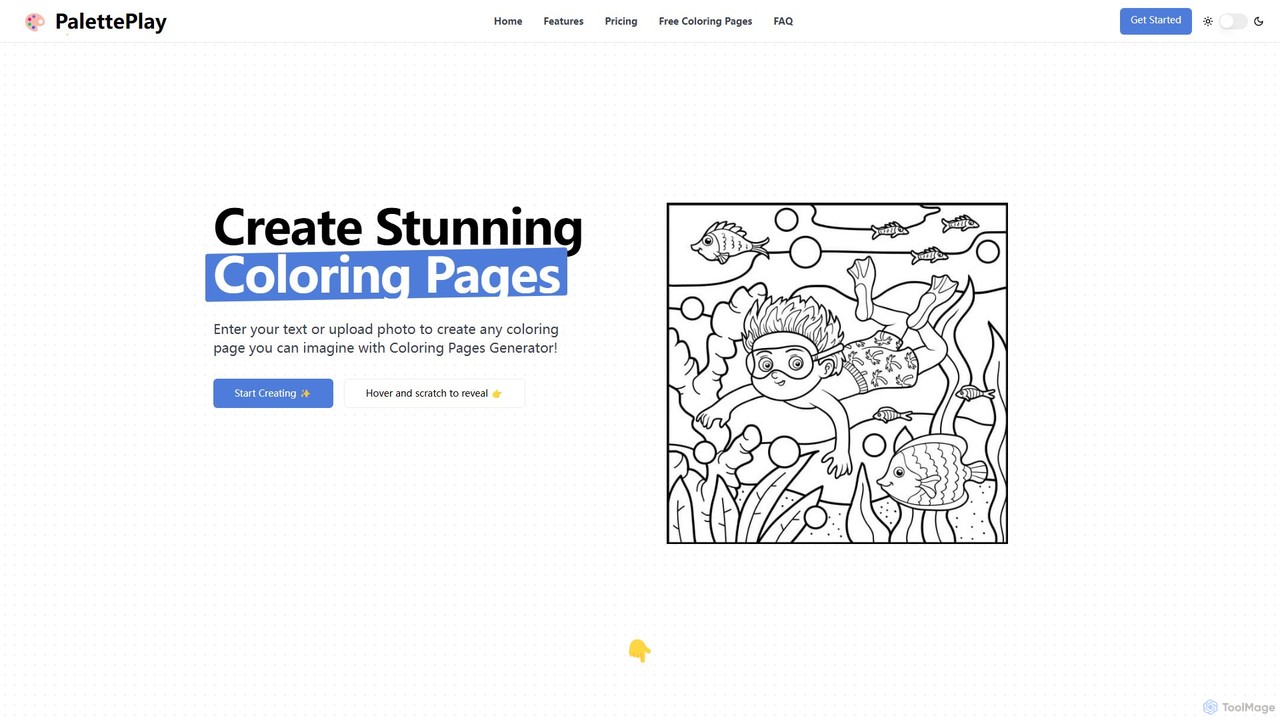
PalettePlay is an AI-powered coloring page generator that transforms text prompts or photos into unique, high-quality line art. Ideal for parents, educators, and hobbyists, it allows users to create custom coloring sheets for all ages, from toddlers to adults. Unleash your imagination and generate endless printable activities, personal art projects, or even commercial content with its user-friendly interface and versatile features.

Image Generation
Visits 3.9KFavorites 118Likes 114
ColorBliss
Freemium

ColorBliss

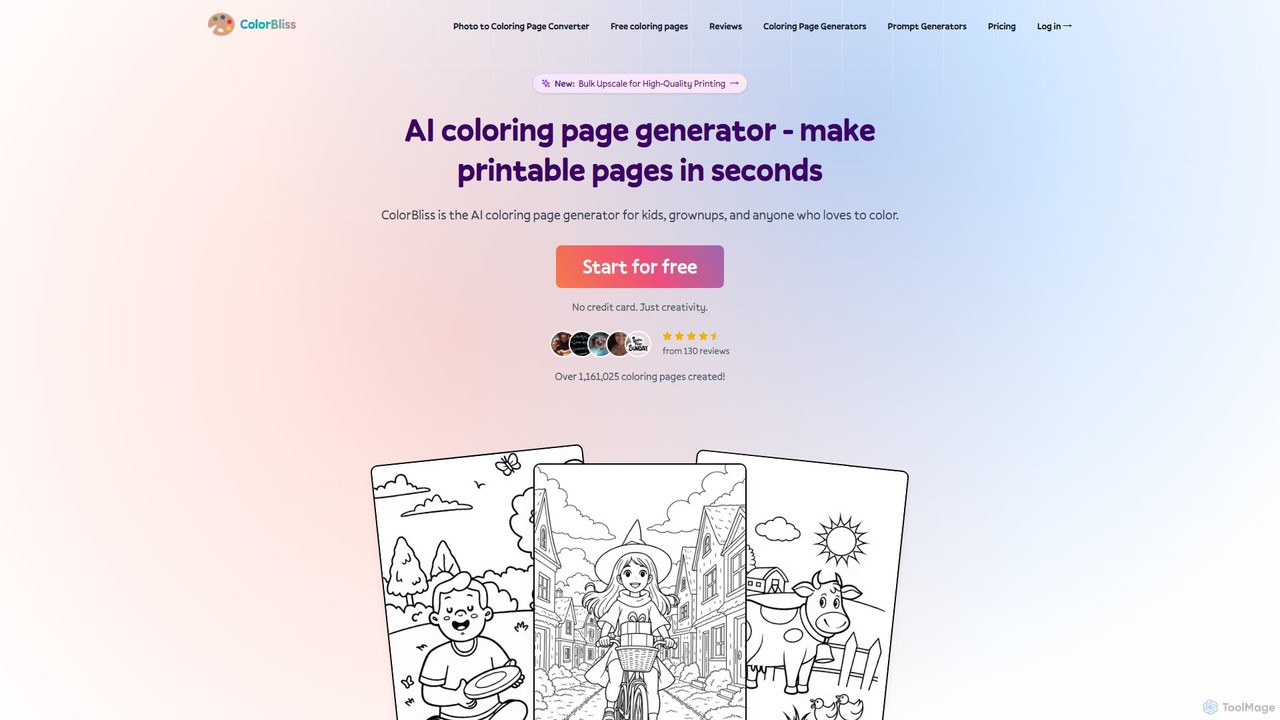
ColorBliss is a leading AI-powered coloring page generator that allows users to create unique, printable coloring sheets in seconds. Turn text prompts, photos, or even simple sketches into detailed line art. Perfect for parents, teachers, artists, and anyone who loves to color.

Image Generation
Visits 79.2KFavorites 129Likes 109

About Coloring

AI Coloring tools are applications that use artificial intelligence to automatically add color to line art, sketches, and grayscale images. These tools leverage deep learning models, often trained on vast datasets of image pairs, to understand shapes, lines, and context to apply appropriate and harmonious colors. They serve to dramatically accelerate the creative workflow for artists and make digital coloring accessible to hobbyists without extensive technical skill. The technology can produce a range of styles, from simple flat colors to more complex, shaded results.

Core Features

  • Automatic Line Art Coloring: Analyzes black-and-white line drawings and intelligently fills in colors based on recognized objects and boundaries.
  • Photo Colorization: Transforms monochrome or sepia photographs into full-color images by predicting the original colors.
  • Color Hinting: Allows users to place small color dots or scribbles as hints, which the AI then uses to guide the full coloring process.
  • Style-Aware Palettes: Generates or suggests color palettes that match a specific artistic style, such as anime, watercolor, or realism.
  • Layer Separation: Some tools can output the colored image with different colors on separate layers for further editing in other software.

Use Cases

AI Coloring tools are widely used by comic book artists and illustrators to speed up the 'flatting' process, which involves laying down base colors. Photographers and historians use them for restoring and colorizing vintage photos. Game developers and concept artists also utilize these tools to quickly explore color variations for characters and environments. For hobbyists, they offer a relaxing and accessible way to engage with digital art.

How to Choose

When selecting an AI Coloring tool, consider the primary input type you'll be using—whether it's intricate line art or historical photos. Evaluate the level of control offered, from fully automatic one-click solutions to more advanced tools that support color hints and manual adjustments. Also, check the supported output resolution and export formats to ensure they fit your project's requirements. Finally, review the different coloring styles the AI can produce to find one that matches your aesthetic.

Featured tool rankings

Coloring use cases

1

Accelerating Comic Book Production

A comic book artist or illustrator often faces tight deadlines. The process of 'flatting', or applying base colors to line art, is a crucial but time-consuming step. By using an AI Coloring tool, the artist can upload their inked pages and get initial color fills in minutes instead of hours. This allows them to focus their creative energy on more nuanced tasks like shading, lighting, and special effects. The AI acts as a digital assistant, handling the repetitive work and significantly shortening the production cycle for each issue.

2

Restoring Vintage Family Photographs

A genealogist or someone managing a family archive often works with old black-and-white photographs that have faded over time. Using an AI Photo Colorization tool, they can breathe new life into these images. By uploading a scanned photo, the AI analyzes the different shades of gray to predict and apply realistic colors for skin tones, clothing, and backgrounds. The result is a vibrant, full-color photograph that provides a more vivid connection to the past, making historical figures and moments feel more immediate and relatable for younger generations.

3

Exploring Concept Art Color Schemes

A concept artist for a video game or film needs to explore multiple color palettes for a new character or environment. Instead of manually creating dozens of variations, they can use an AI Coloring tool with color hint capabilities. They upload the final line art and then simply add a few dabs of color—a red for the cloak, a blue for the armor. The AI then intelligently propagates these colors throughout the entire design, respecting lines and shapes. By changing just a few hints, the artist can generate a wide array of professional-looking color schemes in a fraction of the time, facilitating faster iteration and client feedback.

4

Educational and Therapeutic Coloring

An educator or therapist can use AI Coloring tools as an engaging activity for children or clients. They can provide simple line art or even allow users to create their own sketches. The AI then instantly transforms these drawings into colorful masterpieces. This provides immediate positive reinforcement and a sense of accomplishment, which can be particularly beneficial in educational settings to encourage creativity or in therapeutic contexts as a form of relaxing art therapy. The low technical barrier makes it accessible to individuals of all ages and skill levels.

5

Quick Architectural Visualization

An architect or interior designer needs to present a concept to a client quickly. After creating a black-and-white architectural sketch, they can use an AI Coloring tool to instantly apply color. This helps clients better visualize the final project, showing potential color schemes for walls, furniture, and landscaping. The speed of the AI allows the designer to generate multiple color options during a client meeting, making the feedback process more interactive and efficient. It serves as a rapid visualization step before committing to detailed, time-consuming 3D rendering.

6

Creating Digital Coloring Book Pages

A hobbyist or a small business owner wants to create a digital coloring book for sale or as a relaxing pastime. They can use an AI Coloring tool to showcase examples of finished pages. After creating the line art, they can run it through the AI to generate a beautifully colored version to use as a cover image or promotional material. This demonstrates the potential of the coloring pages to customers and provides inspiration. For personal use, it offers a quick and satisfying way to complete a coloring page without needing advanced digital painting skills, making the hobby more accessible.

Coloring FAQ

What are AI Coloring tools?

AI Coloring tools are software applications that use artificial intelligence, specifically deep learning models, to automatically add color to black-and-white images. This includes both line art, like sketches and comic book pages, and grayscale photographs. The AI is trained on millions of images to learn how to apply colors that are realistic, contextually appropriate, and aesthetically pleasing. They function as powerful assistants for artists to speed up their workflow or as accessible tools for hobbyists to engage in digital art without a steep learning curve.

How does AI coloring differ from traditional digital painting?

The key difference lies in automation and control. Traditional digital painting is a fully manual process where an artist uses a stylus and software like Photoshop to select colors, blend them, and apply shading and highlights. It requires significant artistic skill and time. AI coloring, on the other hand, automates the color-filling process. The user provides a black-and-white image, and the AI handles the bulk of the coloring work. While some AI tools allow for user guidance via hints, the core process is automated, making it a tool for assistance and speed rather than a replacement for the craft of digital painting.

Can AI accurately color historical photos?

AI can produce impressive and often convincing colorizations of historical photos, but accuracy is not guaranteed. The AI makes educated guesses based on the patterns it learned during training. It excels at common elements like sky (blue), grass (green), and skin tones. However, it doesn't actually 'know' the original colors of specific objects like a person's clothing or a vintage car. The results should be seen as artistic interpretations or historical approximations rather than a perfectly accurate restoration. For professional historical work, the AI-generated image often serves as a starting point for further manual refinement by a photo restoration expert.

Who are the primary users of AI Coloring tools?

AI Coloring tools cater to a diverse range of users. The primary groups include:

  • Comic Artists and Illustrators: They use these tools to significantly speed up the 'flatting' (base coloring) stage of their workflow.
  • Photographers and Archivists: They use photo colorization features to restore and add life to vintage black-and-white photographs.
  • Hobbyists and Casual Creators: Individuals looking for a relaxing, creative outlet use these tools for digital coloring without needing professional software or skills.
  • Concept Artists and Designers: They leverage AI to quickly generate multiple color variations for characters, products, or environments.
How to choose the right AI Coloring tool?

When selecting an AI Coloring tool, consider these factors:

  • Primary Use Case: Are you coloring line art or photos? Some tools specialize in one over the other.
  • Level of Control: Do you want a one-click automatic result, or do you need the ability to guide the AI with color hints and make manual adjustments?
  • Style Output: Review the tool's gallery or examples. Does its aesthetic (e.g., anime, realistic, painterly) match your desired outcome?
  • Technical Requirements: Check the supported input/output formats, maximum image resolution, and whether it's a web-based tool or downloadable software.
  • Pricing Model: Evaluate if the tool is free, subscription-based, or uses a credit system, and choose one that aligns with your budget and usage frequency.