Hobbies Best in category 4 results Crafts AI Tool

Popular AI tools in the Crafts field of Hobbies include BestColoringPages AI、Coloringbook、Pileometer、ColorJoyful, etc., helping you quickly improve efficiency.

Coloringbook

Coloringbook

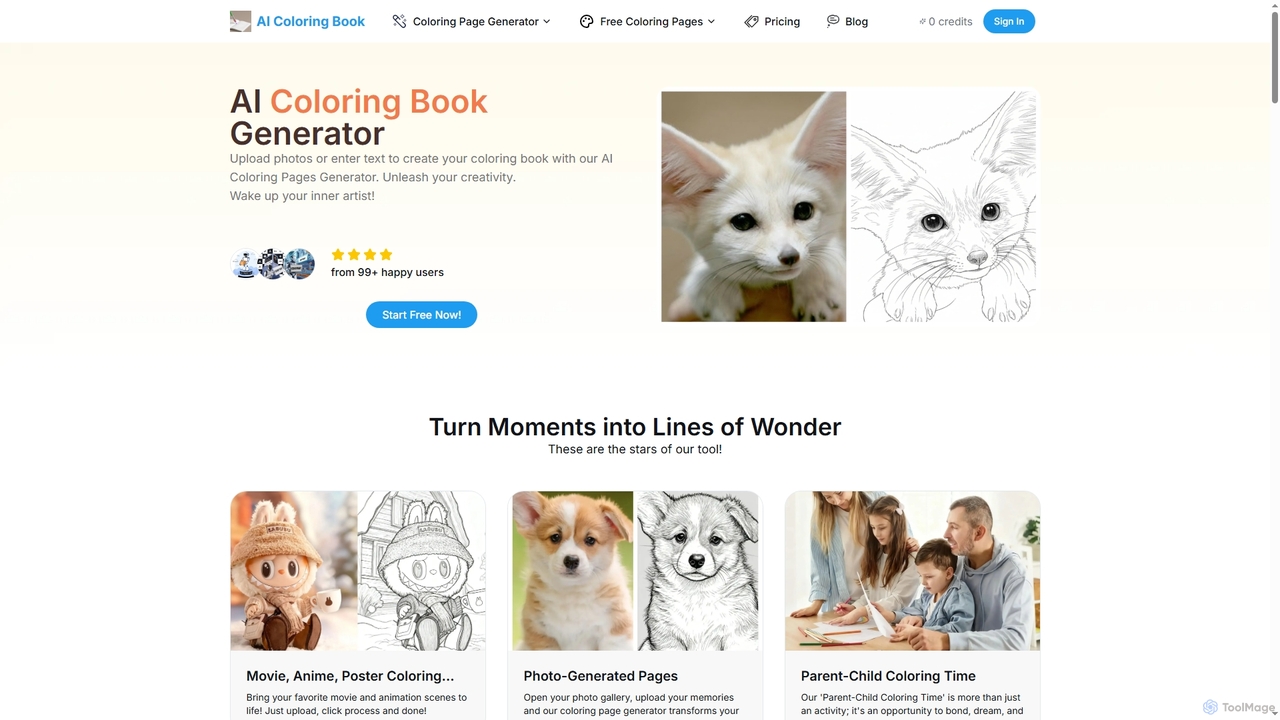
An AI-powered tool that transforms text prompts and personal photos into unique, printable coloring pages. It features digital …

5.7K
Pileometer

Pileometer

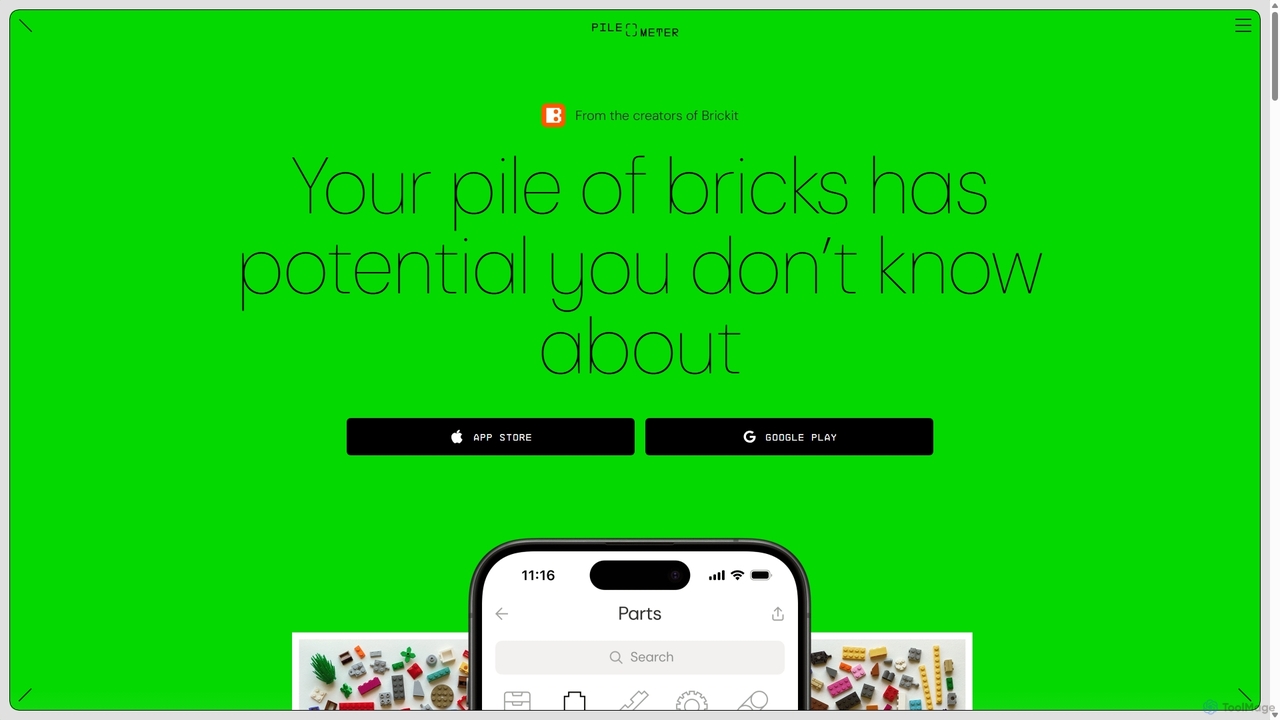
Pileometer is an AI-powered app that revolutionizes brick management for LEGO enthusiasts. By scanning your bricks, it creates …

4.6K
ColorJoyful

ColorJoyful

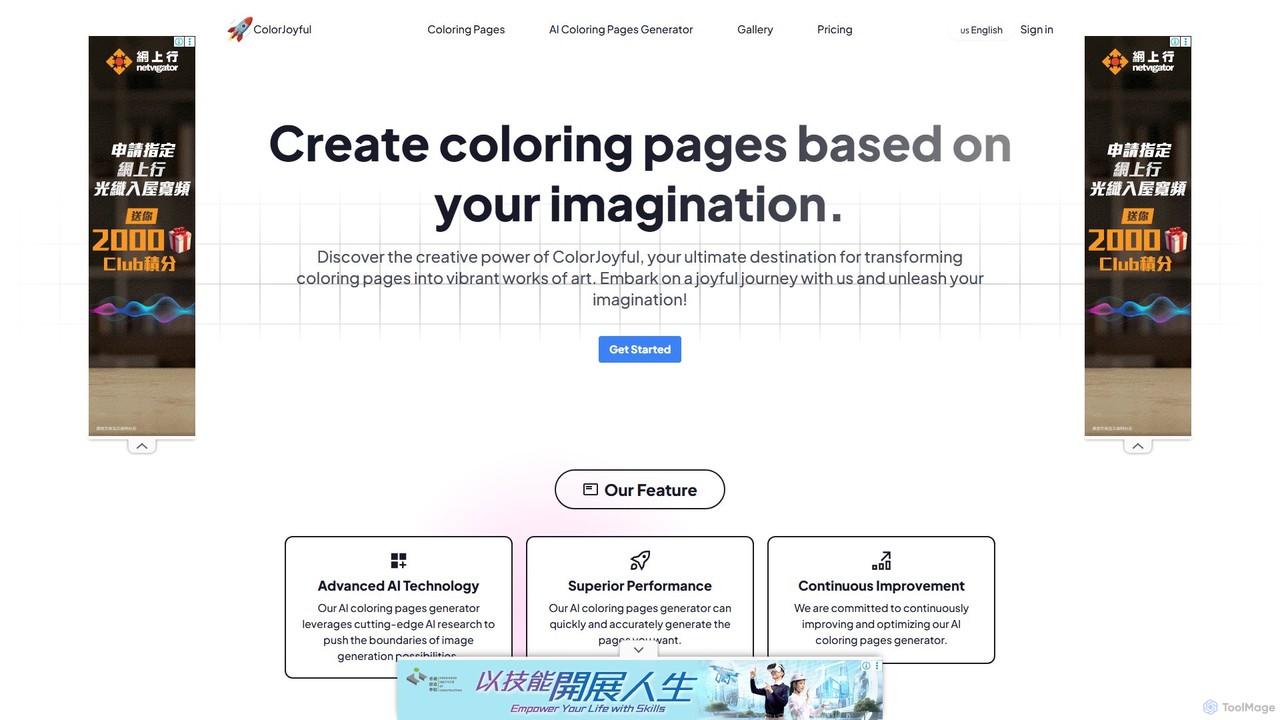
ColorJoyful is an AI-powered generator that transforms your text descriptions into unique, printable coloring pages. Ideal for parents, …

2.7K
BestColoringPages AI

BestColoringPages AI

A powerful AI platform that turns photos and text prompts into unique, printable coloring pages in seconds. It …

62.9K

About Crafts

AI Crafts tools are a specialized category of artificial intelligence applications designed to assist and enhance various aspects of creative and manual craft production. These tools leverage generative AI, computer vision, and machine learning to transform ideas into tangible designs, patterns, and even instructions. They empower crafters, artists, and hobbyists to innovate, personalize, and streamline their creative processes, making complex designs more accessible and reducing repetitive manual effort.

Core Features

  • Generative Design: Automatically creates unique patterns, textures, and shapes based on user input or style preferences.
  • Personalization Engines: Adapts designs to individual tastes, material availability, or specific project requirements.
  • Material Simulation: Predicts how different materials will behave or look with a design, aiding in selection and planning.
  • Instruction Generation: Converts complex designs into clear, step-by-step guides or patterns for crafting.
  • Design Optimization: Refines existing craft designs for aesthetic balance, material efficiency, or structural integrity.

Use Cases

Crafters and small business owners utilize these tools for rapid prototyping of new product lines, generating unique designs for textiles, pottery, or jewelry. Educators can employ them to create personalized learning materials for craft workshops, while hobbyists find them invaluable for overcoming creative blocks and exploring new artistic directions.

How to Choose

When selecting AI craft tools, consider the specific craft type you focus on (e.g., textiles, woodworking, jewelry), the level of design control offered, and the compatibility with your existing design software or equipment. Evaluate the tool's ability to generate diverse outputs, its ease of use for non-technical users, and the quality of its material simulation or instruction generation features.

CraftsUse Cases

1

Designing Personalized Jewelry Pieces

A jewelry designer uses AI craft tools to generate unique, personalized pendant or earring designs based on customer preferences like birthstones, initials, or abstract themes. By inputting keywords and style parameters, the AI quickly produces multiple design variations, allowing the designer to present diverse options and iterate rapidly, significantly reducing initial design time from hours to minutes and enhancing customer satisfaction with bespoke creations.

2

Generating Unique Textile Patterns

A textile artist or fashion designer employs AI craft tools to create novel and intricate patterns for fabrics. Instead of manually drawing or repeating motifs, they can input a concept, mood, or even an image, and the AI generates endless variations of seamless patterns. This accelerates the design phase for clothing lines, home decor, or custom fabric prints, allowing for greater creative exploration and faster market entry with distinctive designs.

3

Custom Woodworking Project Plans

A woodworker or DIY enthusiast uses AI craft tools to generate detailed plans and cut lists for custom furniture or decorative items. By providing basic dimensions and desired styles, the AI can suggest optimal joint types, material usage, and even create 3D mock-ups. This helps in visualizing the final product, minimizing material waste, and ensuring structural integrity, making complex woodworking projects more manageable for all skill levels.

4

Exploring Ceramic Glaze and Form Variations

A ceramic artist leverages AI craft tools to experiment with countless glaze combinations and pottery forms without physical trial and error. By inputting desired colors, textures, and basic shapes, the AI can simulate how different glazes will appear on various forms under specific firing conditions. This allows for rapid visual exploration of aesthetic possibilities, saving significant time and material costs associated with traditional kiln tests and manual sculpting iterations.

5

Creating Step-by-Step DIY Project Instructions

A hobbyist or content creator uses AI craft tools to generate clear, concise, and visually supported step-by-step instructions for complex DIY projects. After uploading a design or describing a project, the AI can break it down into manageable steps, suggest necessary tools and materials, and even create accompanying diagrams or images. This makes sharing projects easier and helps beginners successfully complete intricate crafts, fostering a wider crafting community.

6

Designing Custom Paper Craft Templates

A scrapbooker or paper artist uses AI craft tools to generate unique and intricate templates for paper cutting, origami, or card making. By specifying themes, complexity levels, and desired dimensions, the AI can produce ready-to-print patterns, score lines, and assembly guides. This significantly expands creative possibilities beyond pre-made templates, enabling personalized and highly detailed paper crafts for special occasions or artistic expression, while saving hours of manual design work.

CraftsFrequently Asked Questions