Stepper
Stepper is a free AI-native workflow automation software designed to simplify complex business processes. It offers a visual, …
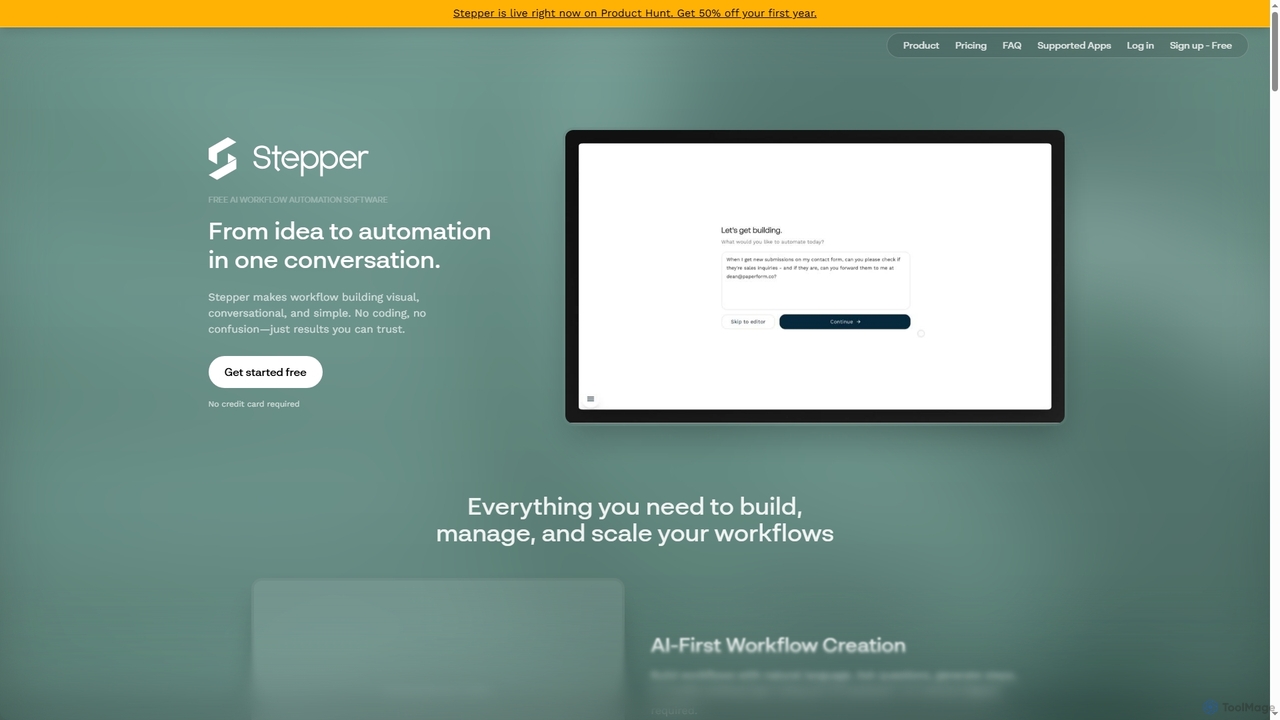
Stepper is a free AI-native workflow automation software designed to simplify complex business processes. It offers a visual, conversational, and no-code platform, allowing users to build, manage, and scale workflows using natural language and reusable components. Automate tasks efficiently and cost-effectively, from lead qualification to content distribution.
About Api Automation
API Automation tools are platforms designed to build, manage, and execute automated workflows by connecting different applications through their APIs. These tools typically use a visual or low-code interface, allowing users to chain together API requests, transform data, and implement conditional logic without extensive programming. Their primary value lies in automating repetitive tasks, creating complex data pipelines, and streamlining business processes across disparate systems. This approach significantly accelerates integration projects and empowers non-developers to build powerful automations.
Core Features
- Visual Workflow Builder: Design multi-step automation sequences using a drag-and-drop interface to connect API endpoints.
- API Request Configuration: Full control over API calls, including methods (GET, POST), headers, parameters, and authentication protocols.
- Data Transformation: Tools to parse, map, and reformat data between different API schemas, such as converting JSON to XML.
- Automated Triggers: Initiate workflows based on schedules, webhooks from other apps, or manual execution.
- Error Handling & Logging: Monitor workflow executions, debug issues with detailed logs, and build resilient automations that handle API errors.
Use Cases
API Automation is widely used by developers for continuous integration and API testing, marketing operations teams for lead enrichment and data syncing between CRMs and ad platforms, and IT teams for creating internal tools and automating system administration tasks. For example, a workflow can automatically sync customer data from Salesforce to a separate billing system whenever a new contract is signed.
How to Choose
When selecting an API Automation tool, consider the breadth of its pre-built connector library for the services you use. Evaluate its ability to handle complex logic, such as branching (if/else) and looping. Assess its support for various authentication methods (e.g., OAuth 2.0, API Keys). Finally, consider its scalability, pricing model, and the level of technical expertise required to use it effectively.

Api AutomationUse Cases
Automated API Regression Testing
A Quality Assurance (QA) engineer is responsible for ensuring new code changes don't break existing API functionality. They use an API automation tool to build a test suite. This workflow makes a series of API calls to critical endpoints, using predefined test data. For each call, it asserts that the HTTP status code is correct (e.g., 200 OK) and that the response body matches an expected JSON schema. If any test fails, the workflow automatically sends a detailed failure report to a dedicated Slack channel, immediately alerting the development team. This automates a crucial part of the CI/CD pipeline, saving hours of manual testing before each release.
Syncing Customer Data Across Platforms
A sales operations manager needs to ensure customer data is consistent between their CRM (e.g., Salesforce) and their financial software (e.g., Stripe). They set up an API automation workflow that triggers whenever a deal is marked as 'Closed Won' in Salesforce. The workflow retrieves the new customer's details via the Salesforce API. It then transforms this data into the format required by Stripe and uses the Stripe API to create a new customer record. This eliminates manual data entry, reduces the risk of human error, and ensures the finance team has accurate, up-to-date customer information for billing purposes instantly.
Automating Social Media Content Syndication
A content marketing manager wants to distribute new blog posts across multiple social media channels efficiently. They create an API automation workflow triggered by a new post being published on their website's RSS feed. The workflow fetches the post's title, summary, and link. It then connects to the Twitter API to compose and post a tweet, the LinkedIn API to share an update, and a URL shortening service API (like Bitly) to create trackable links for each platform. This ensures timely and consistent content distribution without the manager having to manually copy and paste content for each network, saving significant time and effort.
Enriching Leads with Third-Party Data
A marketing operations specialist aims to improve lead scoring accuracy. They design an API automation workflow that triggers when a new lead is created in their marketing automation platform (e.g., Marketo). The workflow takes the lead's email address and sends it to a data enrichment API like Clearbit. Clearbit's API returns valuable firmographic data, such as company size, industry, and location. The workflow then parses this data and uses the Marketo API to update the lead record with the new information. This provides the sales team with a richer context for each lead and allows for more precise automated lead scoring and routing.
Automating E-commerce Order Fulfillment
An e-commerce store owner uses an API automation tool to streamline their order fulfillment process. A workflow is triggered by a 'new order' webhook from their Shopify store. First, it calls the Shopify API to get the order details, including items and shipping address. Next, it connects to their inventory management system's API to check stock levels and reserve the items. Finally, it sends the shipping details to a shipping provider's API (like Shippo) to generate a shipping label and tracking number. The tracking number is then sent back via the Shopify API to update the order status, automatically notifying the customer. This automates the entire process from purchase to shipment.
Building an Internal Data Aggregation Dashboard
A product manager needs a unified view of project health without logging into multiple systems. They use an API automation tool to build a data pipeline. The workflow is scheduled to run daily. It makes API calls to Jira to fetch the number of open tickets, to GitHub for recent commits, and to a customer feedback tool for new feature requests. The tool aggregates and formats this data into a clean JSON object. This JSON is then sent via a webhook to a simple dashboarding tool or even a Google Sheet, providing the manager with a single, automatically updated dashboard to monitor project progress without requiring dedicated developer resources.