Marketing Best in category 2 results Customer Support AI Tool

Popular AI tools in the Customer Support field of Marketing include Hedra、Adpost, etc., helping you quickly improve efficiency.

Hedra

Hedra

Hedra is a foundational AI model for creating highly expressive and controllable video content. It specializes in generating …

714.5K
Adpost

Adpost

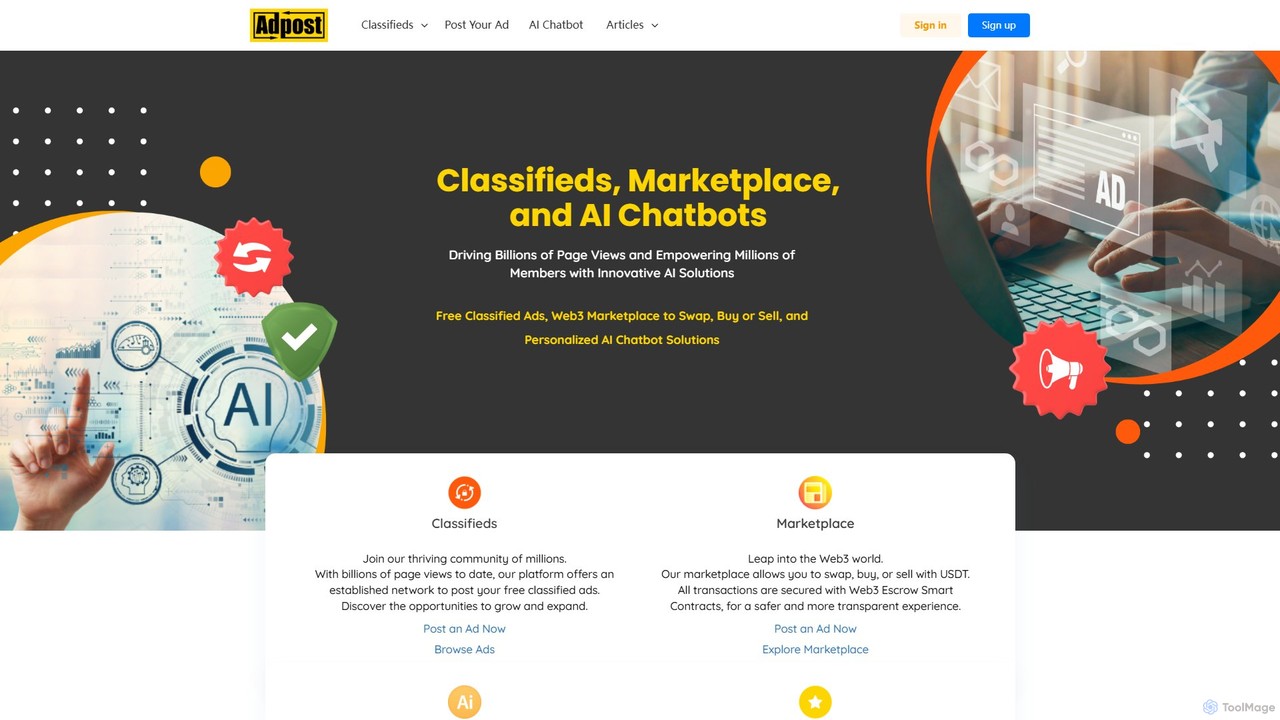
Adpost is an all-in-one platform combining free global classifieds, a secure Web3 marketplace, and a powerful AI chatbot …

152.7K

About Customer Support

AI Customer Support tools are a class of software that uses artificial intelligence to automate, augment, and analyze customer service interactions. These tools leverage technologies like Natural Language Processing (NLP) and machine learning to understand and respond to user queries across various channels. They are designed to provide instant, 24/7 support, resolve common issues without human intervention, and intelligently route complex cases to the appropriate agents. By handling repetitive tasks, these tools empower human support teams to focus on high-value, empathetic problem-solving, ultimately improving customer satisfaction and loyalty.

Core Features

  • AI-Powered Chatbots: Provide instant, automated responses to customer queries on websites, apps, and messaging platforms.
  • Automated Ticket Routing: Analyze the content of incoming support tickets and automatically assign them to the correct department or agent.
  • Sentiment Analysis: Gauge the emotional tone of customer communications to prioritize urgent or negative feedback.
  • Agent Assist: Offer real-time suggestions, knowledge base articles, and canned responses to human agents during live conversations.
  • Self-Service Knowledge Base: Automatically generate and update FAQ articles by analyzing patterns in customer support conversations.

Use Cases

These tools are widely adopted in sectors with high customer interaction volumes, such as e-commerce, SaaS, finance, and telecommunications. Customer support managers, helpdesk agents, and operations teams use them to manage inquiries from multiple channels like email, live chat, and social media. For instance, an e-commerce brand can automate order status questions, while a SaaS company can provide instant in-app technical guidance.

How to Choose

When selecting an AI Customer Support tool, consider its integration capabilities with your existing CRM and helpdesk software (e.g., Zendesk, Salesforce). Evaluate the sophistication of its AI, including its ability to understand context and multiple languages. Assess the range of supported channels (web, mobile, social) and the quality of its analytics for tracking performance and customer insights. Finally, consider the scalability and pricing model to ensure it aligns with your business growth.

Customer SupportUse Cases

1

Automate E-commerce Order Inquiries 24/7

An e-commerce store manager implements an AI chatbot on their website and social media channels. The bot is trained on order data to handle common questions like 'Where is my order?', 'What is the return policy?', and 'How do I track my shipment?'. This instantly resolves over 60% of incoming queries, even outside of business hours. This frees up the human support team to handle complex issues like damaged goods or payment disputes, leading to a 30% reduction in average response time and higher customer satisfaction scores.

2

Prioritize Urgent Tickets with Sentiment Analysis

A customer success manager at a SaaS company uses an AI tool that analyzes all incoming support emails for sentiment. The system automatically flags emails with highly negative language (e.g., 'frustrated,' 'unacceptable,' 'cancel') and escalates them to a senior support queue. This ensures that the most at-risk customers receive a prompt, high-touch response within minutes, rather than hours. This proactive approach helps reduce customer churn by 15% by addressing critical issues before they escalate further.

3

Empower Agents with Real-time AI Assistance

A support agent in a telecommunications company is on a live chat with a customer about a complex billing issue. As the customer types their query, an AI Agent Assist tool displays relevant knowledge base articles and pre-written response templates on the agent's screen. The AI also detects that the customer mentioned a specific promotion and pulls up the terms and conditions instantly. This allows the agent to provide accurate, consistent information quickly, reducing the average handle time by 25% and improving first-contact resolution rates.

4

Build a Self-Service Knowledge Base from Support Data

An operations lead at a software company notices a high volume of tickets about a specific feature. They use an AI customer support platform that analyzes thousands of resolved conversations. The AI identifies the most frequently asked questions and common points of confusion. Based on this data, it automatically drafts several new articles for the company's help center, complete with step-by-step instructions. This reduces incoming tickets about that feature by 40% within a month, allowing users to find answers themselves.

5

Automate Social Media Customer Service Responses

A community manager for a retail brand uses an AI tool to monitor direct messages and mentions on Twitter and Instagram. The tool automatically identifies product questions and responds with links to the product page or FAQ. For complaints or complex issues, it automatically creates a support ticket in their helpdesk system and replies to the user that an agent will be in touch. This ensures no customer query is missed and provides a consistent first response, improving the brand's social media responsiveness by 70%.

6

Provide Proactive SaaS User Onboarding Support

A product manager for a new software tool implements a proactive AI support assistant within the application. When a new user signs up, the AI assistant initiates a conversation, guiding them through key setup steps. It detects when a user is stuck on a certain page for too long and offers contextual help or a link to a tutorial video. This guided onboarding process helps new users reach their 'aha' moment faster, increasing user activation rates by 20% and reducing the number of basic setup questions sent to the support team.

Customer SupportFrequently Asked Questions