ToolMage
Sign in

Best 13 Avatar AI tools for Video

Popular Avatar AI tools in Video include Hedra, Jogg, Lemon Slice, Shanjian, youyan3d, TalkingAvatar, Puppetry, Rendora, X-Me AI, and Weta365, helping you work more efficiently.

X-Me AI
Freemium

X-Me AI

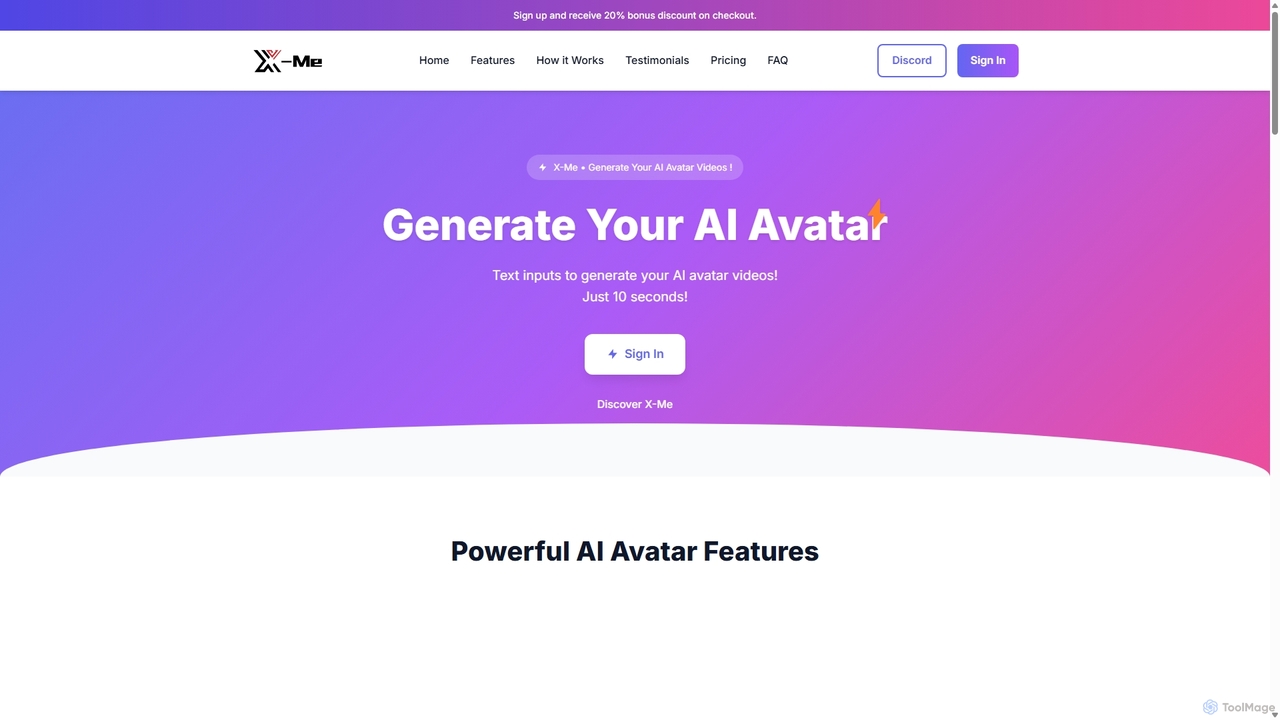
X-Me AI is a powerful AI video generator that transforms text into engaging videos featuring hyper-realistic AI avatars. In just 10 seconds, you can create professional-quality videos in over 20 languages. The platform offers extensive customization options for avatars, clothing, and backgrounds, making it ideal for marketing, education, and corporate communications. With high-definition output and seamless integration, X-Me AI streamlines video production, saving time and resources while boosting audience engagement.

E Learning
Visits 5.1KFavorites 131Likes 142
Hedra
Freemium

Hedra

Hedra is a foundational AI model for creating highly expressive and controllable video content. It specializes in generating lifelike, real-time interactive avatars that can be integrated into various applications via its powerful API, enabling dynamic and engaging user experiences.

Api
Visits 767.7KFavorites 131Likes 139
youyan3d
Freemium

youyan3d

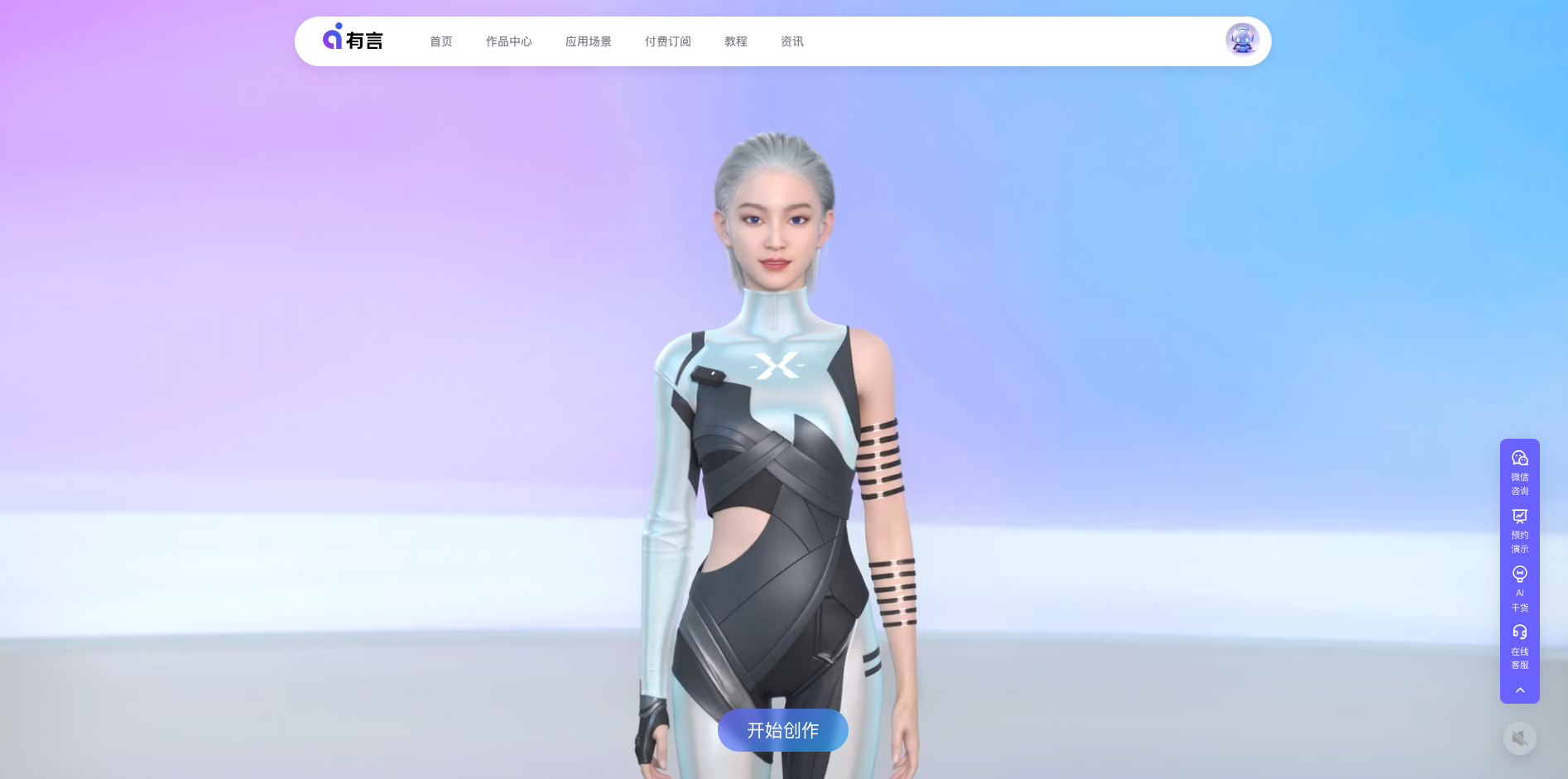
youyan3d is an AI-powered platform for creating professional-grade 3D digital human videos. It enables users to generate lifelike avatar videos from text, PPTs, or templates without any filming or editing. It features text-to-video, text-to-animation, text-to-speech, and a vast library of customizable 3D avatars.

E Learning
Visits 37KFavorites 100Likes 97
Shanjian
Freemium

Shanjian

Shanjian is an AI-powered video creation platform that specializes in generating professional videos with lifelike digital humans. It allows users to create custom AI avatars, clone their own voice and appearance, and produce high-quality videos from text in minutes.

Social Media
Visits 38.9KFavorites 118Likes 134
Jogg
Freemium

Jogg

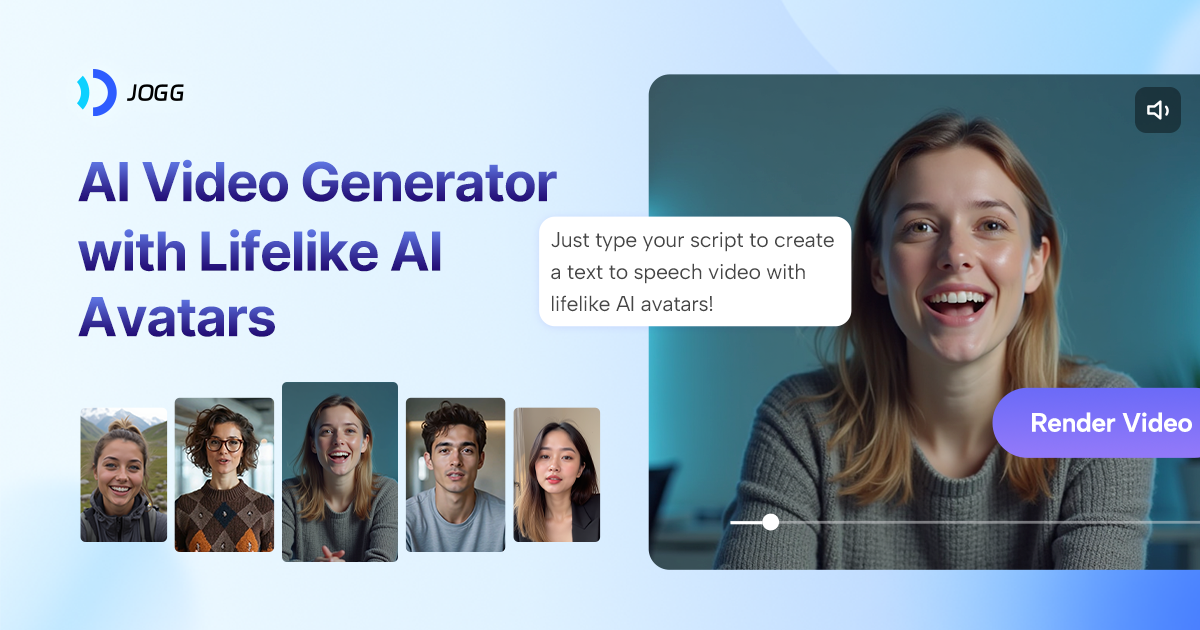
Jogg is an AI video generator that transforms text into stunning videos with lifelike AI avatars. Perfect for marketers, creators, and businesses, it simplifies video production by eliminating the need for filming and complex editing. Create engaging social media content, video ads, and training materials in minutes with features like custom avatars, voice cloning, and multi-language translation.

Advertising
Visits 450.9KFavorites 121Likes 145
Lemon Slice
Freemium

Lemon Slice

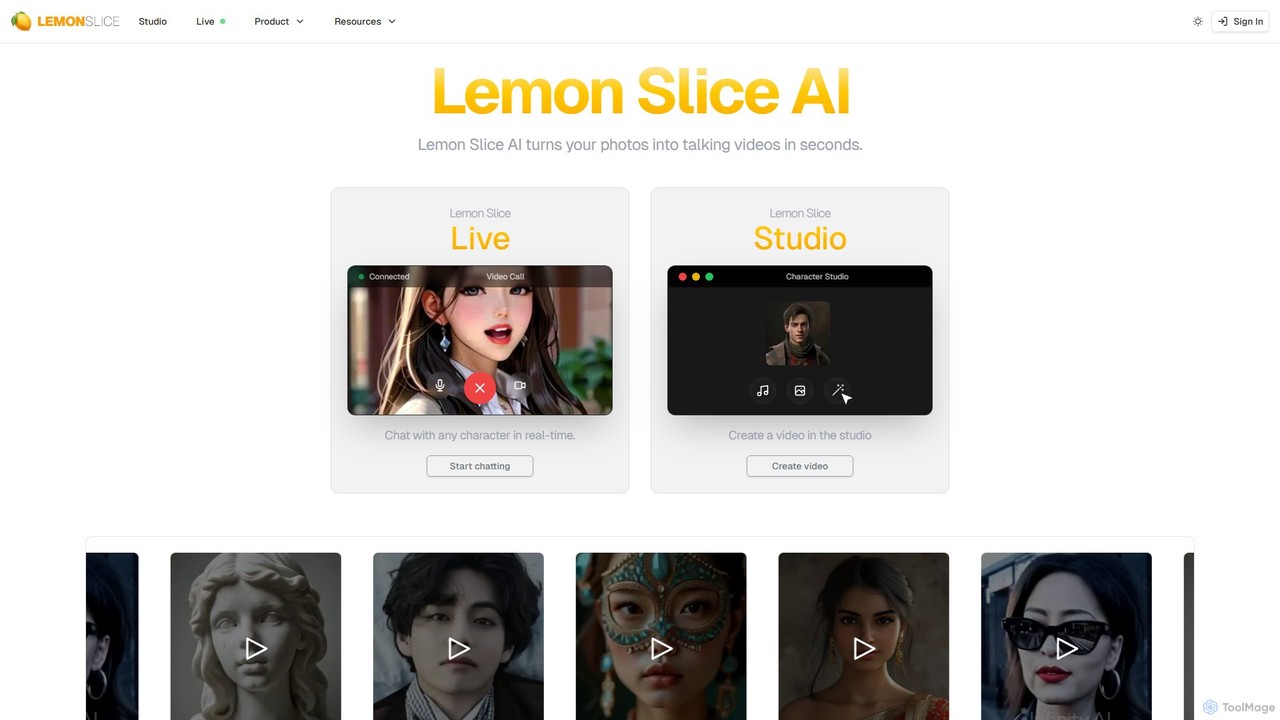
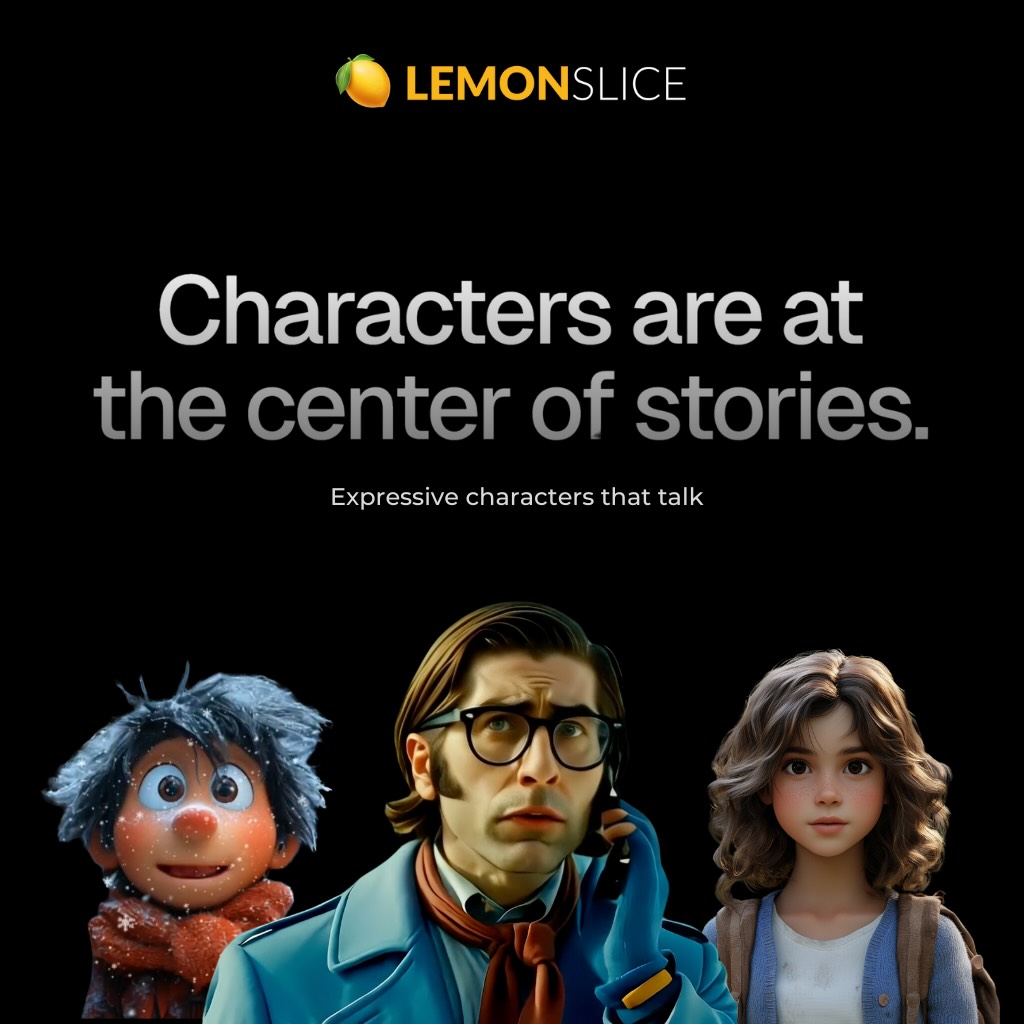
Lemon Slice is an AI-powered platform that transforms static photos into dynamic talking and singing avatar videos in seconds. Leveraging advanced lip-sync technology, it allows users to bring any character to life with just an image and an audio file. It's designed for content creators, marketers, and individuals looking to produce engaging video content effortlessly.

Voice Cloning
Visits 90.2KFavorites 128Likes 120
Rendora
Freemium

Rendora

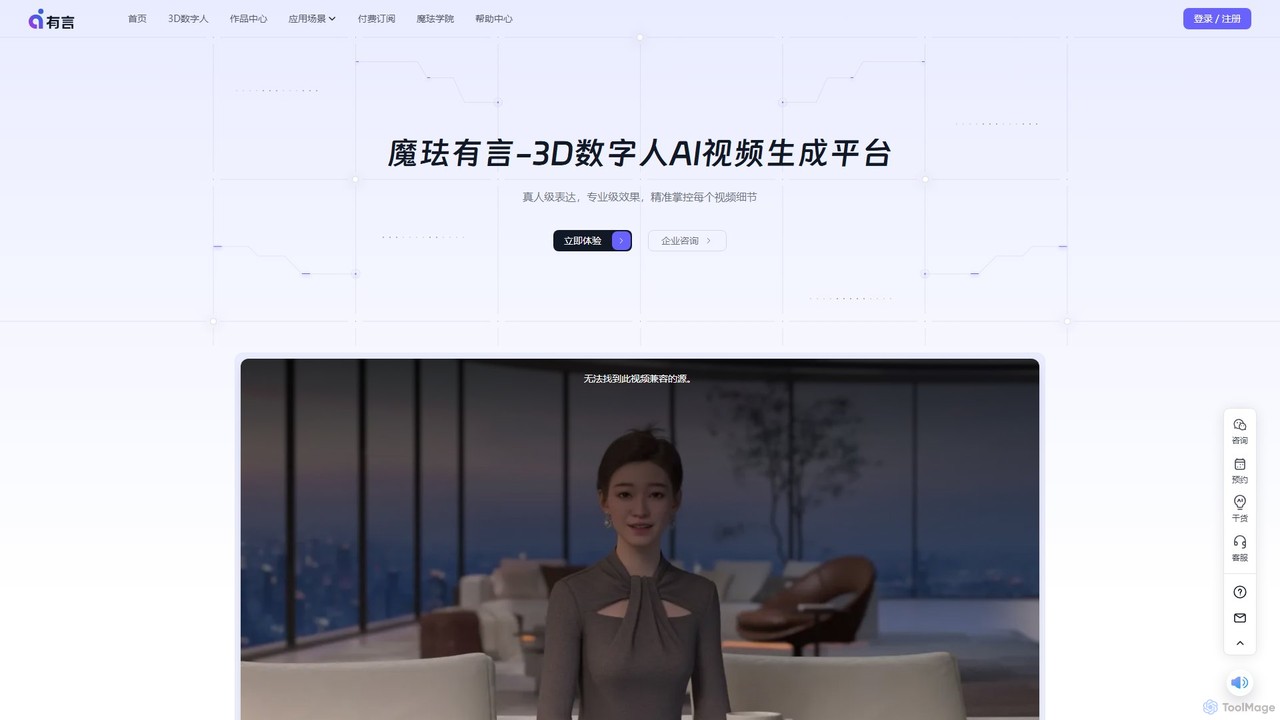
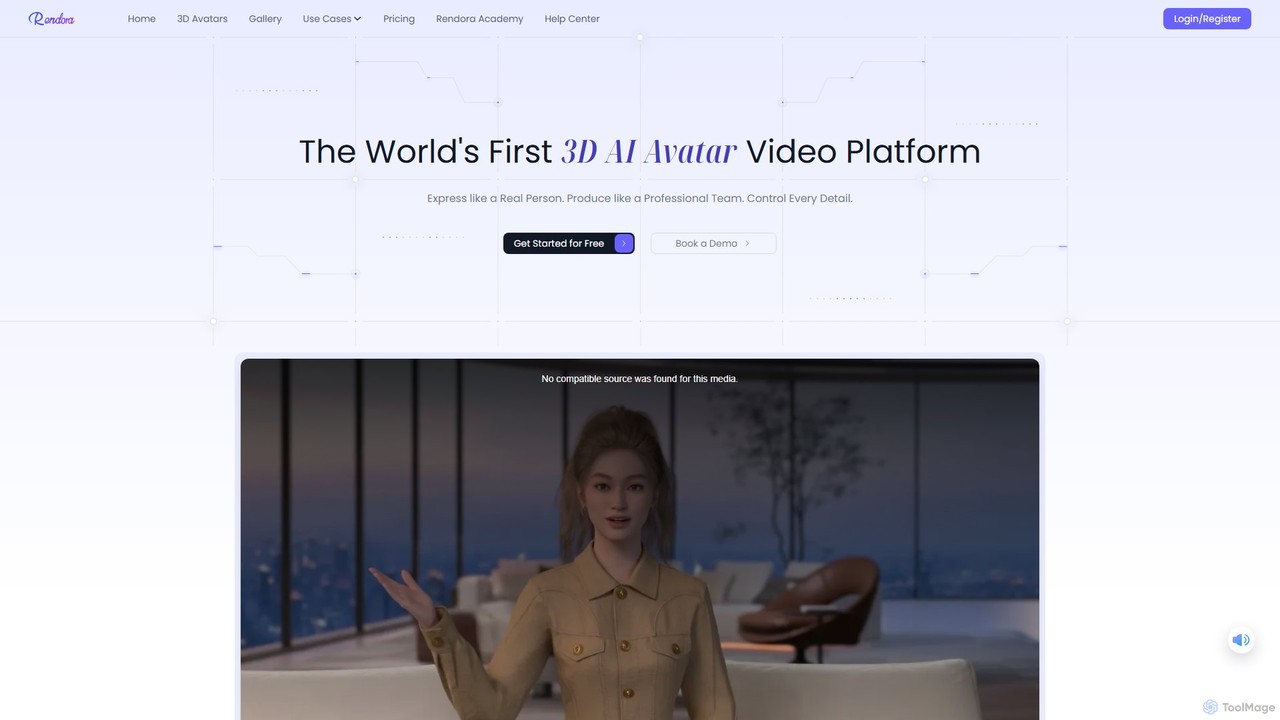
Rendora is a pioneering 3D AI avatar video generation platform that enables users to create studio-quality videos in minutes without cameras or editing. Simply input a script, and Rendora's AI engine generates a complete video with a hyper-realistic 3D avatar, lifelike animations, natural voiceovers, and dynamic camera movements. It offers over 3,000 customizable avatars and extensive templates, making professional video production accessible for marketing, education, and news.

E Learning
Visits 10.8KFavorites 86Likes 101
Weta365
Freemium

Weta365

Weta365 is an all-in-one AI platform for creating digital human videos and live streams. It enables users to generate professional videos from text, photos, or PPTs, clone realistic avatars and voices, and run 24/7 AI-powered live broadcasts. Ideal for marketing, education, and e-commerce, it offers extensive customization and multi-language support to lower costs and boost efficiency.

Social Media
Visits 4.2KFavorites 134Likes 137
ai_avatar
Freemium

ai_avatar

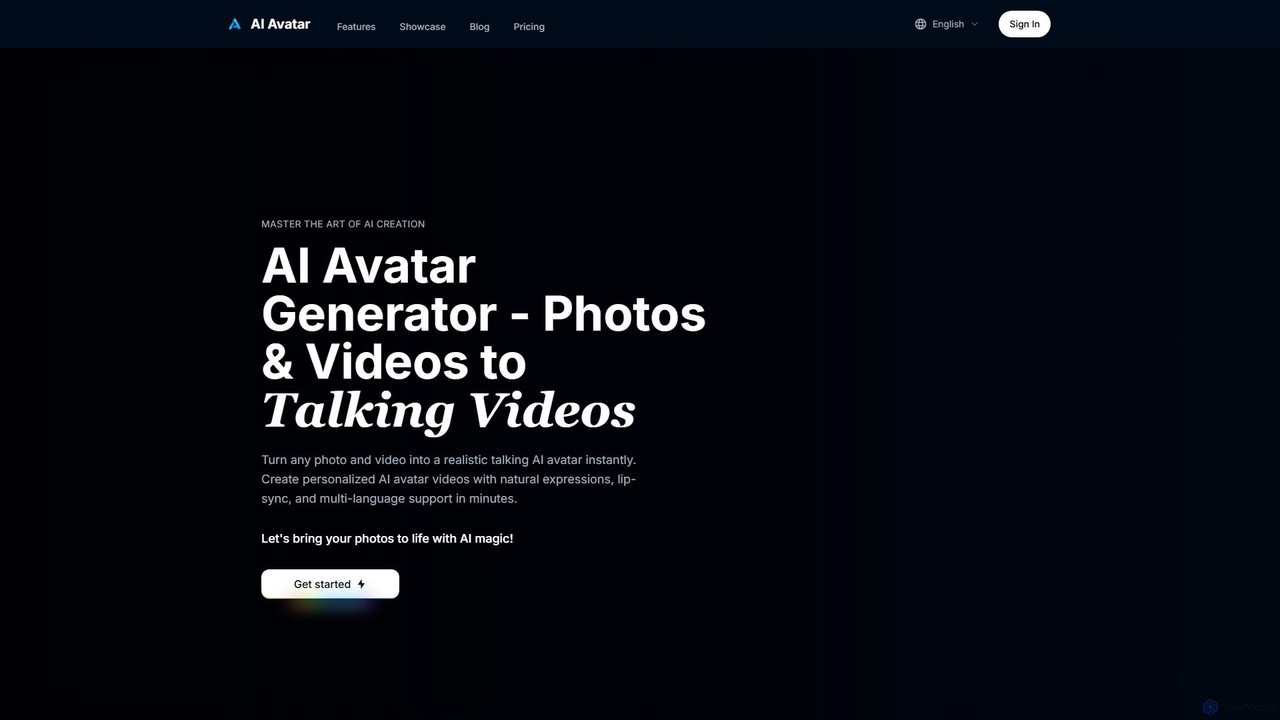
An AI-powered platform that transforms any photo or video into a realistic talking avatar. Create professional videos with natural expressions, perfect lip-sync, and multi-language support in minutes, ideal for marketing, training, and social media content.

Training
Visits 4.2KFavorites 102Likes 107
Spiritme
Freemium

Spiritme

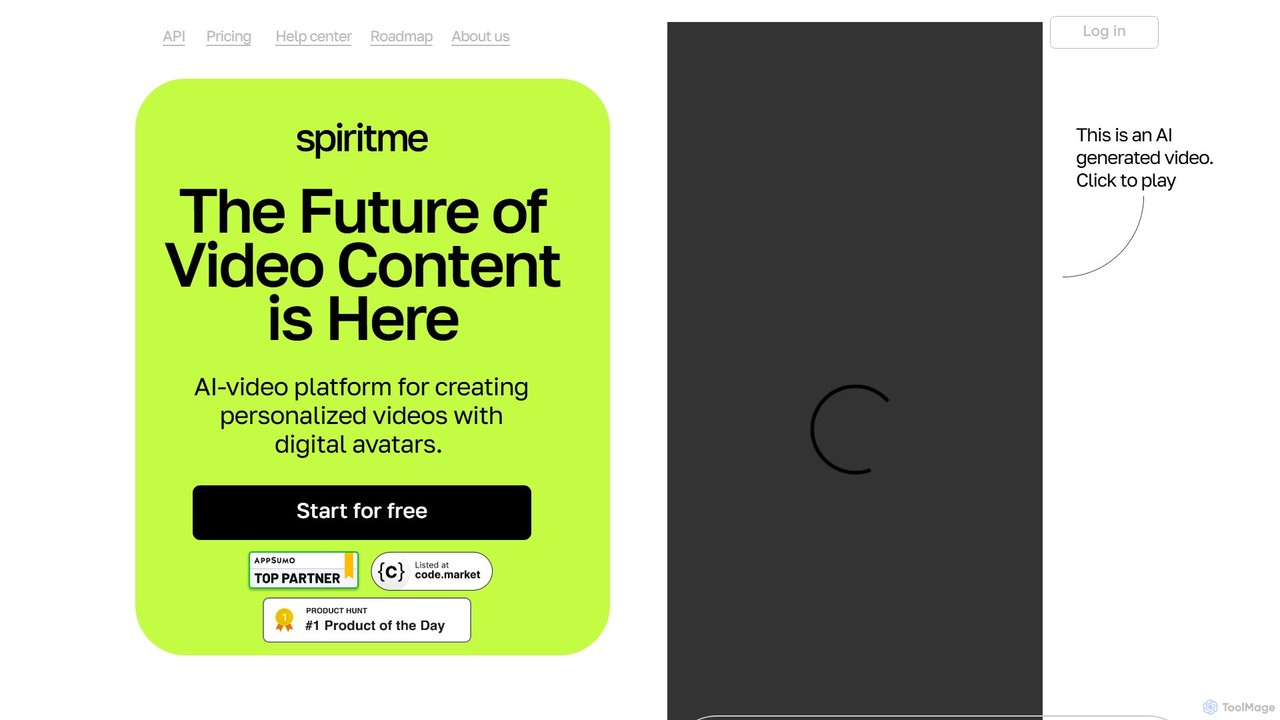
Spiritme is an AI video generation platform that allows users to create personalized videos using digital avatars. Simply provide text, and an AI avatar will narrate it. You can even create your own realistic digital twin from a short video shot on your iPhone. With support for over 140 languages and dynamic facial expressions, Spiritme makes video production fast, scalable, and affordable for marketing, education, and content creation.

E Learning
Visits 4.2KFavorites 152Likes 124
TalkingAvatar
Freemium

TalkingAvatar

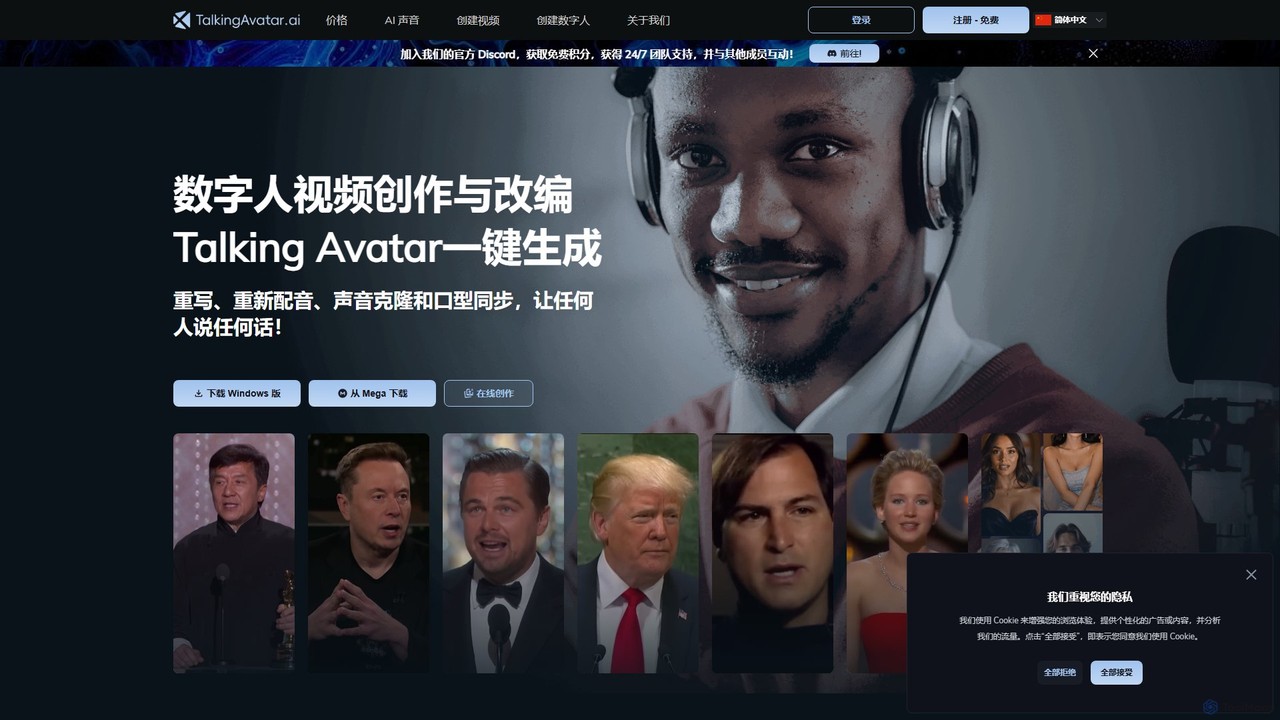
TalkingAvatar is an AI-powered platform for creating realistic talking avatars and digital humans. It enables users to generate videos with perfect lip-sync, clone voices from a single sentence, and re-dub existing videos into multiple languages. Ideal for marketing, e-learning, and content creation without needing a camera or crew.

Voice Cloning
Visits 19.9KFavorites 104Likes 113
Puppetry
Freemium

Puppetry

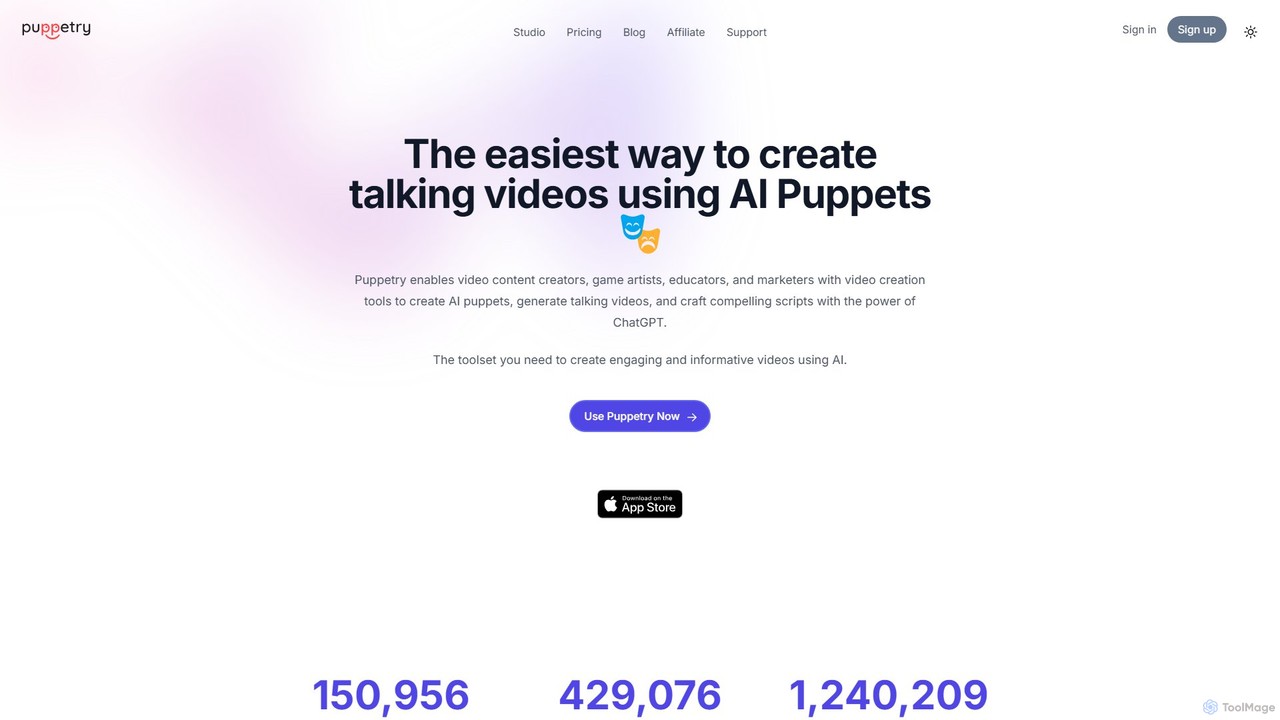
Puppetry is an AI video creation platform that easily transforms photos into animated talking avatars. Generate custom puppets, use text-to-speech with 500+ voices, or clone your own voice to create engaging videos for marketing, education, and social media in minutes. It integrates powerful AI like GPT-4 and DALL-E 3 for script and image generation.

E Learning
Visits 19KFavorites 125Likes 105
OI Avatar
Freemium

OI Avatar

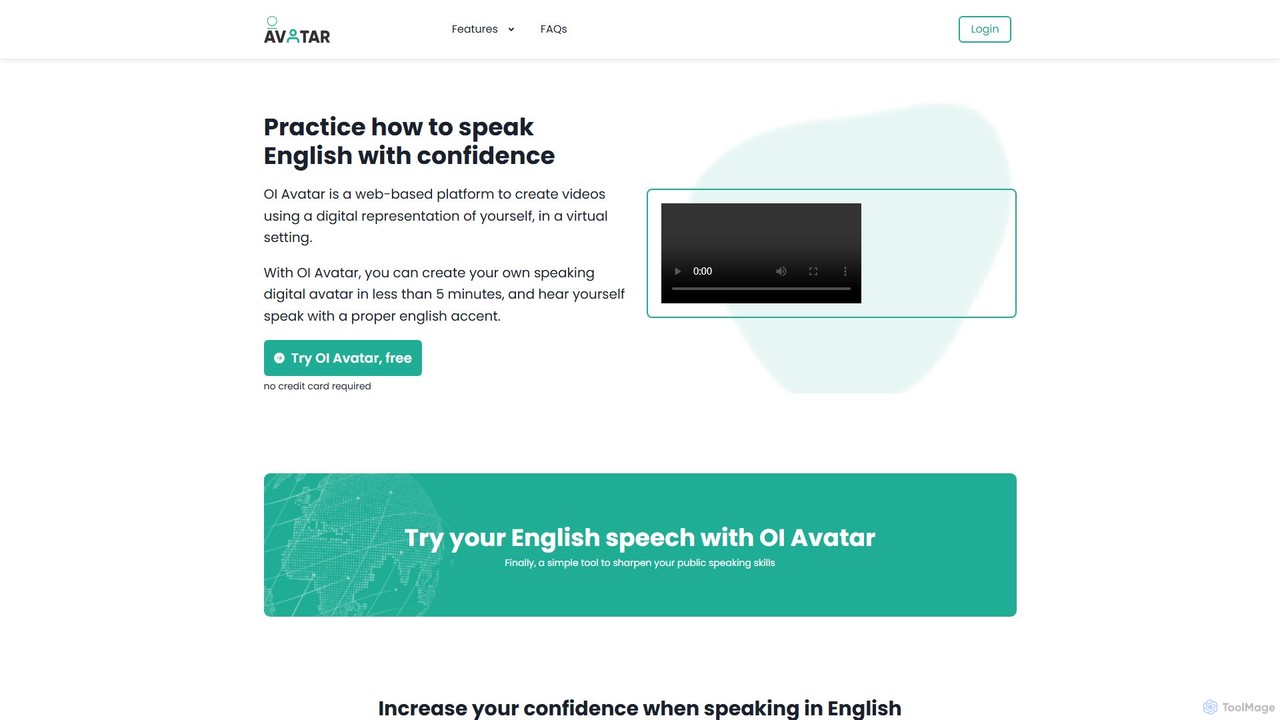
OI Avatar is an AI-powered platform that helps you practice and improve your English speaking skills with confidence. By creating a realistic digital avatar of yourself in minutes, you can input any text and hear your avatar speak it with a perfect British or American accent, allowing you to refine your pronunciation and public speaking abilities in a personalized, self-paced environment.

Language Learning
Visits 4.1KFavorites 117Likes 115

About Avatar

AI Avatar tools are a specialized category of video generators that create videos featuring a digital human or character presenter. These tools utilize generative AI, text-to-speech, and lip-syncing technologies to transform a written script into a video where a photorealistic or stylized avatar speaks the text naturally. They are designed to produce engaging, presenter-led video content at scale without the need for cameras, actors, or physical studios. This approach significantly reduces production time and costs, especially for content that requires frequent updates or localization into multiple languages.

Core Features

  • Text-to-Avatar Video Generation: Automatically converts text scripts into a video with a speaking avatar, synchronizing lip movements with the generated audio.
  • Custom Avatar Creation: Allows users to create a unique digital twin from their own photos or videos, or select from a diverse library of pre-built avatars.
  • Multi-Language Voice Synthesis: Offers a wide range of natural-sounding AI voices in numerous languages and accents, enabling rapid content localization.
  • Gesture and Expression Control: Provides options to add subtle human-like gestures, head movements, and facial expressions to enhance the avatar's realism and expressiveness.
  • API Integration: Enables programmatic video creation for automated workflows, such as generating personalized marketing videos or news reports in bulk.

Use Cases

AI Avatar tools are widely used in corporate communications for creating training materials, onboarding videos, and internal announcements. Marketing and sales teams leverage them to produce scalable product demos, social media ads, and personalized outreach videos. In the education sector, they are used to create engaging lecture content and tutorials that can be easily updated.

How to Choose

When selecting an AI Avatar tool, first evaluate the quality and realism of the avatars and the naturalness of the AI voices. Consider the range of available languages and the accuracy of the lip-syncing. Assess the level of customization offered, including the ability to create custom avatars, use brand assets, and control gestures. Finally, check for integration capabilities via API and the platform's overall ease of use and video rendering speed.

Featured tool rankings

Avatar use cases

1

Creating Corporate Training Videos

An HR department needs to produce a series of mandatory compliance training videos for all employees. Instead of hiring a film crew and scheduling time with executives, a training manager uses an AI Avatar tool. They upload the finalized scripts, choose a professional-looking avatar that aligns with the company's brand, and generate the entire video series in a single afternoon. This approach ensures consistent delivery and tone across all modules and allows for quick updates whenever policies change, simply by editing the text script.

2

Producing Multilingual Marketing Content

A global SaaS company is launching a new feature and needs to create announcement videos for different regions. The marketing team writes a single script. Using an AI Avatar tool with multi-language support, they generate the video in English, Spanish, German, and Japanese. The tool automatically handles the voice-over and lip-syncing for each language, creating localized videos that feel native to each audience. This process is completed in hours instead of weeks, drastically reducing localization costs and accelerating their global go-to-market strategy.

3

Automating Personalized Sales Outreach

A sales development representative (SDR) wants to increase email response rates. They use an AI Avatar tool integrated with their CRM. They create a video template where an avatar greets the prospect by name and mentions their company. An automation workflow triggers the tool to generate a unique video for each new lead. The personalized video is embedded in the initial outreach email. This hyper-personalization grabs the recipient's attention more effectively than plain text, leading to a higher number of booked meetings.

4

Developing Scalable Educational Tutorials

An online course creator wants to produce a comprehensive series of 50 short 'how-to' videos for a software tutorial. Being on camera for every video is time-consuming and difficult to keep consistent. By using an AI Avatar, they can focus solely on writing clear, concise scripts. The avatar provides a consistent and professional presence across all videos. When the software interface is updated, they don't need to re-shoot the entire video; they simply edit the script and regenerate the avatar's narration, saving countless hours of production work.

5

Enhancing Customer Support with Video FAQs

A customer support team notices that many tickets are related to the same complex setup process. Instead of relying on long text-based articles, they create a series of short video FAQs using an AI Avatar. The avatar calmly and clearly walks users through the setup process step-by-step, pointing to different parts of the user interface. These videos are embedded in their knowledge base. This visual guidance is more effective for users, leading to a significant reduction in support tickets for this issue and improving overall customer satisfaction.

6

Generating AI-Powered News Briefings

A digital media outlet wants to produce daily news summary videos for jejich social media channels. The fast-paced news cycle makes traditional video production too slow. They implement a workflow using an AI Avatar tool. Journalists write short news scripts, which are fed into the system. An AI news anchor avatar presents the stories with a professional demeanor. This allows the outlet to publish breaking news updates in video format within minutes of an event, keeping their audience informed and engaged around the clock.

Avatar FAQ

What is an AI Avatar tool?

An AI Avatar tool is software that generates videos featuring a digital human presenter from text input. It uses a combination of artificial intelligence technologies, including text-to-speech (TTS) to create a voiceover and generative AI to animate an avatar's facial expressions and lip movements to match the audio perfectly. These tools are designed to create professional-looking, presenter-led videos without the need for cameras, microphones, or actors, making video production faster, more scalable, and more cost-effective.

How to choose the right AI Avatar generator?

To choose the right AI Avatar generator, consider these factors:

  • Avatar Quality: Evaluate the realism and diversity of the available avatars. Do they look natural and non-robotic? Can you create a custom avatar?
  • Voice Quality and Language Support: Listen to voice samples to check for natural intonation. Ensure the tool supports all the languages and accents you need for your audience.
  • Customization and Control: Check if you can adjust the avatar's gestures, expressions, and tone of voice. The ability to add your own branding, backgrounds, and media is also important.
  • Ease of Use and Speed: The platform should have an intuitive interface. Consider the video rendering speed, as this impacts your production workflow.
  • Integration and API: If you need to automate video creation, look for a tool with robust API access and integrations with other software.
What's the difference between AI Avatar and Text-to-Video tools?

The main difference lies in their focus. AI Avatar tools specialize in creating videos centered around a speaking presenter. Their core function is to animate a digital human to deliver a message convincingly. The output is typically a person speaking to the camera, often with a simple background or slides.

In contrast, general Text-to-Video tools aim to create entire video scenes from text prompts. They generate or assemble footage, animations, or 3D environments based on a description. While some may include characters, their primary goal is to visualize a scene or story, not to feature a dedicated presenter.

Can I use my own face and voice for an AI Avatar?

Yes, many advanced AI Avatar platforms offer features for creating custom avatars and cloning voices. To create a custom face avatar, you typically need to upload a short, high-quality video of yourself speaking directly to the camera. The AI then processes this video to create a digital version of you. For voice cloning, you would provide a clear audio sample of your speech. The AI analyzes your unique vocal characteristics to generate a synthetic voice that sounds like you. These features are powerful for creating highly personalized and branded content.

Who are AI Avatar tools best suited for?

AI Avatar tools are ideal for a wide range of users and organizations looking to scale video content creation efficiently. Key users include:

  • Corporate Trainers and HR: For creating consistent and easily updatable training, onboarding, and internal communication videos.
  • Marketers and Sales Teams: To produce product demos, social media ads, and personalized outreach videos at scale.
  • Educators and Course Creators: For developing engaging lecture materials and tutorials without needing to be on camera constantly.
  • News and Media Outlets: To quickly generate video news reports and updates, especially for breaking stories.
  • Customer Support Teams: For creating helpful video FAQs and step-by-step guides to resolve common issues.