ToolMage
Sign in

Best 2 Launch Management AI tools for Marketing

Popular Launch Management AI tools in Marketing include Colaunchly and LaunchGun, helping you work more efficiently.

Colaunchly
Paid

Colaunchly

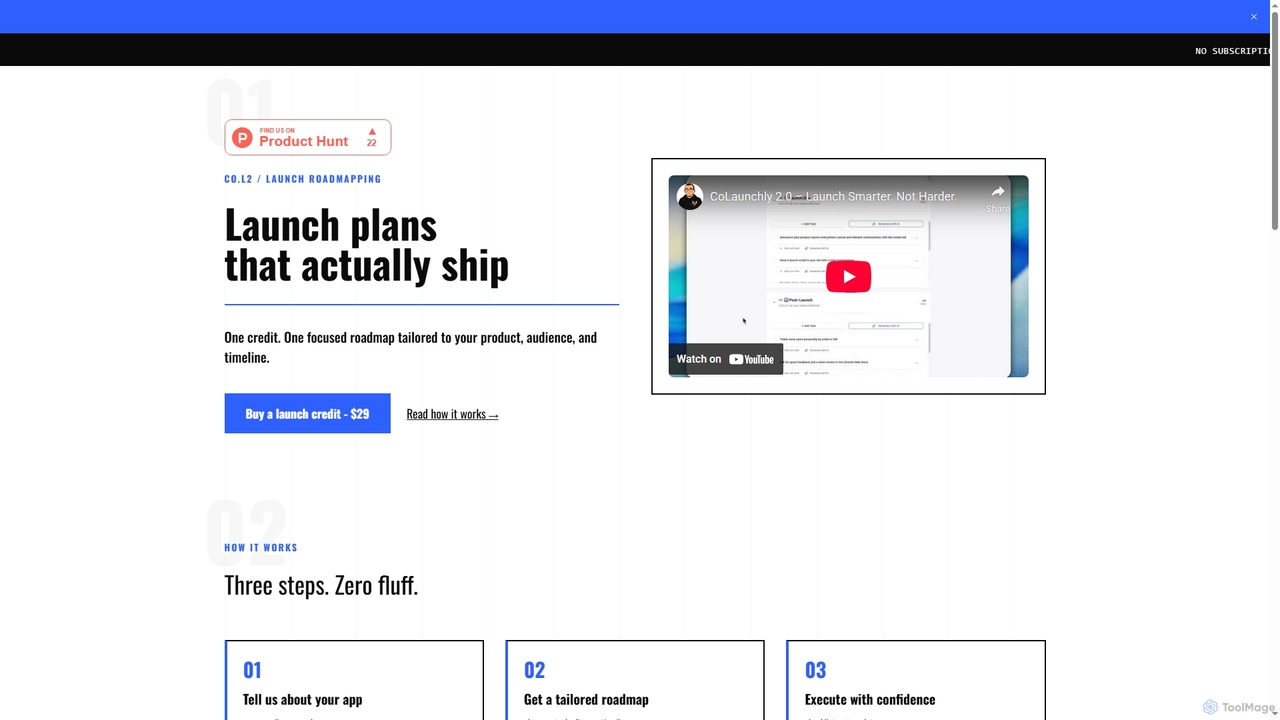
Colaunchly generates personalized, actionable launch plans for apps and SaaS products. Designed for indie developers, SaaS builders, and designers, it provides a step-by-step roadmap, checklists, and ready-to-use templates for pre-launch, launch day, and post-launch activities for a one-time fee.

Startups
Visits 5.5KFavorites 146Likes 151
LaunchGun
Paid

LaunchGun

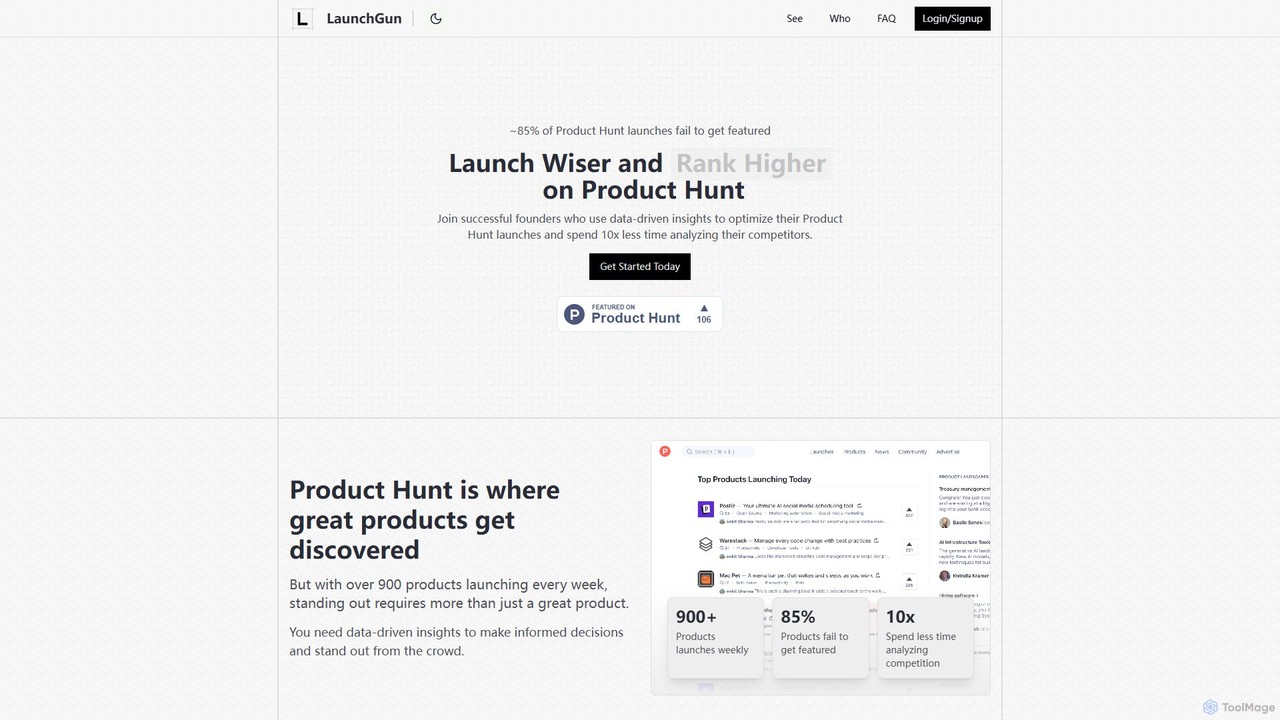
LaunchGun is an AI-powered analytics platform designed to optimize Product Hunt launches. It provides data-driven insights, competitive analysis, and strategic recommendations to help founders and makers increase their chances of getting featured. By analyzing historical data and successful launch patterns, LaunchGun helps users choose the perfect launch timing, category, and positioning to stand out and achieve success.

Market Research
Visits 5.4KFavorites 131Likes 122

About Launch Management

Launch Management tools are specialized platforms designed to orchestrate and automate the complex process of bringing a new product, feature, or campaign to market. As a key part of the marketing toolkit, they leverage AI to optimize timelines, predict risks, and coordinate tasks across multiple teams like marketing, sales, and product. These tools provide a centralized hub for planning go-to-market strategies, managing checklists, and tracking key performance indicators from pre-launch to post-launch analysis. This ensures a cohesive, efficient, and impactful launch process.

Core Features

  • Launch Roadmapping: Visually plan timelines, milestones, and dependencies for all launch activities.
  • Cross-Functional Collaboration Hub: Centralize communication and tasks for marketing, product, sales, and support teams.
  • Automated Checklists & Workflows: Use AI-powered templates and automated sequences to ensure no critical step is missed.
  • Asset & Content Coordination: Manage and track all marketing materials, from press releases to social media content.
  • Performance Dashboards: Monitor real-time launch metrics and KPIs to measure success and make data-driven adjustments.

Use Cases

These tools are essential for product marketing managers in SaaS companies, brand managers in consumer goods, and project managers in agencies. They are frequently used for launching new software features, introducing physical products, rolling out major marketing campaigns, or coordinating website relaunches.

How to Choose

When selecting a tool, evaluate its integration capabilities with your existing stack (e.g., Jira, Slack, HubSpot). Consider the complexity of its planning features, the customization options for workflows and templates, and the depth of its analytics and reporting functions for measuring launch success.

Launch Management use cases

1

Coordinating a SaaS Feature Launch

A product marketing manager uses the platform to create a launch plan for a new AI-powered analytics feature. They assign tasks to engineering for final testing, to content writers for blog posts, and to the sales team for training. The tool automatically sends reminders and provides a centralized dashboard to track progress, ensuring all teams are aligned for a synchronized release date.

2

Managing an E-commerce Product Introduction

An e-commerce brand manager plans the launch of a new sustainable clothing line. They use the tool to manage the entire timeline, from scheduling product photoshoots and coordinating with influencers for pre-launch buzz, to preparing email marketing campaigns and social media ads. The platform's checklists ensure all legal and logistical steps are completed before the product goes live.

3

Streamlining a Multi-Channel Marketing Campaign

A marketing agency project manager oversees a holiday campaign for a retail client. The launch management tool serves as the single source of truth for all campaign assets, including video ads, social media graphics, and ad copy. It facilitates client approvals and schedules the automated deployment of content across Google Ads, Facebook, and email platforms, providing consolidated performance reports.

4

Orchestrating a Mobile App Release

A startup team prepares to launch their new mobile app. They use a launch management tool to track critical path items like final bug fixes, App Store and Google Play submission requirements, press kit creation, and outreach to tech journalists. The tool helps them manage a tight deadline and coordinate a public relations push to maximize downloads on day one.

5

Planning a Major Website Relaunch

A digital marketing lead manages the relaunch of the corporate website. The tool is used to coordinate tasks between developers, UX designers, content creators, and SEO specialists. It includes checklists for technical SEO audits, content migration, 301 redirect mapping, and post-launch performance monitoring to ensure a smooth transition with minimal impact on search rankings.

6

Executing a Global Virtual Event Launch

An event marketing team uses the platform to plan and promote a large-scale virtual summit. They manage speaker onboarding, promotional content creation, email reminder sequences, and social media amplification. The tool's timeline view helps visualize the entire promotional cycle, from the 'Save the Date' announcement to post-event feedback collection, ensuring maximum attendance and engagement.

Launch Management FAQ

What are AI Launch Management tools?

AI Launch Management tools are platforms that help teams plan, execute, and track the launch of products or marketing campaigns. They act as a central command center, distinct from general project management tools, by offering specialized features like go-to-market templates, cross-functional dependency mapping, and launch-specific KPI dashboards. AI enhances these tools by automating scheduling, identifying potential risks, and optimizing task allocation for a more efficient launch.

How do I choose the right Launch Management tool?

To choose the right tool, consider these four factors:

  • Integrations: Ensure it connects seamlessly with your core software like Slack, Jira, or your CRM.
  • Scalability: The tool should be able to handle both small feature updates and large-scale product releases.
  • Collaboration Features: Look for real-time commenting, role-based permissions, and clear notification systems.
  • Reporting: It must provide dashboards that track metrics relevant to a launch, such as user adoption, press mentions, or initial revenue.

What's the difference between Launch Management and Project Management tools?

The key difference is focus. General project management tools (like Asana or Trello) are designed for any type of project, focusing on tasks, deadlines, and resources. Launch Management tools are specifically built for the go-to-market process. They include specialized features like launch playbooks, press outreach trackers, sales enablement checklists, and dashboards tailored to measure launch success, which are typically absent in generic project management software.

What are the essential features of a Launch Management platform?

A robust Launch Management platform should include several key features. Look for a visual launch roadmap or timeline planner, customizable checklists and templates for repeatable processes, a centralized hub for communication across different departments, tools for managing marketing assets, and a dedicated analytics dashboard to monitor the performance and impact of the launch in real-time.

Who should use Launch Management tools?

These tools are most beneficial for roles directly involved in bringing something new to market. This includes product marketing managers, product managers, brand managers, marketing operations teams, and project managers at agencies. Any team that needs to coordinate complex, multi-departmental efforts for a release or campaign will find significant value in a dedicated launch management solution.