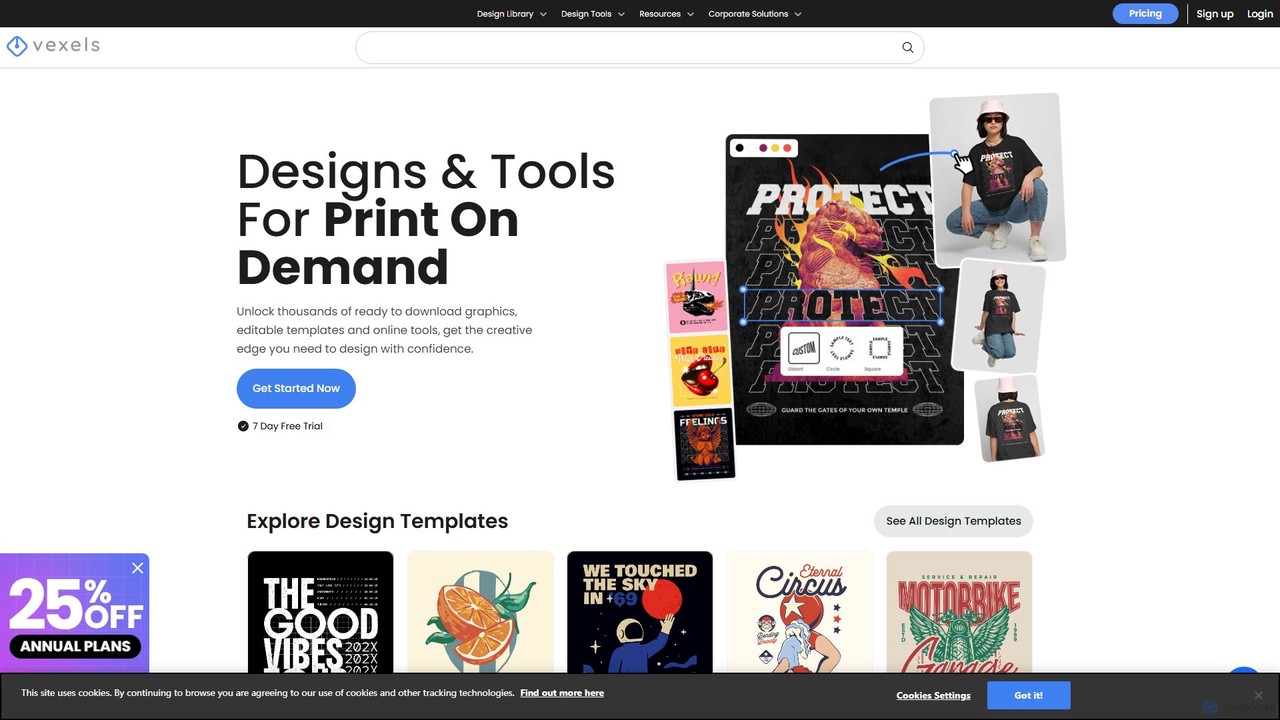
AI Mockup tools are specialized software solutions that leverage artificial intelligence to generate realistic visual representations of products, designs, or concepts within various contexts. These tools utilize advanced rendering engines and machine learning algorithms to place digital designs onto pre-existing or AI-generated scenes, such as devices, apparel, packaging, or environments. They empower designers, marketers, and businesses to quickly visualize and present their ideas with high fidelity, significantly streamlining the design review and marketing material creation processes within the broader marketing workflow.
Core Features
- AI-Powered Scene Generation: Automatically creates diverse, realistic background scenes and environments tailored to the product.
- Smart Object Placement: Intelligently adapts and places designs onto various surfaces, accounting for perspective, lighting, and texture.
- Extensive Template Libraries: Offers a wide array of customizable templates for devices, apparel, print, and environmental mockups.
- Realistic Rendering: Generates high-quality, photorealistic images with accurate shadows, reflections, and material textures.
- Batch Processing: Enables the creation of multiple mockups from a single design across different templates or scenes efficiently.
Use Cases
These tools are invaluable for professionals in product design, digital marketing, and branding. They are used to visualize how a new app interface looks on a smartphone, how a logo appears on merchandise, or how a product package stands out on a shelf. This allows for rapid iteration and ensures designs are presented in compelling, real-world scenarios before production.
How to Choose
When selecting an AI Mockup tool, consider the variety and quality of its template library, the level of customization offered for scenes and objects, and the realism of its rendering capabilities. Evaluate its integration with your existing design software (e.g., Figma, Adobe XD) and assess its ease of use, especially for non-designers. Finally, compare pricing models and ensure it supports the specific types of mockups you frequently need, such as digital, print, or environmental.