Marketing Best in category 1 results Video Editing AI Tool

Popular AI tools in the Video Editing field of Marketing include itingnao, etc., helping you quickly improve efficiency.

itingnao

itingnao

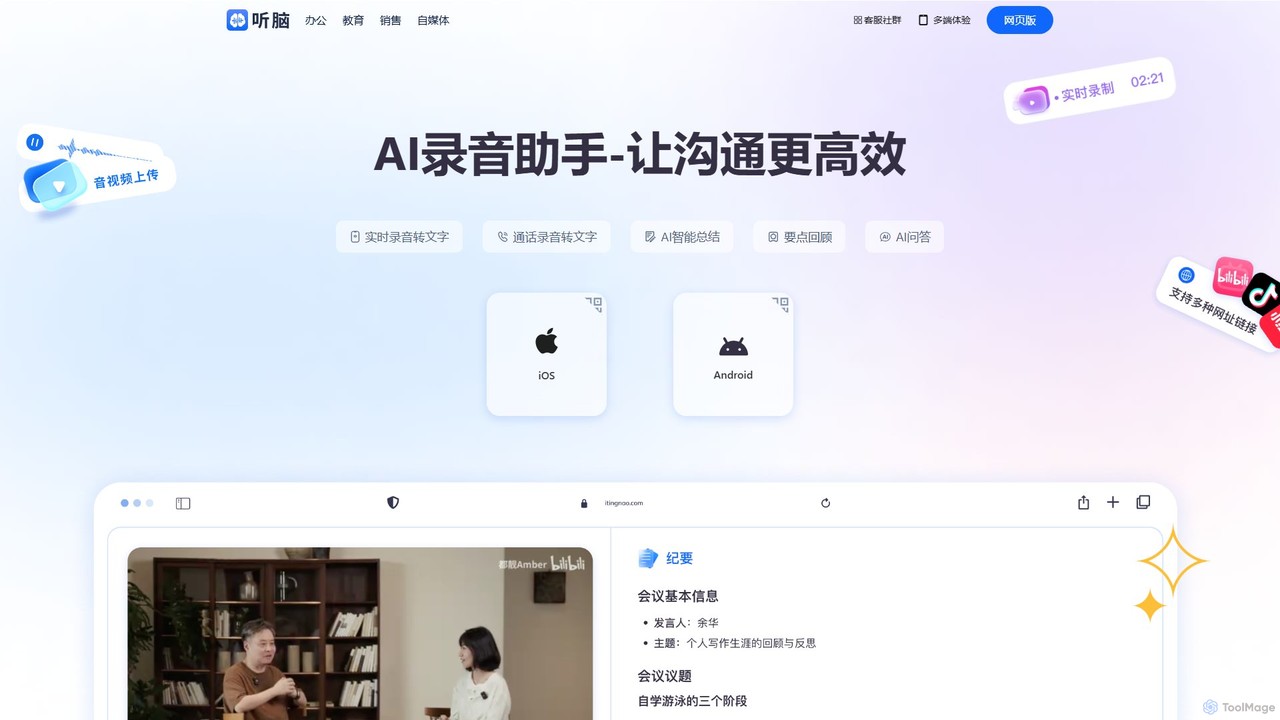
itingnao is an AI-powered assistant that transcribes audio and video into text. It offers real-time transcription, file uploads, …

52.7K

About Video Editing

AI Video Editing tools are a category of software leveraging artificial intelligence to automate and enhance various aspects of video production and post-production, particularly valuable for creating compelling marketing content. These tools utilize machine learning algorithms for tasks like intelligent cutting, content generation, and effect application, significantly streamlining the creation of high-quality visual narratives. They empower content creators, marketers, and businesses to produce engaging video content more efficiently and at scale, transforming raw footage into polished, impactful stories.

Core Features

  • Automated Editing: AI analyzes footage to suggest cuts, transitions, and pacing based on content and desired style, reducing manual effort.
  • Content Generation: Automatically generates captions, subtitles, background music, or even entire video segments from text prompts or audio.
  • Object Recognition & Tracking: Identifies and tracks objects or faces for automatic blurring, highlighting, or applying specific visual effects.
  • Intelligent Enhancement: Improves video quality by upscaling resolution, performing color correction, stabilizing shaky footage, and reducing noise.
  • Script-to-Video: Converts written scripts or articles into complete video content with relevant visuals, voiceovers, and synchronized elements.

Applicable Scenarios

These tools are invaluable for digital marketers creating social media ads, content creators producing YouTube videos, and businesses developing product demonstrations or internal training materials. They accelerate workflows, reduce manual effort, and enable rapid iteration of video content across various platforms.

How to Choose

When selecting an AI video editing tool, consider its core automation capabilities (e.g., auto-cutting, script-to-video), the range of AI-powered enhancements (e.g., upscaling, object tracking), integration with existing creative suites, and the learning curve for your team. Evaluate output quality, supported formats, and pricing models based on your project volume and specific needs.

Video EditingUse Cases

1

Automated Social Media Ad Creation

Digital marketers can upload product images/videos and ad copy, and AI automatically generates multiple short, engaging video ads optimized for different social media platforms. This includes adding music, captions, and transitions, saving hours of manual editing and enabling rapid A/B testing of ad creatives to maximize campaign performance.

2

Rapid Production of Explainer Videos

Businesses can input a script or an article, and the AI tool will generate a complete explainer video with relevant stock footage, voiceover, and background music. This is ideal for product launches, educational content, or internal communications, significantly reducing the time and resources typically required for professional video production.

3

Personalized Video Marketing Campaigns

E-commerce brands can use AI to dynamically insert customer names, specific product details, or localized offers into video templates. This enables the creation of thousands of personalized video messages for targeted email campaigns or social media retargeting, significantly boosting engagement and conversion rates compared to generic videos.

4

Efficient Long-Form Content Repurposing

Content creators can upload a long podcast, webinar, or interview, and AI automatically identifies key highlights, transcribes audio, and generates short video clips suitable for social media snippets, blog embeds, or promotional teasers. This maximizes the value of existing content by transforming it into diverse, digestible formats with minimal manual effort.

5

Enhancing Video Quality for Archival Footage

Media professionals and archivists can utilize AI to upscale low-resolution historical video footage, stabilize shaky clips, and perform intelligent color correction or noise reduction. This breathes new life into old archives for documentaries, presentations, or digital preservation, making previously unusable footage suitable for modern viewing standards.

6

Streamlining Corporate Training Video Production

HR departments or corporate trainers can input training manuals or presentations, and AI generates professional-looking training videos with synchronized voiceovers, on-screen text, and interactive elements. This significantly reduces production time and costs, allowing companies to quickly update and deploy engaging training content for employees across various departments.

Video EditingFrequently Asked Questions