ToolMage
Sign in

Best 1 Virtual Tour AI tools for Marketing

Popular Virtual Tour AI tools in Marketing include DigitalCarbon, helping you work more efficiently.

DigitalCarbon

DigitalCarbon

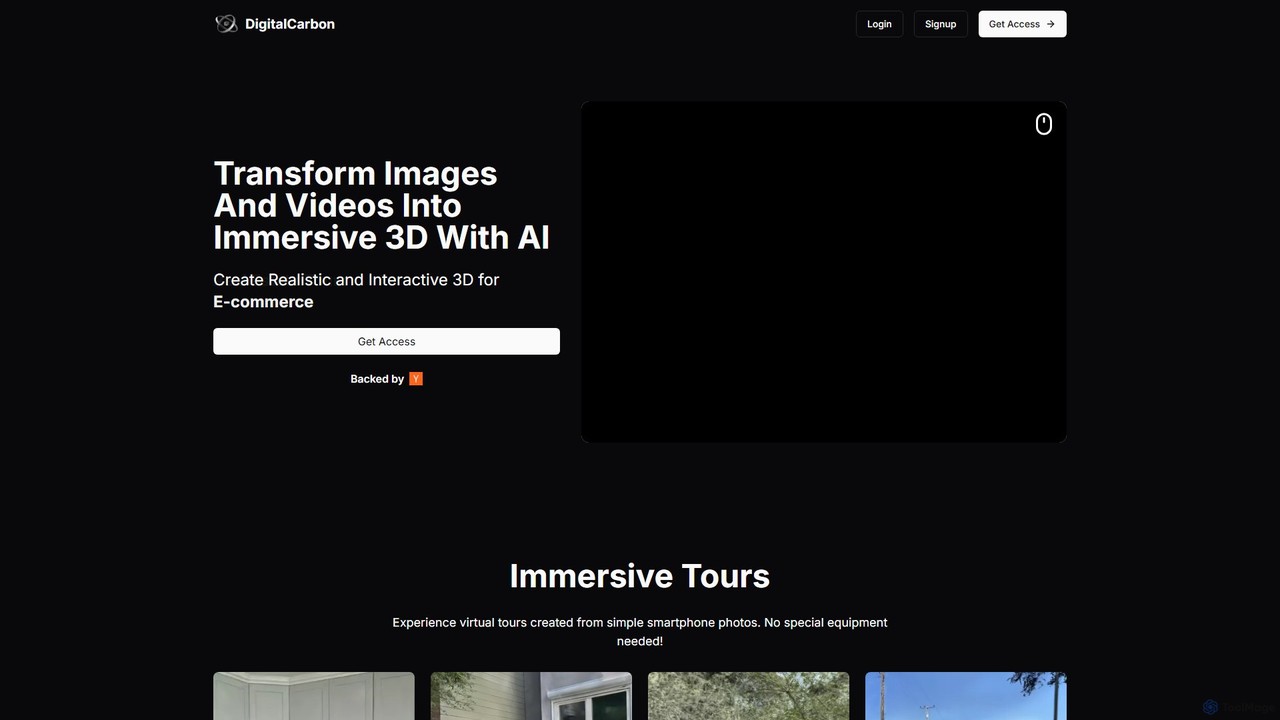
DigitalCarbon is an AI-powered platform that transforms standard 2D images and videos into realistic, interactive 3D models and immersive virtual tours. Requiring no special equipment, it allows users to create high-fidelity 3D content for e-commerce, real estate, digital twins, and more, simply by using a smartphone.

Photogrammetry
Visits 5.6KFavorites 123Likes 128

About Virtual Tour

AI Virtual Tour tools are applications that use artificial intelligence to create interactive, navigable digital replicas of physical spaces. These tools process 360-degree photos, videos, or 3D scan data to automatically stitch together seamless, immersive experiences. They enable users to virtually walk through properties, showrooms, or venues from any device, providing a sense of presence and spatial understanding that static images cannot offer. As a key component of digital marketing, they significantly enhance engagement and decision-making for potential customers.

Core Features

  • Automated 3D Model Generation: Creates a navigable 3D 'digital twin' of a space from a series of photos or videos using photogrammetry.
  • Interactive Hotspots: Allows embedding clickable points within the tour to display text, images, videos, or links for additional information.
  • AI-Powered Image Enhancement: Automatically adjusts lighting, color balance, and sharpness to improve the visual quality of the tour.
  • Floor Plan Creation: Generates accurate 2D floor plans and measurements directly from the captured tour data.
  • VR Headset Compatibility: Offers an even more immersive experience by allowing users to explore the tour using virtual reality headsets.

Use Cases

These tools are invaluable in industries where showcasing a physical space is crucial. Real estate agents use them to offer 24/7 open houses to international clients. The hospitality sector, including hotels and event venues, leverages them to display their facilities and attract bookings. Retailers create virtual showrooms for high-value products like furniture or cars, while museums and galleries use them to build accessible digital exhibitions.

How to Choose

When selecting an AI Virtual Tour tool, consider the required input format (360° camera, smartphone, or 3D scanner). Evaluate the quality and realism of the final 3D model or tour. Assess the level of customization available for interactive hotspots and branding. Also, check for hosting options, analytics features to track engagement, and compatibility with different platforms, including web and VR.

Virtual Tour use cases

1

Immersive Real Estate Property Showings

A real estate agent needs to market a luxury property to international buyers who cannot visit in person. Using an AI Virtual Tour tool, they capture 360-degree images of every room. The AI automatically stitches these images into a high-fidelity, navigable 3D model. The agent then adds interactive hotspots to highlight key features like kitchen appliances or custom cabinetry. The final tour is embedded on the listing website, allowing potential buyers to explore the property at their own pace, from anywhere in the world, leading to more qualified leads and faster sales cycles.

2

Virtual Showroom for E-commerce

An online furniture retailer wants to provide customers with a better way to visualize products in a home setting. They use an AI Virtual Tour tool to create a digital showroom. By uploading 3D models of their furniture, they can arrange them in various pre-designed virtual rooms. Customers can then 'walk' through the showroom, view furniture from any angle, and click on items to see product details and purchase options. This interactive experience reduces purchase uncertainty, increases customer confidence, and has been shown to lower product return rates.

3

Digital Preservation of Cultural Heritage Sites

A museum curator aims to create a permanent, accessible digital archive of a historical site that is deteriorating or has restricted public access. Using high-resolution 360° cameras and drone footage, a team captures comprehensive data of the site. An AI Virtual Tour tool processes this data to construct a detailed and historically accurate 3D model. Researchers and the public can then explore the site virtually, accessing embedded hotspots with historical information, academic papers, and archival photos. This not only preserves the site for future generations but also democratizes access to cultural heritage.

4

Remote Construction Site Monitoring

A project manager for a large construction firm needs to provide regular progress updates to stakeholders located in different cities. Instead of relying on static photos, they conduct weekly 360° video walkthroughs of the site. An AI Virtual Tour platform processes the video, creating a time-stamped, interactive tour for each week. Stakeholders can virtually visit the site, compare progress over time by switching between dates, and click on specific areas to view annotations or attached documents from the project manager. This improves communication, enhances transparency, and reduces the need for costly travel.

5

Interactive Hotel and Resort Previews

A marketing manager for a hotel chain wants to increase direct bookings on their website. They create comprehensive virtual tours for each of their properties, showcasing not just the rooms, but also the lobby, pool, restaurant, and conference facilities. Using interactive hotspots, they link directly to the booking page for specific room types or provide menus for the restaurant. Potential guests can fully explore the hotel before committing, giving them confidence in their choice. This rich media experience sets the hotel apart from competitors on booking sites and drives higher conversion rates.

6

Virtual Onboarding and Facility Training

A large manufacturing company needs to train new employees on safety protocols and facility layouts across multiple global locations. They create detailed virtual tours of each plant. During onboarding, new hires navigate these tours as part of their training. Embedded hotspots trigger quizzes on safety procedures, show instructional videos for operating machinery, and highlight emergency exit routes. This standardized, immersive training ensures all employees receive consistent and thorough information, reduces the time required for in-person tours, and allows for self-paced learning and revision.

Virtual Tour FAQ

What are AI Virtual Tour tools?

AI Virtual Tour tools are software applications that use artificial intelligence to create immersive, 3D navigable digital representations of real-world places. They typically process a series of 360° photos or video footage, using AI algorithms to stitch them together, generate 3D models (a 'digital twin'), and create interactive walkthroughs. Unlike a simple video, these tours allow users to control their own path and perspective, exploring the space freely as if they were there.

How is an AI virtual tour different from a video walkthrough?

The key difference is interactivity and user control. A video walkthrough is a passive, linear experience where the viewer watches a pre-recorded path. An AI virtual tour is an active, non-linear experience. The user decides where to go, what to look at, and how long to spend in each area. They can navigate freely, zoom in on details, and interact with embedded content (hotspots). This user-driven exploration provides a much deeper sense of space and presence.

How to choose the right AI Virtual Tour tool?

When selecting a tool, consider these factors:

  • Input Method: Does the tool work with your existing equipment, such as a 360° camera, a smartphone, or a professional 3D scanner?
  • Output Quality: Review examples created by the tool. Look for high-resolution imagery, smooth navigation, and realistic 3D model generation.
  • Customization: Check the flexibility for adding branding, custom hotspots, floor plans, and other interactive elements.
  • Hosting and Sharing: Does the provider host the tour for you? How easy is it to embed the tour on your website or share it on social media?
  • Analytics: Does the tool provide data on user engagement, such as views, popular areas, and interaction rates?
Who can benefit from using AI Virtual Tour tools?

A wide range of professionals and industries can benefit from these tools. Key users include:

  • Real Estate Agents: To market properties 24/7 to a global audience and pre-qualify potential buyers.
  • Hoteliers and Venue Managers: To showcase their facilities, rooms, and amenities to attract more bookings.
  • Retailers and E-commerce Brands: To create virtual showrooms that enhance the online shopping experience.
  • Museums and Cultural Institutions: To create accessible digital exhibitions and preserve historical sites.
  • Construction and Engineering Firms: For remote site monitoring, progress tracking, and stakeholder communication.
What kind of equipment is needed to create a virtual tour?

The required equipment varies depending on the tool and desired quality. Options range from accessible to professional-grade:

  • Smartphones: Many modern AI tools can create impressive tours using just the camera on a high-end smartphone. This is a great entry-level option.
  • 360° Cameras: Devices like those from Insta360 or Ricoh Theta are specifically designed for this purpose. They capture a full spherical image in a single shot, simplifying the process and improving quality.
  • DSLR/Mirrorless Cameras: For the highest image quality, photographers can use a standard camera with a panoramic head to take multiple photos that are later stitched together by the software.
  • Professional 3D Scanners: For maximum accuracy, especially for creating precise floor plans and 'digital twins', specialized scanners like those from Matterport or Leica are used.