
Marketing Best in category 1 results Visual Automation AI Tool

Popular AI tools in the Visual Automation field of Marketing include Duply, etc., helping you quickly improve efficiency.

Duply

Duply

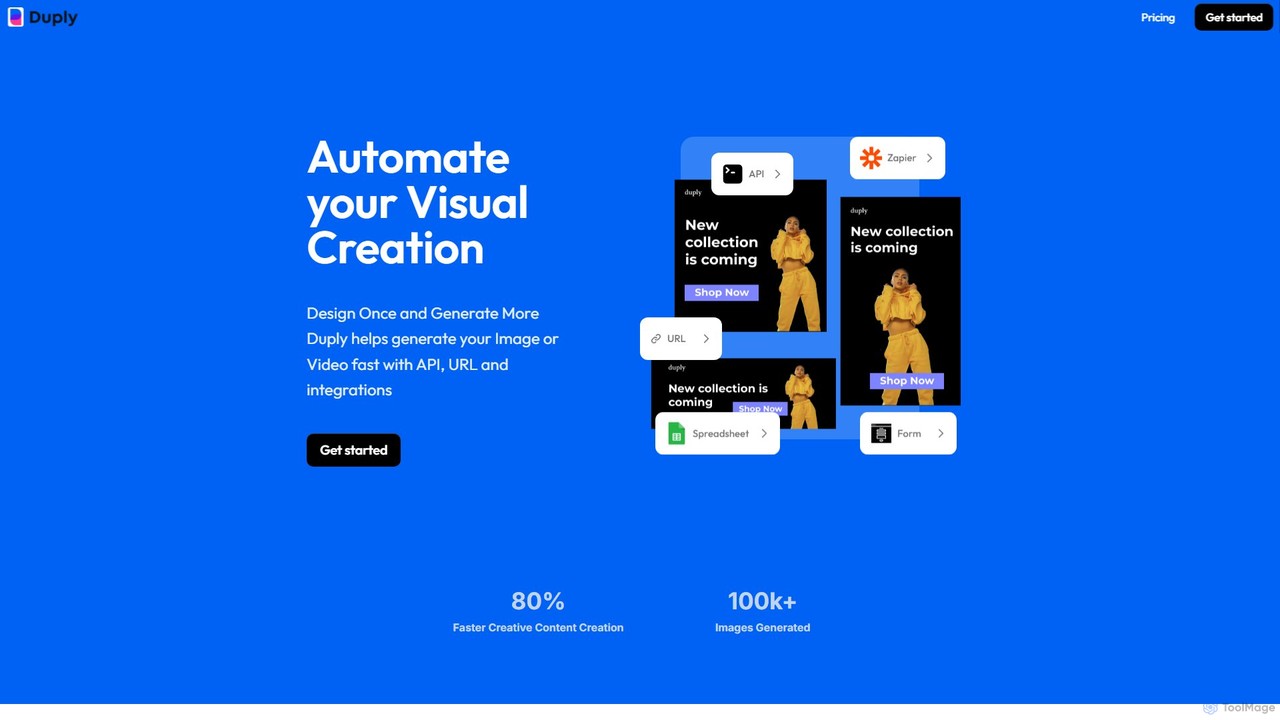
Duply is a visual automation platform that enables users to automatically generate personalized images and videos at scale. …

5.1K

About Visual Automation

Visual Automation tools are AI-powered platforms designed to automatically generate and adapt marketing visuals at scale. These tools leverage templates, data feeds, and AI algorithms to produce thousands of variations of images and videos from a single master design. This enables marketing teams to efficiently create personalized ad creatives, conduct extensive A/B testing, and maintain brand consistency across numerous channels. They are particularly effective for programmatic advertising, e-commerce promotions, and large-scale social media campaigns where content volume and personalization are key.

Core Features

  • Template-Based Generation: Creates a high volume of visuals from predefined, brand-compliant templates.
  • Data-Driven Creatives: Connects to data sources like product catalogs or spreadsheets to dynamically populate visuals with text, images, and prices.
  • Automated Resizing: Automatically adapts a master creative to various sizes and formats required by different ad platforms and social media channels.
  • Bulk Video Creation: Assembles short video ads by combining static images, text overlays, stock footage, and music.
  • AI-Powered Personalization: Uses AI to tailor visual elements based on user data, location, or browsing behavior for hyper-targeted ads.

Use Cases

Visual Automation is primarily used by e-commerce businesses for dynamic product advertising, performance marketing teams for rapid creative testing, and large enterprises managing multi-market campaigns. Digital agencies also rely on these tools to scale creative production for multiple clients without a proportional increase in design resources.

How to Choose

When selecting a Visual Automation tool, evaluate its integration capabilities with your ad platforms (e.g., Meta, Google Ads) and data sources. Assess the flexibility of its template editor and the range of supported output formats (image and video). Also, consider the pricing model—whether it's based on the volume of visuals generated or user seats—to ensure it aligns with your campaign scale and budget.

Visual AutomationUse Cases

1

Generate Dynamic E-commerce Product Ads

An e-commerce marketing manager connects their Shopify product catalog to a visual automation tool. They design a master template that includes placeholders for the product image, name, price, and a discount banner. The tool automatically generates a unique ad creative for every one of the 5,000 products in their store, correctly sized for Facebook and Instagram feeds. This allows them to run highly relevant retargeting campaigns, showing users the exact products they previously viewed, significantly increasing click-through rates and conversions without manual design effort.

2

Scale A/B Testing for Ad Creatives

A performance marketing team needs to test which ad creative performs best. Instead of manually creating dozens of variations, they use a visual automation tool. They upload 5 different background images, 4 headlines, and 3 call-to-action (CTA) buttons. The platform automatically generates all 60 possible combinations (5x4x3) in minutes. The team can then launch a campaign to test all variants simultaneously, quickly identify the winning combination based on real data, and allocate their budget more effectively, improving the overall return on ad spend (ROAS).

3

Automate Social Media Content Creation

A social media manager for a news outlet needs to post breaking news alerts and daily headlines across multiple platforms. They set up templates for different content types (e.g., quote graphics, news summaries, video clips). By connecting the tool to their content management system (CMS) via an API, every time a new article is published, a corresponding set of social media visuals is automatically generated and added to their scheduling queue. This ensures timely and consistent branding for all posts and frees up the manager to focus on community engagement and strategy.

4

Localize Marketing Campaigns for Global Markets

A global consumer brand is launching a new product in 15 different countries. The marketing team creates a master set of ad visuals in English. They then use a visual automation tool and a spreadsheet containing translations for headlines, body copy, and CTAs for each of the 15 languages. The tool ingests the spreadsheet and automatically generates fully localized versions of all ad visuals. This process reduces a multi-week project involving multiple designers and agencies into a few hours, ensuring brand consistency while respecting local languages and cultures.

5

Generate Personalized Video Ads

A travel agency wants to create personalized video ads for users who have searched for specific destinations. They create a video template that includes clips of various locations, with text overlays for destination names and prices. By integrating the visual automation tool with their ad platform's data, the system automatically generates a unique 15-second video for each user segment. A user who searched for 'Paris flights' sees a video with clips of Paris, the text 'Flights to Paris from $499', and a 'Book Now' CTA. This level of personalization in video content leads to higher engagement and booking rates.

6

Automate Real Estate Listing Promotions

A large real estate agency manages hundreds of property listings. Manually creating social media posts for each new listing is time-consuming. They connect their property database (containing images, price, address, and agent info) to a visual automation platform. Now, when a new property is listed, the system automatically generates a branded image carousel for Instagram, a summary graphic for Facebook, and a short video slideshow for YouTube. These assets are then automatically posted or sent to the respective agent for approval, ensuring every listing gets immediate and professional marketing exposure.

Visual AutomationFrequently Asked Questions