Best of the Year 2 results Meeting AI Tools

Popular AI tools in the Meeting field include Transkriptor、Rewind, etc., helping you quickly improve efficiency.

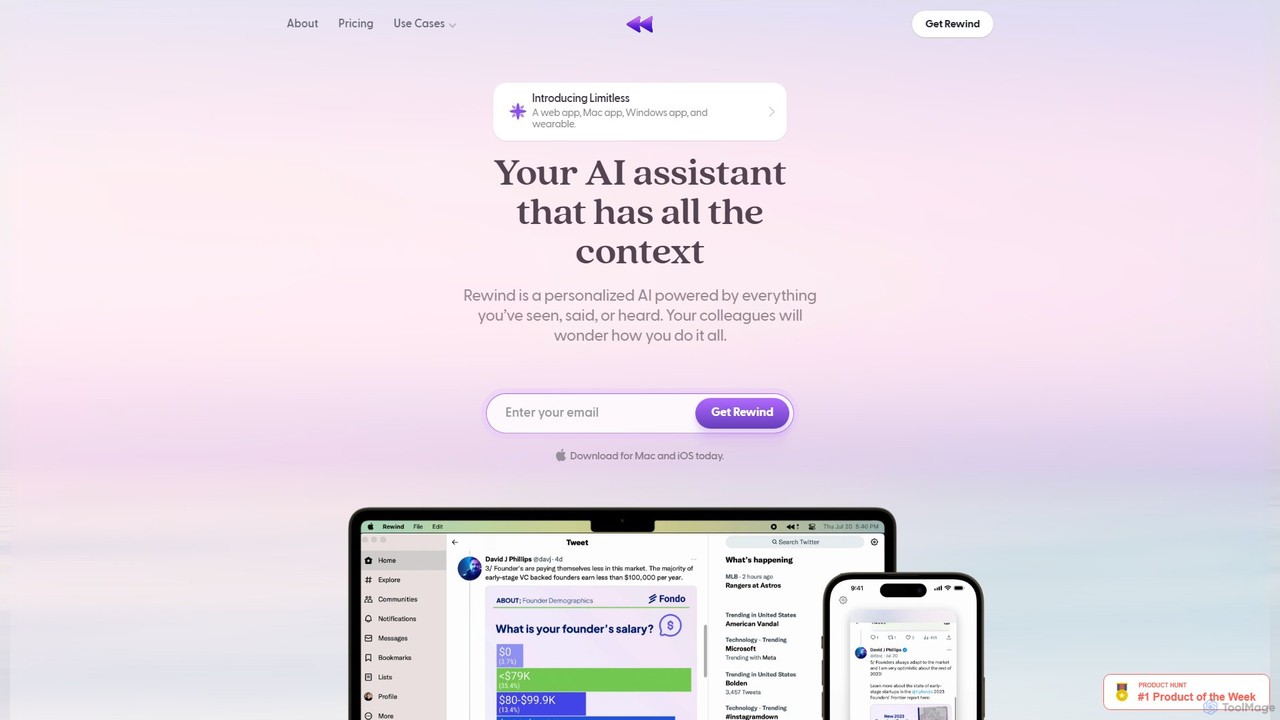
Rewind

Rewind

Rewind is a personalized AI assistant that acts as a search engine for your life. It securely captures …

11.3K
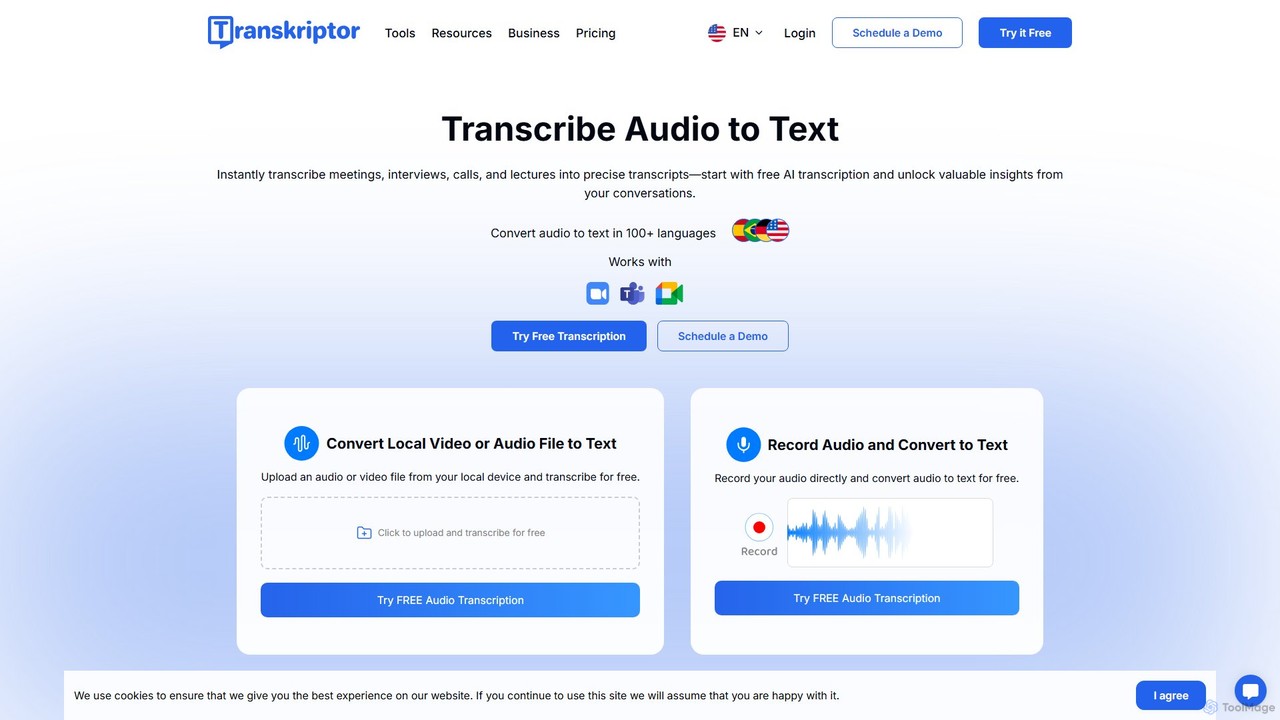
Transkriptor

Transkriptor

Transkriptor is an AI-powered transcription service that converts audio and video files into accurate, editable text in over …

1.1M

About Meeting

AI Meeting tools are a class of software that uses artificial intelligence to automatically transcribe, summarize, and analyze voice conversations from meetings. These tools leverage advanced speech-to-text and natural language processing (NLP) technologies to convert spoken dialogue into searchable text and extract key insights. Their primary value lies in automating the tedious process of note-taking, creating accurate records, and identifying actionable outcomes. This allows teams to focus on the discussion, improve information recall, and ensure accountability for decisions and tasks.

Core Features

  • Real-time Transcription: Automatically converts spoken words into written text as the meeting happens.
  • Automated Summarization: Generates concise summaries highlighting key points, decisions, and discussion topics.
  • Action Item Detection: Identifies and lists tasks, deadlines, and assigned responsibilities mentioned during the conversation.
  • Speaker Identification: Distinguishes between different speakers and attributes transcribed text to the correct person.
  • Topic Analysis: Categorizes the conversation into key themes or topics for easy navigation and review.

Use Cases

AI Meeting tools are widely used across various industries by project managers, sales teams, UX researchers, and consultants. They are essential for documenting client calls, capturing requirements in technical meetings, conducting user interviews, and generating minutes for board meetings. Any role that relies on accurate information from conversations can benefit from these tools to save time and reduce manual effort.

How to Choose

When selecting an AI Meeting tool, consider the following factors. Evaluate the transcription accuracy, especially for industry-specific jargon or various accents. Check its integration capabilities with your primary video conferencing platforms like Zoom, Google Meet, or Microsoft Teams. Assess the quality of its summarization and action item detection. Finally, review its security policies and data privacy compliance to ensure your sensitive information is protected.

MeetingUse Cases

1

Automate Project Status Meeting Notes

For project managers leading daily stand-ups or weekly syncs, manually taking notes distracts from facilitating the conversation. By using an AI Meeting tool, they can focus entirely on team alignment and problem-solving. The tool runs in the background, transcribing the entire discussion, identifying who said what, and automatically generating a summary with key decisions and action items. After the meeting, the manager can quickly review and share the concise, accurate record, ensuring everyone is clear on their responsibilities and deadlines, saving up to 30 minutes of administrative work per meeting.

2

Capture Key Insights from Sales Discovery Calls

Sales representatives and account executives need to capture every detail from client discovery calls, including pain points, requirements, and budget constraints. An AI Meeting tool integrates with their CRM and call software to automatically record and analyze these conversations. It transcribes the call and uses topic analysis to highlight mentions of competitors, pricing, and feature requests. This creates a rich, searchable record for each prospect, enabling sales reps to craft highly personalized follow-up proposals and share accurate client intelligence with the product team, improving deal closure rates.

3

Document User Research and Feedback Sessions

UX researchers and product managers conduct numerous interviews to understand user needs. Manually transcribing and analyzing these sessions is extremely time-consuming. An AI Meeting tool automates this entire workflow. It provides a full, accurate transcript of each interview, with speakers clearly identified. Researchers can then search the text for keywords, identify recurring themes, and even clip key moments to share with stakeholders. This accelerates the synthesis of research findings, allowing teams to make data-driven product decisions faster and more efficiently.

4

Generate Formal Minutes for Board Meetings

For executive assistants and corporate secretaries, creating accurate and compliant minutes for board meetings is a high-stakes task. An AI Meeting tool can serve as a reliable assistant. It captures a verbatim record of the proceedings, which can be used to verify details and ensure accuracy. The automated summary feature helps draft the initial minutes by highlighting motions, votes, and key resolutions. This reduces the risk of human error, ensures a complete record for legal and compliance purposes, and significantly cuts down the time required to produce and distribute official meeting minutes.

5

Enhance Online Learning and Academic Lectures

Students participating in online classes or lectures often struggle to take comprehensive notes while actively listening. AI Meeting tools can transcribe entire lectures in real-time, providing students with a complete text version to review later. They can search the transcript for specific terms, review complex topics at their own pace, and use the summary to quickly grasp the main concepts before an exam. This makes learning more accessible, especially for students with different learning styles or those studying in a non-native language, ultimately improving comprehension and academic performance.

6

Streamline Team Brainstorming and Ideation Sessions

In creative brainstorming sessions, the flow of ideas is paramount, and stopping to write things down can stifle creativity. An AI Meeting tool allows teams to brainstorm freely, knowing every idea is being captured. After the session, the team receives a full transcript and a summary that groups related concepts and ideas together. This makes it easy to review the session's output, identify the most promising ideas, and define the next steps for development or prototyping, ensuring that no valuable thought is lost and transforming chaotic creativity into structured action.

MeetingFrequently Asked Questions