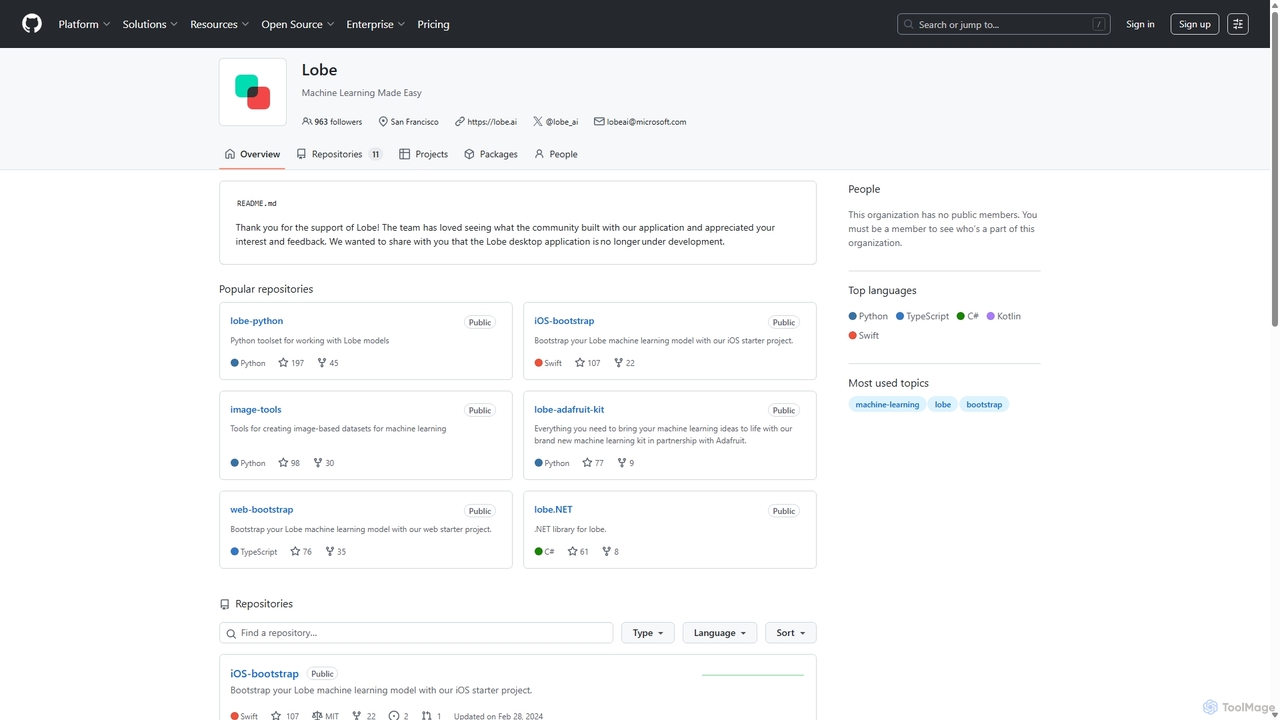
Lobe
Lobe is a free, user-friendly desktop application for Mac and PC that simplifies the process of training custom …
Lobe is a free, user-friendly desktop application for Mac and PC that simplifies the process of training custom machine learning models. It enables users to build, manage, and export image classification models without writing a single line of code, making AI accessible to everyone.
About No Code & Low Code
No Code & Low Code platforms are innovative development tools that enable users to create applications and automate workflows with minimal or no traditional programming. These platforms leverage visual interfaces, drag-and-drop functionalities, and pre-built components, significantly accelerating the development process. They empower business users and developers alike to build custom software solutions, fostering rapid innovation and digital transformation across organizations. This approach democratizes technology, allowing a broader range of individuals to contribute to software creation.
Core Features
- Visual Development Interfaces: Intuitive drag-and-drop editors for designing user interfaces and application logic.
- Pre-built Templates & Components: Ready-to-use modules and templates for common functionalities and industry-specific solutions.
- Workflow Automation: Tools to design and automate complex business processes and data flows without writing code.
- Data Integration Capabilities: Seamless connections with existing databases, APIs, and third-party applications.
- Customization & Extensibility: Options to add custom code (Low Code) or configure advanced logic for unique requirements.
Use Cases
No Code & Low Code tools are widely adopted for various applications, from creating internal operational tools to customer-facing applications. Businesses use them to quickly prototype ideas, build departmental applications, and automate repetitive tasks. They are particularly valuable in scenarios requiring rapid iteration and deployment, such as developing minimum viable products (MVPs) or specialized departmental solutions.
How to Choose
When selecting a No Code or Low Code platform, consider the complexity and scalability of your project, as well as the platform's integration ecosystem. Evaluate the learning curve for your team, the availability of support resources, and the platform's security and compliance features. Assess whether the platform offers sufficient customization options and extensibility to meet both current and future needs, balancing ease of use with powerful capabilities.
No Code & Low CodeUse Cases
Rapidly Develop Custom Business Applications
Small to medium-sized businesses can leverage No Code & Low Code platforms to quickly build tailored internal tools like CRM extensions, project management dashboards, or inventory trackers. This enables them to address specific operational gaps without hiring expensive developers or waiting for lengthy development cycles. For instance, a sales team can create a custom lead tracking system that integrates with their existing email platform, improving data accuracy and sales efficiency within weeks.
Automate Complex Marketing & Sales Workflows
Marketing and sales professionals can utilize these platforms to automate intricate campaigns, from lead nurturing sequences to personalized customer outreach. By visually designing workflows, they can connect various tools like CRM, email marketing, and social media platforms. For example, a marketing manager can set up an automated system that sends targeted emails based on website visitor behavior, schedules social media posts, and updates CRM records, significantly reducing manual effort and improving campaign responsiveness.
Create Interactive Customer Portals & Self-Service Tools
Companies can empower their customers with self-service options by building interactive portals using No Code & Low Code tools. This allows customers to manage their accounts, track orders, access FAQs, or submit support requests independently. A SaaS company, for instance, can develop a customer portal where users can update their subscription details, view usage analytics, and access knowledge base articles, enhancing customer satisfaction and reducing support ticket volume.
Streamline HR & Operations Onboarding Processes
HR and operations departments can significantly improve efficiency by automating onboarding and administrative processes. No Code & Low Code platforms enable the creation of digital forms, automated approval workflows, and task assignments for new hires or internal requests. An HR manager can design an onboarding flow that automatically sends welcome emails, assigns training modules, collects necessary documents, and notifies relevant departments, ensuring a smooth and compliant new employee experience.
Build Data Collection & Reporting Applications for Field Teams
Organizations with field-based operations, such as construction, logistics, or healthcare, can develop custom mobile applications for data collection and reporting. Field teams can use these apps on tablets or smartphones to capture real-time data, submit inspection reports, or manage inventory on-site. For example, a construction supervisor can use a Low Code app to log daily progress, take photos of site conditions, and instantly share updates with the office, improving project oversight and decision-making.
Rapid Prototyping and MVP Development
Entrepreneurs and product managers can quickly validate new business ideas by building Minimum Viable Products (MVPs) with No Code & Low Code platforms. This allows them to test core functionalities and gather user feedback without significant upfront investment in traditional development. A startup founder, for instance, can launch a functional web application for a niche service within weeks, enabling early market testing and iterative improvements based on real user engagement, accelerating time-to-market.