Product & Development Best in category 1 results Prototyping AI Tool

Popular AI tools in the Prototyping field of Product & Development include Intelligent Co-Founder, etc., helping you quickly improve efficiency.

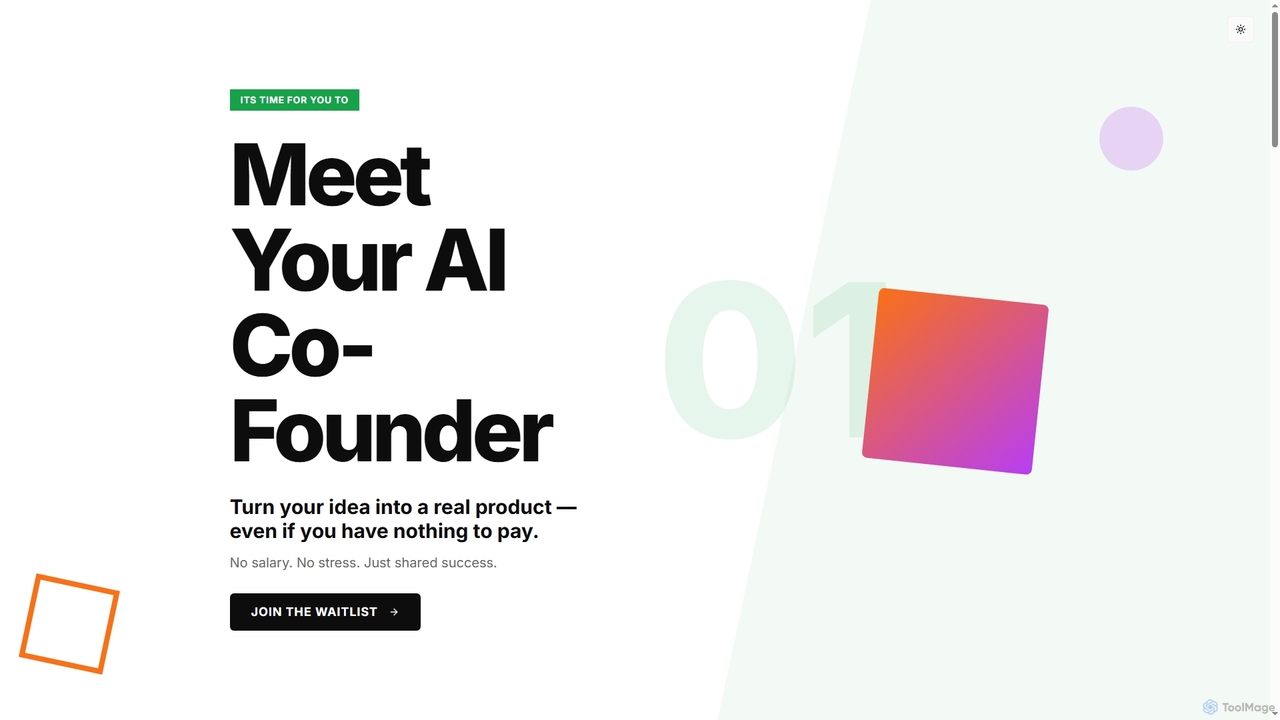
Intelligent Co-Founder

Intelligent Co-Founder

Intelligent Co-Founder is an AI partner designed to help visionary entrepreneurs transform their startup ideas into real products. …

2.5K

About Prototyping

Prototyping AI tools are specialized software solutions that leverage artificial intelligence to streamline and enhance the creation of interactive prototypes for digital products. These tools utilize machine learning algorithms to automate repetitive design tasks, generate design variations, and simulate user interactions, significantly accelerating the design and development lifecycle. They empower designers and product teams to rapidly visualize concepts, test user flows, and gather feedback more efficiently, leading to faster iterations and more user-centric products within the broader Product & Development ecosystem.

Core Features

  • Automated Wireframing & Mockup Generation: Converts text descriptions, sketches, or low-fidelity designs into high-fidelity wireframes or interactive mockups.
  • Generative Design Suggestions: Proposes multiple design layouts, component variations, or interaction patterns based on user input and design principles.
  • Intelligent User Flow Creation: Automatically maps out user journeys and interaction paths, identifying potential usability issues.
  • Data-Driven Prototyping: Integrates real or simulated data to create more realistic and dynamic prototypes for testing.
  • Design System Integration: Generates prototypes consistent with existing design systems, ensuring brand coherence and scalability.

Use Cases

Designers and product managers utilize AI prototyping tools to quickly validate ideas and iterate on designs. For instance, a UX designer can use AI to generate several alternative layouts for a new feature, allowing for rapid A/B testing. Product teams can also create interactive prototypes that simulate complex user journeys, helping stakeholders visualize the final product experience before significant development investment.

How to Choose

When selecting an AI prototyping tool, consider its integration capabilities with your existing design stack (e.g., Figma, Sketch), the level of automation offered for specific tasks (e.g., wireframing, component generation), and its ability to handle complex interactions. Evaluate the learning curve, community support, and pricing model to ensure it aligns with your team's workflow and budget. Prioritize tools that offer robust collaboration features for seamless team feedback.

PrototypingUse Cases

1

Rapid UI/UX Concept Generation

UX/UI designers leverage AI prototyping tools to quickly generate diverse design concepts for new features or entire applications. By inputting brief text prompts or design constraints, the AI can produce multiple layout variations, color schemes, and interaction patterns. This significantly reduces the initial ideation time, allowing designers to explore a wider range of possibilities and present varied options to stakeholders for early feedback, accelerating the design sprint.

2

Converting Sketches to Interactive Wireframes

Product designers often start with hand-drawn sketches or low-fidelity mockups to quickly capture ideas. AI prototyping tools can interpret these initial drawings, automatically converting them into structured, interactive digital wireframes. This eliminates the tedious manual process of redrawing and linking elements in traditional software, enabling designers to move from concept to testable prototype much faster and focus more on user experience rather than pixel-pushing.

3

Simulating Dynamic User Flows with Data

For complex applications, creating prototypes that accurately reflect dynamic data and user interactions is crucial. AI prototyping tools can integrate with simulated data sources or even real APIs to create highly realistic and interactive prototypes. This allows product managers and researchers to test user flows under various conditions, observe how the prototype responds to different inputs, and identify potential edge cases or usability issues before development begins, enhancing testing accuracy.

4

Ensuring Accessibility Compliance in Design

Accessibility is a critical aspect of modern product design. AI prototyping tools can analyze generated or imported designs for potential accessibility issues, such as insufficient color contrast, missing alt text, or improper keyboard navigation. They can then suggest automated fixes or provide recommendations to ensure the prototype adheres to WCAG (Web Content Accessibility Guidelines) standards, helping designers build inclusive products from the ground up and avoid costly reworks.

5

Generating Design System-Compliant Components

Maintaining consistency across a product suite is vital, often managed through design systems. AI prototyping tools can generate new UI components or variations that automatically conform to an existing design system's rules, styles, and component libraries. This ensures that all new prototype elements are on-brand and scalable, reducing the manual effort required to adhere to design guidelines and accelerating the creation of consistent user interfaces across different projects.

6

Streamlining User Feedback Integration

Gathering and acting on user feedback is central to iterative design. AI prototyping tools can assist by analyzing user testing sessions, identifying common pain points, and even suggesting design modifications based on qualitative and quantitative feedback. This accelerates the iteration cycle, allowing designers to quickly implement improvements, test revised prototypes, and move towards a more refined and user-validated product with greater efficiency and precision.

PrototypingFrequently Asked Questions