
PostHog
PostHog is an all-in-one, open-source product analytics platform for developers. It combines product analytics, session replay, feature flags, …
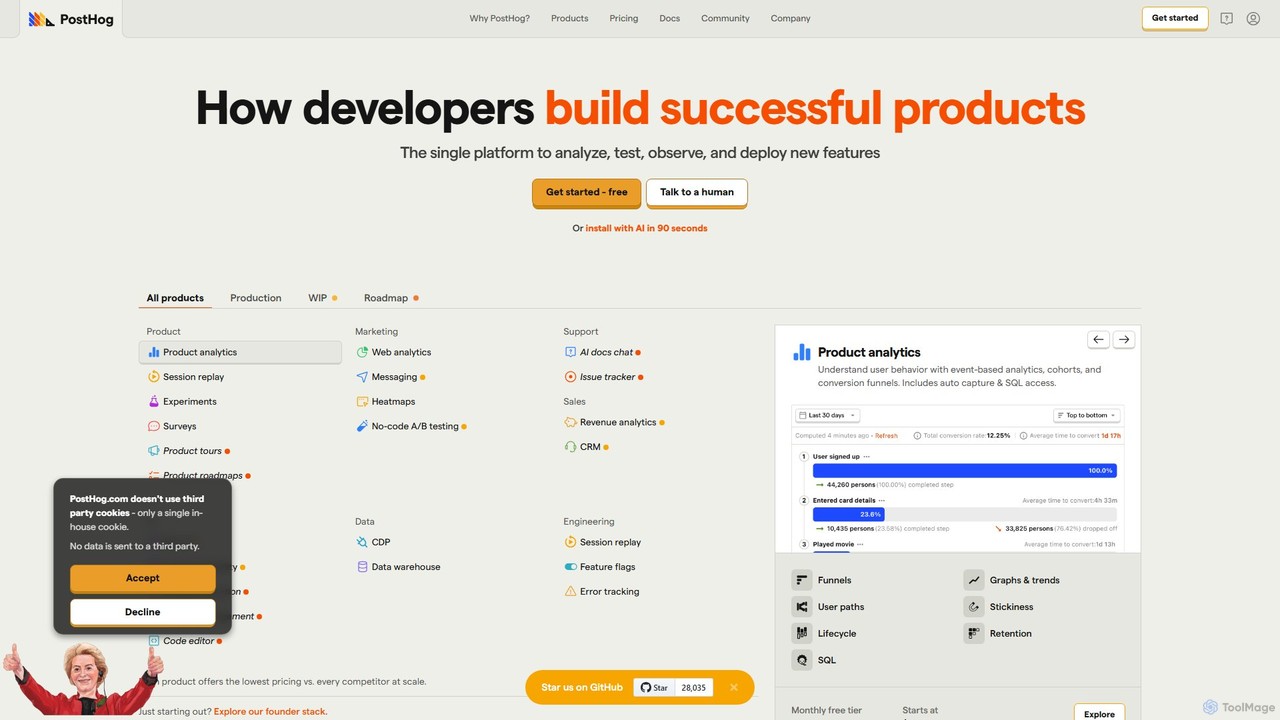
PostHog is an all-in-one, open-source product analytics platform for developers. It combines product analytics, session replay, feature flags, and A/B testing into a single tool, eliminating the need for a fragmented data stack. It's designed to help teams understand user behavior and build better products faster.
About Testing
AI Testing tools are a class of software that leverages artificial intelligence to automate and enhance the software quality assurance process. These tools utilize machine learning algorithms to autonomously generate test cases, identify visual regressions, and predict potential bugs before they impact users. By intelligently analyzing application behavior and code changes, they significantly accelerate development cycles and improve software reliability. This approach moves beyond traditional script-based automation by adding a layer of intelligence that adapts to application changes.
Core Features
- AI-Powered Test Generation: Automatically creates comprehensive test scripts by analyzing user interfaces or API specifications, reducing manual effort.
- Visual Regression Testing: Intelligently detects unintended UI changes by comparing screenshots and ignoring minor, dynamic content differences.
- Predictive Bug Analysis: Uses historical data to identify high-risk code areas and prioritize tests, focusing resources where they are most needed.
- Self-Healing Tests: Automatically updates test scripts when the UI changes, preventing tests from breaking due to minor element modifications.
- API and Performance Testing: Generates and executes complex test scenarios for APIs to ensure functionality, security, and performance under load.
Use Cases
AI Testing tools are primarily used by Quality Assurance (QA) engineers, software developers, and DevOps teams within an agile development environment. They are particularly effective for testing complex web and mobile applications with frequently changing user interfaces. Enterprises with large-scale applications also use these tools to manage extensive regression suites and ensure consistent quality across releases.
How to Choose
When selecting an AI Testing tool, consider its integration capabilities with your existing CI/CD pipeline (e.g., Jenkins, GitHub Actions). Evaluate the supported programming languages and frameworks (e.g., React, Angular, Selenium). Assess the sophistication of its AI model for features like self-healing and test generation. Finally, consider the pricing model and the level of technical support provided.
TestingUse Cases
Automated UI Test Script Generation
A QA engineer is tasked with creating regression tests for a new e-commerce feature. Instead of manually writing dozens of Selenium scripts, they use an AI testing tool. The engineer simply performs the user journey once—searching for a product, adding it to the cart, and checking out. The AI tool records these actions and automatically generates robust, maintainable test scripts in minutes. This reduces test creation time by over 80% and allows the engineer to focus on more complex exploratory testing.
Intelligent Visual Regression Detection
A front-end development team is about to deploy a major redesign of their web application. They need to ensure the new CSS changes haven't broken any existing components across different browsers and screen sizes. Using an AI testing tool, they run a visual test suite. The AI intelligently compares the new UI with the baseline version, automatically flagging significant visual bugs like broken layouts or overlapping text, while ignoring insignificant changes like dynamic ad content. This allows the team to catch hundreds of visual defects in hours, a task that would have taken days of manual checking.
Optimizing Test Execution in CI/CD Pipelines
A DevOps team manages a CI/CD pipeline for a large enterprise application with thousands of automated tests. Running the full test suite for every code commit takes over an hour, slowing down developer feedback. They integrate an AI testing tool that performs predictive analysis. For each new code change, the AI analyzes which parts of the application are affected and predicts which specific tests are most likely to fail. The pipeline then runs only this high-risk subset of tests, reducing execution time to under 10 minutes and providing developers with much faster feedback without compromising quality.
Self-Healing Tests for Dynamic Applications
A development team works on a social media dashboard where UI elements like button IDs and XPaths change frequently with new updates. Their traditional test automation scripts constantly break, requiring a QA engineer to spend hours each week fixing them. By switching to an AI testing tool with self-healing capabilities, the tests become more resilient. When a button's ID changes, the AI understands it's the same functional element based on other attributes (like text, position, and class) and automatically updates the test script locator. This reduces test maintenance overhead by up to 90%.
Automated API Test Case Generation
A backend developer needs to ensure the stability and security of a new set of REST APIs. Manually writing tests for every endpoint, parameter combination, and authentication scenario is time-consuming. The developer provides the OpenAPI (Swagger) specification file to an AI testing tool. The tool automatically parses the specification and generates a comprehensive suite of tests, including positive tests (valid inputs), negative tests (invalid inputs), and security checks for common vulnerabilities like SQL injection. This automates the creation of hundreds of test cases, ensuring robust API coverage with minimal effort.
Accessibility Compliance Testing
A compliance officer at a financial institution needs to ensure their public-facing web portal adheres to WCAG 2.1 AA standards. Manually auditing every page for accessibility issues is a slow and error-prone process. They use an AI-powered testing tool that automatically scans the entire website. The tool identifies issues like missing alt text for images, insufficient color contrast, and improper ARIA roles. It then generates a detailed report prioritizing the issues by severity and providing code-level suggestions for remediation, helping the development team quickly achieve and maintain compliance.