ToolMage
Sign in

Best 7 Calculator AI tools for Productivity

Popular Calculator AI tools in Productivity include Symbolab, CalcForge, gpacalculate, GradeCalculator.ai, topologyclothing, Curl Calculator, and Numberly, helping you work more efficiently.

Numberly
Freemium

Numberly

Numberly is a browser extension that acts like 'Grammarly for numbers.' It provides real-time, in-browser math calculations and unit conversions directly within any text field, boosting productivity for professionals, students, and everyday users by eliminating errors and context switching.

Chrome Extensions
Visits 4.9KFavorites 112Likes 140
Symbolab
Freemium

Symbolab

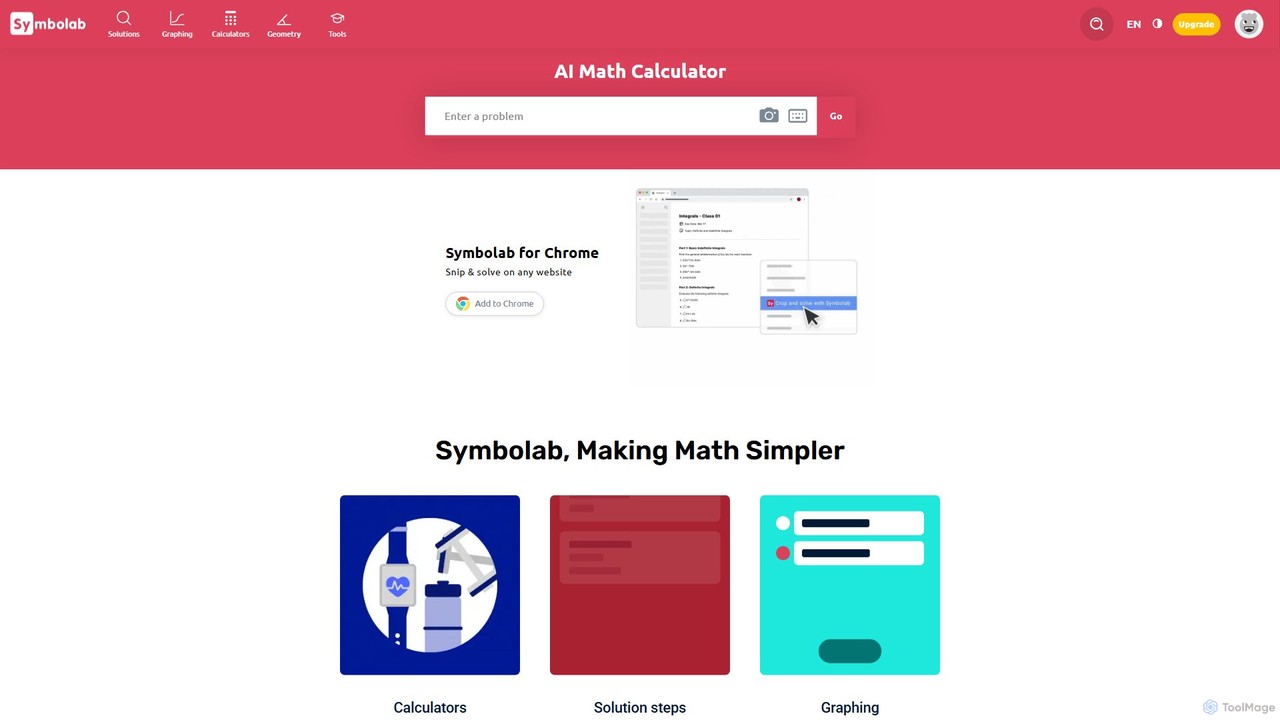
Symbolab is an advanced AI-powered math solver that provides step-by-step solutions to a wide range of mathematical problems. From basic arithmetic to advanced calculus, Symbolab helps students, educators, and professionals understand and solve complex equations. It features a graphing calculator, geometry solver, practice problems, and a digital notebook to enhance the learning experience.

Math Solver
Visits 3.3MFavorites 130Likes 142
topologyclothing
Freemium

topologyclothing

Topology Clothing is a comprehensive platform for fashion entrepreneurs, offering a suite of intelligent tools like an MOQ Estimator, Fabric Calculator, and Price Simulator. It combines these practical, data-driven utilities with in-depth educational resources and a line of high-performance apparel to empower creators to design, produce, and launch their brands successfully.

Startup Tools
Visits 7.5KFavorites 127Likes 119
CalcForge
Freemium

CalcForge

CalcForge is an open-source, community-driven platform offering a library of engineering calculators for civil, structural, mechanical, and electrical engineering. It provides free tools, extensive datasets, and Python automation training to democratize engineering knowledge and empower users to build their own solutions.

Training
Visits 29.5KFavorites 149Likes 150
Curl Calculator
Free

Curl Calculator

A free online tool for students and professionals to efficiently calculate the curl of vector fields. It provides instant, accurate results for applications in physics, engineering, fluid dynamics, and electromagnetism. The calculator simplifies complex vector calculus, helping users understand rotational properties of vector fields without manual computation.

Simulation
Visits 6.1KFavorites 128Likes 112
GradeCalculator.ai
Free

GradeCalculator.ai

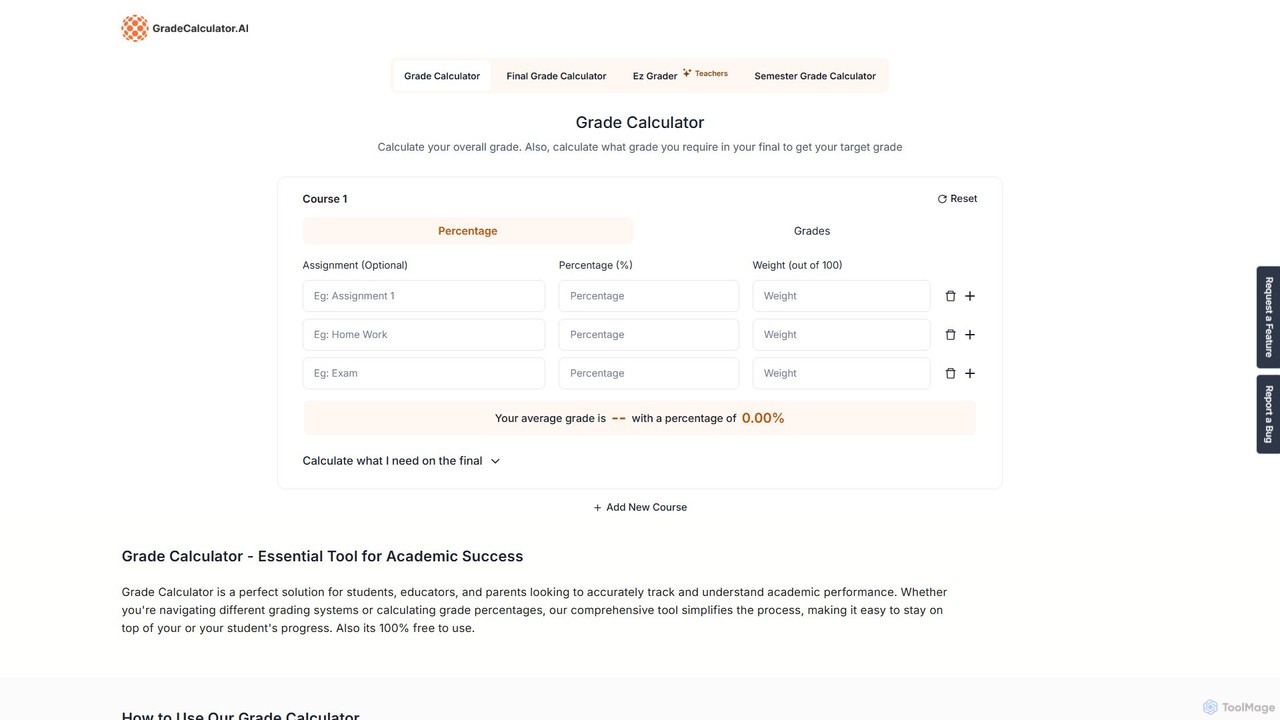
A free, versatile online tool for students, teachers, and parents to accurately calculate course grades, final exam requirements, and easily grade assignments. It supports multiple grading systems like percentage, letter grades, and GPA, offering a suite of calculators for comprehensive academic tracking.

Student Tools
Visits 7.9KFavorites 140Likes 130
gpacalculate
Free

gpacalculate

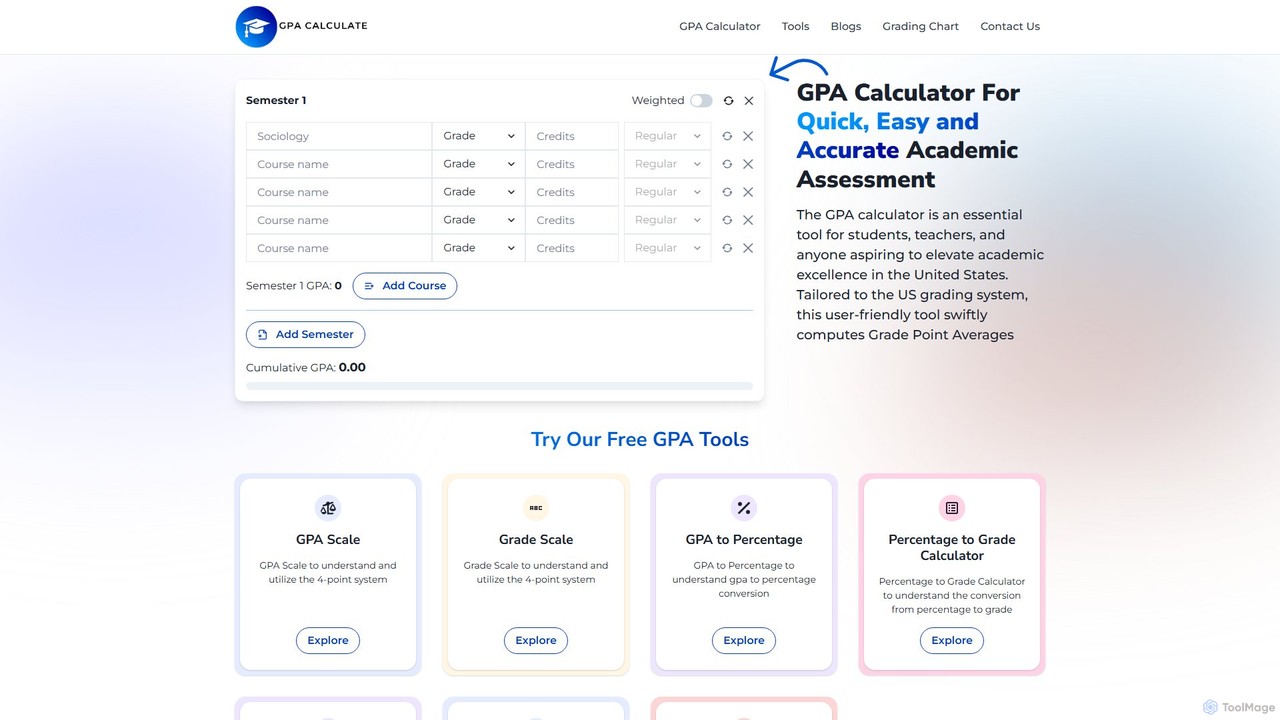
A free, comprehensive online platform designed for students and educators to accurately calculate semester and cumulative GPA. It supports various weighted grading systems (Honors, AP, IB) and offers a suite of tools for academic planning, grade conversion, and performance tracking.

Student Tools
Visits 14.9KFavorites 121Likes 136

About Calculator

AI Calculators are specialized tools designed to perform complex, domain-specific computations that go far beyond basic arithmetic. They leverage pre-built models, advanced algorithms, and sometimes AI to handle intricate variables and provide insightful results for finance, health, or scientific analysis. These tools streamline decision-making by automating calculations that would otherwise require complex spreadsheet formulas or manual work. Their primary value lies in providing quick, accurate, and accessible answers to complex questions within a specific field.

Core Features

  • Domain-Specific Templates: Offers pre-configured calculators for specific tasks like mortgage payments, investment returns, or nutritional analysis.
  • Multi-Variable Input: Allows users to input and adjust numerous variables to see how they affect the final outcome.
  • Scenario Modeling: Enables 'what-if' analysis by easily changing inputs to compare different potential results.
  • Data Visualization: Presents results in an easy-to-understand format, such as charts, graphs, or detailed summary tables.
  • Natural Language Processing (NLP): Some advanced tools allow users to pose questions in plain language to get a calculated answer.

Use Cases

These tools are widely used by financial analysts for modeling investments, real estate agents for calculating loan amortization, and marketing professionals for determining campaign ROI. They are also valuable for individuals managing personal finances, fitness enthusiasts tracking macronutrients, and students or engineers performing complex scientific calculations.

How to Choose

When selecting a calculator, consider the specificity of its functions—does it cover the exact calculations you need? Evaluate its accuracy and the transparency of its formulas. For professional use, check for integration capabilities with other software like spreadsheets. Finally, assess the user interface for ease of use, especially when dealing with complex data inputs.

Calculator use cases

1

Financial Modeling for Startups

A startup founder needs to project their company's financial future to secure funding and manage resources. Using a specialized financial calculator, they input variables like monthly recurring revenue (MRR), customer acquisition cost (CAC), and operational expenses. The tool automatically calculates key metrics such as cash flow, burn rate, and financial runway. This allows the founder to model different scenarios, like a 10% increase in MRR or a hiring freeze, to understand their impact and make informed strategic decisions without building complex spreadsheets from scratch.

2

Comparing Mortgage Loan Options

A prospective homebuyer is evaluating different loan offers from multiple banks. Instead of manually calculating payments, they use an online mortgage calculator. They input the home price, their down payment, and then compare scenarios by adjusting the interest rate and loan term (e.g., 15-year vs. 30-year). The calculator instantly displays the monthly payment, total interest paid over the life of the loan, and an amortization schedule. This clear, side-by-side comparison empowers the buyer to choose the most financially advantageous option.

3

Calculating Marketing Campaign ROI

A digital marketing manager needs to justify their ad spend to stakeholders. They use an ROI calculator to quickly assess campaign performance. They input the total cost of the campaign (ad spend, creative production) and the total revenue generated from it. The tool instantly calculates the Return on Investment (ROI) as a percentage. They can also input the number of leads generated to find the Cost Per Lead (CPL), providing a clear, data-driven overview of the campaign's financial success and efficiency.

4

Planning for Retirement Savings

An individual wants to understand how much they need to save to retire comfortably. Using a retirement calculator, they input their current age, desired retirement age, current savings, and monthly contribution. The tool projects the future value of their savings based on an estimated annual return rate. It allows them to adjust their monthly contributions or retirement age to see how these changes impact their final nest egg, transforming an abstract goal into a concrete, actionable savings plan.

5

Determining Daily Caloric Needs

A fitness enthusiast wants to optimize their diet for muscle gain. They use a Total Daily Energy Expenditure (TDEE) calculator. They input their age, gender, height, weight, and activity level (e.g., sedentary, lightly active, very active). The calculator uses a standard formula like the Mifflin-St Jeor equation to estimate their maintenance calories. It then provides target calorie counts for weight loss, maintenance, or muscle gain (a slight surplus), giving the user a scientific baseline for creating their meal plan.

6

Analyzing Real Estate Investment Deals

A real estate investor is considering purchasing a rental property. They use a specialized investment calculator to assess its profitability. They input the property price, expected rental income, property taxes, insurance, and estimated maintenance costs. The tool calculates crucial metrics like Capitalization Rate (Cap Rate) and Cash-on-Cash Return. This allows the investor to quickly compare multiple properties on a standardized basis and identify the most promising investment opportunity without complex manual analysis.

Calculator FAQ

What are AI Calculators in the context of productivity?

AI Calculators are specialized digital tools designed for complex, domain-specific calculations, such as financial modeling, mortgage amortization, or scientific formulas. Unlike basic calculators, they are built to handle multiple variables, use pre-set industry-standard formulas, and present results in a clear, understandable format. They boost productivity by providing quick, reliable answers to complex questions, eliminating the need for manual calculations or building intricate spreadsheets.

How do I choose the right specialized calculator?

To choose the right calculator, consider these factors:

  • Purpose: Ensure the tool is designed for your specific need (e.g., real estate, retirement, marketing ROI). A generic calculator may lack necessary features.
  • Accuracy: Check if the calculator cites the formulas it uses or is from a reputable source, especially for financial or scientific calculations.
  • User Interface: The tool should be intuitive, making it easy to input your data and understand the results without a steep learning curve.
  • Features: Look for helpful features like the ability to save calculations, export results, or visualize data with charts.
What's the difference between a specialized calculator and a spreadsheet?

The main difference is structure versus flexibility. A specialized calculator is a purpose-built tool with a guided interface for a specific task. It simplifies the process by asking for specific inputs and providing a clear, formatted output, reducing the chance of error. A spreadsheet (like Excel or Google Sheets) is a highly flexible, general-purpose tool. While it can perform the same calculations, it requires the user to know and correctly implement the formulas, structure the data, and format the output, which is more time-consuming and error-prone for non-experts.

Can I trust the results from online calculators?

For most general purposes, yes. Reputable online calculators use standard, widely accepted formulas for their calculations (e.g., standard formulas for loan interest or BMI). However, for critical financial, legal, or medical decisions, you should treat them as powerful estimation tools. Always verify the results with a qualified professional, such as a financial advisor, accountant, or doctor, as these tools cannot account for your unique personal circumstances or the latest regulations.

Who benefits most from using specialized calculators?

A wide range of users benefit from these tools. Professionals in fields like finance, real estate, and marketing use them daily to make quick, data-driven decisions. Small business owners can use them for financial planning and performance tracking without needing to be spreadsheet experts. Individuals also benefit greatly when making significant life decisions, such as planning for retirement, buying a home, or managing their health and fitness goals. Essentially, anyone needing to perform recurring, complex calculations can save significant time and improve accuracy.