Prototyping Best in category 1 results Rapid Development AI Tool

Popular AI tools in the Rapid Development field of Prototyping include Simplall, etc., helping you quickly improve efficiency.

Simplall

Simplall

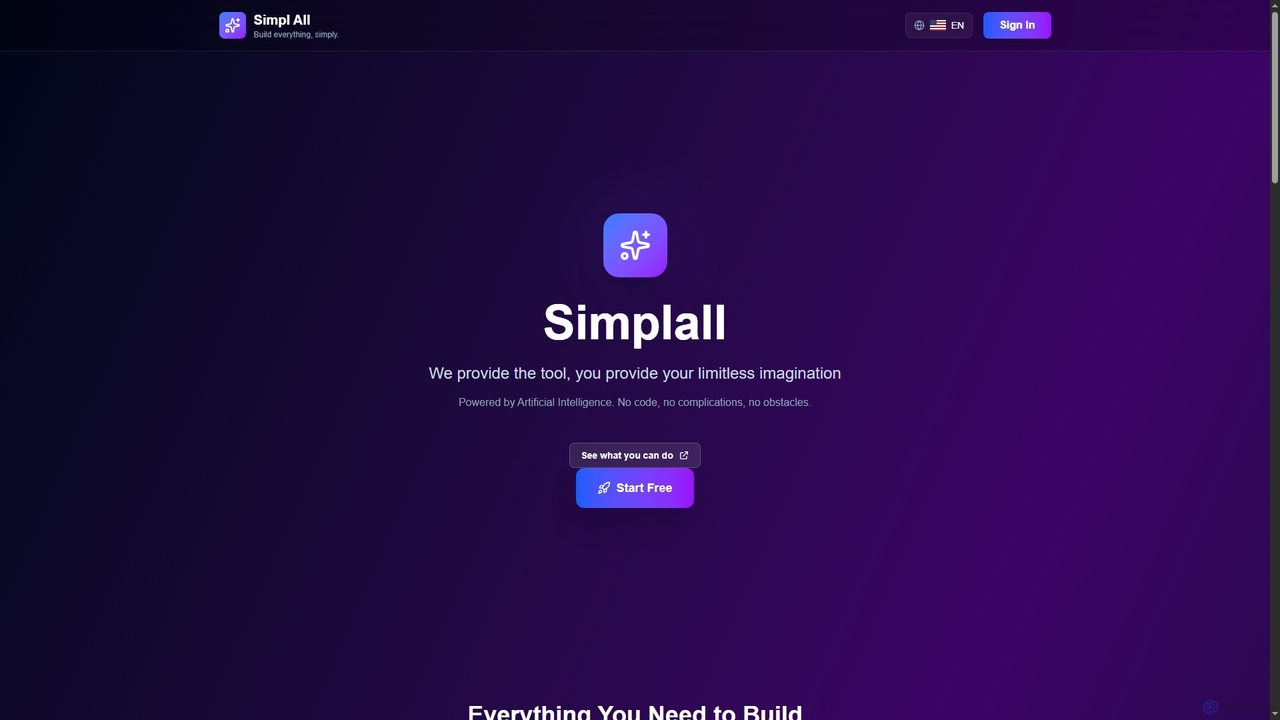
Simplall is an AI-powered code generator that transforms natural language descriptions into functional web applications. It enables users, …

2.3K

About Rapid Development

Rapid Development tools are AI-powered solutions designed to significantly accelerate the software development lifecycle, building upon initial prototypes or ideas. These tools leverage artificial intelligence for tasks like code generation, automated testing, and intelligent component assembly, drastically reducing manual effort. They enable developers and teams to quickly iterate, deploy, and scale applications, transforming concepts into functional products with unprecedented speed. This approach emphasizes efficiency and agility, making development more accessible and responsive to market demands.

Core Features

  • AI-Powered Code Generation: Automatically generates code snippets, functions, or even entire application modules based on natural language descriptions or design inputs.
  • Automated Testing & Debugging: Integrates AI to identify bugs, suggest fixes, and generate test cases, ensuring code quality and stability.
  • Low-Code/No-Code Integration: Provides visual interfaces and pre-built components, allowing for rapid assembly of applications with minimal or no manual coding.
  • Intelligent Component Assembly: Recommends and integrates reusable components, frameworks, and libraries to streamline development.
  • Deployment Automation: Automates the setup and configuration of deployment pipelines, accelerating the transition from development to production.

Applicable Scenarios

Rapid Development tools are ideal for startups needing to quickly validate MVPs, small to medium-sized enterprises aiming to launch new features rapidly, and large organizations looking to accelerate internal tool development. They are particularly valuable in agile environments where continuous iteration and fast time-to-market are critical, allowing teams to respond swiftly to user feedback and evolving business requirements.

How to Choose

When selecting a Rapid Development tool, consider its compatibility with your existing tech stack and preferred programming languages. Evaluate the extent of its AI capabilities, such as code generation accuracy and testing automation. Assess the learning curve for your team, the availability of pre-built templates and components, and its scalability to support future growth. Finally, examine the pricing model and community support for long-term viability.

Rapid DevelopmentUse Cases

1

Accelerating MVP Development for Startups

Startup founders and small teams can leverage Rapid Development tools to quickly build and launch Minimum Viable Products (MVPs). By using AI-powered code generation and low-code interfaces, they can transform initial design mockups into functional web or mobile applications in weeks, not months. This allows for faster market validation, gathering early user feedback, and securing funding without extensive upfront development costs, significantly reducing time-to-market by up to 70%.

2

Automating Backend API Generation

Developers can utilize Rapid Development tools to automate the creation of robust backend APIs. By defining data models and business logic, AI can generate the necessary code for RESTful or GraphQL endpoints, including database interactions, authentication, and validation. This significantly reduces the boilerplate code writing, allowing developers to focus on complex business logic and integration, cutting development time for backend services by half.

3

Rapid Prototyping to Production Deployment

Product managers and development teams can transition from initial prototypes to production-ready applications with unprecedented speed. Rapid Development tools bridge the gap between design and deployment by automating code generation from design files, integrating with CI/CD pipelines, and providing one-click deployment options. This streamlines the entire process, allowing for continuous delivery and faster iteration cycles, ensuring that products reach users quickly and efficiently.

4

Generating Custom Internal Tools

Enterprise IT departments and business analysts can use Rapid Development tools to quickly create custom internal tools and dashboards. Instead of waiting for extensive development cycles, they can leverage low-code/no-code platforms with AI assistance to build applications for data visualization, workflow automation, or internal reporting. This empowers non-technical users to contribute to solution development, significantly reducing the backlog for IT teams and improving operational efficiency by up to 40%.

5

Enhancing Legacy System Modernization

Organizations undergoing digital transformation can employ Rapid Development tools to modernize legacy systems. AI can assist in analyzing existing codebases, identifying components for refactoring, and even generating new code to integrate with modern architectures or cloud services. This approach allows for incremental modernization, reducing the risks associated with large-scale overhauls and accelerating the migration of critical business functions to more agile and scalable platforms, often cutting migration time by 30%.

6

Facilitating Cross-Platform Application Development

Software development teams aiming for broad audience reach can leverage Rapid Development tools to create cross-platform applications efficiently. These tools often provide frameworks and AI assistance that allow a single codebase to be deployed across multiple platforms like web, iOS, and Android. This eliminates the need for separate development efforts for each platform, saving significant time and resources while ensuring consistent user experience across devices, reducing development costs by up to 50%.

Rapid DevelopmentFrequently Asked Questions