Resources Best in category 6 results Tool Directory AI Tool

Popular AI tools in the Tool Directory field of Resources include AI Tool Guru、siteefy、itirupati、Outlier Database、techwebplanet.com、critiqs.ai, etc., helping you quickly improve efficiency.

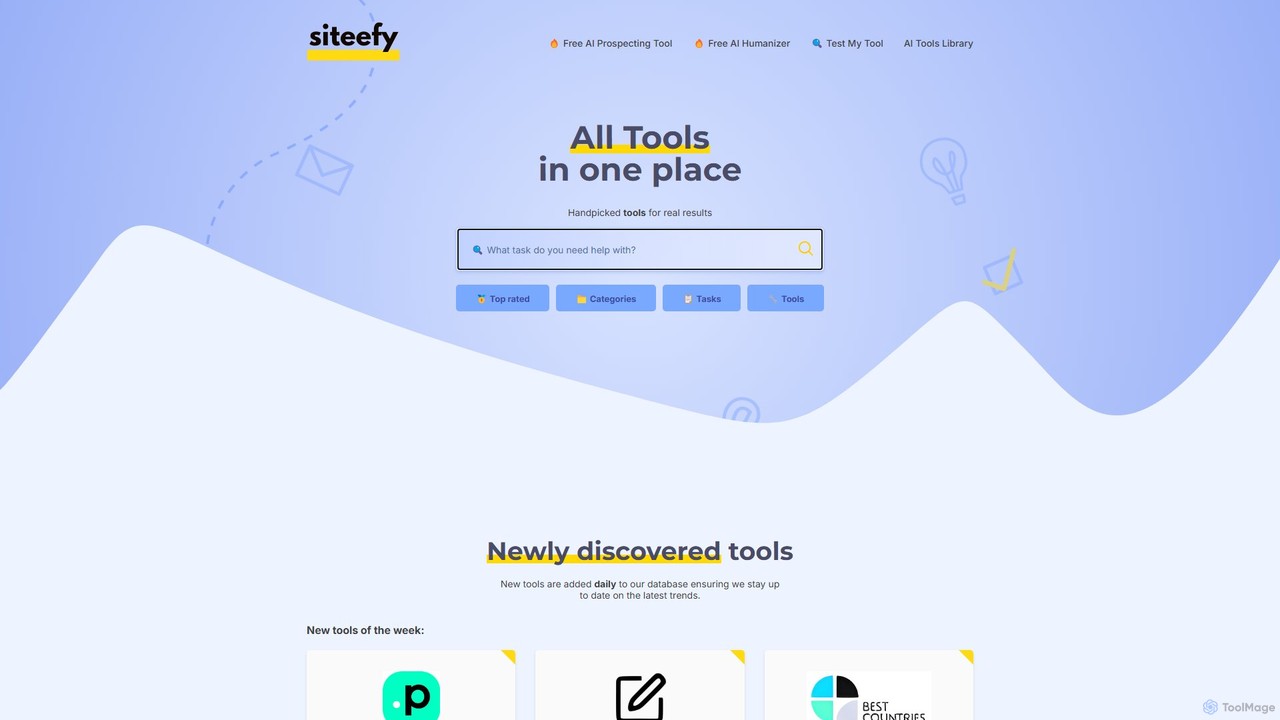
siteefy

siteefy

siteefy is a comprehensive platform featuring a curated library of AI and business tools, alongside its own suite …

51.9K
itirupati

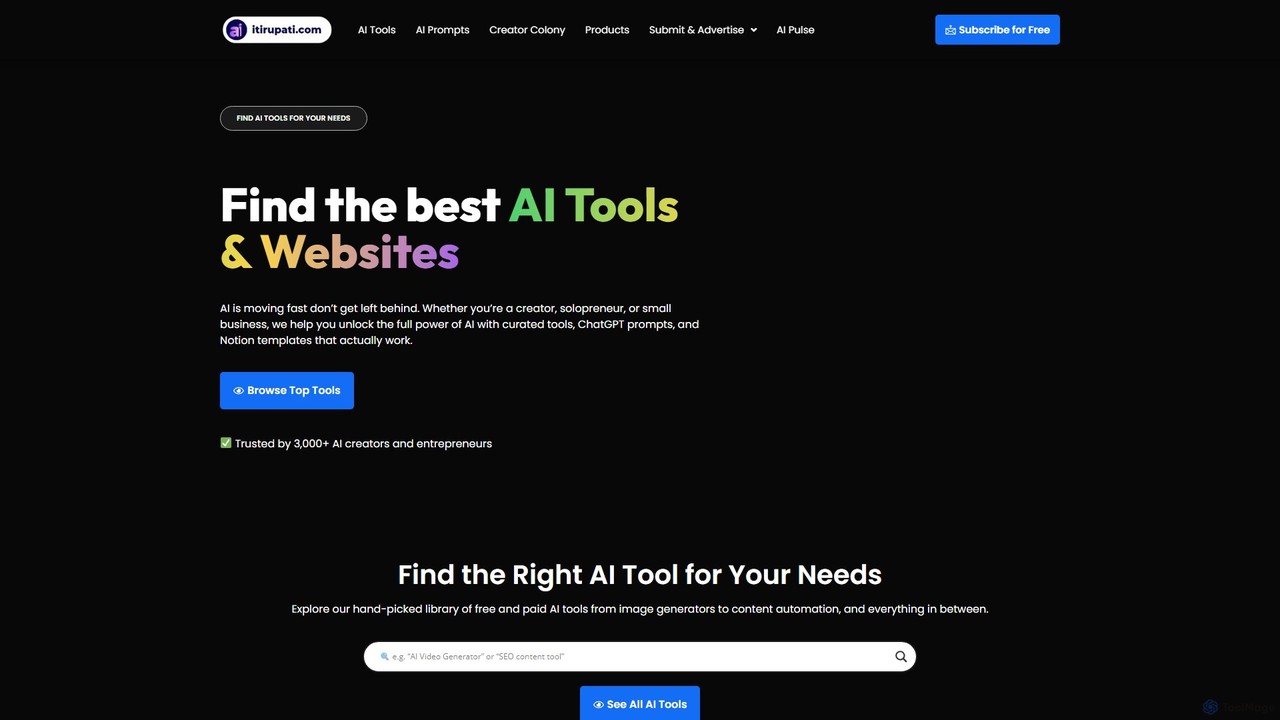
itirupati

Itirupati.com is a comprehensive AI resource hub and directory for creators, entrepreneurs, and businesses. It offers a curated …

26.6K
Free
Outlier Database

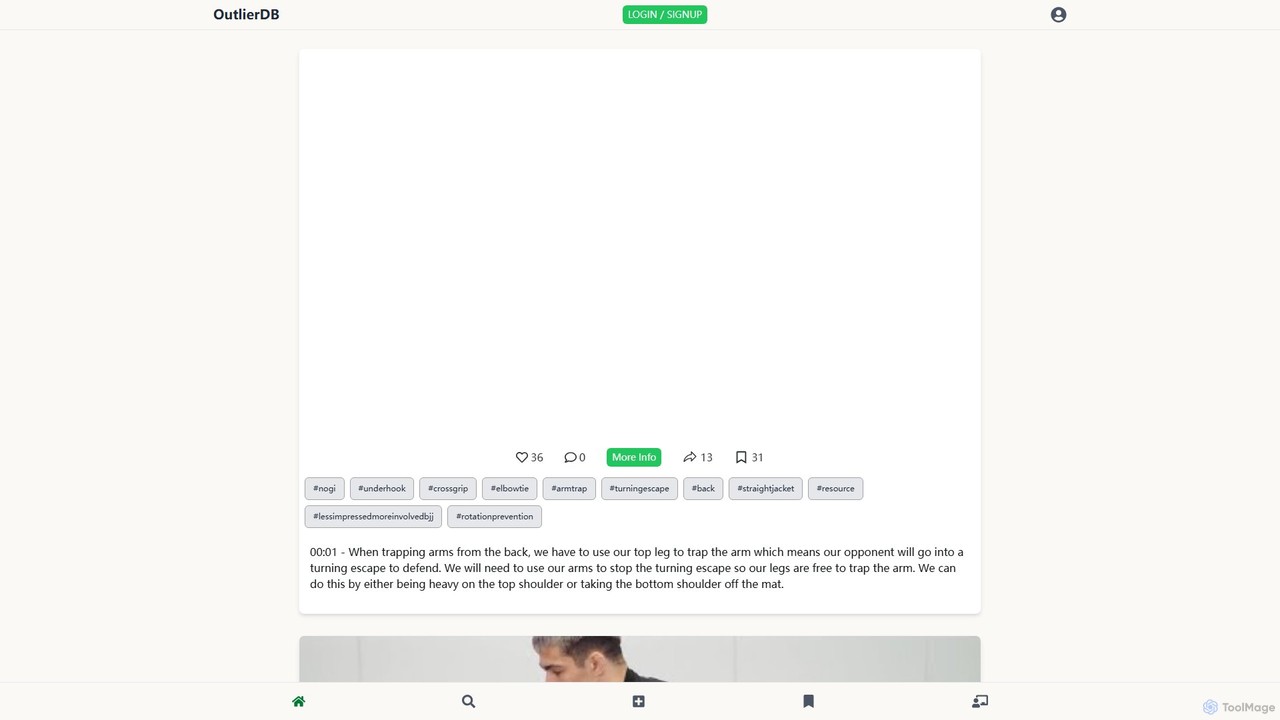
Outlier Database

A curated discovery platform featuring a hand-picked selection of exceptional AI tools. Outlier Database helps users find, compare, …

11.4K
Free
techwebplanet.com

techwebplanet.com

TechWebPlanet is a comprehensive online platform and directory dedicated to helping users discover, compare, and learn about the …

3.4K
AI Tool Guru

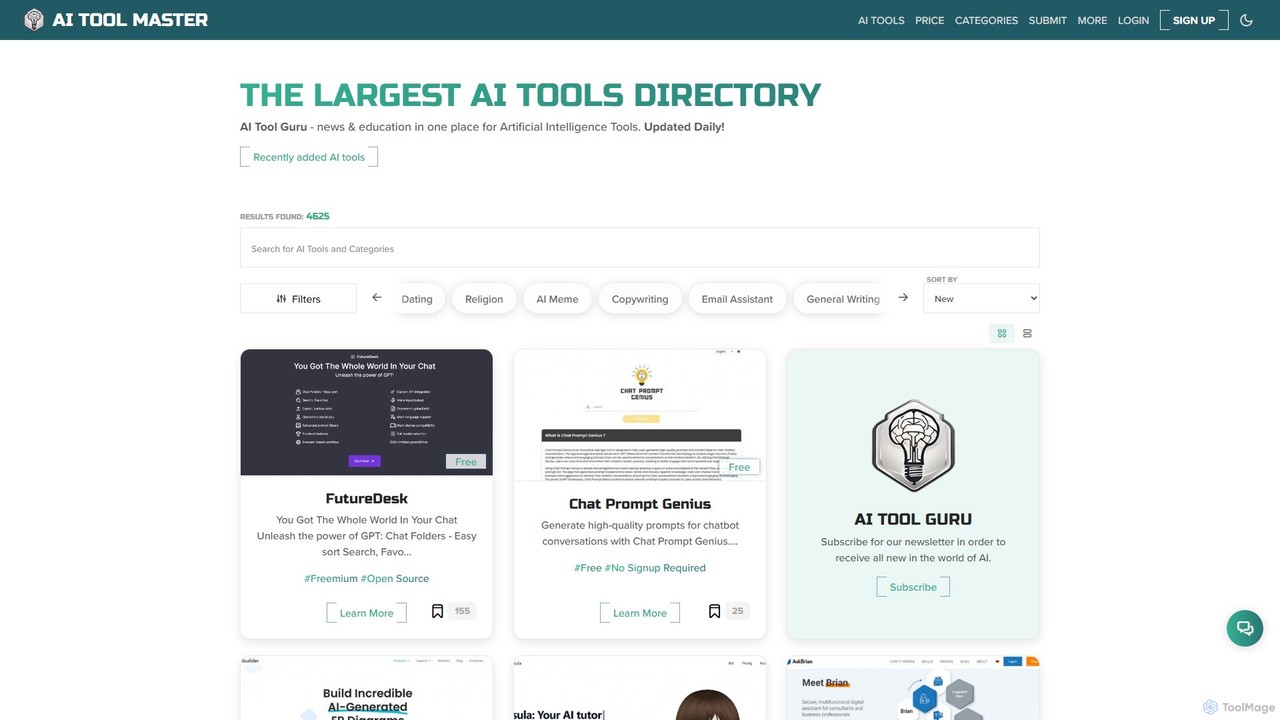
AI Tool Guru

AI Tool Guru is a comprehensive directory and resource hub for discovering, comparing, and learning about the latest …

58.6K
Free
critiqs.ai

critiqs.ai

critiqs.ai is a comprehensive platform for AI enthusiasts, offering the latest AI news, a curated directory of useful …

3.3K

About Tool Directory

An AI Tool Directory is a curated, searchable database designed to help users discover, compare, and select artificial intelligence tools. Unlike general search engines, these directories provide structured information, organizing tools by category, function, and pricing. This allows users to efficiently find relevant solutions for specific tasks, from content creation to data analysis. By offering detailed descriptions, user reviews, and direct comparisons, tool directories serve as a crucial resource for navigating the rapidly growing AI landscape.

Core Features

  • Structured Categorization: Tools are organized into logical categories and subcategories for easy browsing.
  • Advanced Filtering & Search: Users can filter tools by pricing, features, integrations, and other specific criteria.
  • Detailed Tool Profiles: Each listing provides comprehensive information, including feature lists, pricing plans, and user ratings.
  • Comparison Functionality: Enables side-by-side comparison of multiple tools to aid in decision-making.
  • User Reviews and Ratings: Aggregates community feedback to provide real-world insights into a tool's performance.

Use Cases

Tool directories are valuable for a wide range of users, including marketers seeking automation software, developers looking for specific APIs, entrepreneurs conducting market research, and students exploring free AI resources for projects. They streamline the process of building a technology stack or finding a single-purpose tool without extensive manual searching.

How to Choose

When using a tool directory, leverage its features effectively. Start with broad category browsing to understand the landscape, then use specific keywords in the search bar. Apply filters for non-negotiable criteria like budget (e.g., free tier) or platform compatibility. Pay close attention to recent user reviews and the 'last updated' date to ensure the information is current.

Tool DirectoryUse Cases

1

Discovering a Tool for a Specific Task

A content marketer needs to create animated videos for a social media campaign but lacks advanced video editing skills. They use a tool directory, navigate to the 'AI Video Generation' category, and apply a filter for 'text-to-video' functionality. The directory presents a list of suitable tools with user ratings and pricing. By reading short descriptions and comparing the top three options, they can quickly identify a user-friendly tool that fits their budget and technical requirements, saving hours of random searching on Google.

2

Comparing Alternatives to an Existing Tool

A small business is currently using a popular but expensive AI chatbot for customer service. To reduce costs, the business manager searches for their current tool in the directory. On the tool's profile page, they find a list of alternatives. They use the directory's comparison feature to see a side-by-side breakdown of features and pricing for three promising alternatives. This structured comparison helps them identify a more cost-effective solution that still meets their core needs for automated responses and live chat integration.

3

Market Research for a New Product Idea

An entrepreneur is planning to develop a new AI-powered project management tool. Before investing in development, they use a tool directory for market research. They analyze the entire 'AI Project Management' category to understand the competitive landscape. They examine the feature sets of existing tools, common pricing models (per user, per project), and read user reviews to identify common pain points and unmet needs. This data, gathered efficiently from a single source, helps them refine their product strategy and identify a unique value proposition.

4

Finding Free Tools for a Personal Project

A student is working on a data science project and needs a tool for data visualization, but has no budget. They access a tool directory and navigate to the 'Data Analysis & Visualization' category. They immediately apply the 'Free' or 'Freemium' pricing filter. This narrows down hundreds of options to a manageable list of tools that offer a free tier. They can then read reviews focusing on the limitations of the free plans to find the one that provides the most generous features for their specific project needs, without wasting time on tools outside their budget.

5

Staying Updated on the Latest AI Trends

An AI enthusiast and blogger wants to stay current with the rapidly evolving AI industry. They regularly visit a tool directory and check sections like 'Newly Added' or 'Trending Tools'. This provides a quick, curated overview of what's new and popular in the market. By exploring these new listings, they can identify emerging trends, such as new applications of generative AI or advancements in no-code platforms. This practice helps them discover fresh content ideas for their blog and maintain their reputation as a knowledgeable source in the AI community.

6

Building a Tech Stack for a New Department

A project manager is tasked with setting up a new marketing department and needs to select a suite of AI tools for content creation, social media management, and analytics. Instead of researching each category individually, they use a tool directory as a central hub. They explore the 'Marketing' parent category and its subcategories. For each need, they identify two or three top-rated tools and add them to a shortlist. The directory's consistent layout for each tool profile makes it easy to compare key information like integrations and pricing tiers, greatly simplifying the complex task of building a cohesive and effective tech stack from scratch.

Tool DirectoryFrequently Asked Questions