Robotics Best in category 2 results Automation AI Tool

Popular AI tools in the Automation field of Robotics include Maum.ai、Xolver, etc., helping you quickly improve efficiency.

Xolver

Xolver

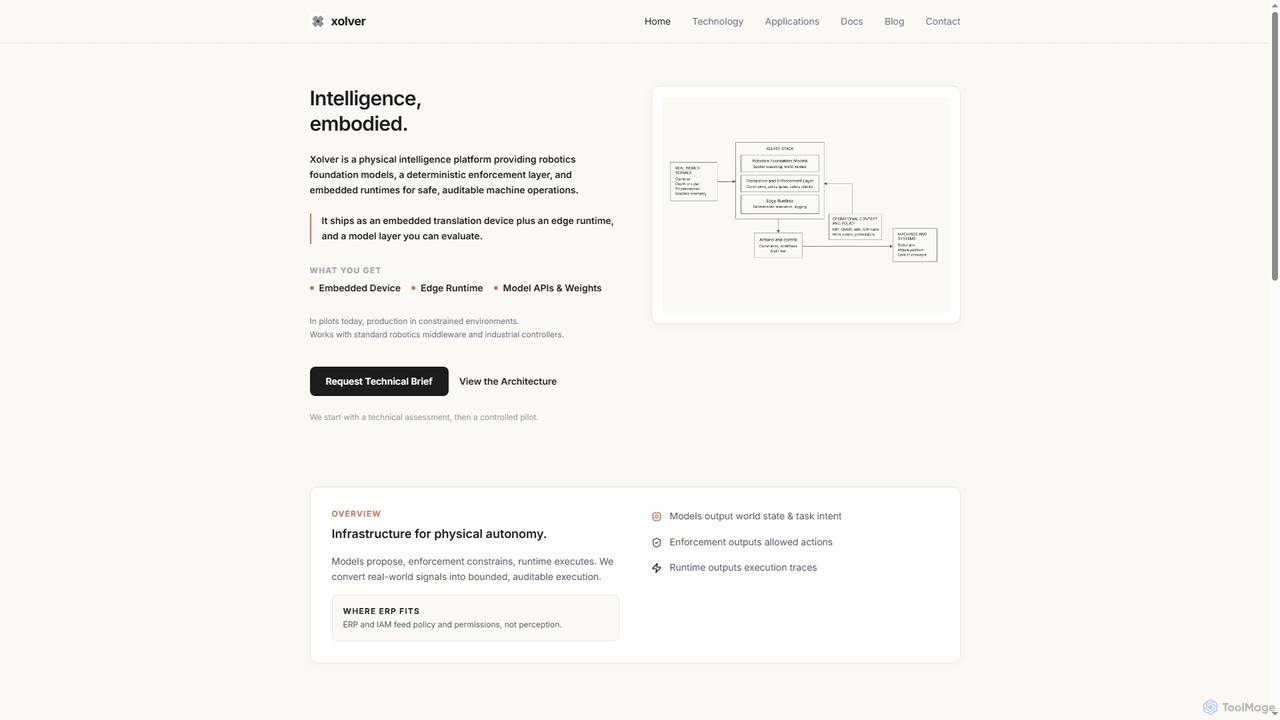
Xolver is a physical intelligence platform designed for robotics, providing foundation models, a deterministic enforcement layer, and embedded …

2.7K
Maum.ai

Maum.ai

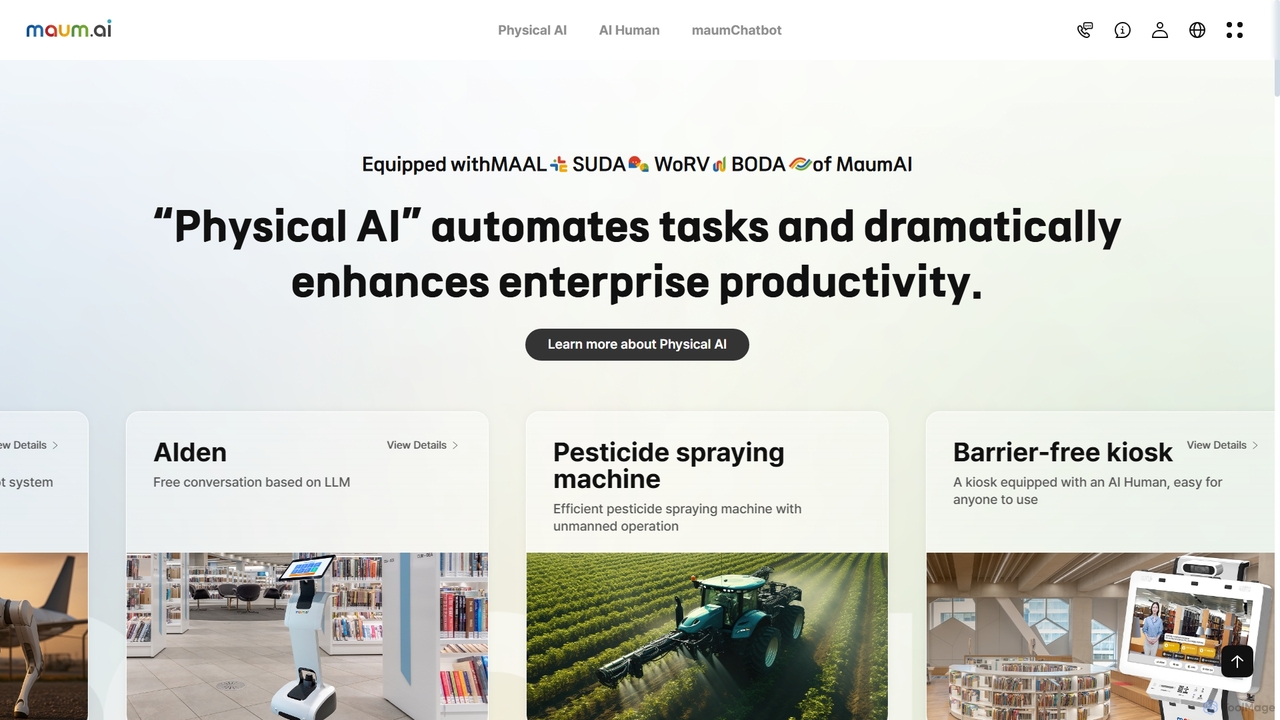
Maum.ai is a comprehensive enterprise AI platform specializing in "Physical AI," which integrates conversational AI, vision, robotics, and …

16.7K

About Automation

Automation tools are AI-powered platforms designed to execute repetitive digital tasks and orchestrate complex workflows across multiple applications without manual intervention. They utilize technologies like intelligent process automation (IPA) and API integrations to connect disparate systems and automate business processes. This enables organizations to increase operational efficiency, minimize human error, and allow teams to focus on strategic initiatives. As a key software-focused area within Robotics, these tools specialize in automating digital information flows and decision-making processes.

Core Features

  • Workflow Orchestration: Visually design, build, and manage multi-step automated sequences that connect various apps and services.
  • API Connectivity: Offers a vast library of pre-built connectors to seamlessly integrate with hundreds of SaaS platforms, databases, and APIs.
  • Intelligent Data Processing: Employs AI, such as NLP and OCR, to extract, interpret, and structure data from documents, emails, and other unstructured sources.
  • Conditional Logic and Triggers: Establishes rule-based triggers (e.g., 'when a new file is added') and conditional paths ('if-then' logic) to create dynamic and responsive workflows.
  • AI-Powered Decision Making: Integrates machine learning models to handle complex decisions within a workflow, such as lead scoring or sentiment analysis.

Applicable Scenarios

These tools are widely used across various departments. Marketing teams use them for lead nurturing and social media scheduling. Finance departments automate invoice processing and expense reporting. IT and DevOps teams leverage them for system monitoring, user provisioning, and CI/CD pipeline automation. Customer support can automate ticket routing and response generation.

Selection Criteria

When choosing an automation tool, consider the breadth and depth of its app integration library. Evaluate the user interface—whether it's a no-code/low-code platform for business users or a more developer-centric environment. Assess its scalability to handle growing task volumes, its security and compliance certifications, and the pricing model (e.g., per task, per user, or tiered).

AutomationUse Cases

1

Automate Invoice Processing and Data Entry

A finance department receives hundreds of invoices monthly in various formats like PDF and images. An automation tool can monitor a specific email inbox or folder for new invoices. Using Optical Character Recognition (OCR), it extracts key data such as invoice number, vendor name, amount due, and date. The tool then validates this data against existing records in the accounting software (e.g., QuickBooks, Xero) and enters it automatically, flagging any discrepancies for human review. This process reduces manual data entry time by over 90% and minimizes costly errors.

2

Streamline Customer Support Ticket Routing

For a customer support team, manually assigning tickets is time-consuming and prone to error. An automation platform can integrate with help desk software like Zendesk or Jira. When a new ticket is created, the automation workflow is triggered. It uses Natural Language Processing (NLP) to analyze the ticket's subject and description to determine its category (e.g., 'Billing', 'Technical Issue') and urgency. Based on predefined rules, it automatically assigns the ticket to the appropriate support agent or team, ensuring faster response times and a more balanced workload distribution.

3

Automate Social Media Content Publishing

A marketing team manages multiple social media accounts and needs to maintain a consistent posting schedule. Instead of manually uploading content to each platform, they use an automation tool. They can connect their content repository (like Google Drive or Airtable) to their social media accounts (Twitter, LinkedIn, Facebook). The workflow automatically pulls approved content, including text and images, from the repository based on a schedule in a calendar app. It then publishes the posts to the designated platforms at optimal times, saving the team hours of repetitive work each week and ensuring no posts are missed.

4

Sync Data Between CRM and Marketing Platforms

Sales and marketing teams often use separate systems, like Salesforce for CRM and Mailchimp for email marketing, leading to data silos. An automation tool acts as a bridge. For example, a workflow can be set up to trigger whenever a new lead is created in Salesforce. The tool instantly syncs the new contact's information to a specific audience list in Mailchimp. Conversely, when a contact unsubscribes in Mailchimp, the automation can update their communication preferences in Salesforce. This ensures data consistency across platforms, improves lead management, and supports regulatory compliance.

5

Automate New Employee Onboarding

An HR department can automate the repetitive tasks associated with onboarding a new hire. When a candidate is marked as 'Hired' in an Applicant Tracking System (ATS) like Greenhouse, an automation workflow begins. It can automatically: 1) Create user accounts in essential systems (Google Workspace, Slack, Asana). 2) Send a welcome email to the new employee with first-day information. 3) Schedule introductory meetings with key team members in their calendars. 4) Notify the IT department to prepare necessary hardware. This ensures a smooth, consistent, and efficient onboarding experience for every new employee.

6

Automate IT Alerts and Incident Reporting

For an IT operations team, quick response to system issues is critical. An automation tool can connect to monitoring services like Datadog or UptimeRobot. When a service outage or performance degradation is detected, the tool triggers a workflow. This workflow can create a high-priority incident ticket in a system like PagerDuty, post a real-time alert in a dedicated Slack channel for the on-call team, and even attempt a basic remediation step, like restarting a server. This automates the initial incident response, reducing detection-to-resolution time and ensuring key personnel are notified immediately.

AutomationFrequently Asked Questions