ToolMage
Sign in

Best 1 Digital Sales Room AI tools for Sales

Popular Digital Sales Room AI tools in Sales include sendtrumpet, helping you work more efficiently.

sendtrumpet
Freemium

sendtrumpet

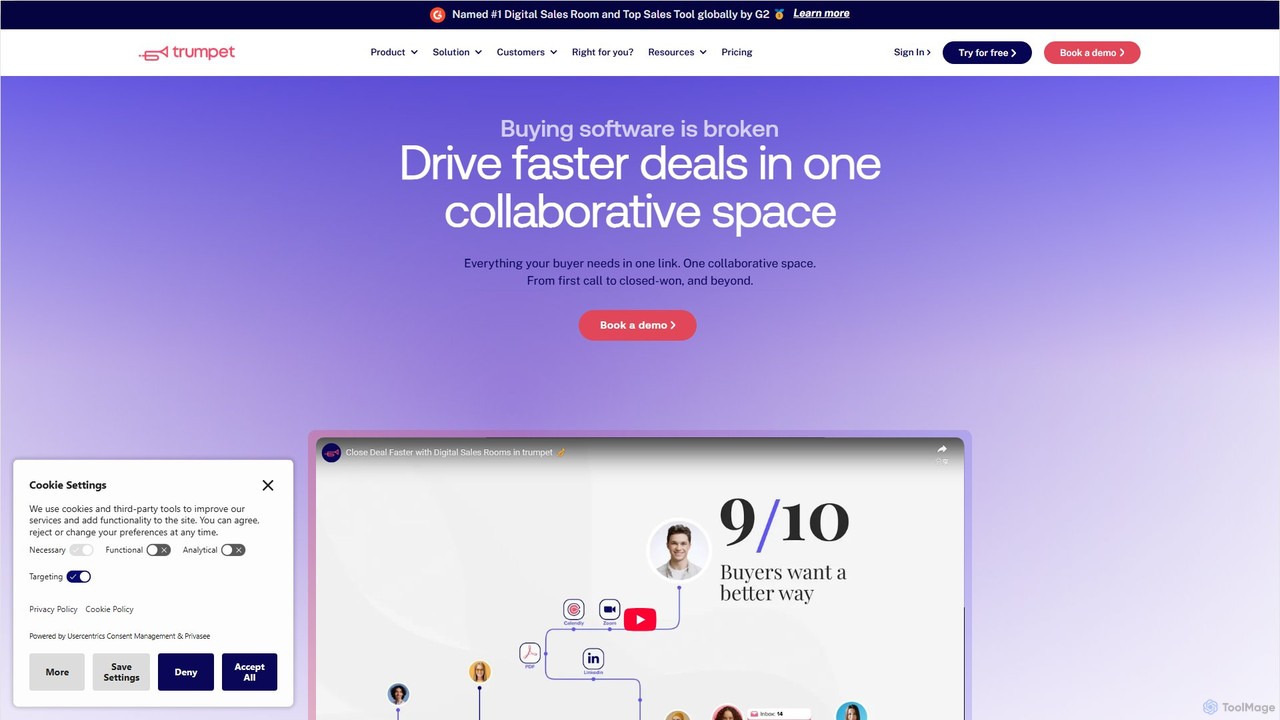
sendtrumpet is a Digital Sales Room (DSR) and customer onboarding platform that helps revenue teams accelerate deals. It enables the creation of centralized, personalized, and trackable collaborative spaces ('Pods') for buyers, streamlining the entire journey from the first call to closed-won and beyond. By consolidating all sales materials, communication, and action plans into a single link, it enhances buyer engagement and provides AI-powered insights to improve forecasting and win rates.

Customer Onboarding
Visits 42.2KFavorites 128Likes 130

About Digital Sales Room

Digital Sales Rooms (DSRs) are centralized, secure online spaces where sales teams share content and collaborate with buyers throughout the sales cycle. These platforms consolidate proposals, contracts, demos, and communications into a single, trackable microsite for each deal. This provides a seamless buying experience and gives sales teams deep insights into buyer engagement. Unlike simple file-sharing, DSRs offer advanced analytics and interactive features to accelerate deal closure.

Core Features

  • Centralized Content Hub: Consolidates all sales collateral like proposals, videos, and contracts in one accessible, branded space.
  • Buyer Engagement Analytics: Tracks who views what content, for how long, and when, providing actionable insights for follow-ups.
  • Interactive Collaboration Tools: Facilitates real-time communication through features like live chat, Q&A sections, and mutual action plans.
  • Personalized Microsites: Creates a unique, branded portal for each prospect, tailoring the experience to their specific needs.
  • Secure Document Sharing: Ensures sensitive information is shared securely with features like access control, watermarking, and e-signatures.

Use Cases

Digital Sales Rooms are primarily used in B2B sales, especially for complex, high-value deals in technology, consulting, and enterprise software. Sales teams use them to manage intricate sales cycles involving multiple stakeholders, ensuring everyone has access to the latest information. Marketing and sales enablement teams also leverage DSRs to maintain brand consistency and track the performance of sales content across the organization.

How to Choose

When selecting a Digital Sales Room tool, consider its integration capabilities with your existing CRM (e.g., Salesforce, HubSpot). Evaluate the depth of its analytics and reporting features to ensure they provide meaningful insights. Also, assess the level of customization and branding available, as well as the platform's security protocols and compliance certifications to protect sensitive deal information.

Digital Sales Room use cases

1

Managing Complex B2B Enterprise Deals

An Account Executive at a SaaS company is managing a six-figure deal with multiple decision-makers. Instead of sending dozens of emails with attachments, they create a dedicated Digital Sales Room. They upload the proposal, security documents, a product demo video, and the contract. The DSR provides a single source of truth, allows stakeholders to comment directly, and notifies the AE whenever a key document is viewed, helping them gauge interest and time their follow-ups effectively.

2

Creating a Mutual Action Plan with Prospects

A sales team wants to improve deal velocity and alignment with buyers. They use a Digital Sales Room to create a Mutual Action Plan (MAP). This plan outlines key milestones, responsibilities for both the seller and buyer, and target dates. The MAP is a living document within the DSR, accessible to all stakeholders. This transparency reduces miscommunication, holds both parties accountable, and creates a clear, collaborative path to closing the deal, often shortening the sales cycle.

3

Onboarding New Clients Post-Sale

After a deal is signed, a customer success manager takes over. They transform the existing Digital Sales Room into a client onboarding portal. All relevant documents from the sales process are already there. The manager adds an implementation timeline, training materials, and contact information for the support team. This creates a smooth handover from sales to customer success, providing the new client with a single, consistent space for all their resources and communication from day one.

4

Tracking Content Performance for Sales Enablement

A sales enablement team wants to understand which pieces of collateral are most effective. By using Digital Sales Rooms across the sales organization, they can access aggregated analytics. They can see which case studies are viewed most often, which pages of a proposal prospects spend the most time on, and which videos lead to higher engagement. This data allows them to refine their content strategy, invest in creating more effective materials, and provide data-backed coaching to the sales team.

5

Facilitating Q&A with Multiple Stakeholders

In a complex sale, a prospect's legal, technical, and finance teams all have questions. Instead of managing separate email threads, the salesperson directs all stakeholders to the Q&A section within the Digital Sales Room. Subject matter experts from the seller's side can be invited to the DSR to answer specific questions directly. This centralizes all communication, creates a searchable knowledge base for the deal, and ensures all stakeholders see the same answers, preventing confusion and delays.

6

Securing and Finalizing Contracts with E-Signatures

A deal has reached the final stage: contract signing. The sales representative uploads the final contract to the secure Digital Sales Room. The platform's integrated e-signature functionality allows all required signatories from both companies to review and sign the document digitally within the same environment where all negotiations took place. The DSR automatically archives the executed agreement and notifies all relevant parties, creating a secure, auditable trail and significantly speeding up the final step of the sales process.

Digital Sales Room FAQ

What is a Digital Sales Room (DSR)?

A Digital Sales Room is a secure, private online portal that centralizes all content and communication for a specific sales deal. It acts as a shared workspace for both the sales team and the buyer, containing everything from proposals and demos to contracts. Its key purpose is to streamline the buying process and provide detailed analytics on buyer engagement, creating a better experience for prospects and more insights for sellers.

How does a Digital Sales Room differ from a CRM?

A CRM (Customer Relationship Management) is an internal tool for managing customer data, tracking interactions, and forecasting sales. In contrast, a Digital Sales Room is an external, buyer-facing platform designed to present information and collaborate with prospects on a specific deal. While they are different, leading DSRs integrate deeply with CRMs to sync engagement data and streamline workflows, allowing sales reps to manage everything from one place.

Who should use a Digital Sales Room?

Digital Sales Rooms are most beneficial for B2B sales teams involved in complex, multi-stakeholder deals. This includes roles like Account Executives, Sales Managers, and Solutions Consultants. Additionally, Sales Enablement and Marketing teams use DSRs to distribute and track content, while Customer Success teams can use them for client onboarding after a deal is closed, ensuring a seamless customer journey.

What are the key benefits of using a Digital Sales Room?

The primary benefits of using a DSR include:

  • Improved Buyer Experience: Provides a single, easy-to-navigate space for all deal-related information.
  • Increased Sales Velocity: Streamlines communication and collaboration, reducing delays in the sales cycle.
  • Actionable Engagement Insights: Offers data on how prospects interact with content, enabling more effective follow-ups.
  • Enhanced Collaboration: Centralizes communication between all stakeholders, both internal and external.
  • Better Content ROI: Helps identify which sales and marketing assets are most effective at closing deals.

How do I choose the right Digital Sales Room tool?

To choose the right DSR, evaluate these factors:

  • CRM Integration: Ensure it seamlessly integrates with your existing CRM (e.g., Salesforce, HubSpot) to sync data and activities.
  • Analytics Depth: Look for detailed, page-level analytics on content engagement rather than just simple open rates.
  • Customization and Branding: The tool should allow you to customize the look and feel to match your company's brand for a consistent experience.
  • Ease of Use: Consider both the seller's experience in creating rooms and the buyer's experience in navigating them. It should be intuitive for both.
  • Security: Verify its security features, such as access controls, data encryption, and compliance with standards like SOC 2 or GDPR.